

Teach a noob to phish and they'll be scamming for a lifetime. It has never been easier to steal credentials, thanks to a growing number of phishing kits that give aspiring attackers everything they need in one convenient interface.
Huntress Staff Threat Intelligence Analyst Andrea Hatcher and Staff Product Manager Rich Mozeleski stopped by our monthly Tradecraft Tuesday series in October to unpack some recently staged phishing kits and walk through what the resulting malicious activity looks like from the defenders' point of view.
Watch the full video below, and keep reading for clips and other highlights.
Example phishing kits
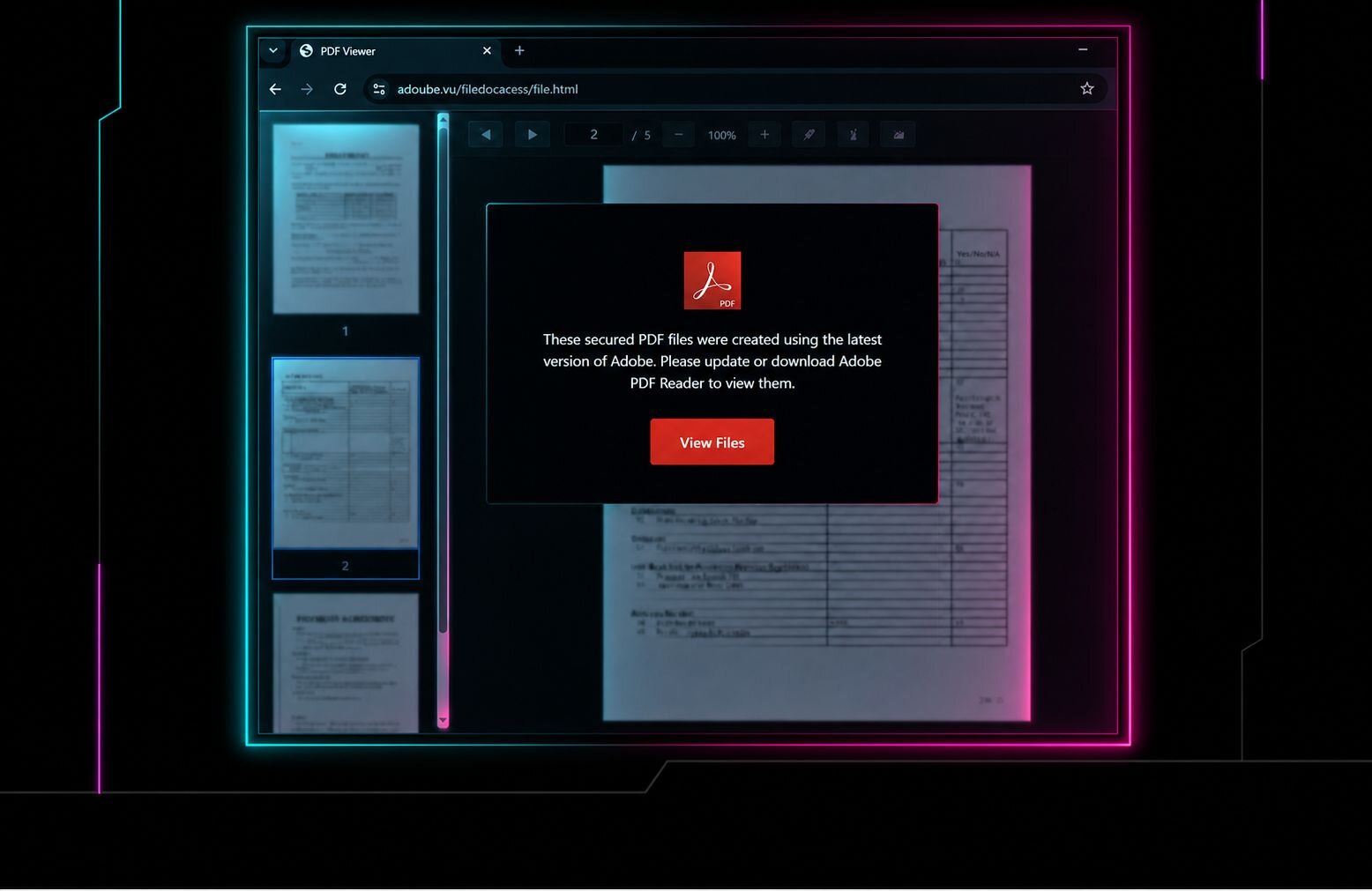
A phishing kit is a pre-packaged resource with code, templates, and instructions for how to launch a phishing campaign and use the stolen credentials for further malicious activity. Basic kits are often made up of simple HTML and script files that can spin up a single fake login page.
More advanced kits feature admin dashboards from where attackers can track their victims, modify phishing page content, and relay credentials in real-time.
Here are three of the many phishing kits that Huntress has analyzed in the last few months, all targeting Microsoft 365 tokens:
EvilTokens hops off the Railway
Just a few weeks before this broadcast, a collaboration between Microsoft's Digital Crimes Unit and the FBI led to the arrest of one of the alleged operators of EvilTokens, a device-code phishing campaign that abused the Railway PaaS as a token-harvesting and token-replay engine.
For more on the EvilTokens takedown, watch Rich's conversation with Microsoft's Principal Corporate Counsel Carlton Gammons and Huntress' Chief Legal Officer Lauren Zajac on-demand.
As Rich put it, discovering the EvilTokens campaign in February "opened the dam" for our researchers diving into phishing kits. He noted the kit's professional aesthetic and 24/7 support as akin to a software-as-a-service (SaaS) operation.
Moving beyond passwords
Andrea walked through how the Kali365 control panel is an entire criminal ecosystem in a box, including AI features: "It's not just someone standing up a convincing login page, it's a whole ecosystem that helps an operator acquire infrastructure, collect authentication material, retain access, and even scale it up."
>
With these additional capabilities, phishing kits can help attackers get their hands on a lot more than usernames and passwords. We asked the audience what they thought attackers found most desirable these days, and most of those polled answered an authenticated session token or a persistent foothold.
Modern phishing kids can provide low-skilled attackers with a usable authenticated session with any of the following tactics:
Adversary-in-the-middle (AitM) phishing
Token theft and replay
Device-code phishing
Device-code phishing refers to when the user authenticates directly with the identity provider, but the attacker captures the resulting authorization. Device-code flows can reduce friction for attackers because they do not require the victim to surrender a password directly.
Rich shared that an estimated one in six incidents investigated by Huntress' ITDR team involved a rogue device being registered, and 36 percent of the audience members polled had seen device-code phishing in the wild. He points to Conditional Access Policies as a key prevention measure: "The vast majority of Microsoft environments do not need device code flow."
Adversary-in-the-middle attacks
AitM attacks reveal the limitations of MFA; the threat actor relays the authentication flow in real time, either with a fake login page or by intercepting an exchange within the legitimate app. The victim completes the MFA prompt while the attacker captures the resulting session information. This is why successfully completed MFA does not make the session trustworthy on its own.
Token theft and replay
As Andrea put it, "the session can be way more powerful than the password." After an attacker gets their hands on a sign-in token, a phishing kit can help them "replay" it into an active session, where they can access cloud resources and victim email accounts.
If you suspect token replay in your environment, your investigation should move beyond the original phishing page and examine how the token was used. Polled audience members voted sign-in address and new device registration as the top two signals to investigate first if token theft is suspected.
What defenders see, and what to do about it
Andrea emphasized the importance of detecting signals across the chain. One signal is weak; the sequence is strong. Correlate the progression of lure, authentication, token issuance or theft, device registration, mailbox activity.
Andrea drove the point home: "Join the telemetry across the identity provider, the endpoint, the browser context, the network, and the mailbox. We shouldn't just be looking at one signal in the network or one signal in the mailbox. We really need to have that holistic view."
Detection opportunities
Investigate successful sign-ins from unfamiliar cloud infrastructure.
Hunt for device-code authentication and automated token refresh.
Review new devices, authentication methods, and mailbox activity.
Response priorities
Containment must address identity artifacts, not just the original lure.
Revoke refresh tokens.
Remove unauthorized devices and Windows Hello credentials.
Restrict or block device-code authentication where possible.
Investigate mailbox access, forwarding rules, and outbound phishing.
Continue hunting after the original phishing domain disappears.
Continuous response loop
Detect correlated identity and endpoint activity.
Revoke or remove persistence mechanisms.
Investigate downstream mailbox and outbound-phishing activity.
Continue monitoring for replay or re-entry after containment.
Like what you just read? Join us every month for Tradecraft Tuesday, our live webinar where we expose hacker techniques and talk nerdy with live demos. Snag your spot now!