
Real Tradecraft, Real Results

Behind every neutralized threat at Huntress is our Security Operations team, combining expertise with relentless dedication. Discover the real stories where their tradecraft protects what matters most—your business.

Tradecraft Categories
Women employee typing on the laptop - GDAP Webinar

Recent Response to Incidents

Oh No Cleo! Malichus Implant Malware Analysis

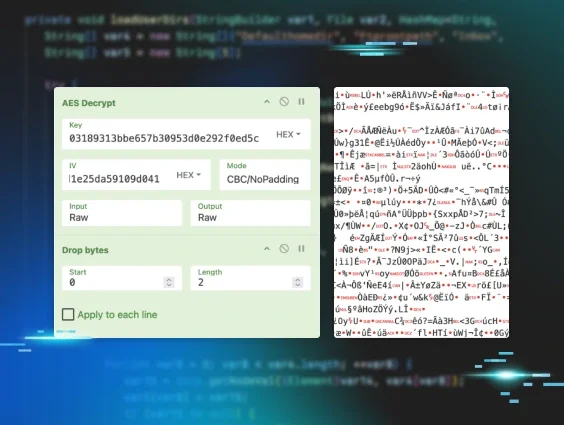
Huntress previously reported on malicious activity from the exploitation of a 0-day vulnerability in Cleo software. Read the story for a technical breakdown of a new family of malware we’ve named Malichus.

EDR & SIEM combo wrecks hackers :boxing_glove:

An adversary brute forced through publicly exposed WinRM and RDP on a server. SIEM telemetry confirmed WinRM was compromised first and revealed the full set of hostile infrastructure interacting with the host.Once inside, they moved directly to credential theft. They attempted to force Windows to store cleartext credentials by modifying WDigest:
  • reg add HKLM\SYSTEM\CurrentControlSet\Control\SecurityProviders\WDigest /v UseLogonCredential /t REG_DWORD /d 1 /f
And then they ran mimikatz:
  • C:\Users\Administrator\Desktop\mimikatz.exe
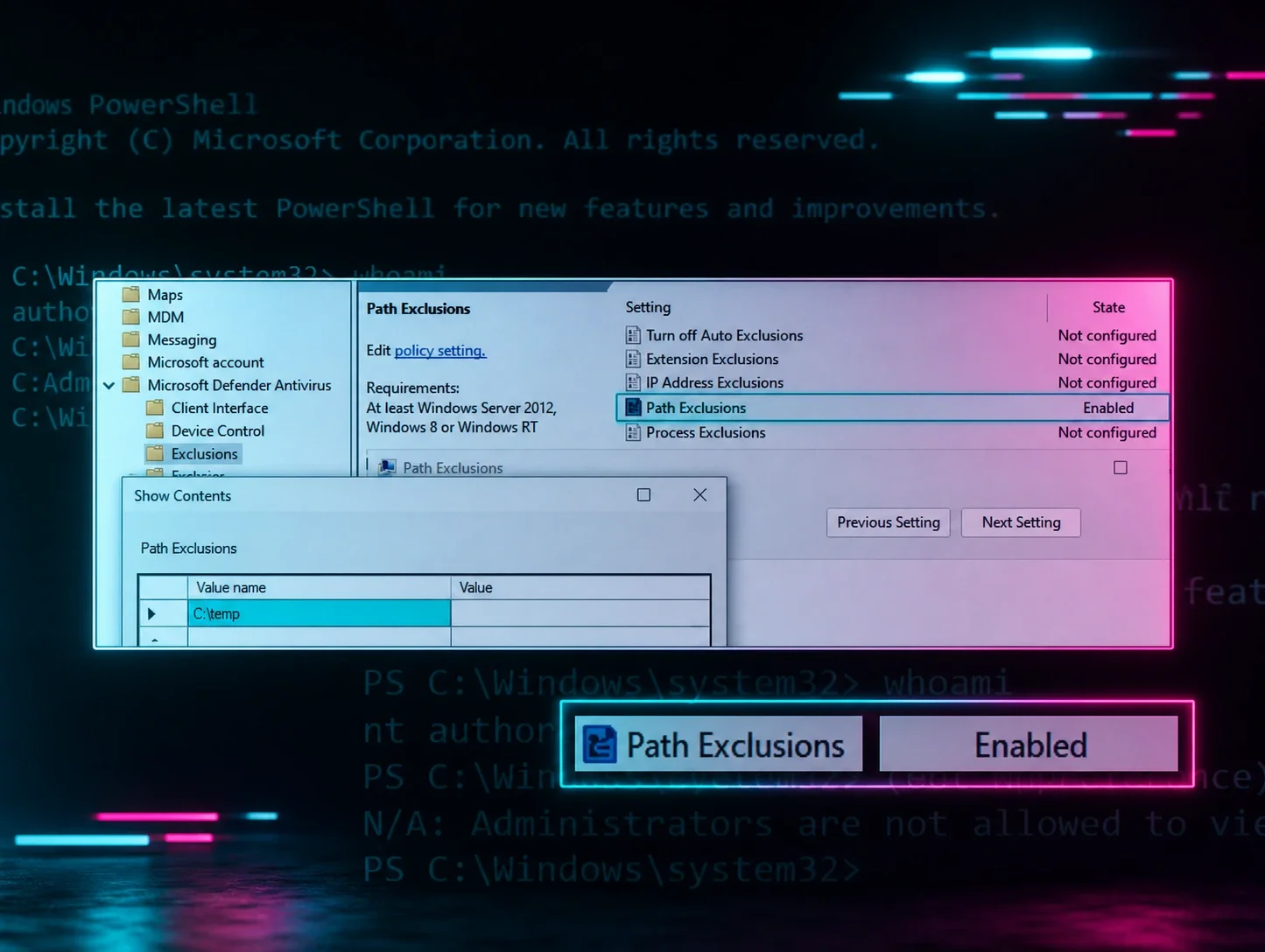
They attempted to weaken Defender via encoded PowerShell:
  • Set-MpPreference -ExclusionPath C:\Windows , c:\
They also attempted to drop additional tooling that would have facilitated persistence, but Defender blocked the payload before execution:
  • C:\Users\mig.rdp.exe
This intrusion aligns with activity reported by Splunk in early 2025. In this Huntress case, however, the adversary was detected, contained, and removed before advancing further in their attack pathKey lessons to take away from this case:
  • Enforce MFA and lock down all remote administration paths rather than exposing WinRM or RDP to the internet.
  • Monitor for credential-hunting behaviour, through EDR & SIEM telemetry.
  • Block or tightly control PowerShell, Defender preference changes, and unauthorised binary drops through application control

An unscrupulous threat actor targeted a health care facility - here's what went down
  • The threat actor added a suspicious user account on the compromised host
  • At this point, the host was isolated to prevent further nefarious activity :octagonal_sign:
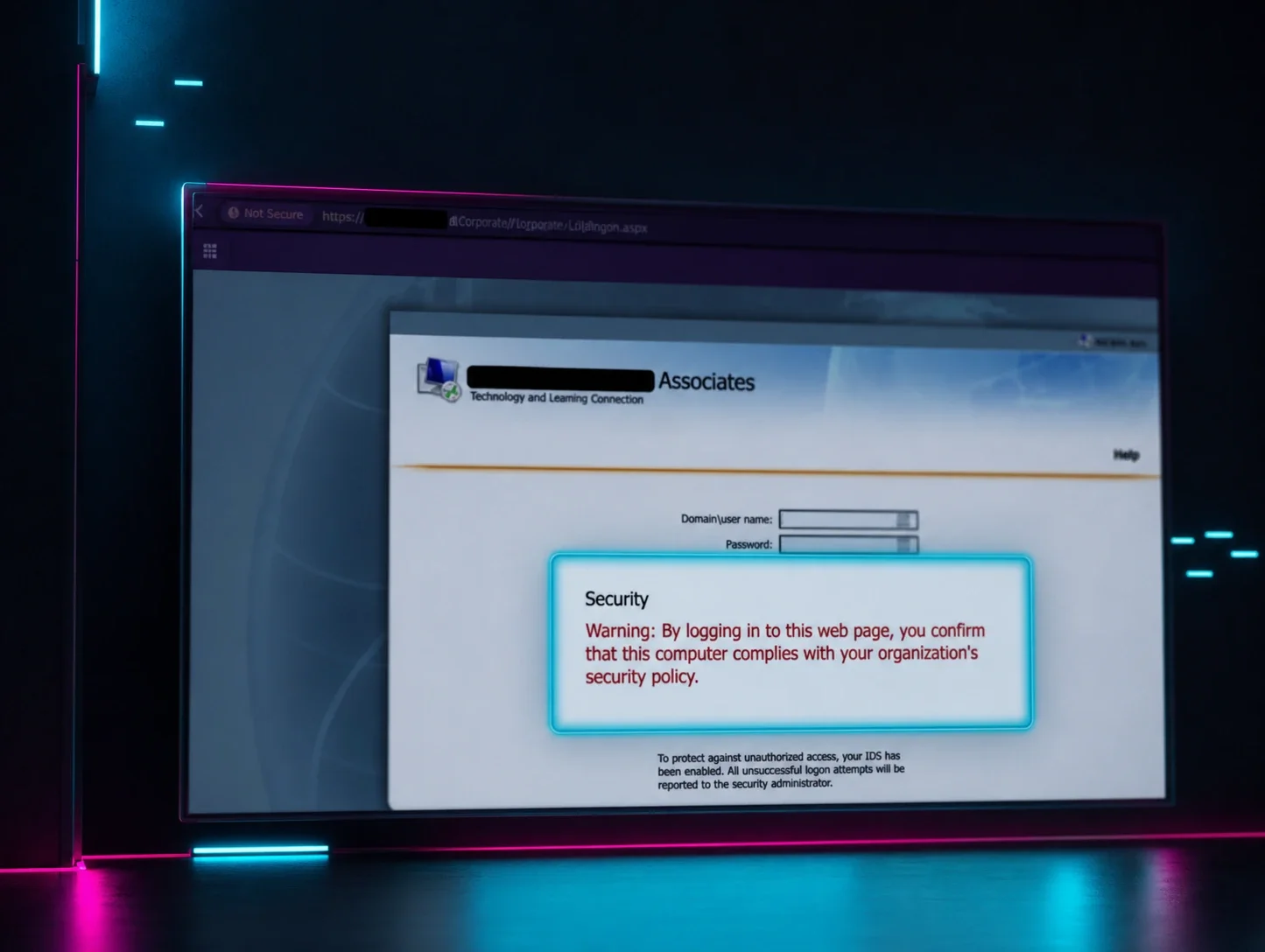
  • When digging into the authentication telemetry for the environment, we noticed that the victim account was using Citrix Xen Desktop
  •  Normal Windows successful login events did not reveal a malicious hostname, nor a suspicious IP address
  • At this point, we started digging deeper 
  • Using the "Citrix-XenDeskto-BrokerMonitor" log provider, we were able to peel back the layers of the intrusion and find the source: a malicious login to the Xen Desktop environment :boom:


This case provides some interesting investigation tidbits :bulb:
  • Sometimes, you have to follow the telemetry where it leads you
  • Windows authentication events do not always tell you the full story, sometimes, a deeper dive is required
  • The "Citrix-XenDeskto-BrokerMonitor" log channel is a fantastic source of security-relevant telemetry, if you run a Citrix environment, ensure this log channel is sized appropriately!

:rotating_light: One Click; Remote Access Installed :rotating_light:

A user clicked a seemingly legitimate link for a meeting about a pay increase, but in fact downloaded a malicious remote access installer.

The binary ran as C:\Users\<redacted>\Downloads\Access_Documents.exe, which installed a GoToResolve agent, providing stealthy remote persistence.

Why this is scary :eyes:

  • Remote management tools are legitimate by design.
  • When adversaries install them under the radar they get persistent, plausible access that looks normal to casual inspection.
Quick wins to prevent this kind of incident
  • :one: Security awareness training for staff so they spot malicious lures
  • :two: A discerning EDR plus skilled SOC operators to detect anomalous RMM installs and suspicious process trees
  • :three: Up to date asset inventory and alerting on unknown remote management software
  • :four: Block or quarantine unexpected installers from user download folders and require admin approval for RMM installs
Bottom line: A single click can hand an attacker the keys. Combine people, visibility, and control to deny them the door.

Happy holidays! Here’s a (malicious) RMM

‘Tis the season for holiday phishing: threat actors are using Thanksgiving, Black Friday, and Christmas in their phishing attack lures this year. 

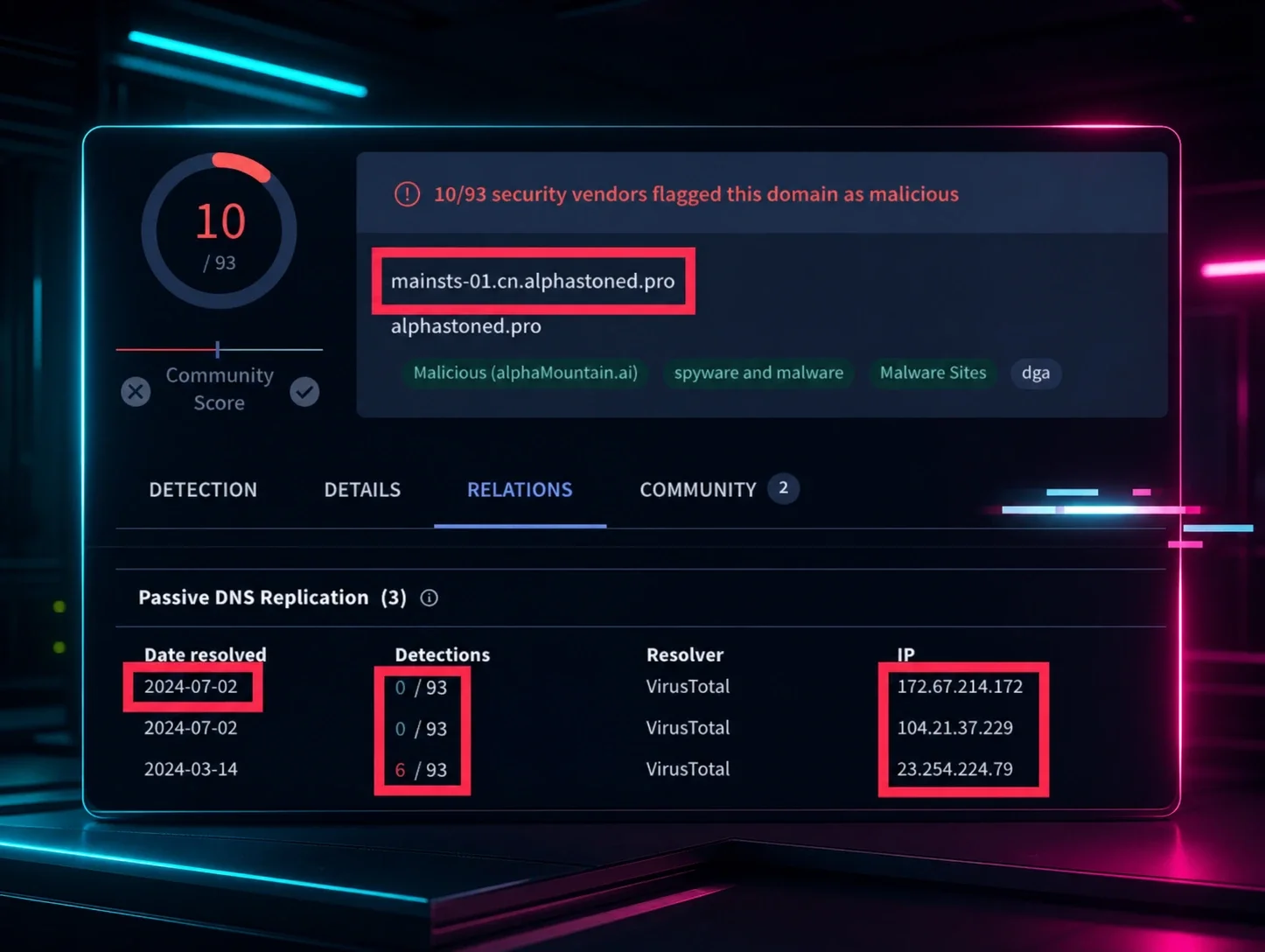
On November 2, a user was tricked into executing a malicious process (Thanksgiving-iv.exe) from the directory C:\Users\REDACTED\Downloads\ on the impacted host. Further inspection revealed that this file is a rogue installer for GoTo Resolve RMM. The victim’s Firefox browser artifacts revealed that this installer was downloaded from the URL https[:]//pub-0e9274b4f4a74997bcafd5c5c778bf91[.]r2[.]dev/Thanksgiving-iv.exe. The malicious RMM then deployed a rogue ScreenConnect installer into the directory C:\Program Files (x86)\ScreenConnect Client (3bf4055180e70e5b), which was configured for the domain wilkensealsivc[.]shop

During a retrospective threat hunt, our tactical response team found an incident on November 5 in which a user executed a malicious MSI file ([REDACTED]_Christmas_Punchbowl_invite.msi) from the directory C:\Users\REDACTED\Downloads\ on the impacted host. This resulted in the deployment of a ScreenConnect RMM, which was configured to the domain vhagov[.]org for command and control.

Special thanks to Austin Worline and Jai Minton for flagging the incidents using the Thanksgiving and Christmas lures! 


Read the latest on Phishing Statistics

A threat actor broke into a non-profit, moved laterally and tried to leverage AI for some quick wins. AI slop, however, is no match for the Huntress SOC - here's what went down
  • The SOC was alerted to some enumeration occurring from a host - the standard suite of commands: net user, tasklist, quser
  • Upon completing their enumeration, the threat actor began moving laterally using WinRM while attempting to facilitate Remote Desktop access
  • After this, they began deploying PowerShell scripts to steal Veeam credentials - this is where the fun started. :eyes:
Upon review of the PowerShell script, something felt off. The script:
  •  Contained strange code snippets
  • Had odd and out of place comments in it
  • Generally did not resemble previously observed Veeam credential theft PowerShell scripts
After running the script through some AI-verification tooling, it was evident that the script was not hand-written by the threat actor, but rather AI generatedFurther review of the available telemetry suggested that the script failed to execute on the host :red_circle:
What can we take away from this case?
  • Just because threat actors are leveraging AI, does not mean that they are doing so successfully
  • Basic network hygiene is still the best bang-for-your-buck approach

Related Threat Analysis Resources

Blog Post
Blog Post
Blog Post

Ready to try Huntress for yourself?

See how the global Huntress SOC can augment your team with 24/7 coverage and unmatched human expertise.

Start a Free Trial Today