Best Business Email Compromise Protection Tool

A business email compromise protection tool quietly saves your company tons of money and a lot of sleepless nights. Business email compromise has evolved beyond spammy emails and fraudulent attachments into identity theft and social engineering all rolled into one. And traditional gateways alone miss these highly targeted BEC campaigns.

Today’s attackers research your executives on LinkedIn, study your vendor relationships, and send clean-looking emails that slip past basic spam filters and land right in your users’ laps. In this guide, we’ll break down the best business email compromise protection tools and how they fit into a practical, identity-first defense.


Best Business Email Compromise Protection Tool

A business email compromise protection tool quietly saves your company tons of money and a lot of sleepless nights. Business email compromise has evolved beyond spammy emails and fraudulent attachments into identity theft and social engineering all rolled into one. And traditional gateways alone miss these highly targeted BEC campaigns.

Today’s attackers research your executives on LinkedIn, study your vendor relationships, and send clean-looking emails that slip past basic spam filters and land right in your users’ laps. In this guide, we’ll break down the best business email compromise protection tools and how they fit into a practical, identity-first defense.


Quick comparison: Best business email compromise software

Provider

Best for

Key features

Pricing

Huntress

24/7 managed identity threat detection

Managed ITDR for Microsoft 365, 24/7 human-led SOC, rogue OAuth and mail rule detection, rapid incident remediation, managed SAT

Starting at $4.80 per identity/month

Microsoft Defender for Office 365

Native Microsoft 365 protection

Safe Links, Safe Attachments, anti-phishing policies, automated investigation and response, protection across Teams, SharePoint, OneDrive

Starting at $2.00 per user/month, paid yearly

Proofpoint

Email gateway with strong DLP

Secure email gateway, targeted attack protection, email fraud defense with DMARC, DLP, automated threat response

Contact Proofpoint

Barracuda

All‑in‑one email security and backup

AI-powered BEC and impersonation detection, incident response, DMARC reporting, cloud-to-cloud backup and archiving

Starting at $5 per user/month

Ironscales Email Protect

Fast‑deploy behavioral ICES

Adaptive AI, Themis AI SOC, integrated SAT, deepfake protection for Teams, social-graph-driven detections

Contact Ironscales

Darktrace / EMAIL

Self-learning AI anomaly detection

Self-learning AI, Cyber AI Analyst, lateral mail protection, autonomous Antigena response across email and collaboration tools

Contact Darktrace

Abnormal AI

API-based BEC and vendor fraud

Behavioral AI engine, VendorBase, ATO protection, AI Security Mailbox for user reports, payload-less threat detection

Contact Abnormal

Mimecast

Gateway, continuity and archiving

Secure email gateway, targeted threat protection, continuity services, long-term information archiving

Contact Mimecast

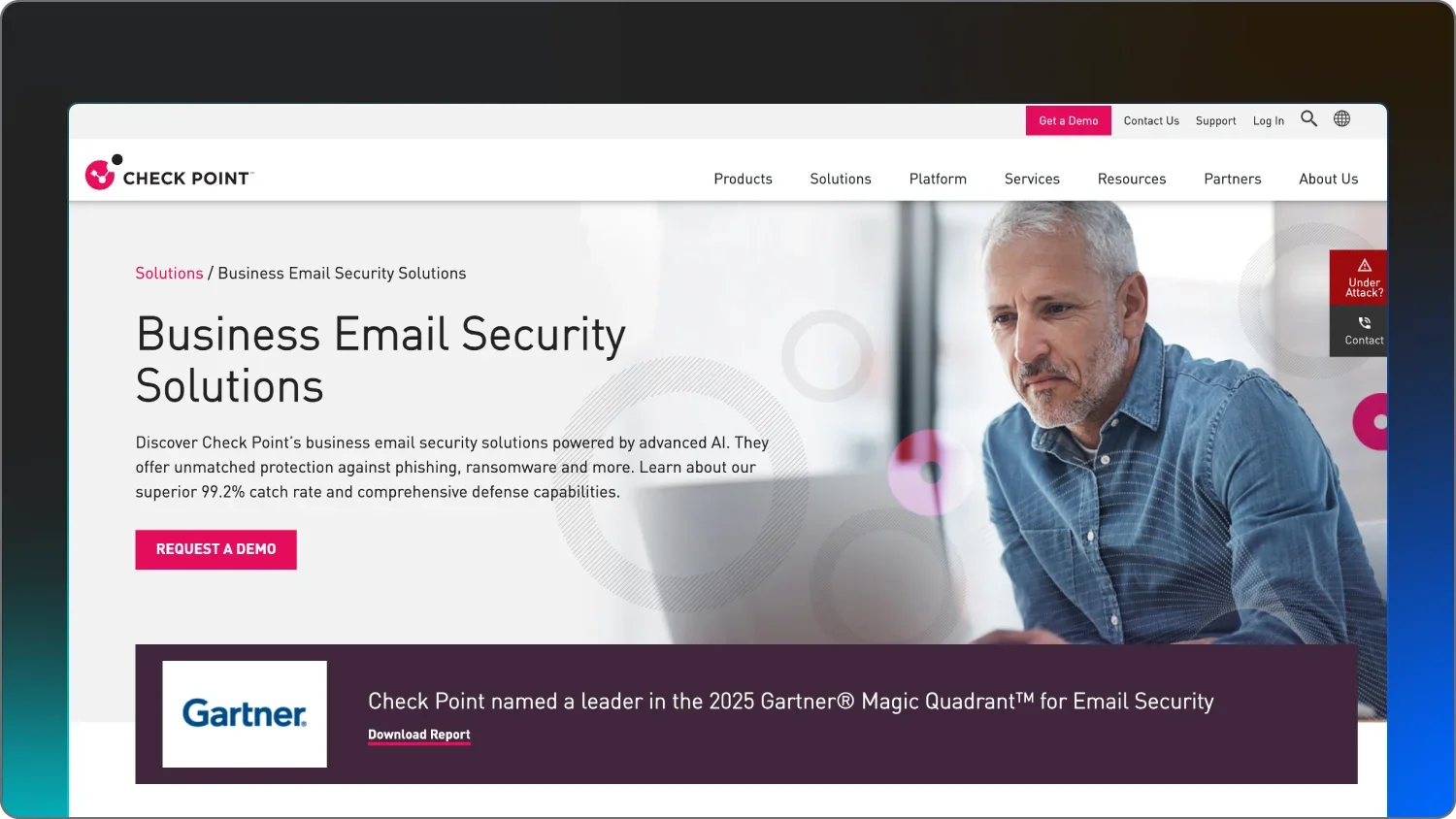
Check Point Email Security

Inline API and collaboration apps

Inline threat prevention, API-level scanning, collaboration app security (Teams, Slack, Google Drive), account takeover prevention

Contact Check Point

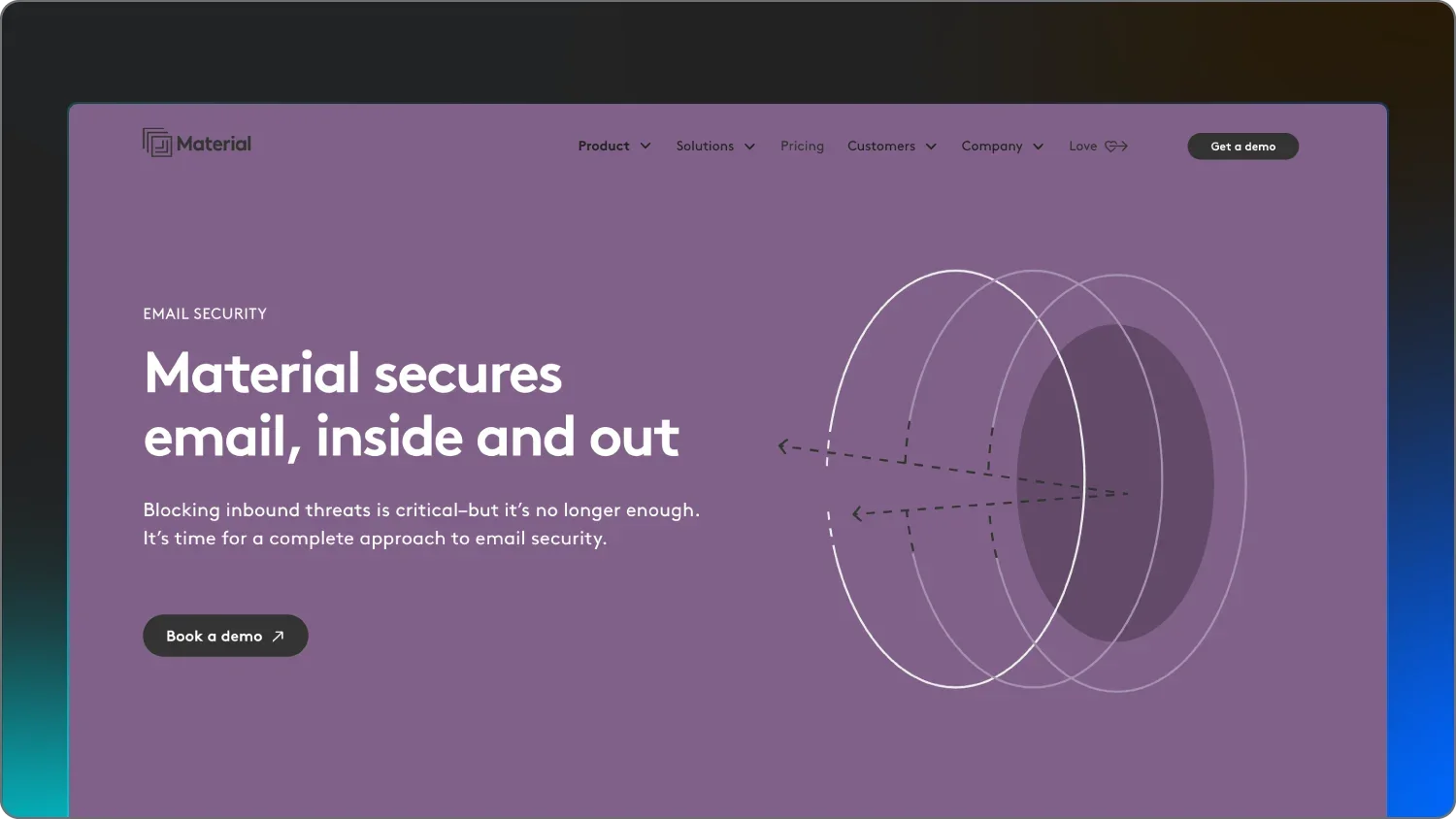
Material Security

Post-delivery protection and data control

Post-delivery remediation, message-level MFA, account risk overview, phishing “herd immunity” automation

Starting at $4 per user/month, billed annually

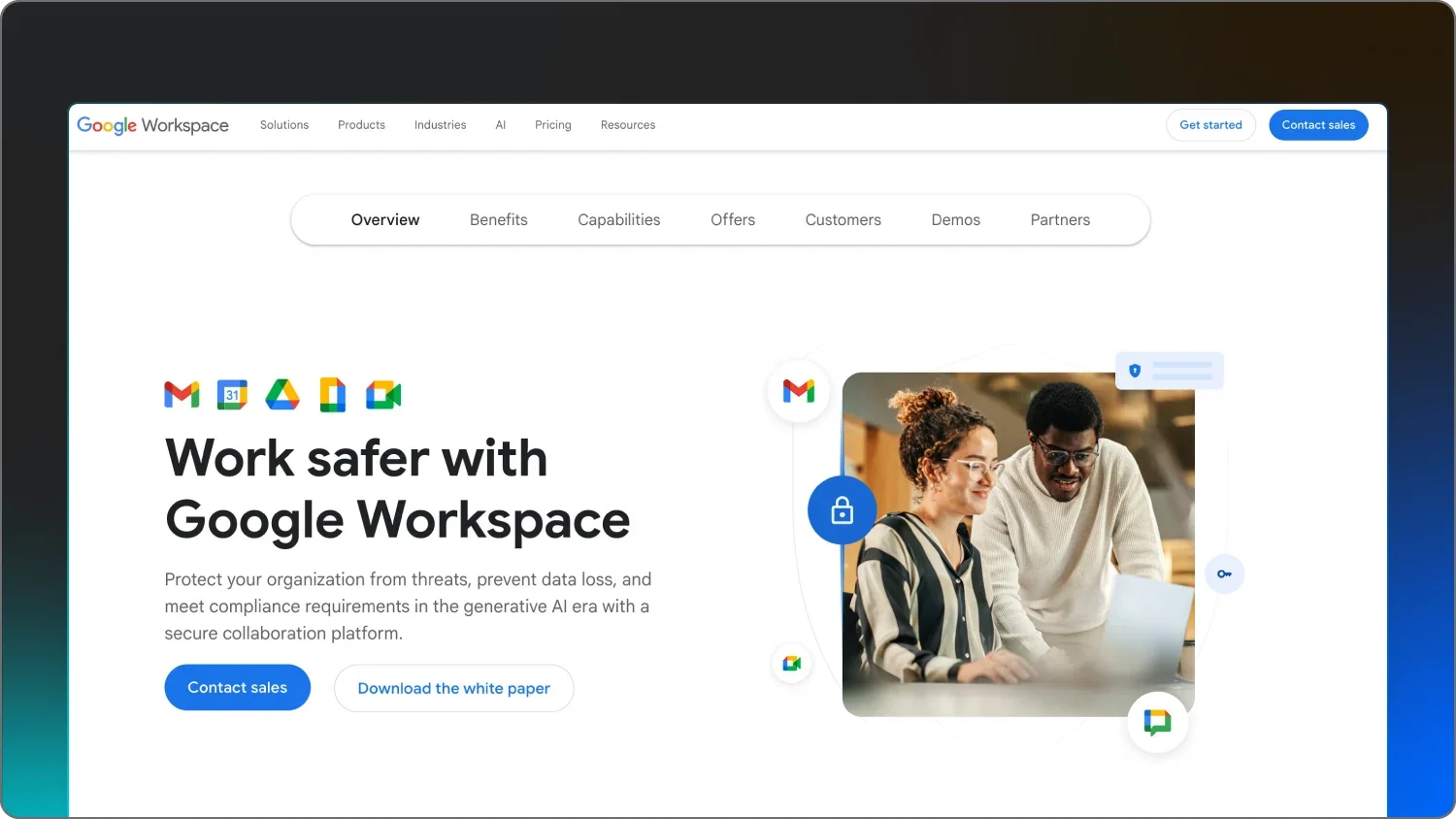
Google Workspace

Google-native email & access control

AI-powered spam/phishing/malware defense, context-aware access, security sandbox, DLP policies

Starting at $7 per user/month

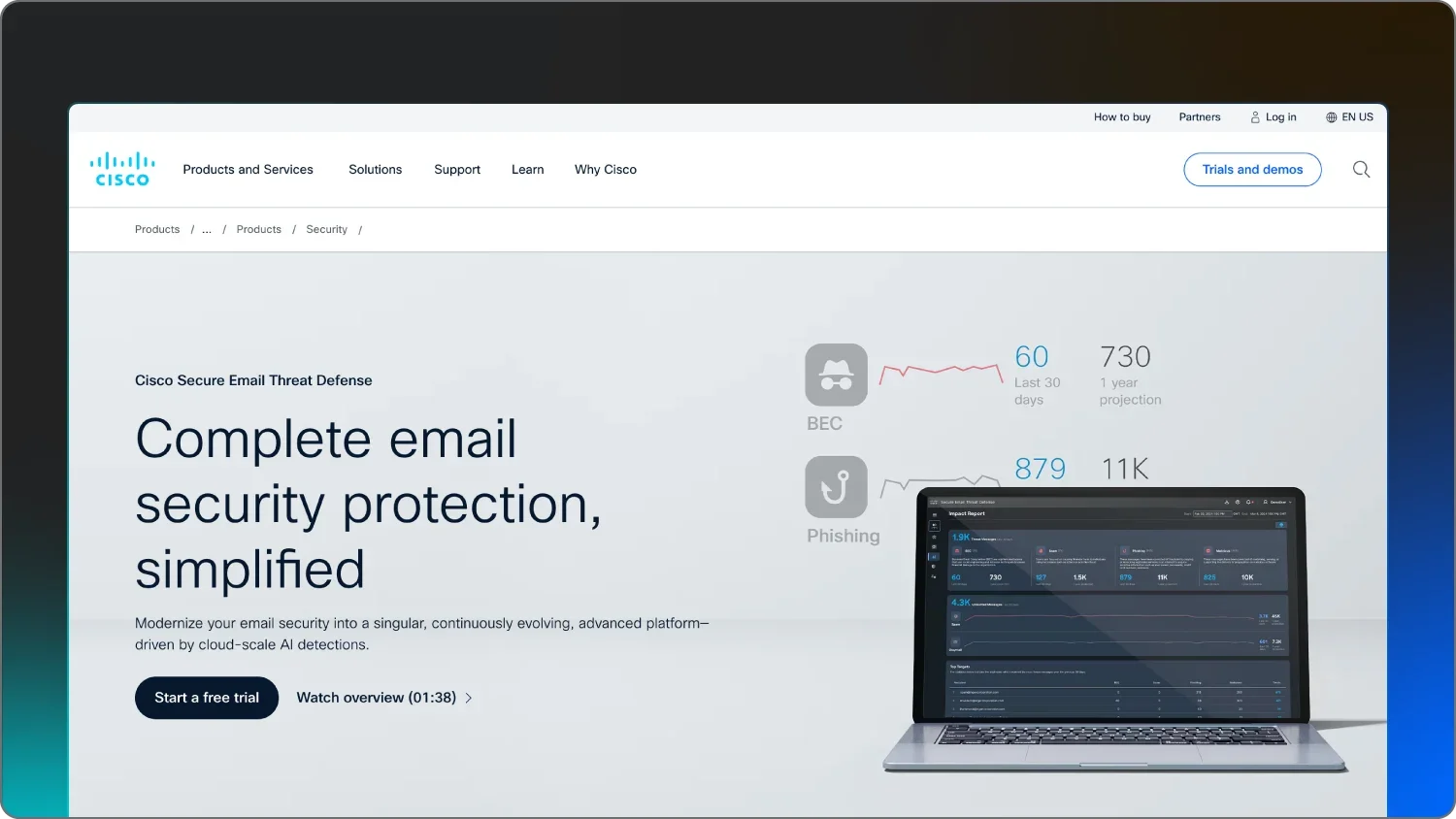
Cisco Secure Email Threat Defense

Cisco-centric, hybrid deployments

Talos threat intelligence, advanced malware protection (AMP), forged email detection, encryption, cloud or appliance options

Contact Cisco


1. Huntress

Best for: 24/7 managed identity threat detection.

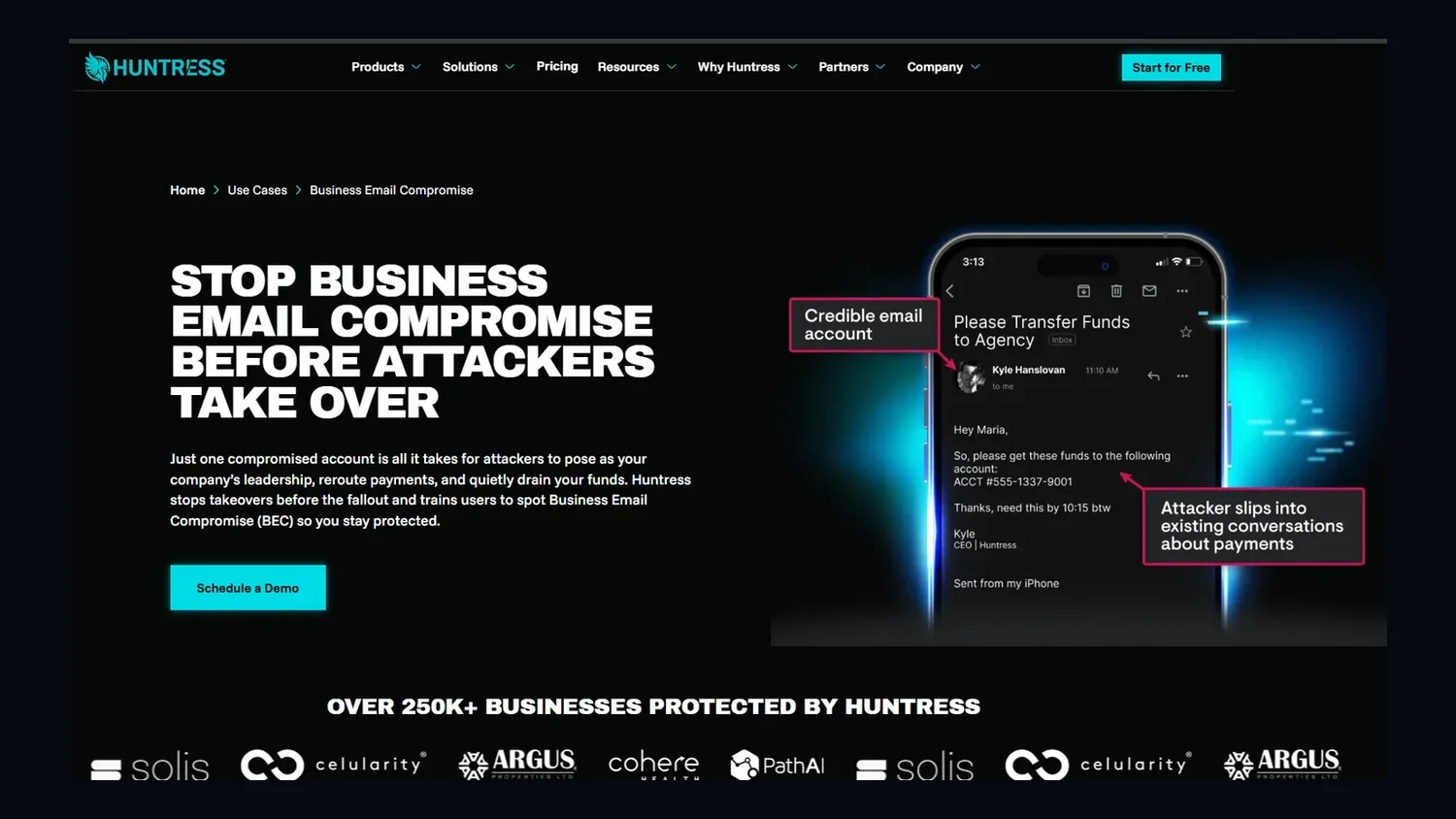
A screenshot of Huntress’s Business Email Compromise page

Huntress is built for today’s tricky cyber risk environment. Think risks like BEC, account takeover, and identity abuse: That’s how attackers are usually getting into your business these days.

To catch these attacks, the Huntress Managed Security Platform watches what’s actually happening inside your Microsoft 365 environment. We spot rogue OAuth apps, hidden mail rules, suspicious logins, and the subtle tradecraft attackers use to quietly reroute money and data.

Our 24/7 Managed SOC of human experts with AI assistance validates alerts and helps you remediate incidents in minutes. And we don’t force you into expensive E5 licensing or a bigger headcount to benefit from that human expertise.

To top it off, we also train your people to be more prepared to spot and avoid threats with expert-backed Managed SAT. We use simulations and fun, engaging training content that makes learning about threats feel engaging and worthwhile, not boring.


Key features

  • Managed ITDR that monitors identities and mailboxes for real-time BEC and account takeover signals

  • 24/7 SOC analysts that review and validate alerts so you only see what actually matters

  • Rogue application and malicious mail rule detection that surfaces shadow workflows and forwarding rules used for fraud

  • Rapid incident remediation that revokes sessions, disables compromised accounts, and cleans up malicious changes automatically

  • Managed SAT with engaging, story-based content and phishing simulations

Pricing

Pricing starts at $4.80 per identity/month.


Pros and cons

Pros

Cons

  • 24/7 human-led SOC that actually investigates and remediates incidents for you

  • Strong identity-focused detections like session hijacking, token theft, rogue OAuth apps and malicious inboxrules

  • Simple, predictable pricing with no complex bundles or E5 dependency

  • Focused mainly on Microsoft 365 entities today, but expanding to Google Workspace soon


2. Microsoft Defender for Office 365

Best for: Native protection in Microsoft 365.


A screenshot of Microsoft’s Defender product page.

Microsoft Defender for Office 365 is the built-in bodyguard for your Microsoft 365 stack. They protect Exchange Online, Teams, SharePoint, and OneDrive from phishing, malware, and BEC attempts.

Defender combines anti-phishing policies with automated investigation and response playbooks that can help clean up malicious emails and related artifacts across your environment.

The tool is a baseline when your business is already all-in on Microsoft, and you want native coverage with tight integration into the rest of the security stack.

The kicker: Microsoft and Huntress are even stronger together. While Defender handles the automated baseline, Huntress adds a layer of human-led expertise. Our 24/7 SOC analysts investigate the subtle identity signals that automated policies might overlook, ensuring compromised accounts are identified and contained before threat actors cause damage.


Key features

  • Safe Links to scan and rewrite URLs in real time before users click

  • Safe Attachments to detonate and analyze files in a sandbox before delivery

  • Anti-phishing policies that use AI to detect impersonation and BEC-style messages


Pricing

Pricing starts at $2.00 per user/month, paid yearly.

Pros and cons

Pros

Cons

  • Seamless integration across the Microsoft 365 ecosystem and admin tools

  • Uses large-scale Microsoft threat intelligence to block known malicious content

  • Protects email plus Teams, SharePoint, and OneDrive workloads

  • Advanced capabilities often require higher-tier licenses or add-ons

  • Configuration can be complex, especially for smaller teams

  • Primarily benefits Microsoft-centric environments with limited reach beyond that stack


3. Proofpoint

Best for: Gateway security with strong DLP.


Proofpoint is a secure email gateway for environments that need granular controls to prevent BEC attacks. They analyze targeted attacks and enforce domain-based message authentication (DMARC) to protect brands and domains. They also identify very attacked people (VAPs), so you can put extra guardrails around high-risk employees.

For VAPs and other identities, Proofpoint offers email encryption and advanced data loss prevention (DLP) modules to prevent sensitive information from leaving the organization through unauthorized channels. It’s a common goal for threat actors during a BEC event.

Because Proofpoint is traditionally deployed as a gateway, they might work best for organizations that still rely heavily on mail inspection based on mail exchange (MX) and need deep policy customization.


Key features

  • Targeted Attack Protection for in-depth analysis of sophisticated phishing and BEC campaigns

  • Email Fraud Defense to enforce DMARC and reduce spoofing and domain abuse

  • ​Data Loss Prevention to monitor, classify, and protect sensitive information flowing through email


Pricing

Contact Proofpoint for pricing.

Pros and cons

Pros

Cons

  • Strong threat intelligence and targeted attack analysis

  • Granular policy controls and rule-based tuning

  • Robust DLP and compliance-friendly capabilities

  • Can be expensive for smaller or mid-market teams

  • Higher administrative overhead and management burden

  • Interface and UX may feel dated compared to newer cloud-native tools


4. Barracuda

Best for: All-in-one security, backup, and archiving.


Barracuda Email Protection rolls email security, incident response, backup, and archiving into a single cloud-native platform. They use AI-driven detection to catch impersonation and BEC attempts, and they store everything with cloud-to-cloud backup.

Their solution includes a dedicated incident response module that allows admins to search across all mailboxes for specific threats and delete them in bulk. They also offer automated DMARC reporting to help organizations manage their domain reputation and stop unauthorized senders from using the company’s name to fool vendors or customers.


Key features

  • AI-powered impersonation and BEC detection to flag suspicious identity-based emails

  • ​Incident response workflows to remediate and hunt threats post-delivery

  • ​Cloud-to-cloud backup and archiving for Microsoft 365 data assets


Pricing

Pricing starts at $5 per user/month.


Pros and cons

Pros

Cons

  • Easy-to-use, centralized management for multiple email security functions

  • Integrated backup and archiving reduce vendor sprawl

  • Often cost-effective for mid-market and smaller teams

  • BEC detection granularity can lag behind more specialized tools

  • Customization and advanced tuning options are more limited

  • Reporting depth may not meet complex enterprise requirements


5. Ironscales

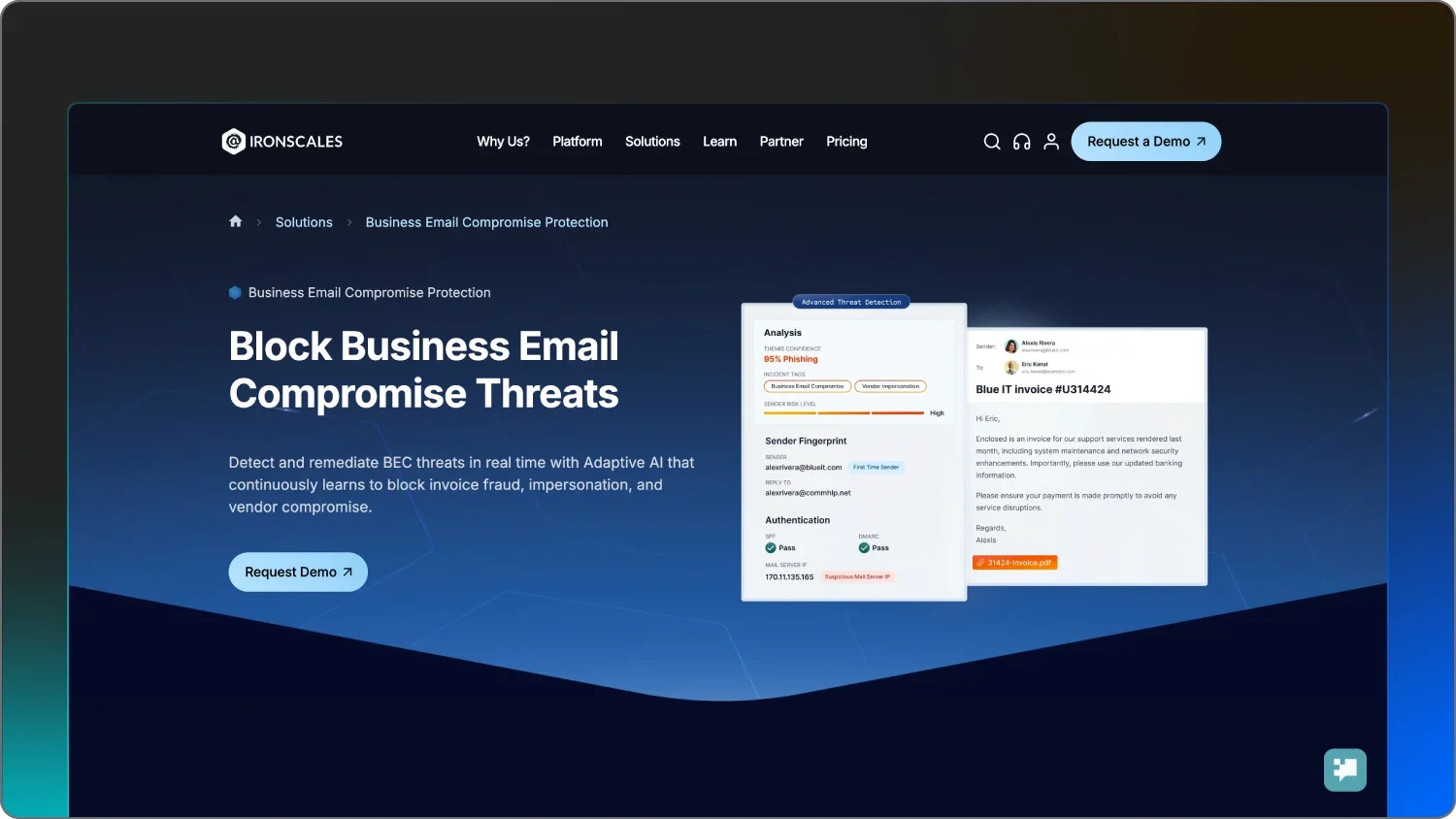
Best for: Fast-deploy behavioral ICES.

Ironscales is an integrated cloud email security solution with automated threat intelligence and crowdsourced human intel from users and security teams. Their decentralized SOC model uses threat data from their entire customer base to automatically neutralize emerging attacks across all tenants as soon as they’re identified.

To further defend against BEC, they use image-based phishing detection to spot malicious logins and visual cues that text-based filters might miss.

Deployment of this tool is intentionally lightweight, making Ironscales an option for teams that don’t have the resources for a lengthy onboarding process.


Key features

  • Adaptive AI that continuously learns communication patterns to spot anomalies

  • ​Themis AI SOC to automatically classify and remediate threats

  • ​Integrated security awareness training that’s tied to real-world, observed attacks


Pricing

Contact Ironscales for pricing.


Pros and cons

Pros

Cons

  • Fast deployment for certain tenants

  • Combines AI with crowdsourced intelligence from users and customers

  • Intuitive admin experience, including a mobile app

  • Reporting and analytics depth can be limited compared to big-gateway vendors

  • Some advanced capabilities require add-ons or higher tiers

  • Performance may vary in more complex hybrid environments


6. Darktrace / EMAIL

Best for: Self-learning anomaly detection at scale


Darktrace / EMAIL is an email defense tool that maps patterns for every user and mailbox to quickly spot strange behavior. They can detect internal account compromises and novel BEC tactics, then autonomously zap suspicious messages before users see them.

During that process, their Antigena technology can take proportional action that’s relevant to the situation at hand, like stripping a malicious link while still delivering the safe parts of the email.

If you’re dealing with complex, high-volume environments and you want to automate a lot of the detection work, Darktrace is built for that.


Key features

  • Self-learning AI that focuses on behavioral anomalies instead of static rules

  • ​Cyber AI Analyst to automatically investigate and triage suspicious activity

  • ​Antigena Response that autonomously quarantines or modifies messages to reduce risk


Pricing

Contact Darktrace for pricing.


Pros and cons

Pros

Cons

  • Very strong at spotting unknown and novel threats that lack signatures

  • Requires relatively little day-to-day human intervention

  • Extends protection to internal email and collaboration platforms

  • Longer initial AI learning period before detections fully mature

  • The high price point can be challenging for scaling businesses

  • Configuration and tuning can be complex in some environments


7. Abnormal AI

Best for: API-based BEC and vendor fraud prevention.


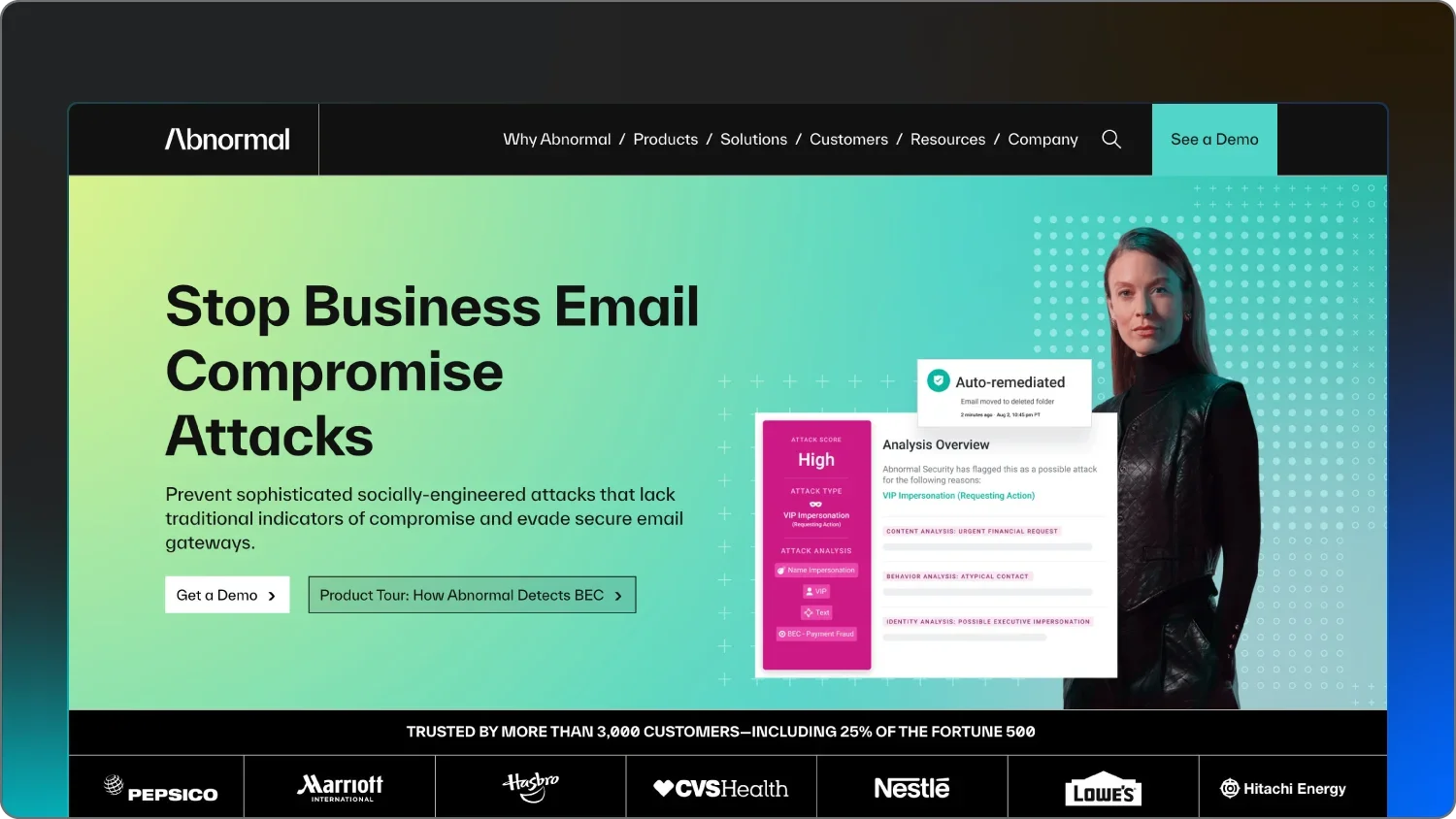
Abnormal AI plugs into your email via API rather than changing MX records, giving it a deep view into communication patterns and identity data without rerouting mail. The AI focuses on payload-less threats like vendor email compromise and executive impersonation.

Abnormal also offers an AI Security Mailbox that helps security teams automatically triage and remediate user-reported emails. By analyzing thousands of signals across the identity and email environment, they can identify account takeover (ATO) by spotting anomalies in login locations and mail processing rules.

Similarly, their VendorBase feature specifically tracks the risk profiles of external vendors to catch fraudulent invoice requests sent from legitimate but compromised third-party accounts.


Key features

  • A behavioral AI engine that baselines people, vendors, and communication flows for anomaly detection

  • VendorBase to identify suspicious changes in vendor payment details or communication behavior

  • Account takeover protection and automated remediation of malicious emails post-delivery

Pricing

Contact Abnormal AI for pricing.

Pros and cons

Pros

Cons

  • Strong efficacy against text-only, payload-less BEC and vendor fraud

  • API-based deployment with no MX changes or mail flow disruption

  • Automates triage of user-reported emails through AI Security Mailbox

  • Premium pricing relative to traditional gateways and SMB budgets

  • Limited custom policy configuration compared to rule-heavy SEGs

  • Like any AI system, it can occasionally miss highly novel edge cases


8. Mimecast

Best for: Gateway plus continuity and archiving.

Mimecast wraps secure email gateway, continuity, and archiving into one platform for industries that need uptime and audit trails. They inspect inbound and outbound traffic for various threats via an application firewall. And when outages strike, Mimecast has continuity features that keep protecting you.

They provide a Sync & Recover feature that protects Microsoft 365 data against accidental loss or malicious hackers. Plus, their Internal Email Protect service scans emails sent within the organization to stop the lateral spread of BEC attempts after a single user account has been successfully compromised.

For organizations with strong compliance requirements, Mimecast’s archiving and long-term retention are often as important as its BEC defenses.


Key features

  • Secure email gateway that filters spam, malware, and suspicious messages

  • ​Targeted Threat Protection with URL and attachment sandboxing

  • ​Email continuity and information archiving geared toward compliance and availability


Pricing

Contact Mimecast for pricing.


Pros and cons

Pros

Cons

  • Combines threat protection, continuity, and archiving in one platform

  • Strong fit for regulated industries needing robust audit trails

  • Reliable email continuity during outages or mail provider downtime

  • The management console can be complex and take time to learn

  • Pricing can be high for smaller organizations

  • Can generate false positives that require tuning


9. Check Point Email Security

Best for: Inline protection for email and collaboration apps


Check Point Email Security sits inline via API, scanning messages after native cloud defenses but before they reach the inbox. This lets them catch advanced phishing and BEC attacks that slip past default filters. And they extend that protection to collaboration platforms like Teams, Slack, and Google Drive.

Their solution uses SandBlast technology to detonate suspicious attachments in a virtual environment, making sure they’re safe before delivery. Additionally, they incorporate full DLP and ATO protection across the entire SaaS environment to ensure identity-based threats are caught, even if they don't originate from traditional inbound email.

For organizations leaning heavily on SaaS collaboration tools, Harmony offers a single layer that covers both email and file-sharing channels.


Key features

  • Inline threat prevention that blocks malicious messages just before inbox delivery

  • ​API-level scanning that doesn’t require mail flow changes

  • ​Collaboration app security for Teams, Slack, and Google Drive, including account takeover detection


Pricing

Contact Check Point for pricing.


Pros and cons

Pros

Cons

  • Post-delivery phishing defenses

  • One-click style deployment via cloud APIs

  • Protects collaboration apps in addition to email

  • Strict filtering may occasionally block legitimate emails

  • The admin interface might feel slow or clunky at times

  • Higher cost compared to basic secure email gateways


10. Material Security

Best for: Post-delivery data protection and blast-radius reduction.


Material Security offers an email security tool that classifies sensitive data at rest in mailboxes and wraps high-value messages (like invoices and password resets) in message-level multi-factor authentication (MFA). Once a threat is found, Material Security has an automated herd immunity feature that searches for the same threat across the organization.

Their approach focuses on reducing the blast radius of a successful compromise by ensuring that even if an attacker gets into a mailbox, they can’t easily access or exfiltrate sensitive historical data.


Key features

  • Post-delivery remediation that cleans up threats across inboxes after detection

  • Leak prevention with message-level MFA for sensitive content and workflows

  • ​Account risk overview that surfaces MFA gaps and misconfigurations


Pricing

Pricing starts at $4 per user/month, billed annually, plus a fee based on Shared Drive size.


Pros and cons

Pros

Cons

  • Protects historical data and limits ATO impact

  • Zero-latency deployment via API with no mail flow disruption

  • Automation for incident response and cleanup

  • Less emphasis on gateway-style, pre-delivery blocking

  • Content search and some capabilities can be limited on certain tiers

  • Data-volume-based pricing can add up for very large archives


11. Google Workspace

Best for: Google-first organizations.

Google Workspace offers built-in email security that works to block spam, phishing, and malware at scale. They layer on context-aware access and DLP, so admins can control who accesses what, from where, and on which devices.

Their security investigation tool allows admins to identify and triage security issues within the domain, like identifying which users received a specific malicious email. They also offer a security sandbox that analyzes attachments for suspicious behavior before they are allowed into a user's inbox.

If your business lives in Gmail and the broader Google Workspace stack, these native controls are your main starting point for BEC defense.


Key features

  • AI-powered threat defenses that automatically filter spam, phishing, and malware

  • ​Context-aware access that enforces identity- and device-based policies

  • Security sandbox and DLP controls to analyze attachments and protect sensitive data


Pricing

Pricing starts at $7 per user/month.


Pros and cons


Pros

Cons

  • Native protection and tight integration across Google services

  • Minimal friction for end users and admins once configured

  • Supports zero trust style access with context-aware policies

  • Limited direct protection for systems and workloads outside Google’s ecosystem

  • Advanced controls can be complex for non-technical admins to tune

  • May still need supplemental tools for advanced BEC and ATO scenarios


12. Cisco

Best for: Cisco-centric and hybrid environments.

Cisco Secure Email taps into Cisco Talos threat intelligence to block BEC using both reputation and content analysis. They support cloud and on-premises deployments, which can be a positive if you’re running a hybrid infrastructure or already invested in Cisco security tools.

This is possible because their platform integrates with the broader Cisco SecureX architecture, allowing for a unified response to threats across email, network, and endpoints.

With features like forged email detection and integrated encryption, Cisco is built to cover both inbound and outbound risks.


Key features

  • Talos-powered global threat intelligence for real-time detection

  • ​Advanced Malware Protection (AMP) for deep file inspection and analysis

  • ​Forged email detection and encryption services for sensitive outbound content


Pricing 

Contact Cisco for pricing.


Pros and cons

Pros

Cons

  • Threat intelligence via Cisco Talos

  • Deployment options for cloud and on-premises

  • Fits naturally into existing Cisco-based security stacks

  • Can be expensive for smaller organizations

  • Configuration and management can be complex

  • Steeper learning curve for teams new to Cisco tooling


6 features to look for in a business email protection solution

When you’re comparing tools, it helps to zoom out from brand names and focus on the capabilities that actually stop BEC and keep your team sane. Here are the big features that matter most.


1. Targeted impersonation detection

BEC tools need to go beyond generic phishing scores and actually understand nuances that might help identify a BEC attack, like:

  • Who employees typically talk to within your organization

  • How employees normally write

  • Which requests are typical

The best platforms can pick up on subtle mismatches in details like display names or tone that differentiate a real CFO email from a lookalike. These social connections are key knowledge for the tool to flag messages even when there’s no attachment or an obviously bad link.


2. Account takeover detection

Because many BEC campaigns start with a compromised mailbox, you need tooling that watches for suspicious clues. These can take the form of unusual logins, impossible or impractical travel, unexpected MFA changes or requests, or new mail rules that quietly forward invoices or replies.

Early detection is especially vital because once an attacker has access, they can manipulate internal conversations to gain trust. Strong account takeover detection, like Huntress Ransomware Canaries, gives you a heads-up that someone’s already inside. You can quickly revoke sessions and clean up unauthorized changes before money moves.


3. Behavioral analysis

Static rules and signatures alone can’t keep up with generative AI-powered phishing and constantly changing lures. Behavioral analysis instead builds baselines for lots of details and activities like:

  • User behavior

  • Vendor relationships

  • Communication patterns

With those baselines set, the BEC protection tool flags anomalies. For example, an executive emails payroll at an unusual time with an urgent request, all falling outside the normal protocol for an action like that.


4. Integration with your tech stack

Great business email compromise tools help you break down silos. They plug into Microsoft 365 and Google Workspace, as well as your SIEM, identity provider, and ticketing or PSA tools.

These deep integrations make it easier to automate threat response, like disabling a compromised user in your identity provider the moment a threat is confirmed. You save time by avoiding the need to swivel between five dashboards all day.

Explore Huntress integrations to get the full scoop on how we can expand and strengthen your security game plan across your organization.


5. Helpful training and easy-to-manage workflows

Technology can’t catch everything, so your users need to recognize and report suspicious messages, too. Look for platforms that bundle or integrate with a security awareness training program that includes:

  • Simulated phishing attacks based on real-world BEC scenarios

  • Instant feedback for users who interact with suspicious elements

  • Simplified reporting buttons that feed directly into your SOC pipeline

  • Engaging, short-form video content that explains the latest threat actor tactics

This training comes in many forms, but ideally, it delivers an appealing experience that keeps trainees focused and learning.


6. Top-quality human support

When a wire transfer looks off or an executive’s account might be compromised, you don’t want to wait one to three business days for a ticket to be reviewed.

Managed SOC-backed partners like Huntress add a layer of human expertise that fully automated tools lack. These experts can talk you through the “why” behind an alert and take direct action to contain a threat. And you get the peace of mind that a real person is watching over your environment around the clock.


Step up your business email protection game with Huntress

A business email compromise attack is won or lost at the identity layer. The best business email compromise protection tool is the one that sees beyond just messages and into the accounts, apps, and behaviors driving them.

Pairing platform-native defenses like Microsoft Defender with a managed, identity-focused layer like Huntress gives you broad coverage and deep, human-validated protection where it matters most.

And to see how these tools would work together in your specific Microsoft 365 setup—or which layers you might be missing!—Huntress can help map it out with you. 

Talk to one of our experts about Huntress Managed ITDR to see how our 24/7 SOC defends against BEC and account takeover, or get a personalized demo to get concrete recommendations tailored to your identities and email flows.


FAQ

How is BEC different from phishing? 

BEC is different from phishing because it’s typically highly targeted, often based on research into your org chart and vendors. It also usually focuses on convincing someone to move money or share sensitive data without using obvious malware or malicious links.


Phishing is broader and more automated than BEC. Phishing emails are often sent to large lists with generic lures and more traditional indicators like bad URLs or attachments.


What types of organizations are most at risk for BEC attacks? 

Any organization that moves money via invoices, wire transfers, or payroll instructions is a target for BEC attacks, from small businesses to large enterprises. Companies with distributed teams, heavy vendor relationships, or less mature identity controls are especially attractive to attackers.


Is BEC protection different for small businesses compared to enterprises? 

The core threats of BEC are the same for small businesses and enterprises, but smaller teams usually need simpler, managed solutions that don’t require a big in-house SOC to run.

Enterprises may layer multiple tools like gateways, ICES, ITDR, and training. Smaller orgs often look for platforms that combine detection, response, and human support in one package.


Are employee security awareness training and BEC tools both necessary?

Yes, you need both security awareness training and BEC tools to fend off attacks and create a culture of vigilance. BEC attacks deliberately target people, so training helps employees spot weird requests and report them. On the other hand, tools catch the sophisticated scams and account takeovers that nobody can see alone.

Pairing managed security awareness training with identity-focused detection and response gives you both prevention and fast cleanup when something slips through.


Protect What Matters

Secure endpoints, email, and employees with the power of our 24/7 SOC. Try Huntress for free and deploy in minutes to start fighting threats.
Try Huntress for Free