


Attackers are increasingly turning to trusted software your business already depends on instead of custom malware or exploits.
In one recent Huntress Security Operations Center (SOC) investigation, a secure-document lure hid the installation of a remote monitoring and management (RMM) tool. The employee didn't know the file they opened would lead to an attacker's successful intrusion, ultimately installing a rogue ITarian client, followed by a ScreenConnect session for persistent access.
In two others, the phishing emails mentioned ScreenConnect by name. But the victim expected to view a document, not install an attacker-controlled persistent remote access client.
Across all three incidents our SOC investigated, phishing opened the door to malicious remote access via the same trusted RMM tools your IT team likely uses to support your organization's devices. Once the attackers gained initial access, they quickly added more rogue RMM clients to create redundant and persistent paths back in.
Phishing isn't just about stolen credentials anymore
Phishing still steals credentials and delivers malware. But it can also trick a victim into installing the same remote management software their IT team uses. That gives attackers hands-on access through legitimate remote tooling and time to set up persistence before anyone realizes the "document" was actually a rogue installer.
Once that door is open, attackers can add access paths, escalate privileges, stay connected, and move through your environment on their own timeline. What starts with one simple click can give attackers the time and access to turn a single compromised device into a much broader incident.
Why rogue RMMs work too often
RMMs are real tools that businesses rely on to manage, support, and troubleshoot devices remotely. That's exactly what attackers take advantage of. A rogue install can use the same installer, processes, and vendor infrastructure as an approved one, making it harder to tell from telemetry alone whether it belongs in your environment.
In a stacked attack, the first RMM gives attackers hands-on control. The second, or even the third, gives them a separate, persistent route back in if the first client is spotted and removed. Attackers will even use defensive evasion techniques, attempting to avoid detection by security software.
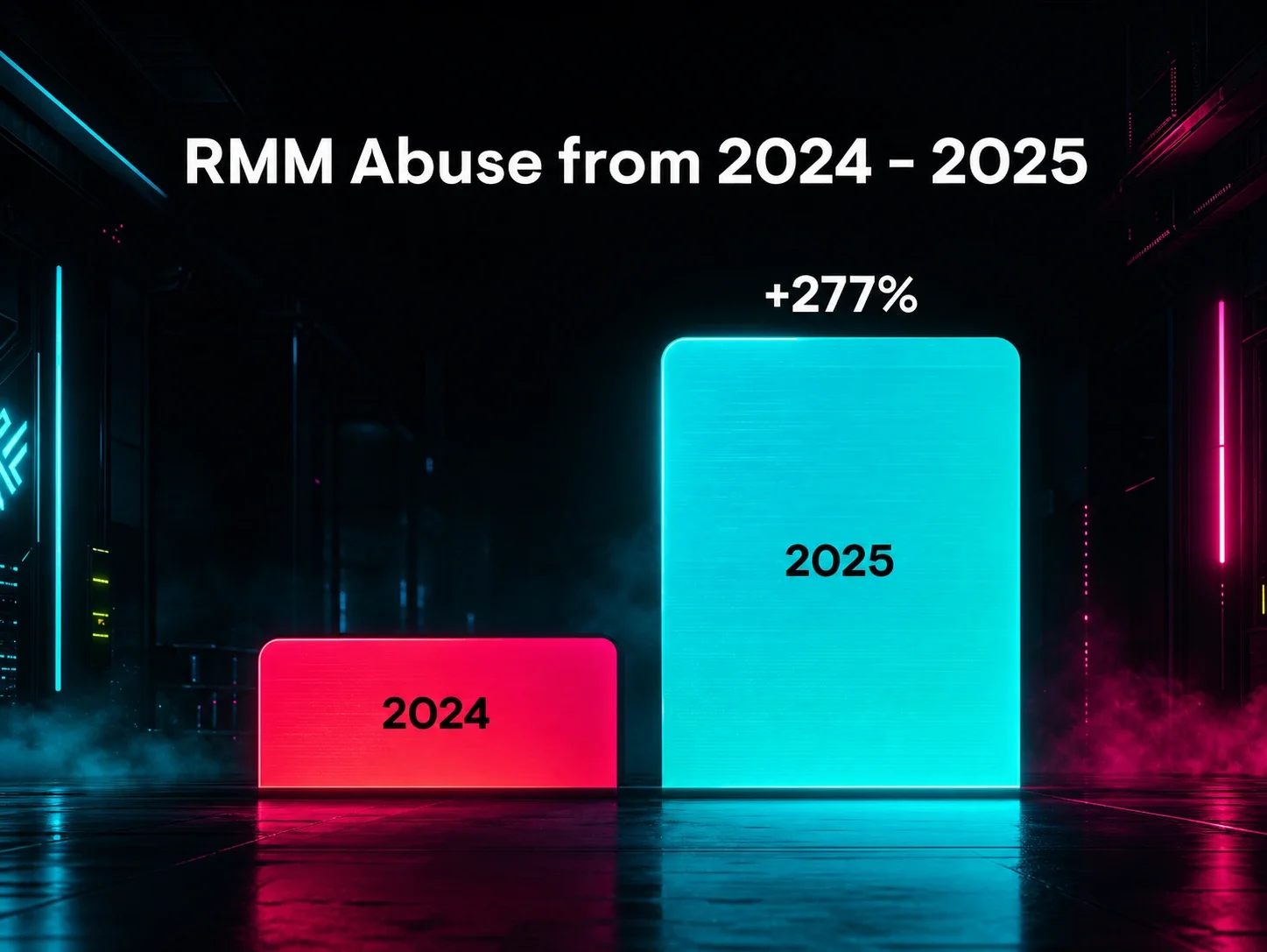
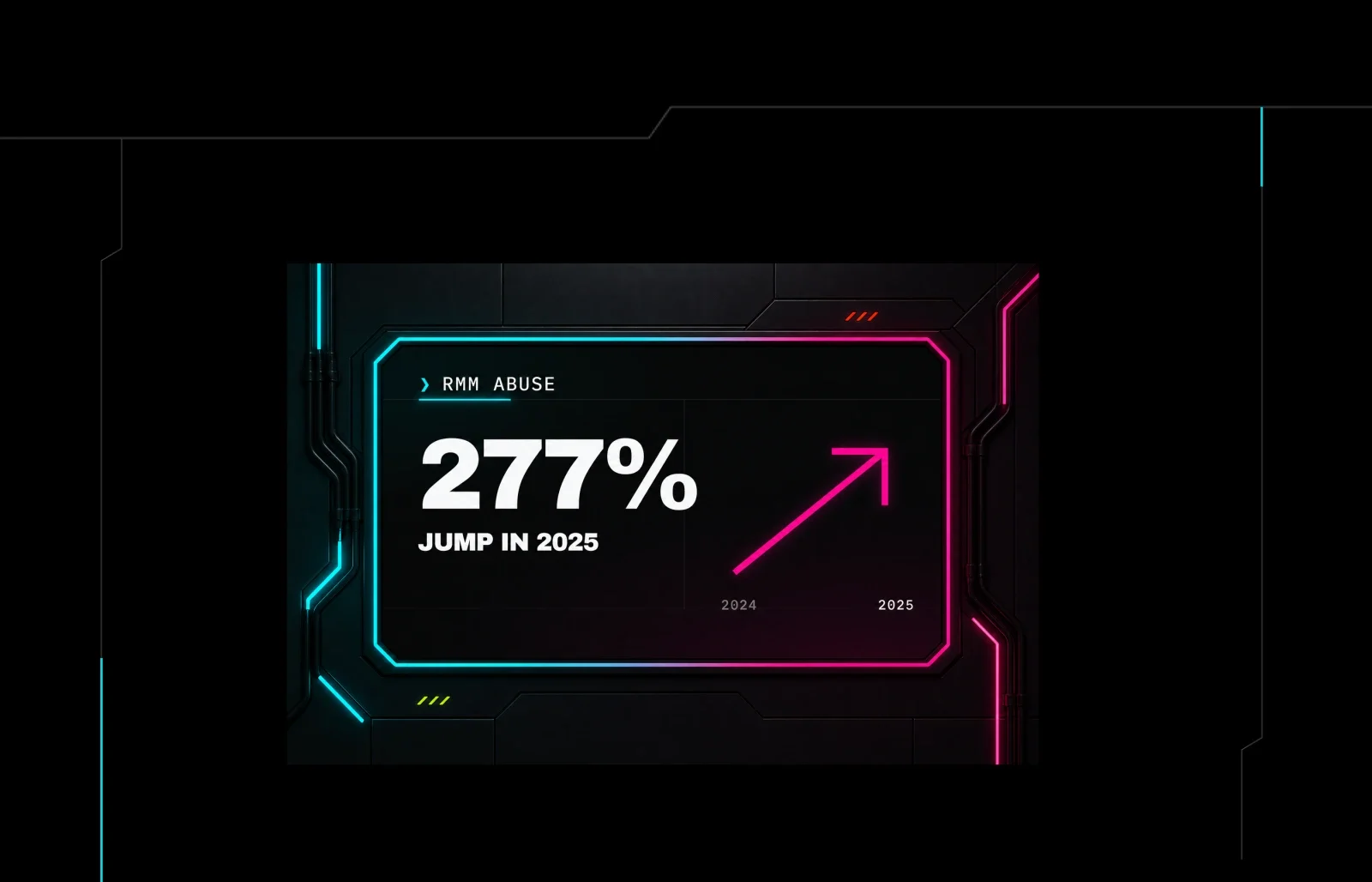
This is why RMM abuse is showing up so often in our investigations. We tracked a 277% spike in RMM abuse in 2025, and our Tactical Response team now sees it in almost 40% of the incidents we investigate.
And since RMMs can look like business as usual, a rogue install can sit quietly for months before an attacker returns. In one incident, an attacker used an undetected ScreenConnect client, initially installed five months earlier, to access a user's browser and configure malicious inbox rules for the victim's email.
The document lure that installed two rogue RMMs
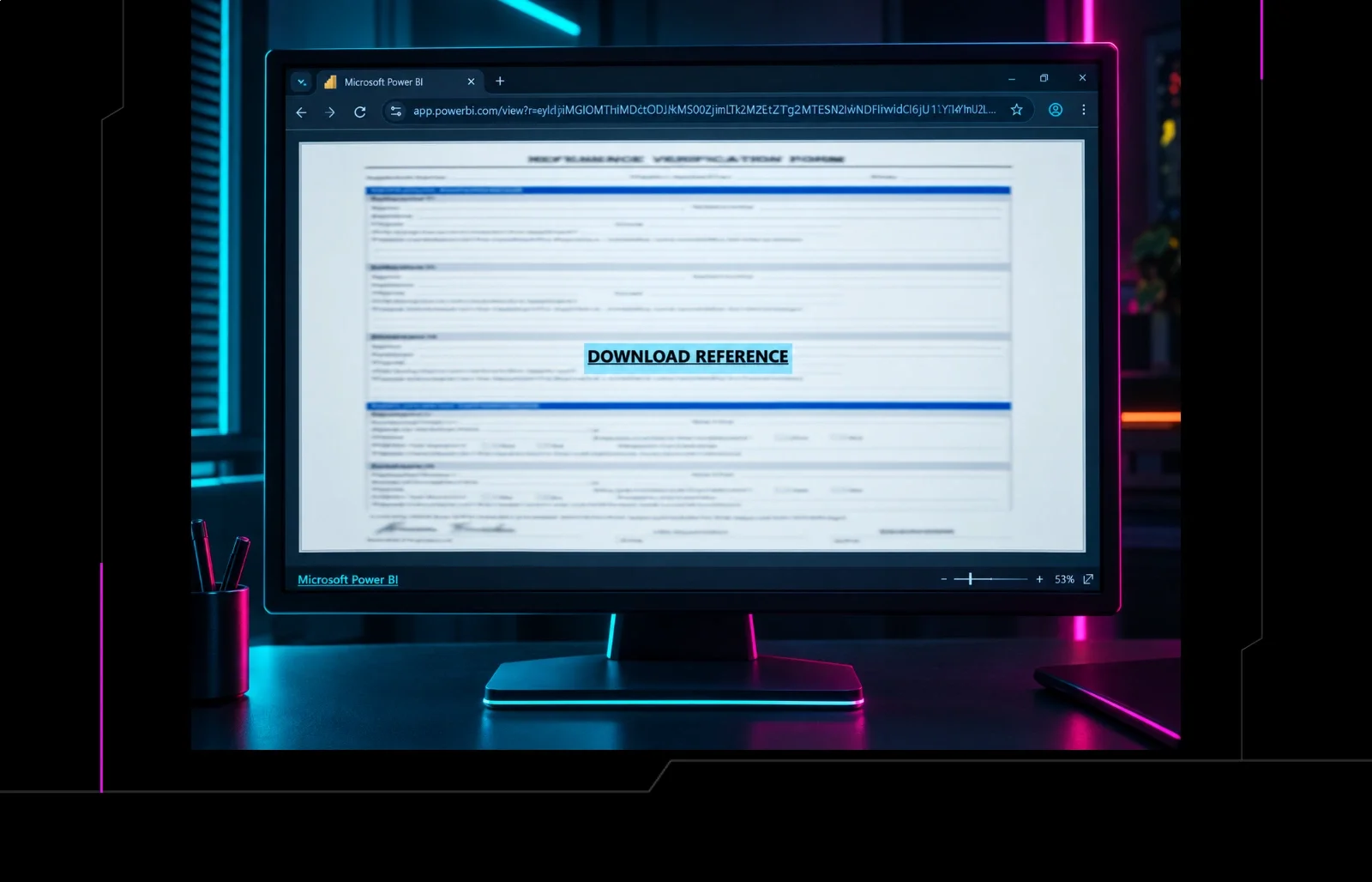
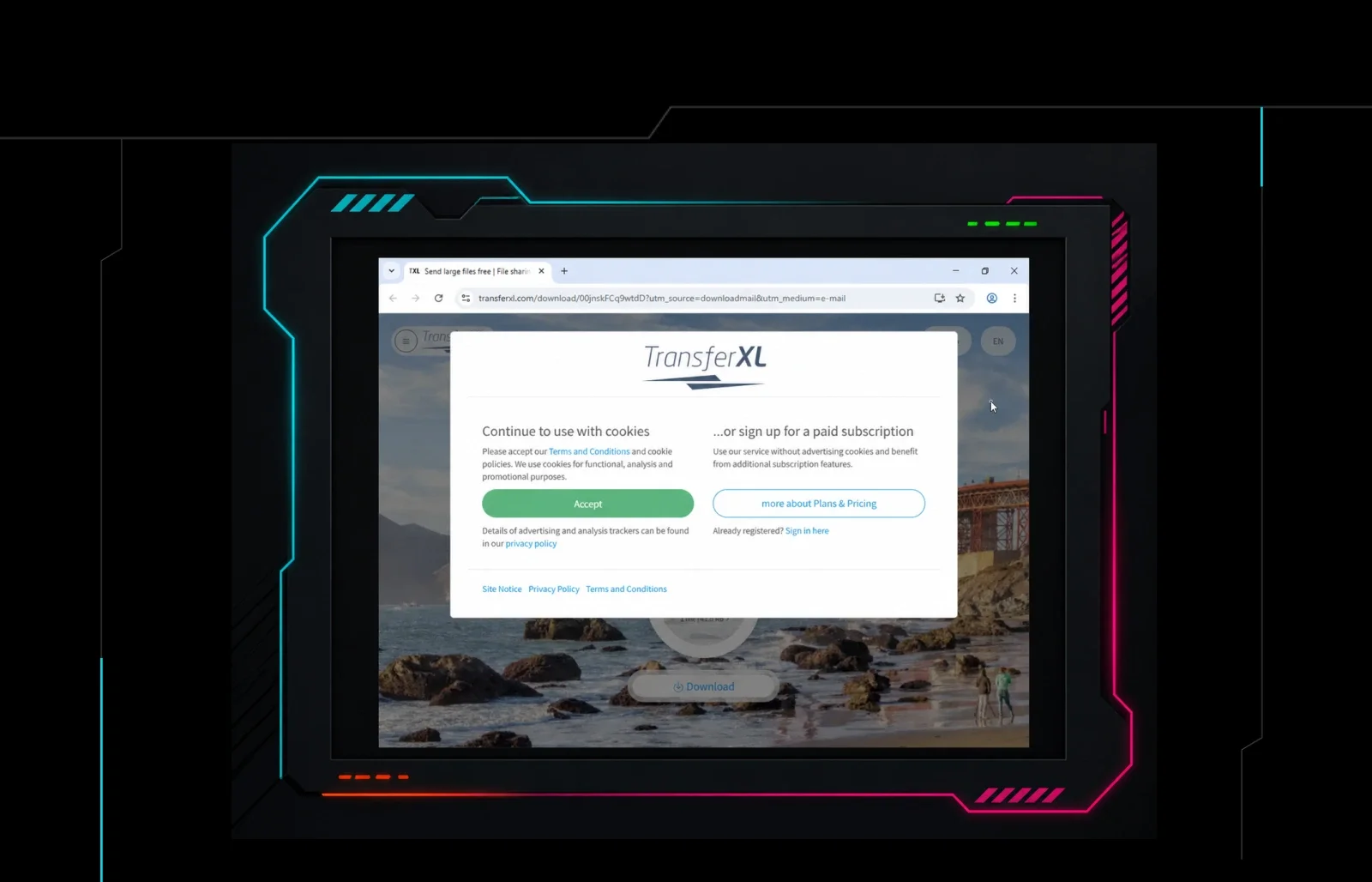
One recent incident that our SOC investigated started with a secure-document email from TransferXL. It led the victim to a ZIP file, which then extracted a PDF. Everything looked and felt normal. But under the surface, the PDF had been crafted to trick the employee into installing a rogue instance of ITarian, an RMM tool. By using an embedded link and nesting the malicious PDF within a ZIP file hosted on a legitimate cloud storage site, the attacker intended to evade detection by the browser and common antivirus (AV) tooling.

Figure 1: Legitimate cloud storage site used by an attacker to host a malicious PDF with an embedded rogue RMM installer link
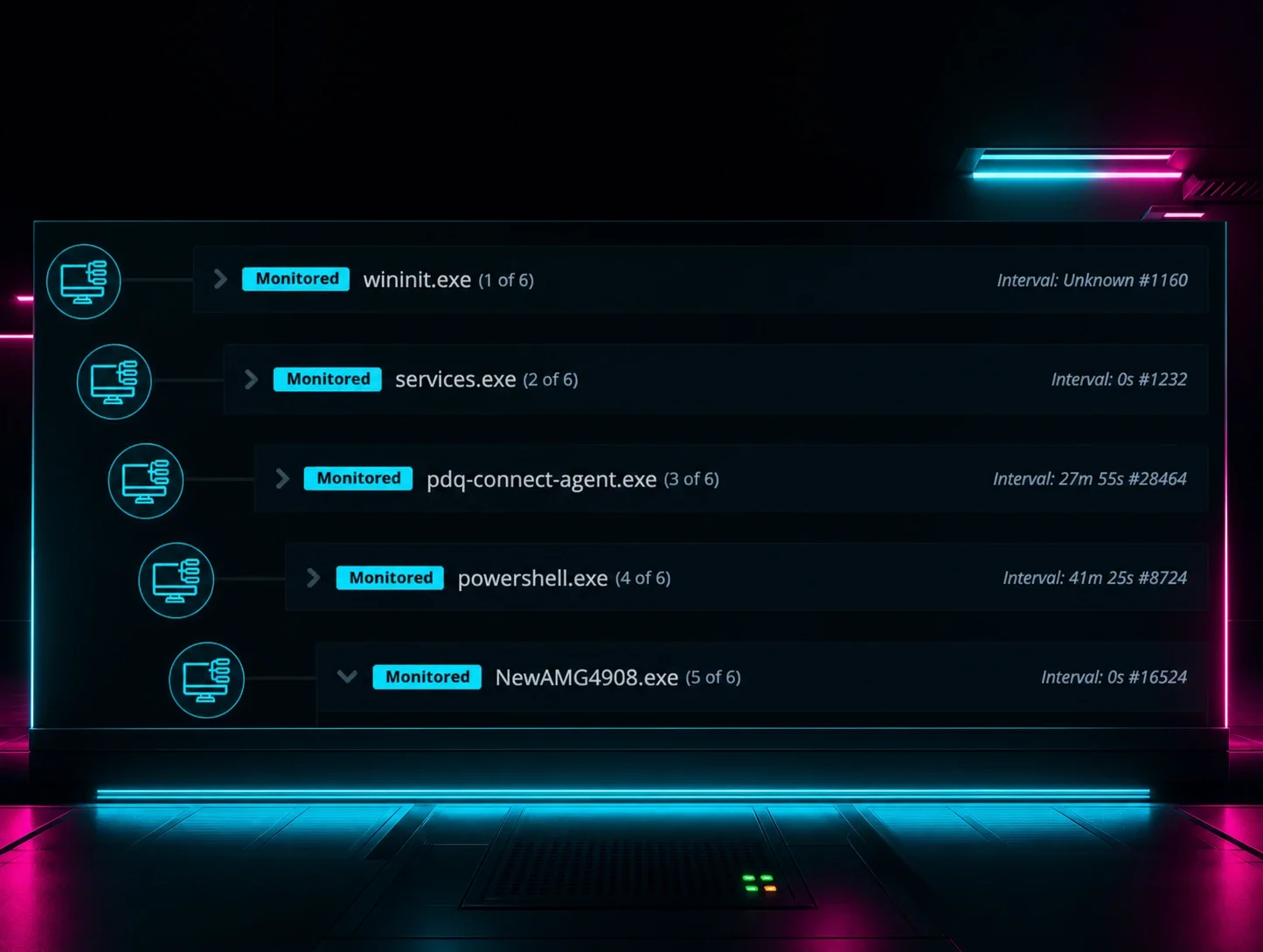
That was only the first layer. Soon after ITarian was installed, a second remote access tool— ScreenConnect— was dropped onto the same device. Both were set up to persist with SYSTEM-level privileges. The attacker now had not one, but two paths back into the compromised environment that looked like just normal, everyday IT workflows.
The next two investigations used a different kind of disguise. The emails didn't hide the ScreenConnect name, but they obscured the fact that the supposed document share was being abused as the first step in a malicious, persistent remote access setup.
A ScreenConnect share that installed two rogue RMMs
Our SOC saw the same RMM abuse attack flow in two additional incidents that were tied to one phishing campaign. Here's how it went down:
The victims received a phishing email that appeared to be a document share "via ScreenConnect"
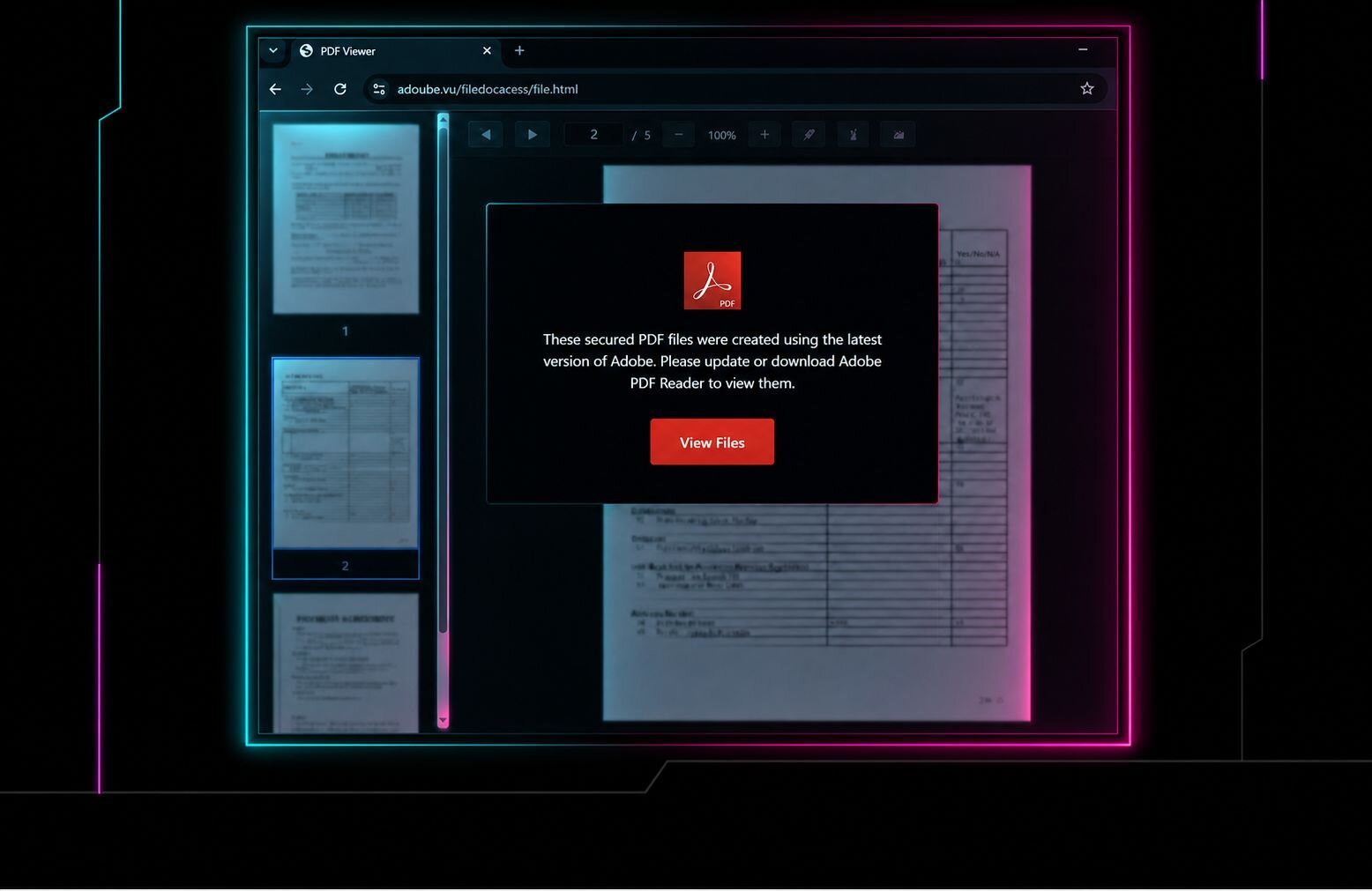
The phishing links led to a legitimate (but abused) domain for an Adobe InDesign-hosted lure page that impersonates a document share and prompts the user to click the "View Document" button
Clicking "View Document" redirects to an attacker-controlled C2 infrastructure that deploys the malicious payload that installs the first rogue ScreenConnect client with persistence
After the initial ScreenConnect client is installed, the attacker uses the connection to run defense evasion binaries like
HideUL_x64.exe, attempting to hide subsequent activityIn that same initial ScreenConnect session, the threat actor drops and installs additional rogue RMMs onto the compromised host for redundant persistence
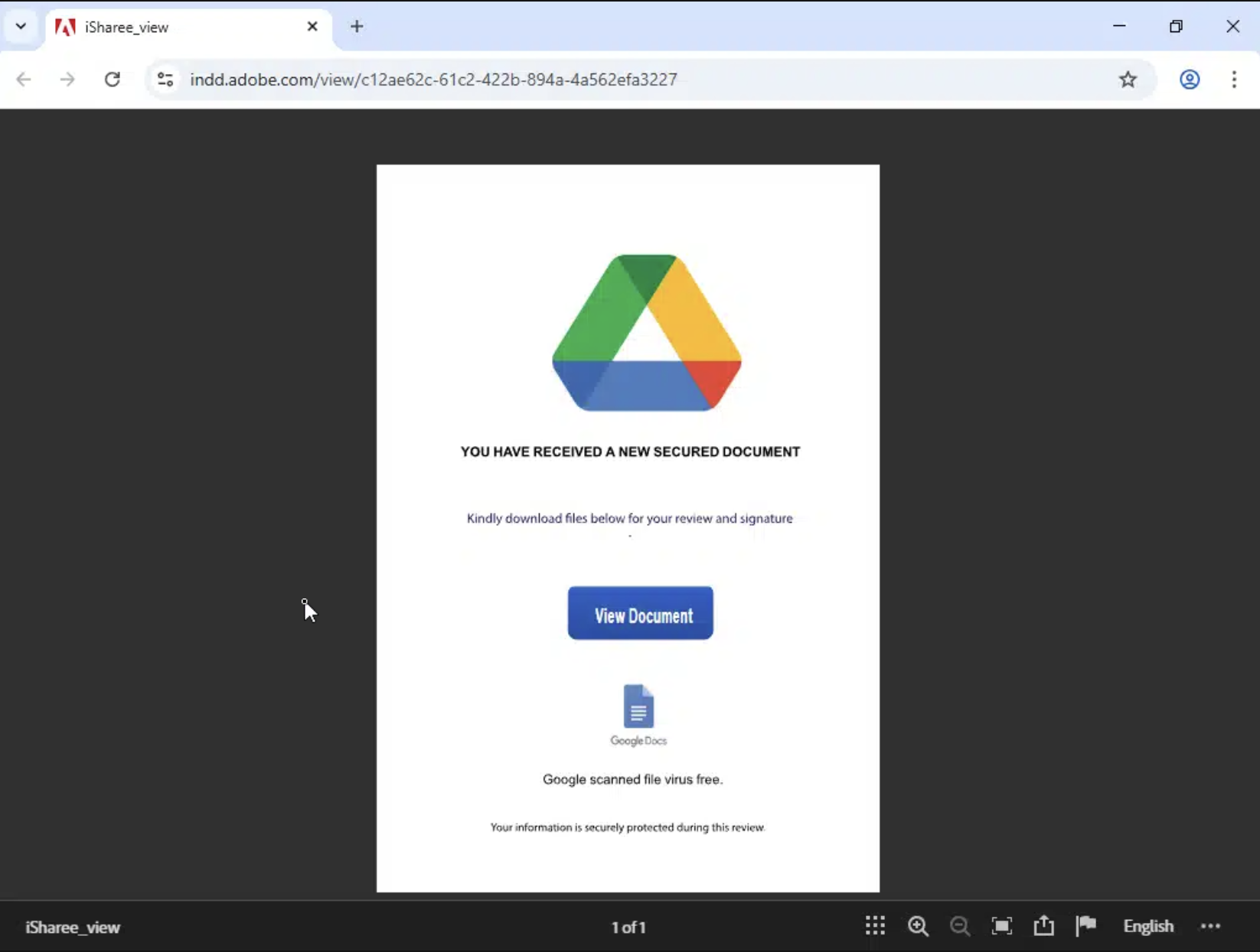
Figure 2: An Adobe InDesign-hosted lure page impersonating a document share
Again, one RMM was only the beginning in these incidents. Each environment ultimately had two rogue ScreenConnect installations before Huntress intervened. While the lures and payload sites changed, the ending stayed the same: the attacker had more than one route back to the device.
We saw the same pattern across all three investigations; the phish exploited someone's trust to establish the first layer of the attacker's RMM stack.
Know every RMM in your environment
RMM tools offer IT teams an easy way to remotely support devices from anywhere. But attackers have been known to abuse that same ease of hands-on access without depending on noisy malware signatures or exploits. The red flags are in the context: how it arrived, who installed it, what it connects to, and whether it belongs in the environment.
That is why a second rogue RMM complicates the response. Removing the first client might not close the door. Teams need to spot the remaining components of the stack to fully remediate and shut down the attacker's access paths.
The first step is knowing which RMMs are in your environment and which ones your team has approved. Our RMM Guard helps your team inventory RMM tools across Windows endpoints and identify the clients that don't belong, including rogue instances of otherwise approved software.
To learn how attackers turn trusted tools into persistent access paths, get the RMM Abuse Report.