

Most cyber threats start out small and unassuming before they turn into the OH $#!T moments that put your whole business at risk. They can creep up fast during a normal day with a website you trust and a habit you don't question. You ask your favorite AI platform for help, follow "fix it" instructions when it hits a snag, and get back to work without thinking twice.
Nothing feels risky on the surface. But underneath, the "normal" AI search result you clicked and the "fix it" instructions you followed just helped an attacker gain access to your Microsoft 365 account. While you move on to the next task in your day, they walk straight into your inbox without a password or MFA prompt, looking just like you. They read through your messages and create hidden inbox rules that hide their tracks. That stealthy intrusion is mailbox manipulation, and in this case, it can escalate into full-blown business email compromise (BEC) within hours.
Threats like AI platform abuse and ClickFix-style attacks on their own can feel like small problems. Chained together, they give an attacker everything they need to set up an OH $#!T moment that no one sees coming until it's too late.
Meet Doris and her ClickFix problem
Principal Product Researcher Truman Kain shows what this looks like in practice and how easily it blends into a normal workflow.
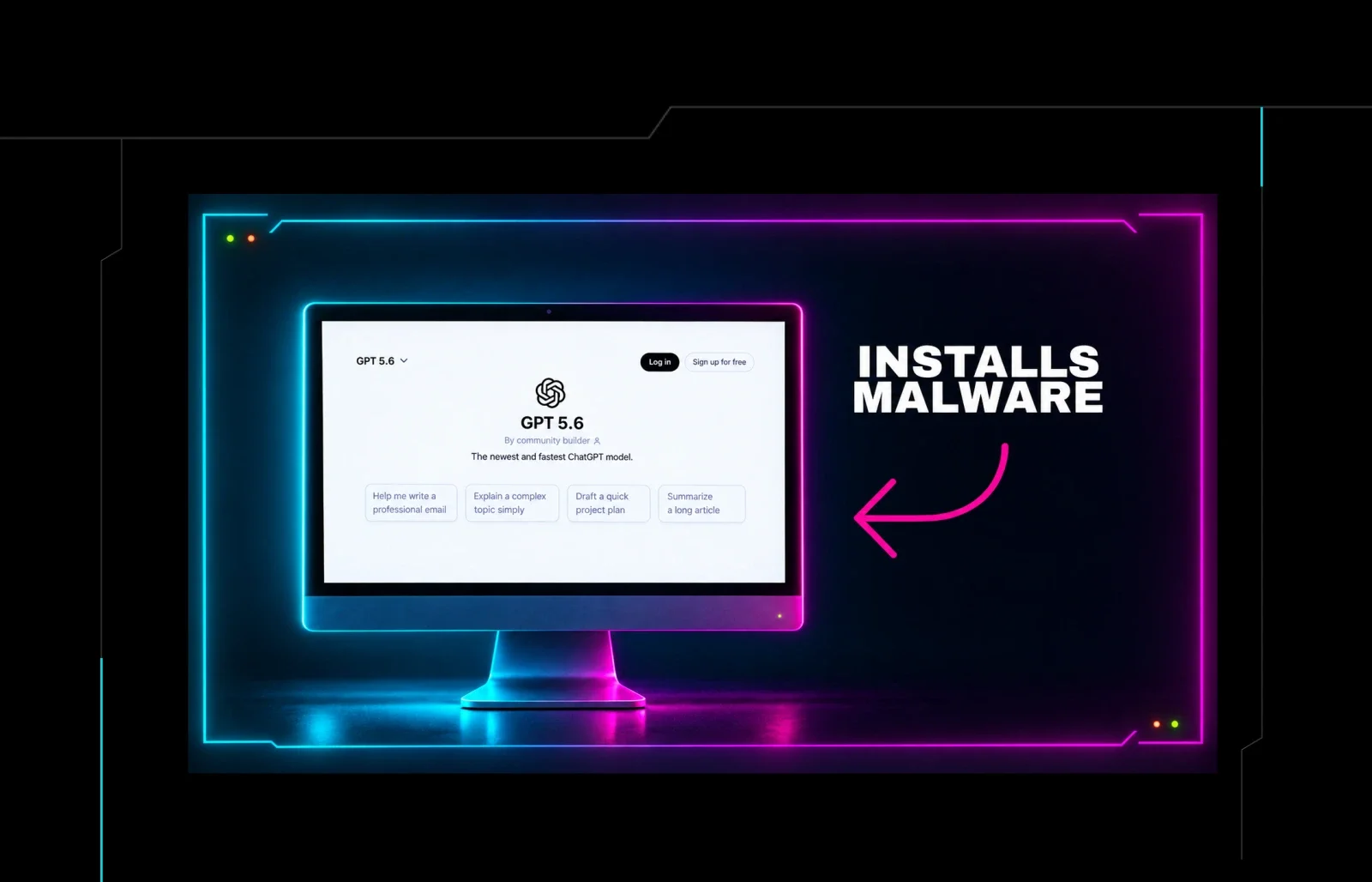
Meet Doris Stewart, a fictional finance employee at a company called Speedway Laundry, owned by Speedway Industries. Doris wants help responding to an email, so she goes to Google and searches for ChatGPT. She clicks what appears to be a normal sponsored result and, unknowingly, lands on a custom attacker-built GPT. But there are no obvious tells that this custom GPT is malicious. And Doris trusts ChatGPT, which is what the attacker was banking on.
Here's where things start to get sketchy. The custom GPT tells her there's a service issue and sends her to a fake verification page. Doris is prompted to press Command+Space, paste a command into Terminal, and press Enter. She doesn't recognize that this is a ClickFix scam, and by following those steps, the attacker has tricked her into compromising her own machine.
Now, the attacker runs a script to retrieve cookies and spots Doris' Microsoft session cookie, the one that keeps her logged in to Outlook without entering a password or MFA code each time she needs access. By dropping that cookie into a fresh browser using a free extension and refreshing the page, the attacker is now sitting in Doris' inbox with full control. There was no password and no MFA prompt to get past. The session was already authenticated, so the stolen cookie did the work.
This is where the attacker turns access into cash. In Doris' inbox, the attacker finds an invoice awaiting approval, creates an inbox rule named ".." so it gets easily overlooked, and sets it to archive any message containing the invoice number. Then the attacker replies to Treasury as Doris, asking them to send the payment to a new routing number, deletes the sent message to hide the evidence, and empties the trash. Doris never sees any of it, and the whole thing unfolds in about 24 hours.
This attack didn't require lots of time, money, or technical know-how. But it worked fast, and Doris will be left cleaning up a financial mess that she didn't even know existed.
How Doris could have avoided trouble
The good news is that knowing where to break links in the attack chain can stop a bigger business disruption from happening. In this case, on the endpoint side, the initial access shows up as a Mac shell running curl output with the attacker's IP address Base64-encoded inside it, the exact command Doris walked through pasting into Terminal a few minutes earlier. That pattern is worth flagging as suspicious on endpoints until proven otherwise.
On the identity side, the tells are just as suspicious. Two browsers are active in one session; there are two different operating systems tied to the same login; traffic is routed through a VPN with no business reason to be there; and that sketchy, almost invisible inbox rule ("..").
This isn't new tradecraft, but it's effective and convenient for attackers to slip in unnoticed without dropping noisy tooling that'll get flagged by managed security tools.
Getting ahead of OH $#!T moments with the Tragic Quadrant
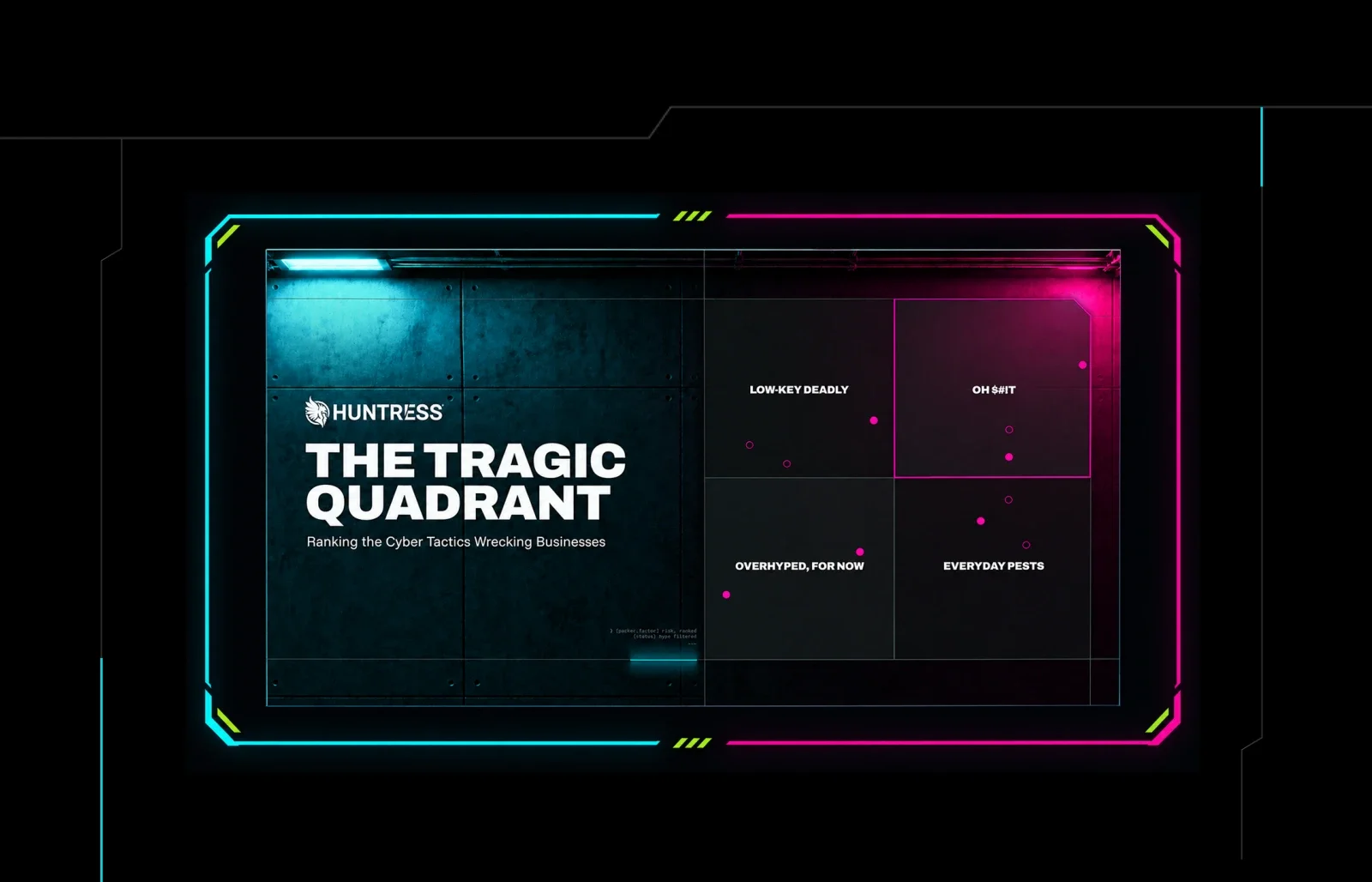
The Huntress Tragic Quadrant plots threats on two axes, including the ones in this exact attack chain. The x-axis (prevalence) shows how often we see them in the environments we monitor, and the y-axis, or as we all call it, "pucker factor" (which, if you've ever been on the receiving end of these attacks, makes perfect sense), shows how much damage they cause when they land. That view helps you tackle the riskiest gaps first, so you don't end up in an OH $#!T moment like Doris.
On the lower quadrants, you see tactics like AI platform abuse and ClickFix that aren't usually catastrophic on their own, even if we see them often in our telemetry. The real risk happens when attackers chain them together, and the arrows move up and to the right into the OH $#!T quadrant, where a hidden inbox rule can turn into much bigger problems like BEC or ransomware.
When you know which corner a tactic falls into, it gets easier to see which threats deserve your focus right now and how to spot them in your environment.
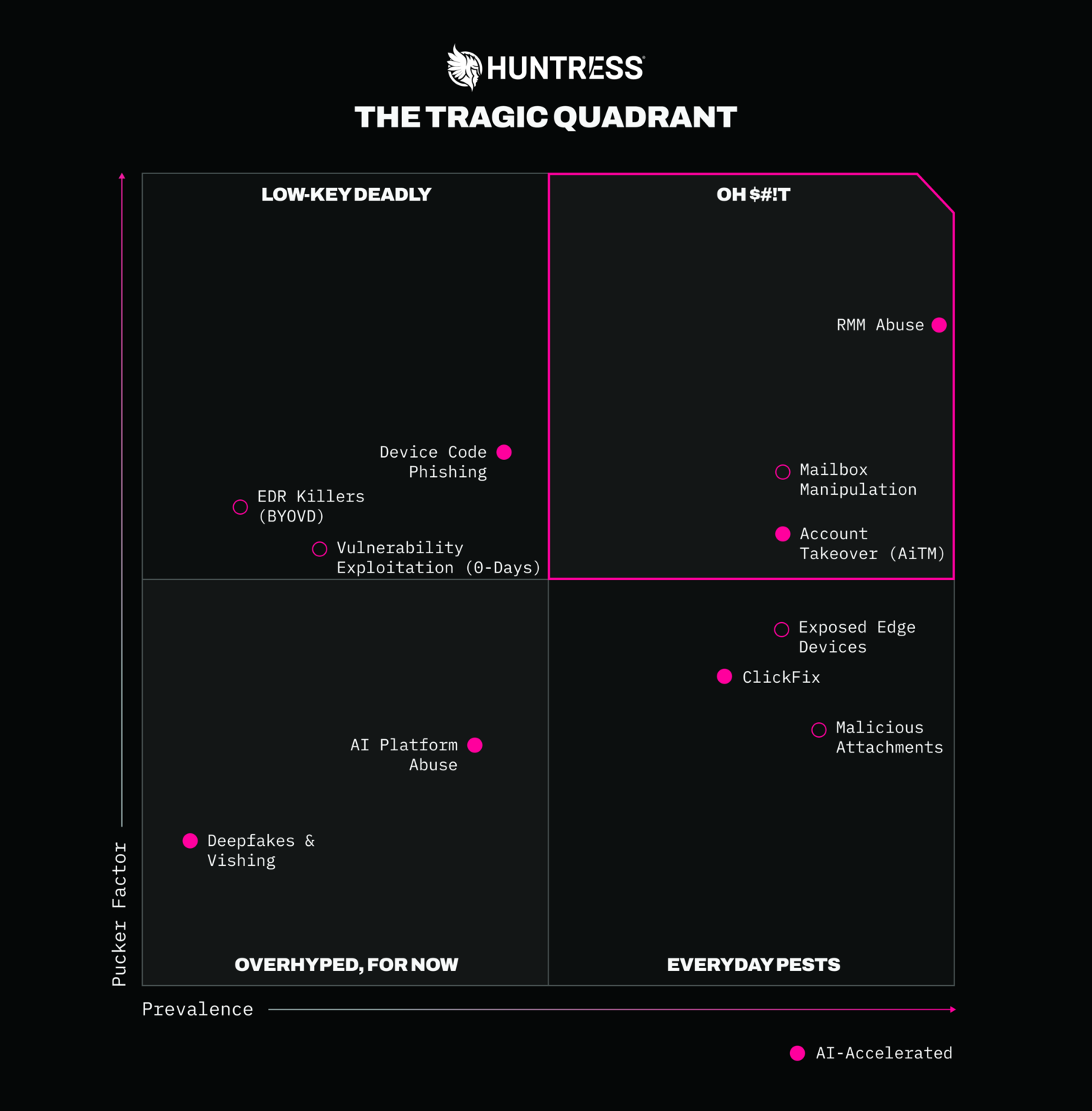
Figure 1: The Huntress Tragic Quadrant
The Tragic Quadrant is one more tool in your kit
Watch the Tragic Quadrant livestream to see how small threats stack up to OH $#!T impacts you can get ahead of.
Grab the Tragic Quadrant report to get a full readout of which cyber threats to find and fix first.
Then, step into Doris' shoes with our Defense Drill and walk through the same custom GPT, ClickFix, and sneaky inbox activity to see if you'd catch the attack before any damage is done.