

Acknowledgments: Special thanks to Ben Nahorney and Aaron Deal for their contributions to this investigation and writeup.
Background
Huntress has identified a surge in phishing campaigns that abuse Faronics Deploy, with more than 457 endpoints encountering Faronics-related lures between July 21 and August 20. Huntress reported this activity to the Faronics support team on August 5. Starting on August 21, we observed the activity drop dramatically as they implemented new measures to disrupt threat actors.
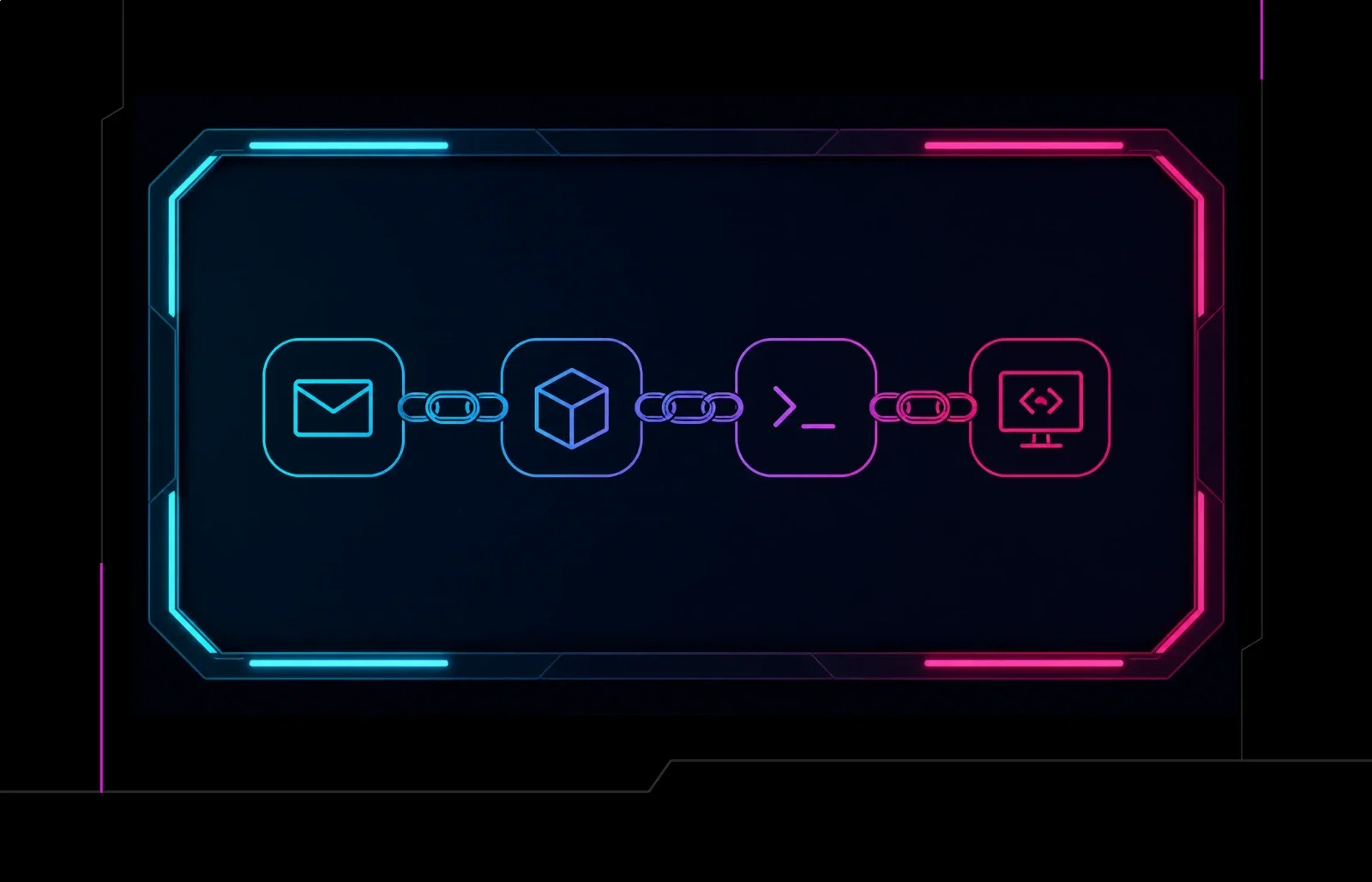
Faronics Deploy is a legitimate endpoint management platform for remotely deploying software and executing scripts across managed devices. By chaining legitimate software, attackers are leveraging Faronics to execute malicious PowerShell scripts and subsequently deploy ScreenConnect, effectively blending in with trusted business workflows. This post details the attack chain, provides key forensic artifacts such as the ScriptRunner.log, and explains how the ck identifier can be used to cluster malicious deployments and track infrastructure.
The lure, hook, line, and sinker
In the incidents observed by Huntress, victims are initially sent phishing emails themed around routine business activities, including tax documents, invoices, financial records, invitations, and other documents that require the recipient's attention.
If a recipient clicks the phishing link, they're directed to a page that contains JavaScript that collects the victim's User-Agent, platform, screen resolution, time zone, language, touch capability, and colour depth. This information is POSTed to fileportals.gytgtecg[.]xyz/index.php?verified=1, providing the backend with information it can use to determine whether the visitor is served the malicious workflow.
Not everyone gets the phish
During our analysis of the domain, we encountered a seemingly benign website impersonating Eastern Bank.
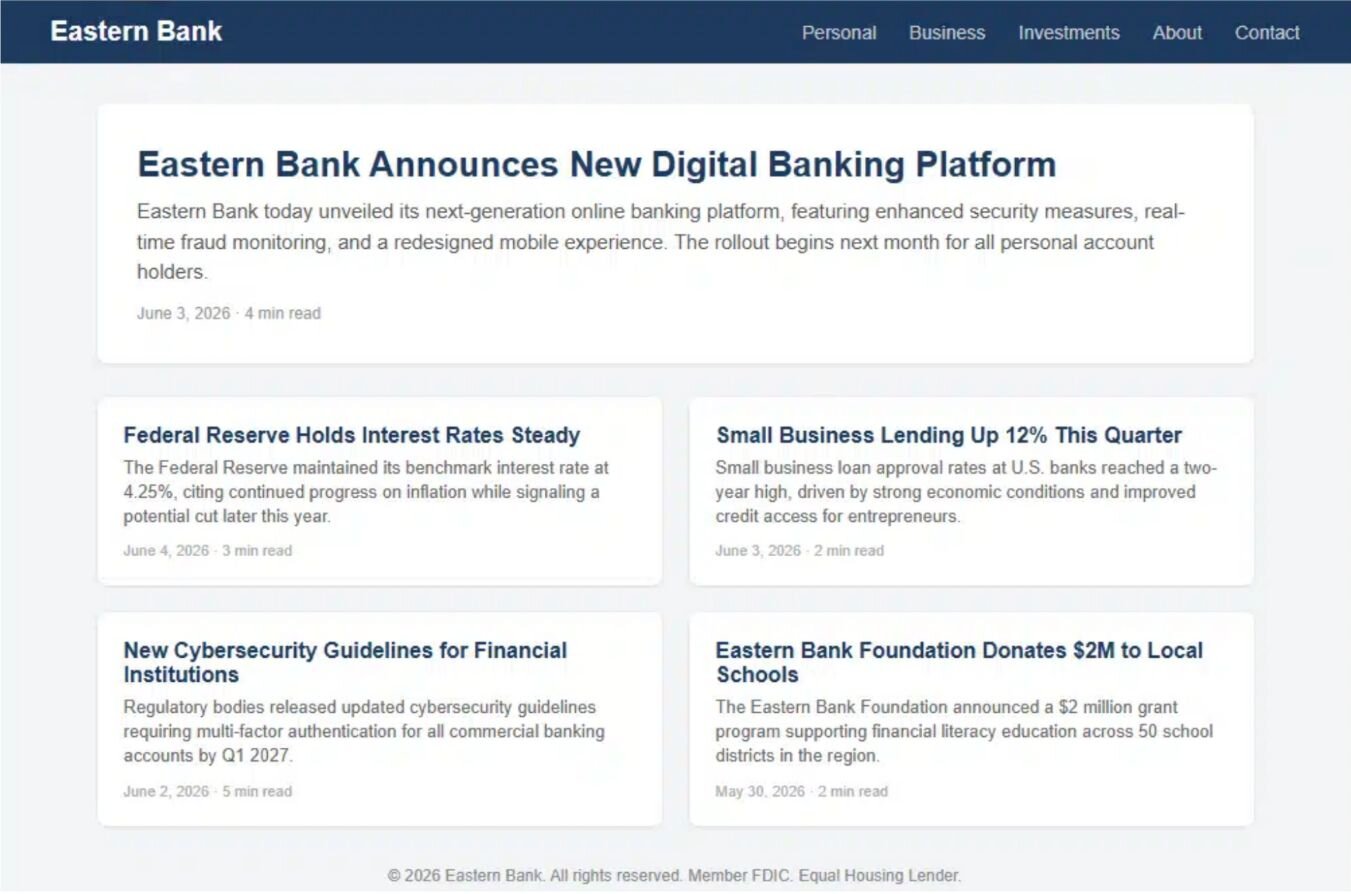
Figure 1: Benign decoy website impersonating Eastern Bank
This provides a clear example of the campaign's visitor-based cloaking. While a prospective victim can be directed through the malicious download flow, an analysis environment may instead be served unrelated decoy content.
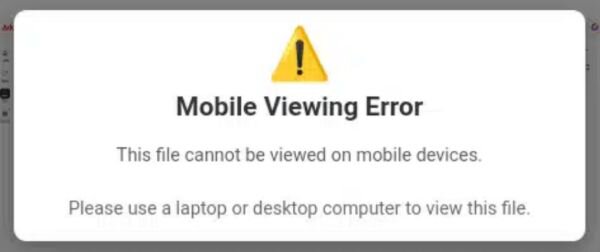
Figure 2: Mobile viewing error message
Additional filtering occurs with mobile devices, redirecting them to a denied.html page.
Delivering malware in disguise
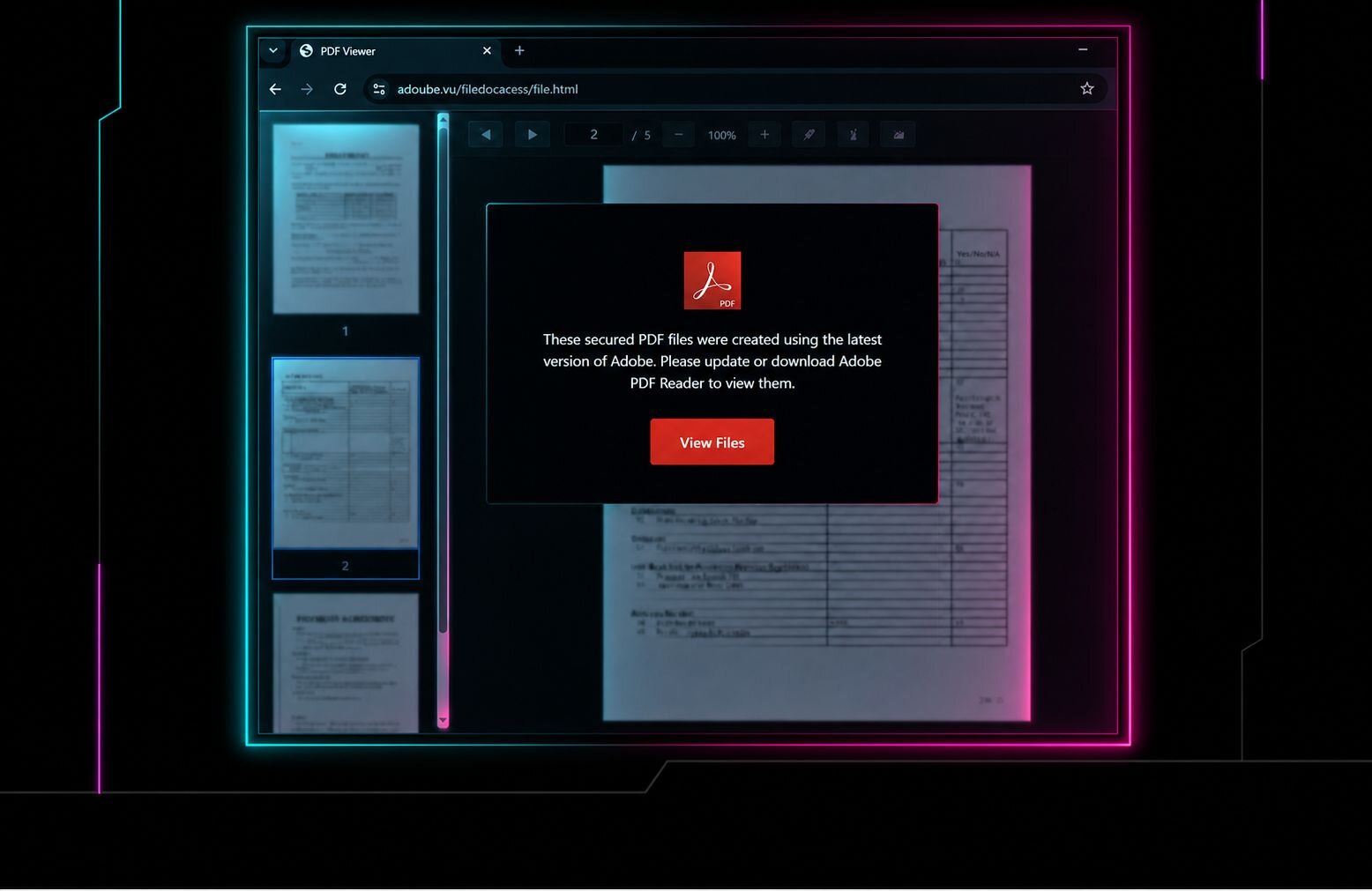
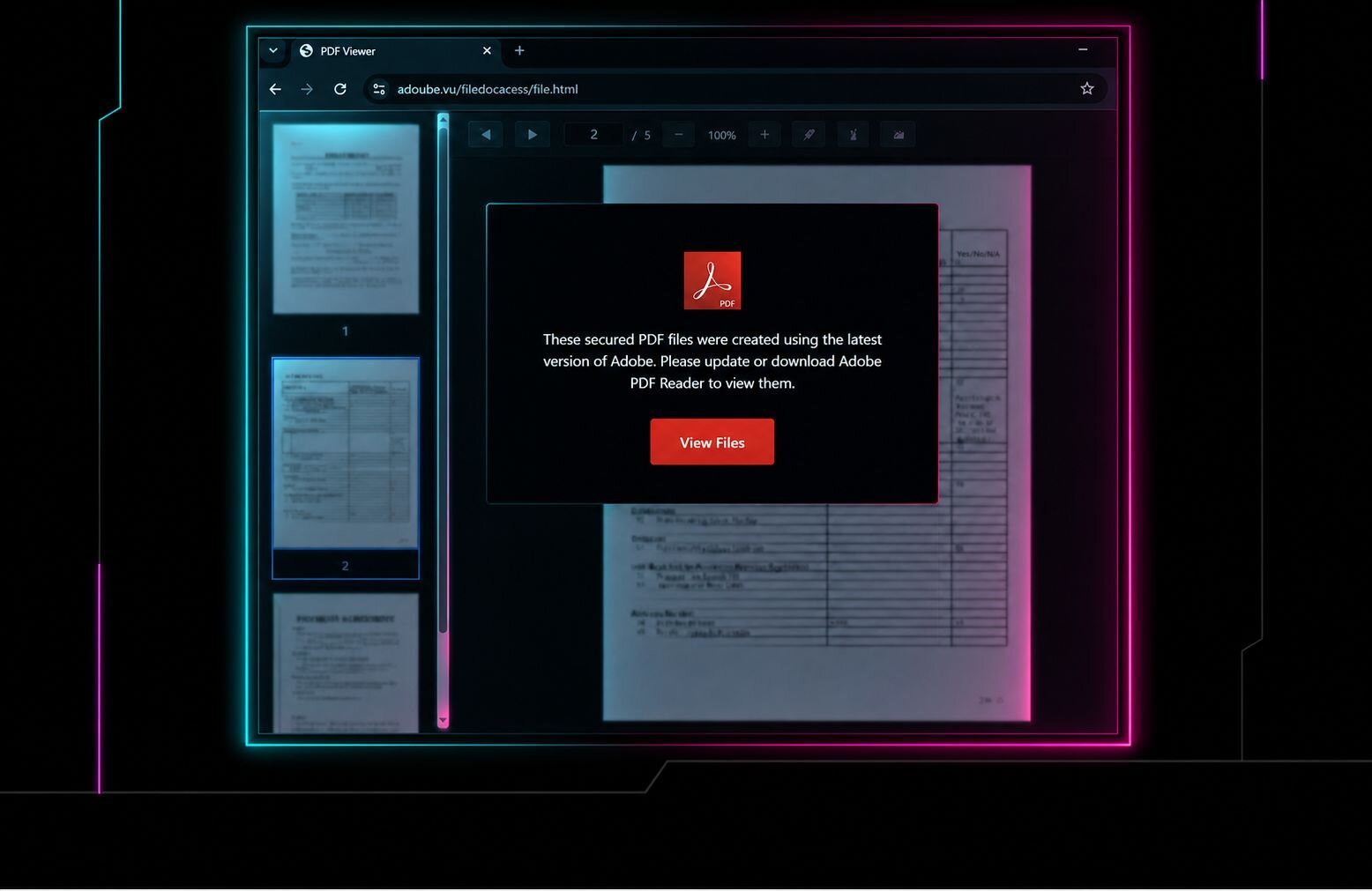
Let's take a closer look at one of the delivery mechanisms currently in circulation. This Adobe-themed download flow is designed to make the resulting Faronics executable appear to be the document they expected. We've observed multiple variations of these pages, including fake "Downloading Document" pages, Adobe document previews, Zoom meeting invitations, and prompts claiming that an Adobe plugin must be installed before the document can be viewed.
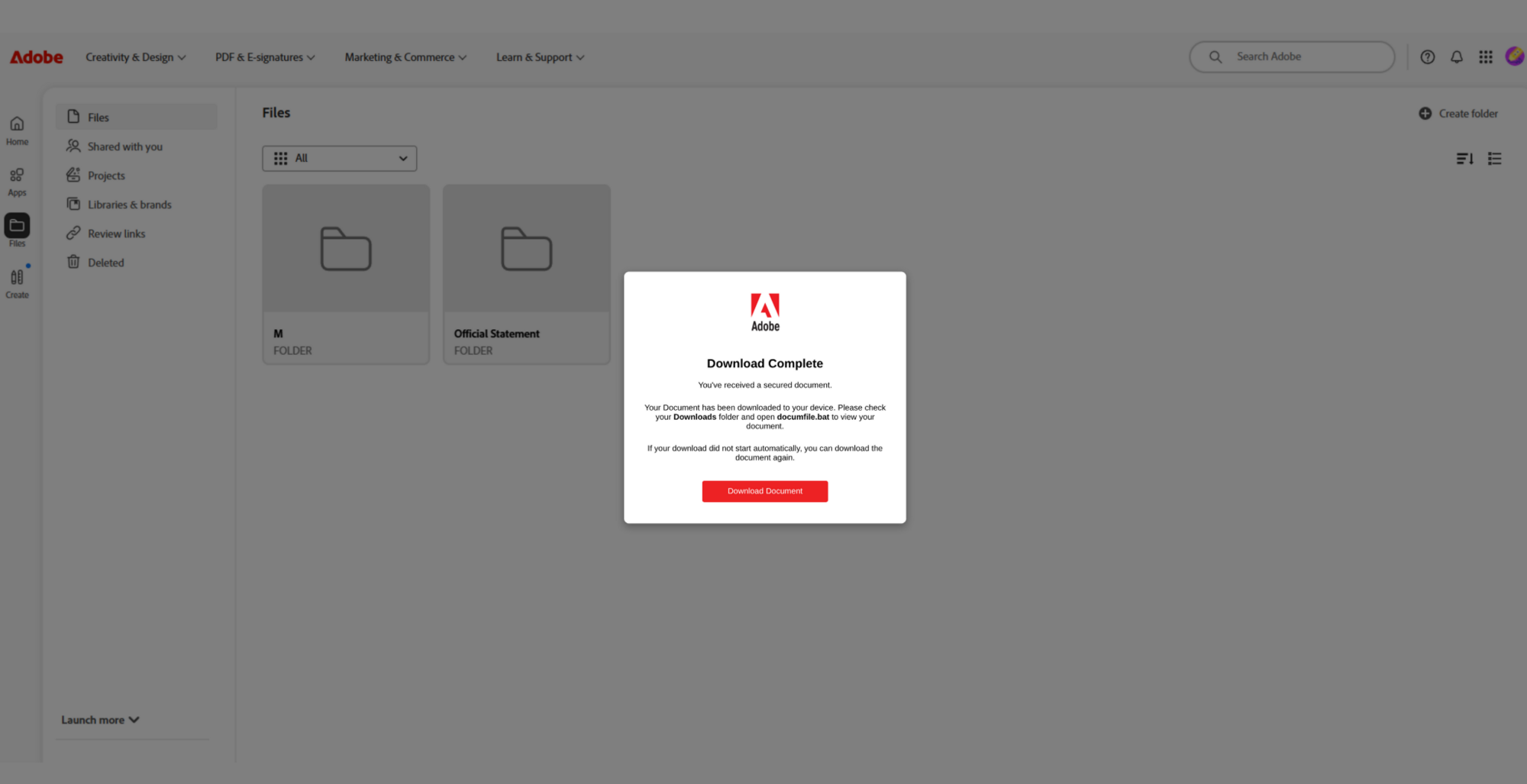
Figure 3: Fake Adobe download complete prompt
After clicking Download Document, the victim is presented with a fake Adobe error claiming that the required plugin is outdated and instructing them to run the downloaded file.
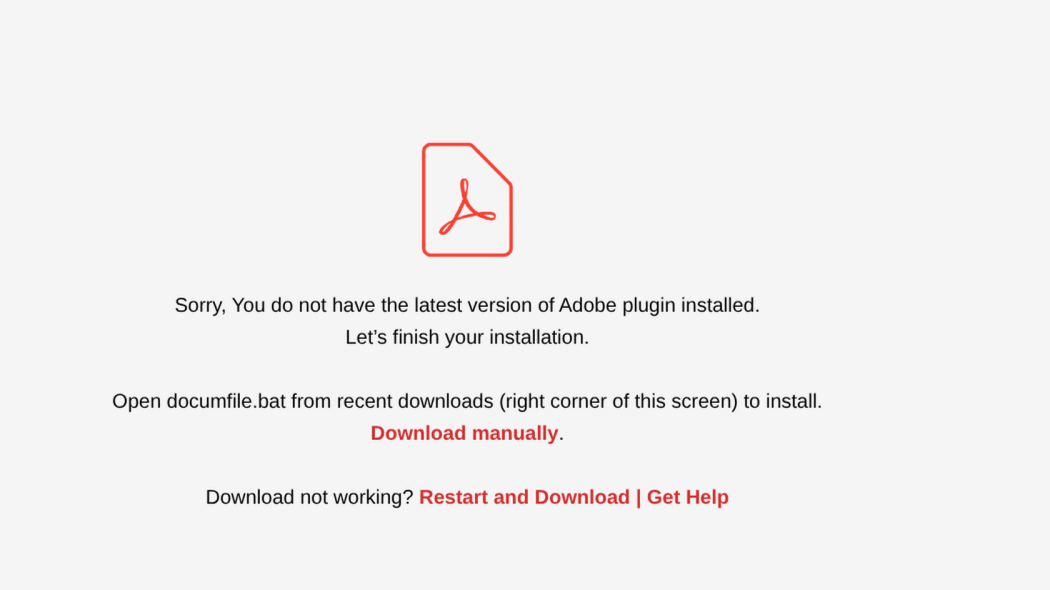
Figure 4: Fake Adobe plugin update error
The Adobe facade ultimately serves as the delivery mechanism for Faronics Deploy. Rather than delivering a traditional malware loader, the campaign convinces victims to execute a legitimately signed Faronics installer disguised as the document or plugin they expected to receive. Once enrolled, the legitimate deployment function would be used by threat actors to remotely execute scripts and introduce additional tooling.
Increased activity
Once the payload has been downloaded, the activity follows a familiar trend: threat actors abuse legitimate remote management and deployment tooling to establish access while blending in with otherwise trusted software.
In this campaign, victims are presented with Faronics-signed executables masquerading under filenames associated with common business workflows, such as Adobe.exe, AdobeReader.exe, and others listed in the IOC section below.
The Faronics Deploy executable is legitimately signed software, but in this campaign, it is installed with administrative privileges. During installation, the endpoint is enrolled in a Faronics deployment controlled by the threat actor, placing it under their remote management and enabling them to use Faronics' legitimate software and script deployment capabilities.
Once installed and enrolled, the Faronics agent operates with the privileges necessary to perform administrative deployment tasks on the endpoint. From this point, the threat actor can remotely instruct the agent to execute scripts without requiring further interaction from the victim.
Daisy-chaining Faronics to ScreenConnect
Huntress has repeatedly observed threat actors use this capability to remotely execute PowerShell on affected endpoints. Rather than embedding the next-stage payload directly in the Faronics installer, the threat actor uses Faronics' deployment functionality to execute PowerShell and retrieve attacker-controlled scripts from external staging locations, including GitHub. The delivery method varies between scripts, with observed examples using curl or mshta to retrieve additional content, while others invoke msiexec to install payloads hosted on attacker-controlled infrastructure.
These scripts are subsequently used to install ScreenConnect, establishing an additional remote access mechanism on the compromised endpoint.
Identifying an unauthorized Faronics installation
There are several things to look out for when determining if a bad actor has installed a copy of Faronics Deploy on a system. One particularly useful forensic artifact for tracing this activity is C:\ProgramData\Faronics\Logs\ScriptRunner.log. Even when the original PowerShell activity is no longer available, ScriptRunner.log can preserve the remote script URL:
[ 2026 10:53: 6] Entered GetScriptNameUsingURL URL=https://raw.githubusercontent[.]com/askaboutme121/Xusyahfd/refs/heads/main/Jhinstaller.ps1
[ 2026 10:53: 7] Leaving GetScriptNameUsingURL ScriptName=Jhinstaller.ps1
For defenders investigating one of these incidents, this provides an excellent pivot into the attacker's infrastructure and potentially other payloads hosted within the same GitHub account or repository.
Identifying an abused Faronics deployment
Another interesting artifact can be found within the Faronics configuration activity.
During enrollment/configuration, we've observed requests resembling:
https://deploy.faronics[.]com/api/GetConfigSettings?ck=6D70CDEF-CFF4-48A7-8092-24E5B9C3FA1D&wid={00000000-0000-0000-0000-C45AB1DED776}&cnfid=1
When speaking with Faronics support, they noted that the ck parameter provides a customer/deployment identifier associated with the Faronics environment. This makes it particularly valuable when investigating abuse.
Rather than relying solely on hashes, which change as attackers obtain or repackage installers, the ck value provides defenders and Faronics with another potential mechanism for clustering malicious deployments, identifying the accounts behind them.
Detection and investigation
For organizations encountering unexpected Faronics installations, we'd recommend reviewing C:\ProgramData\Faronics\Logs\. In particular, investigate ScriptRunner.log for:
PowerShell or other scripts that were remotely executed through Faronics
GitHub or other external payload URLs
ScreenConnect or other RMM installation activity
Configuration & network requests containing the
ckidentifierAdditional scripts executed before or after RMM deployment
The presence of Faronics software is not inherently malicious. The key distinction in this activity is an unexpected Faronics installation followed by its legitimate deployment functionality being used to execute attacker-controlled scripts or install additional remote access tooling.
Remediation and response
Ultimately, this is a case of threat actors abusing legitimate software for malicious purposes. Huntress notified Faronics of the activity, and the company has been highly responsive throughout our investigation, actively working to identify and disrupt abuse of its platform.
Faronics informed Huntress that it has observed threat actors attempting to register accounts using impersonated organizations, fraudulent domains, and compromised accounts. In addition to implementing measures designed to prevent these actors from accessing and abusing the service, Faronics has proactively contacted organizations where it identified accounts that may have been compromised.
These efforts appear to be having a meaningful impact. Beginning around August 21, Huntress observed a dramatic decline in cases involving malicious use of Faronics software.
The response from Faronics provides a strong example of how collaboration between security researchers and software vendors can translate threat intelligence into meaningful disruption of active campaigns.
If you identify a Faronics-related infection, we recommend the following actions:
Isolate affected endpoints: Prevent further attacker access, script execution, or retrieval of additional payloads while the incident is investigated.
Identify the abused Faronics deployment: Review configuration activity for the associated
ckidentifier and determine whether other endpoints have been enrolled into the same deployment.Review
ScriptRunner.log: Identify remotely executed scripts, external URLs, and additional tooling delivered through Faronics. Preserve these logs before removing the software.Hunt for secondary remote access: Determine whether ScreenConnect or another RMM was installed following Faronics and identify any associated services, processes, or persistence.
Remove unauthorized remote management tooling: Uninstall maliciously enrolled Faronics and secondary RMM instances after collecting the artifacts required for investigation.
Review subsequent activity: Investigate commands, scripts, processes, and persistence created after the initial Faronics execution to determine what the threat actor did once they obtained access.
Rotate credentials where warranted: If the investigation indicates interactive attacker access or credential exposure, reset credentials for affected users and systems.
Report Activity to Faronics: Organizations that identify suspected abuse of Faronics software are encouraged to report the activity directly to the Faronics team at
[email protected]. Faronics has been highly responsive to reports of malicious activity and is actively working to identify and prevent abuse of its services.
Indicators of compromise (IOCs)
Item | Description |
|---|---|
| URL where fingerprint is sent. |
| Downloaded Faronics Deploy executable names observed. |
| Log entry in |