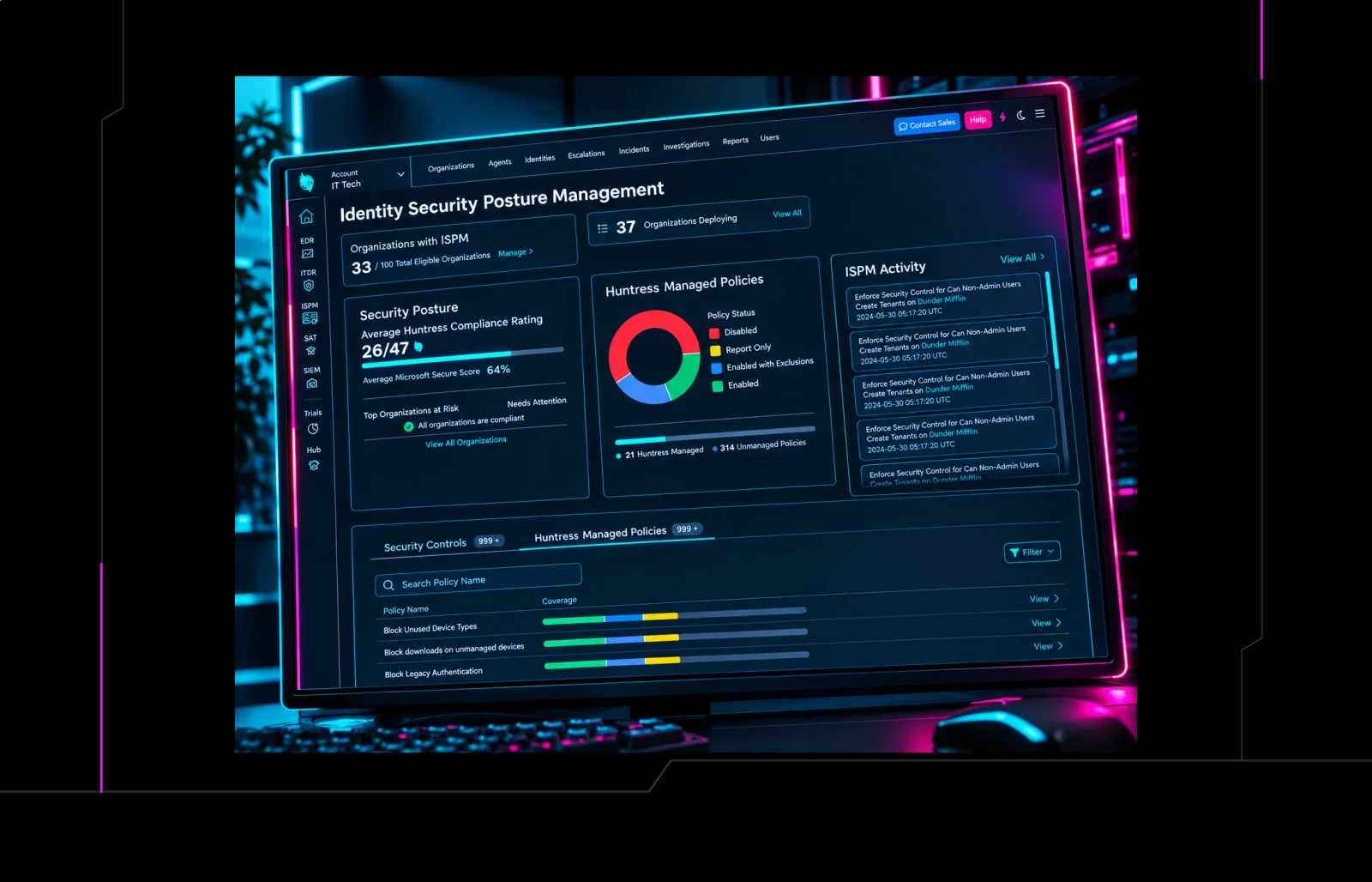


Picture your Microsoft 365 environment being hardened around the clock, controls rolling out on a set schedule based on expert best practices, without you having to do a thing. Some security teams would take that deal without blinking. Others have spent years building change control processes that require more involvement.
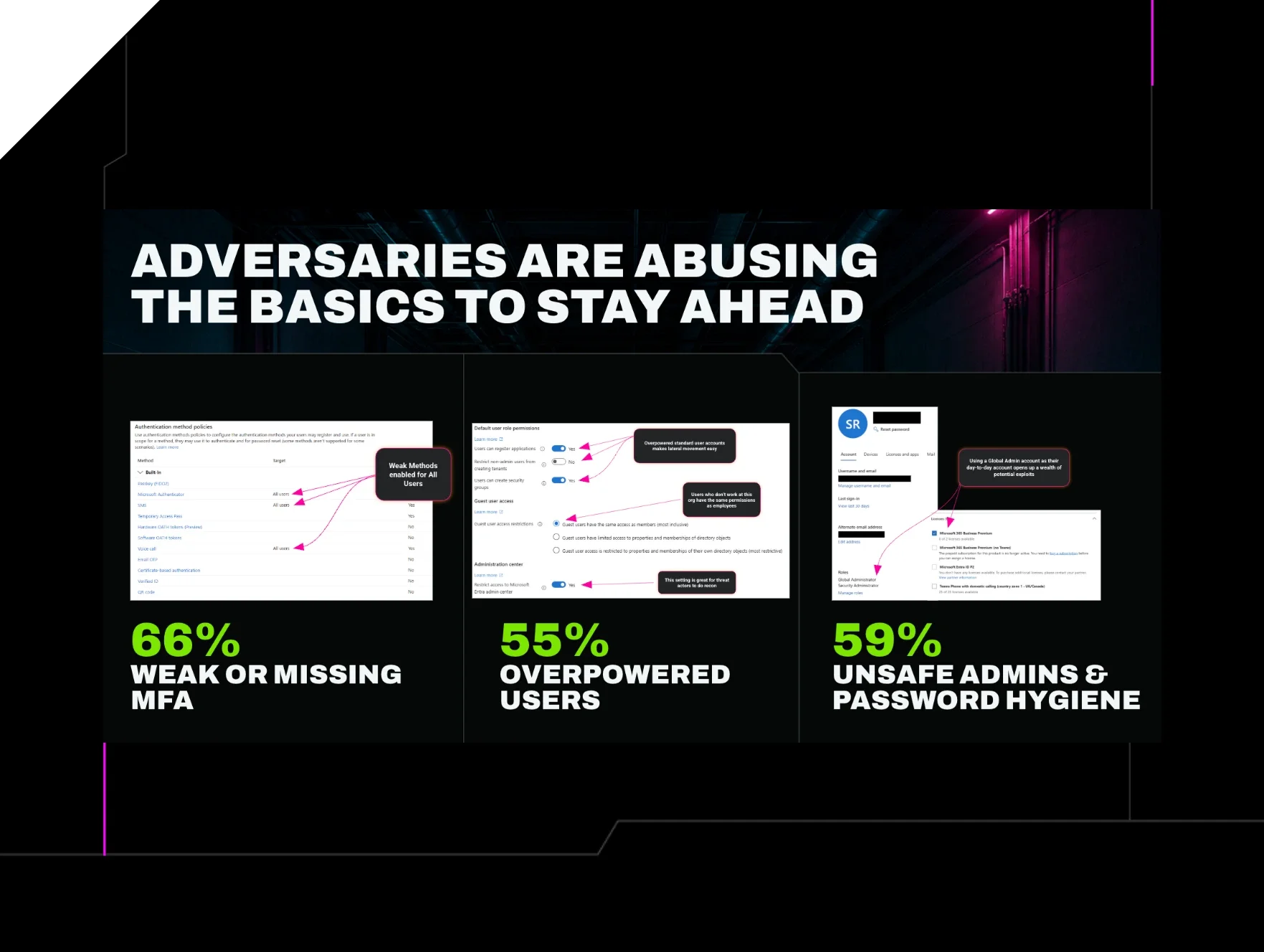
Both approaches understand the same premise. Most Microsoft 365 environments don't get safer with time. Huntress data shows that over half of recommended identity controls are missing in more than 60% of tenants, even ones already running some kind of posture tool. Teams might know what policies they should have in place. But most don't implement them for fear they'll lock someone out at 8am on a Monday.
That hesitation is exactly why identity hardening stalls out industry-wide. In fact, left to their own devices, we've found more than 90% of organizations won't touch their settings at all… so gaps pile up while Microsoft keeps shipping updates. Automating control deployment and drift remediation closes that gap (and it works). Across the thousands of tenants running Managed ISPM (Identity Security Posture Management), the rollback rate for controls has stayed under 1%. Still, the fear of breaking something is understandable, but the odds of it happening when we vet the controls are low enough that doing nothing is the bigger risk.
Adding scale creates its own version of this tension, and it shows up differently depending on where you sit. An MSP protecting 550 clients doesn't want to review and approve a new control 550 times by hand. Similarly, a two-person internal security team doesn't have the bandwidth to vet every new control by hand either. The reality is, manual review doesn't scale, no matter which org you're in.
The opposite pressure is just as real. Someone running a CMMC-regulated environment needs to know about a change before it ships, not after. High change-control environments can't absorb a surprise, even a good one. Both the need for scale and control are legitimate. So Huntress built two ways to run Managed ISPM deployments, and you can decide how much of the driving you want to do.
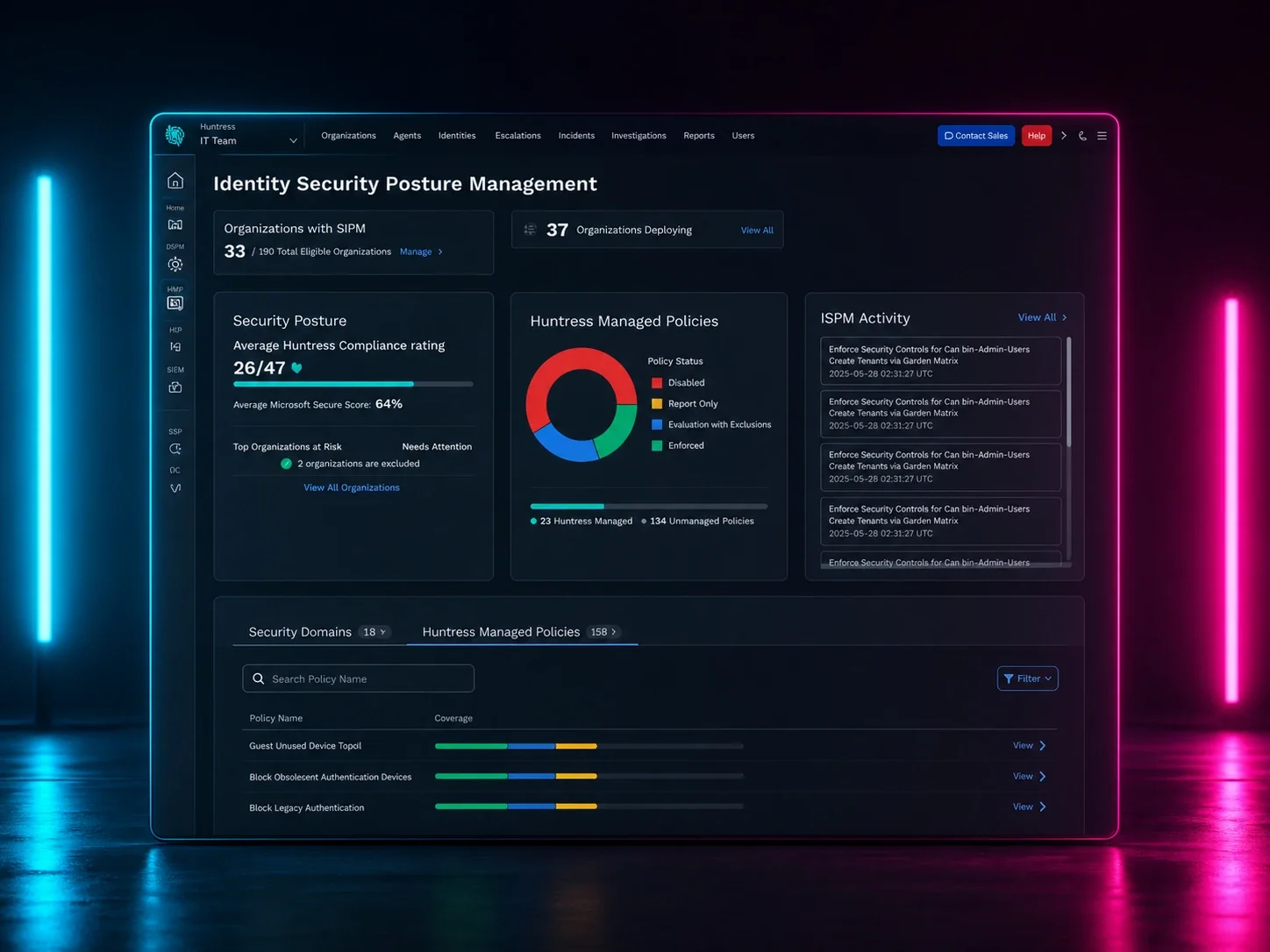
Managed Deployments is for teams that want hardening handled for them. Huntress builds and maintains the security framework from a hand-picked set of low- and no-impact controls to start, and rolls it out Monday through Thursday. You can preview what's scheduled, but you don't have to. As the library grows, new controls get added to your schedule automatically, so your posture keeps climbing whether you logged in this week or not.
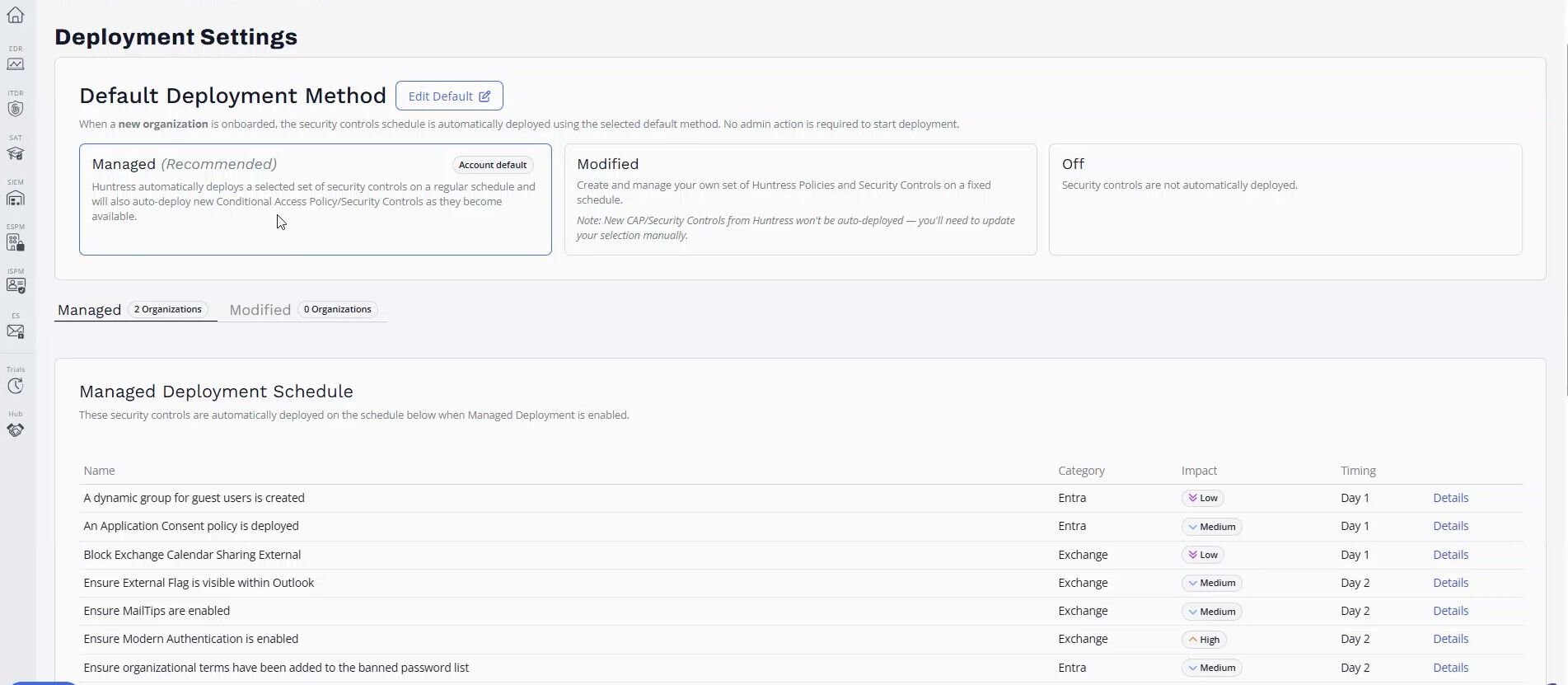
Snapshot of Managed Deployments
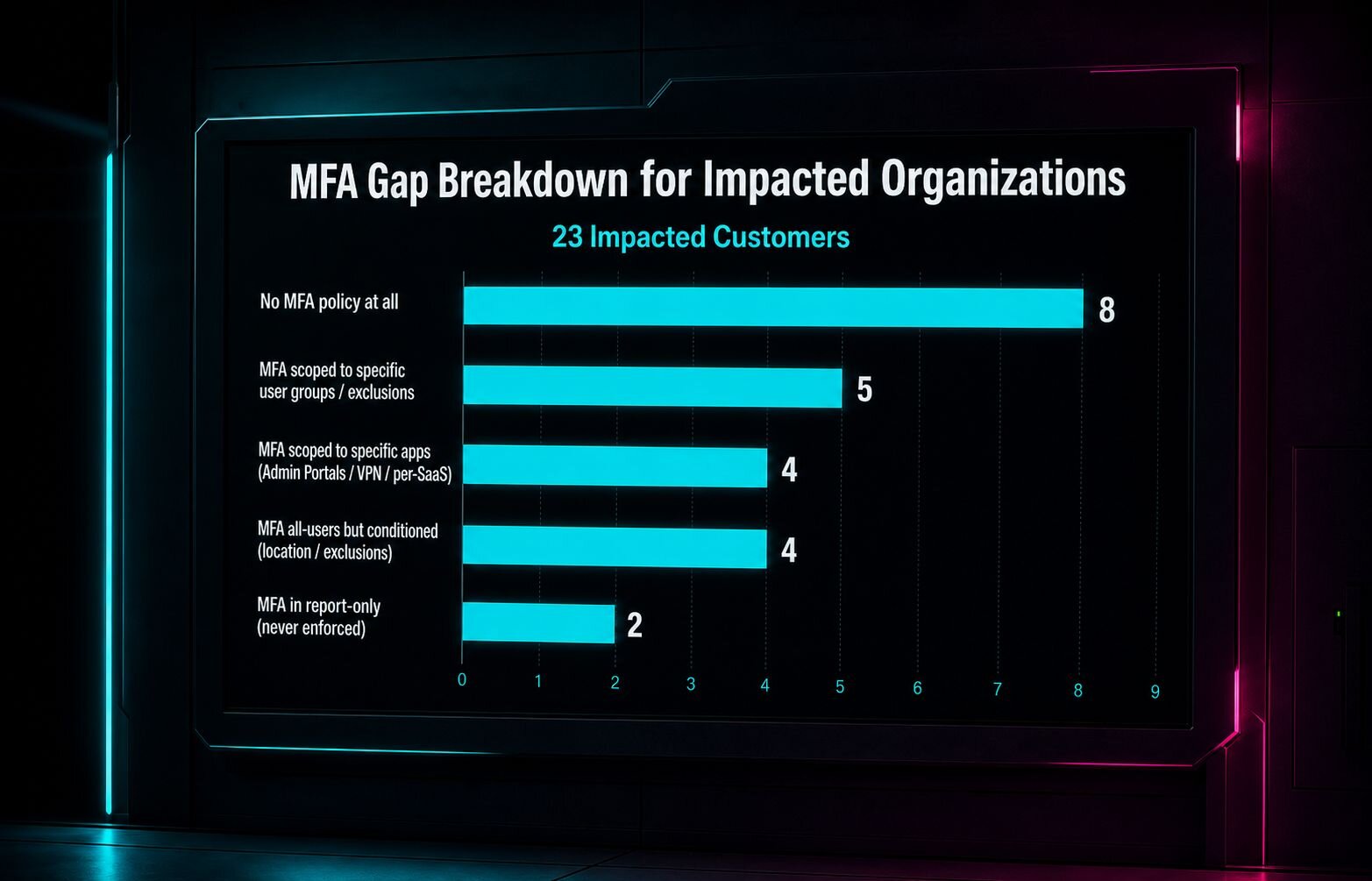
Modified Deployments is for teams that need to own which controls are rolled out, and when, with a greater level of review. You build your own schedule from the full Huntress policy library, selecting low-, medium-, or high-impact controls, and you set your preferred rollout days. When Huntress adds a new control, you're notified and can decide whether it earns a spot in your rollout. Nothing changes without your say. For MSPs, your selection becomes the default for every new client org you bring on, with room to override per client. For an internal security team, it means locking in exactly the controls your compliance program requires and adding new ones on your own schedule, not ours.
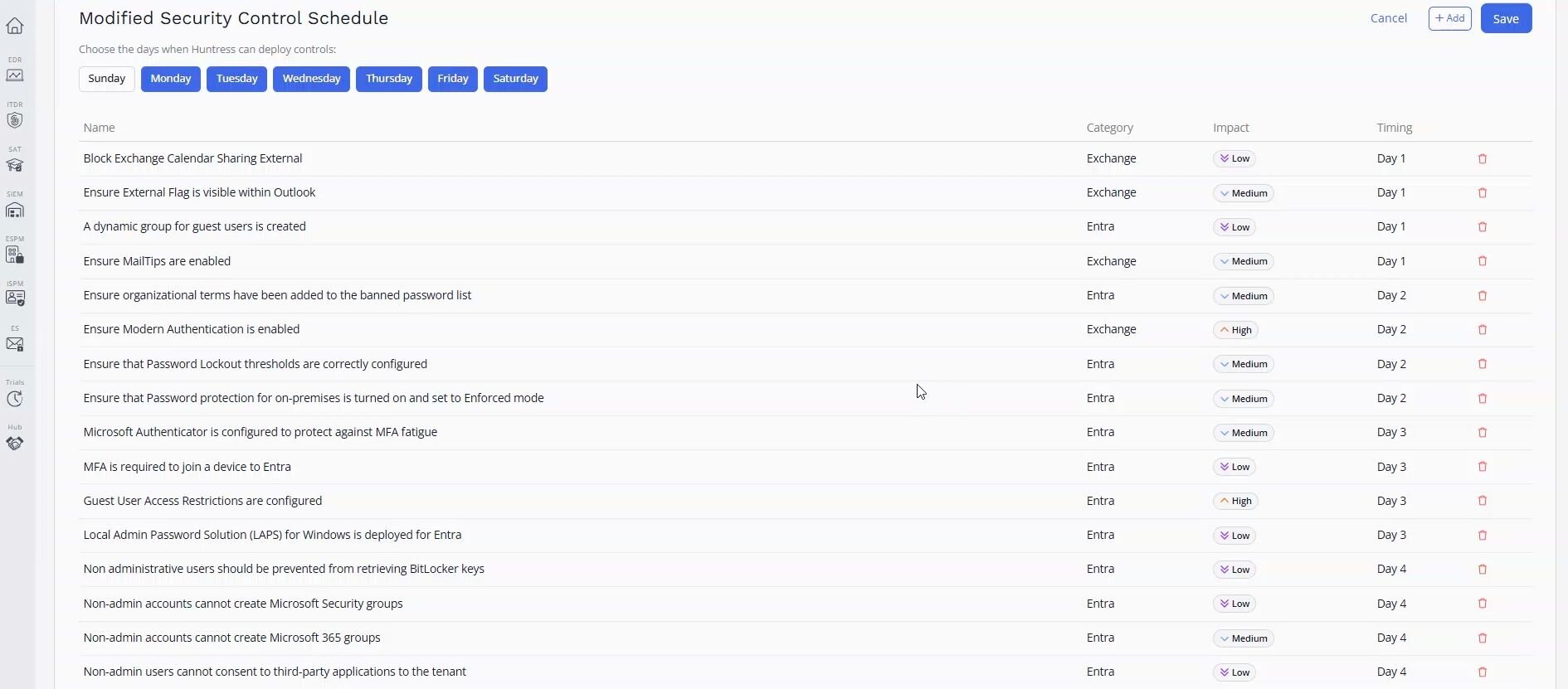
Snapshot of Modified Deployments
Choosing whether your Managed ISPM deployment is fully Managed or Modified is an org-level setting. An MSP can run Managed Deployments for clients who want it handled and Modified Deployments for those under a CMMC assessment or ISO 27001 audit, mixing and matching to best suit their clients' needs. An internal team managing just one tenant picks whichever mode fits how their organization best operates, and can switch later if that changes.
Ready to get started? Start a free trial or request a demo to see Managed ISPM in action today.