



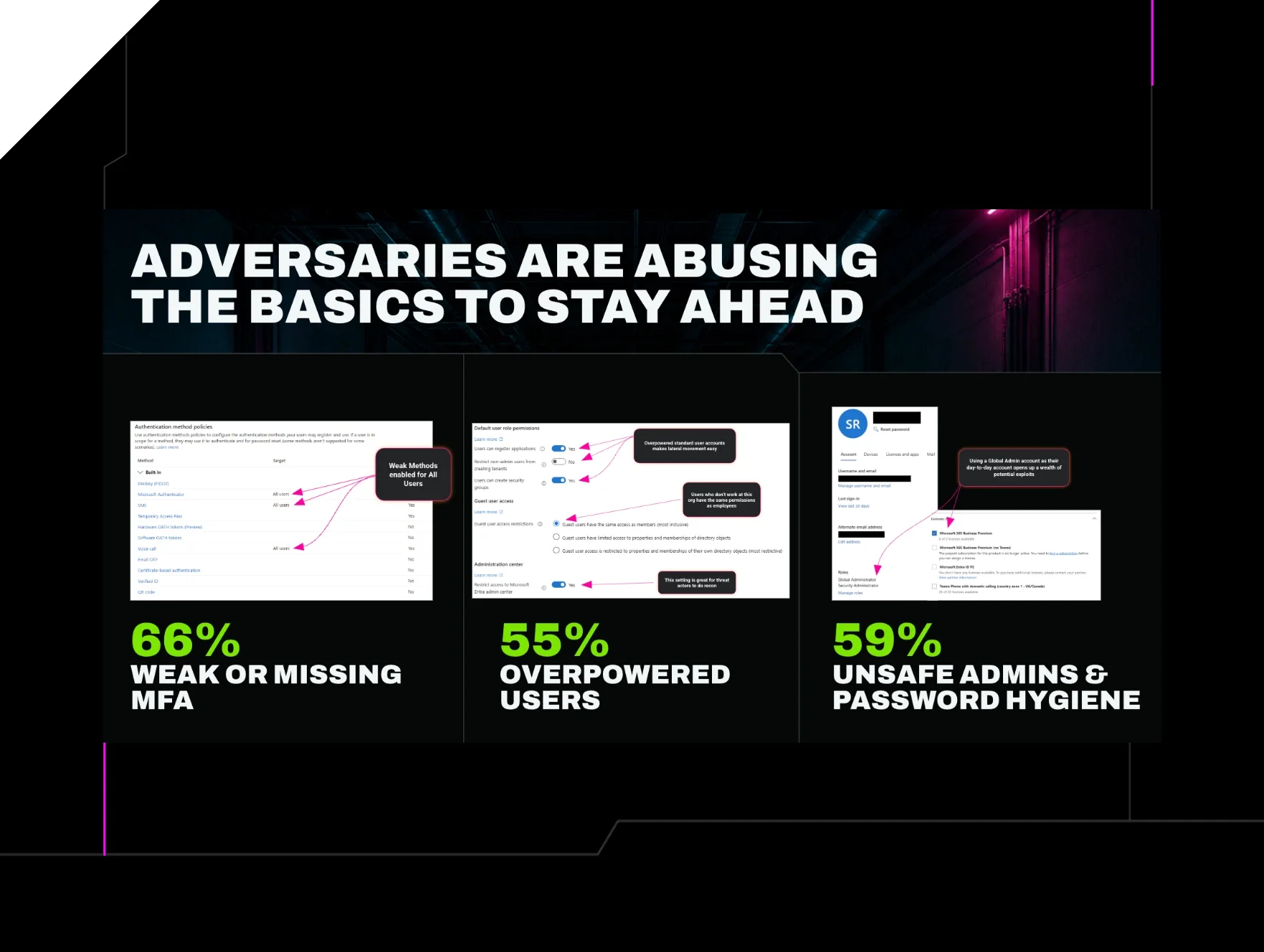


We spent three months assessing how Microsoft 365 environments actually get compromised. What we found should change how you think about identity hardening.
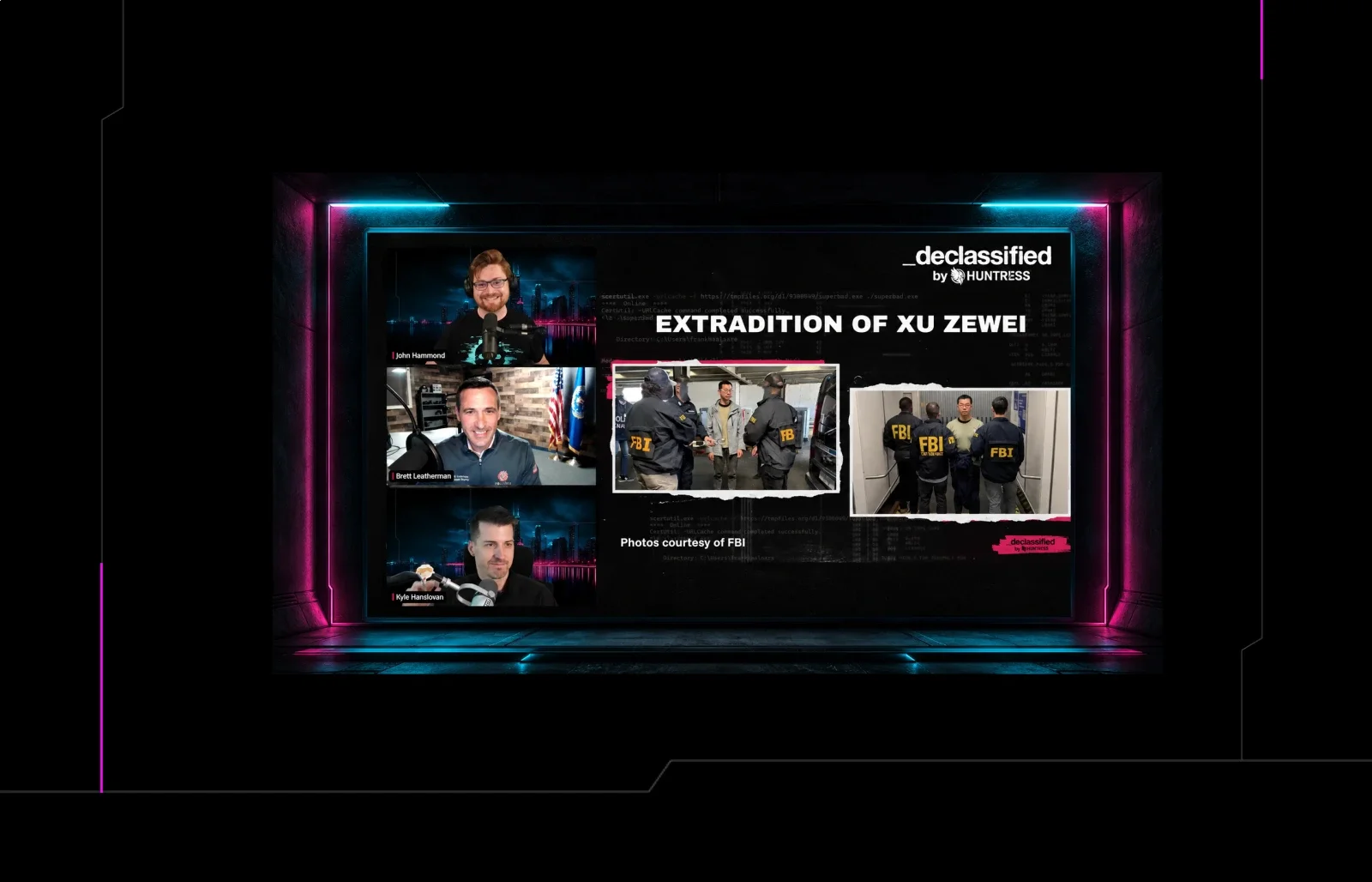
In front of a live audience during our launch event, Huntress Principal Product Manager Scott Riley built a fictional Microsoft 365 user he called "Standard Steve"—a regular account with no admin access, representing the kind of credential an attacker picks up in a phishing campaign. Then he sat down with that account, an AI assistant, and a timer. Five and a half minutes later, Standard Steve was a global admin.
Scott wasn't using novel exploits or sophisticated tooling. He found a service account that owned an overpowered enterprise application, created a credential for it, asked an AI model in plain English to write a script to escalate his privileges, and ran it. That was it.
There were probably seven different controls that could’ve helped at different stages to stop or slow the attack. None of them was in place.
The scary part isn't that a skilled attacker could do this. It's that Scott isn't a skilled attacker. He’s just a guy who knows attackers get ahead by taking advantage of basic gaps left open.
What we found across 12,000 Microsoft tenants
That demonstration didn't happen in a vacuum. It was an illustration we built to make a data point feel real.
Last year, identity-based attacks accounted for 79% of all critical and high-severity incidents Huntress responded to. Most stemmed from the same preventable gaps Standard Steve had wide open.
For the past three months, Huntress ran an Early Access program for Managed Identity Security Posture Management (ISPM), deploying it across more than 12,000 Microsoft 365 tenants. The data we gathered was consistent and sobering.
More than 60% of those tenants were missing at least half of Huntress-recommended security controls. That's not just organizations new to security tooling. It includes environments where identity posture tools were already deployed and running.
The specific gaps we found most often:
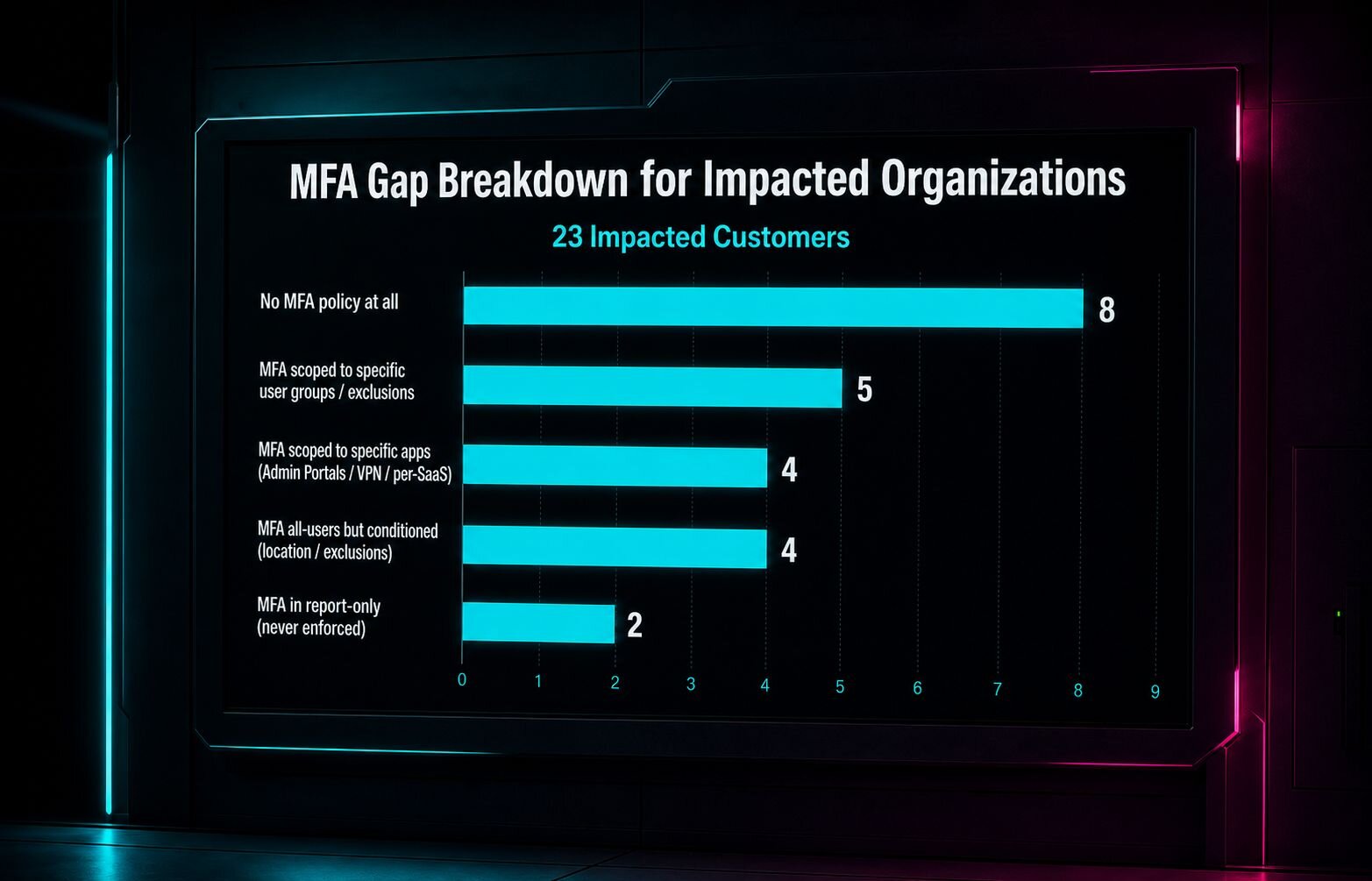
66% didn't have recommended MFA configurations in place
55% allowed standard users to perform admin-level functions
59% had admin accounts with insufficient restrictions
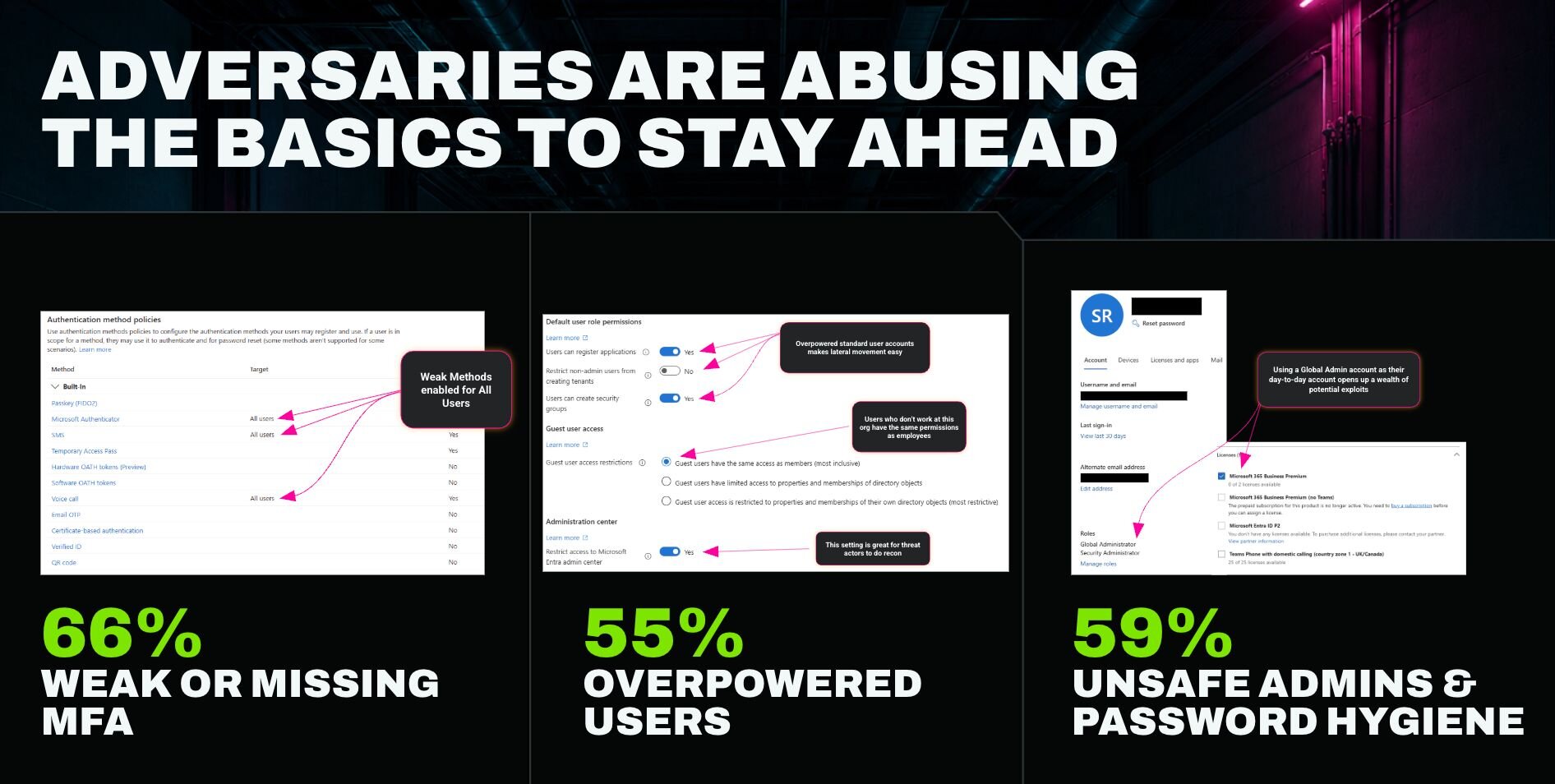
It's security gaps like these that let Scott escalate Standard Steve to Global Admin in five minutes.
Why this keeps happening
Here's the thing that the data doesn't immediately explain: the practitioners managing these environments know what to do. They understand the need for MFA. They know over-privileged accounts are a problem. They're not ignoring the risk.
During our launch event, we brought together MSP operators and internal IT leaders to talk honestly about why the gap between knowing and doing stays open. Three separate people described the same patterns.
Fear of user impact keeps controls from going live. Rolling out a Conditional Access policy means someone might get locked out, workflows might break, or the helpdesk gets flooded. The safer choice is to wait until there's more time to evaluate the impact. So the policy sits in draft.
Exceptions pile up and never get cleaned up. A technician disables MFA for a user to close a ticket. The ticket closes. The next ticket is already open. The exception stays.
Drift happens constantly and goes undetected for days. Microsoft changes defaults. Licensing tiers shift. An admin makes a change. A vendor pushes an exception. Any of these can quietly reopen a gap, and without continuous enforcement, nobody notices until days or weeks later.
Companies inherit a new tenant via M&A, leading to MSPs inheriting an unknown posture on every new client. When you take over an environment from another provider, or onboard a company that's never had managed IT, you start from whatever state things were left in. If that's a Secure Score in the 40s, you now own that risk from day one.
All of this is compounding. Microsoft 365 spans multiple portals, dozens of settings categories, and hundreds of individual controls. Keeping up with what "good" looks like as the platform, compliance frameworks, and the threat landscape evolve is a real job on its own. Most teams doing this are also managing endpoints, handling tickets, supporting users, and dealing with printers.
In the end, the problem isn't apathy. It's that hardening is genuinely difficult to do continuously at scale with finite time and expertise.
Why drift is an exposure problem, not just a maintenance issue
Most teams think of configuration drift as something that degrades posture over time. That's true, but it understates the real risk.
According to Microsoft, the average time from initial intrusion to lateral movement is 48 minutes. When a setting drifts, the window for an attacker to exploit it isn't measured in days. It's measured in the time between when you notice and when they act.
Tools that rescan on 24-hour cycles (and then make you do the work to fix drift) aren't protecting against that window. They're documenting it after the fact.
When we catch drift in Managed ISPM, we detect and remediate it in minutes. That gap—15 minutes versus 24 hours—is the difference between an attacker finding a closed door and finding an open one.
What Managed ISPM does differently
The core promise of Managed ISPM is simple: we find identity gaps in your Microsoft 365 environment, fix them, and keep them fixed.
What makes that different from other tools in this space is where the work actually lives. Most posture tools show you what's wrong and hand the remediation back to your team. That's a reasonable product. But it doesn't solve the bandwidth and expertise problem. Someone still has to define what "good" looks like, prioritize what to fix first, manage user impact, and stay on top of drift.
Managed ISPM is different in that we own the hardening framework—and the work that follows. Huntress defines the best-practice baseline for Microsoft 365 identity security, keeps it current as Microsoft changes and attacker tactics evolve, and deploys and enforces it for you. You don't need to be a Microsoft identity expert to run a hardened environment.
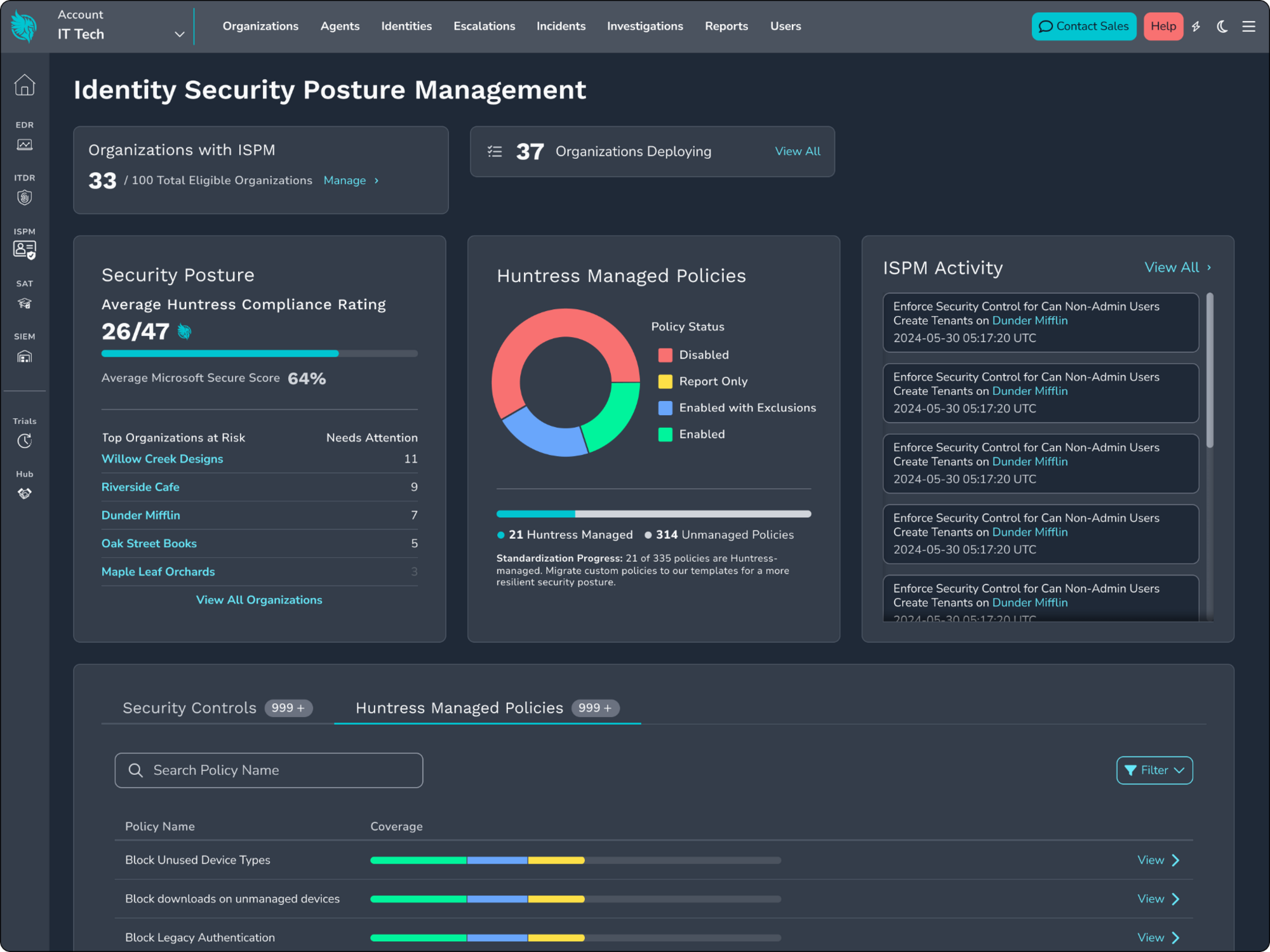
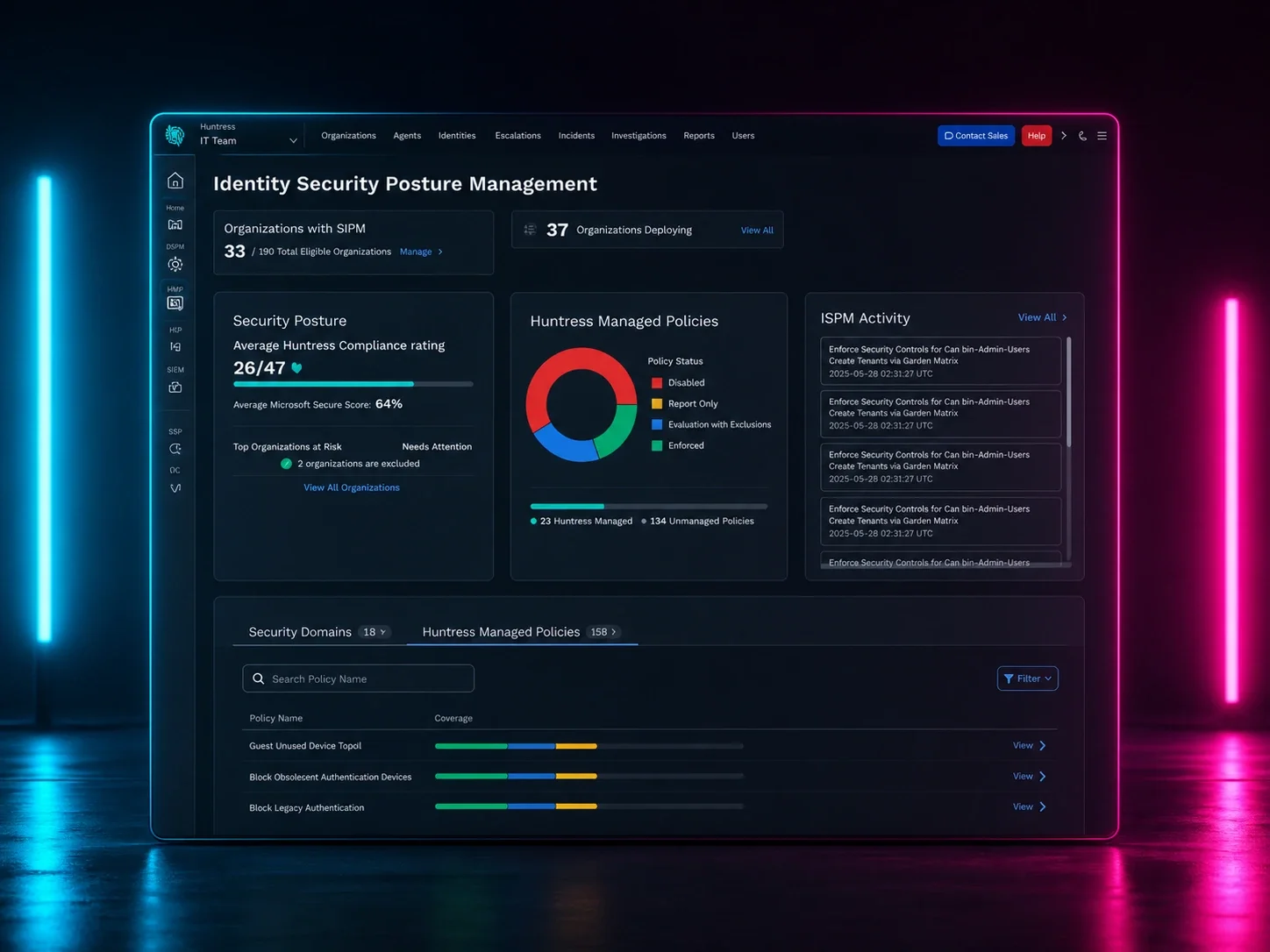
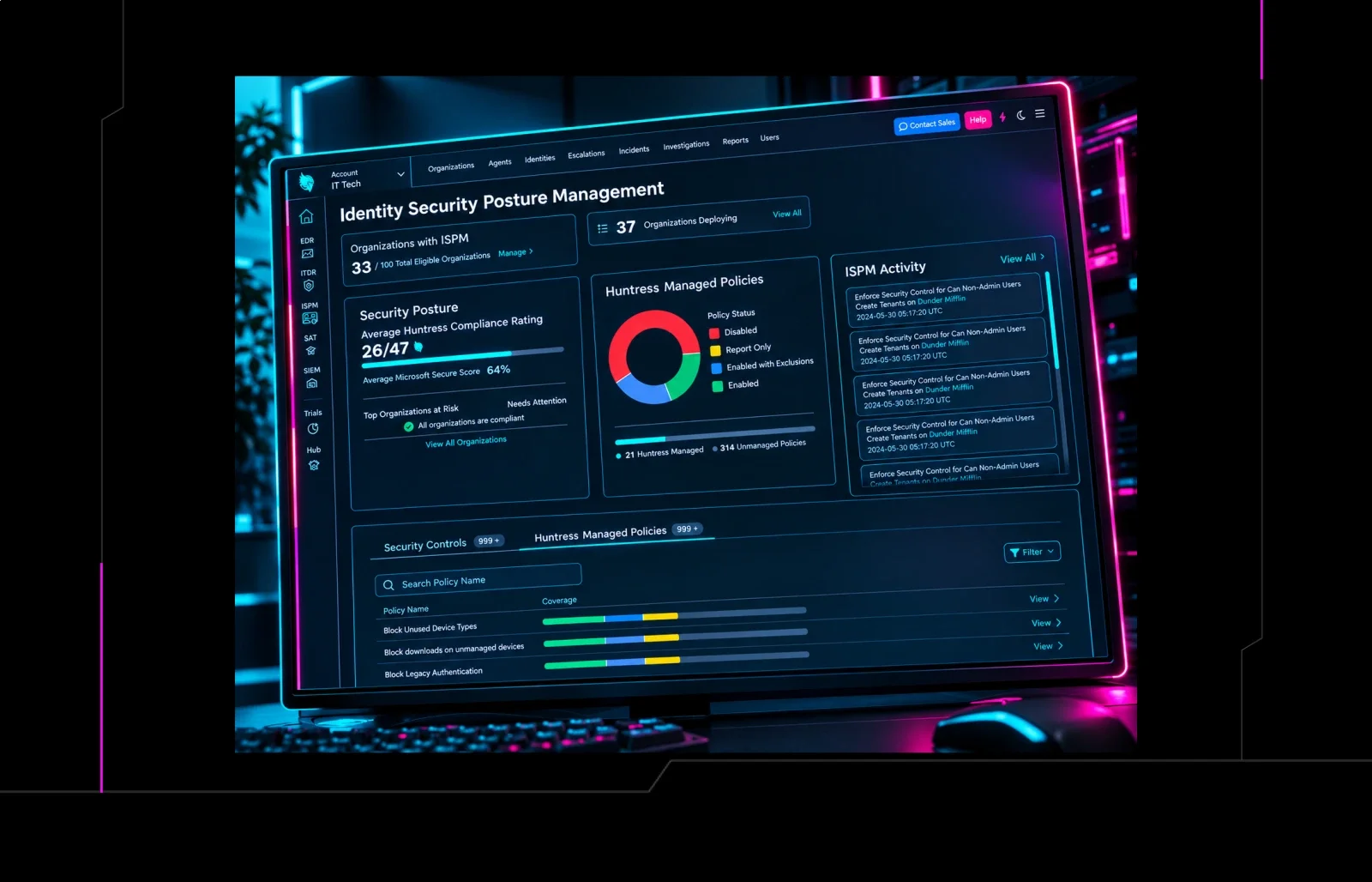
A screenshot of the Huntress Managed ISPM console
We’ve also built key functionality that solves some of the biggest hardening challenges we see teams up against:
Learning Mode. Take the risk out of Conditional Access rollouts with a temporary report-only period. Huntress checks the impact data daily across every policy in Learning Mode and clearly surfaces exactly which potential user impacts need to be addressed before enforcement starts. The result is safer enforcement, faster decisions, and the confidence to roll out the controls most teams keep putting off.
Managed Deployments. Teams get a practical starting point and automated path to rollout. Huntress packages policies into waves of guided deployments, sequencing them for you based on importance and user impact so you never have to waste time figuring out what to deploy, when. You’ll get structured hardening that moves your security forward, all while we keep the underlying framework current for you as attacker behavior and Microsoft capabilities change.
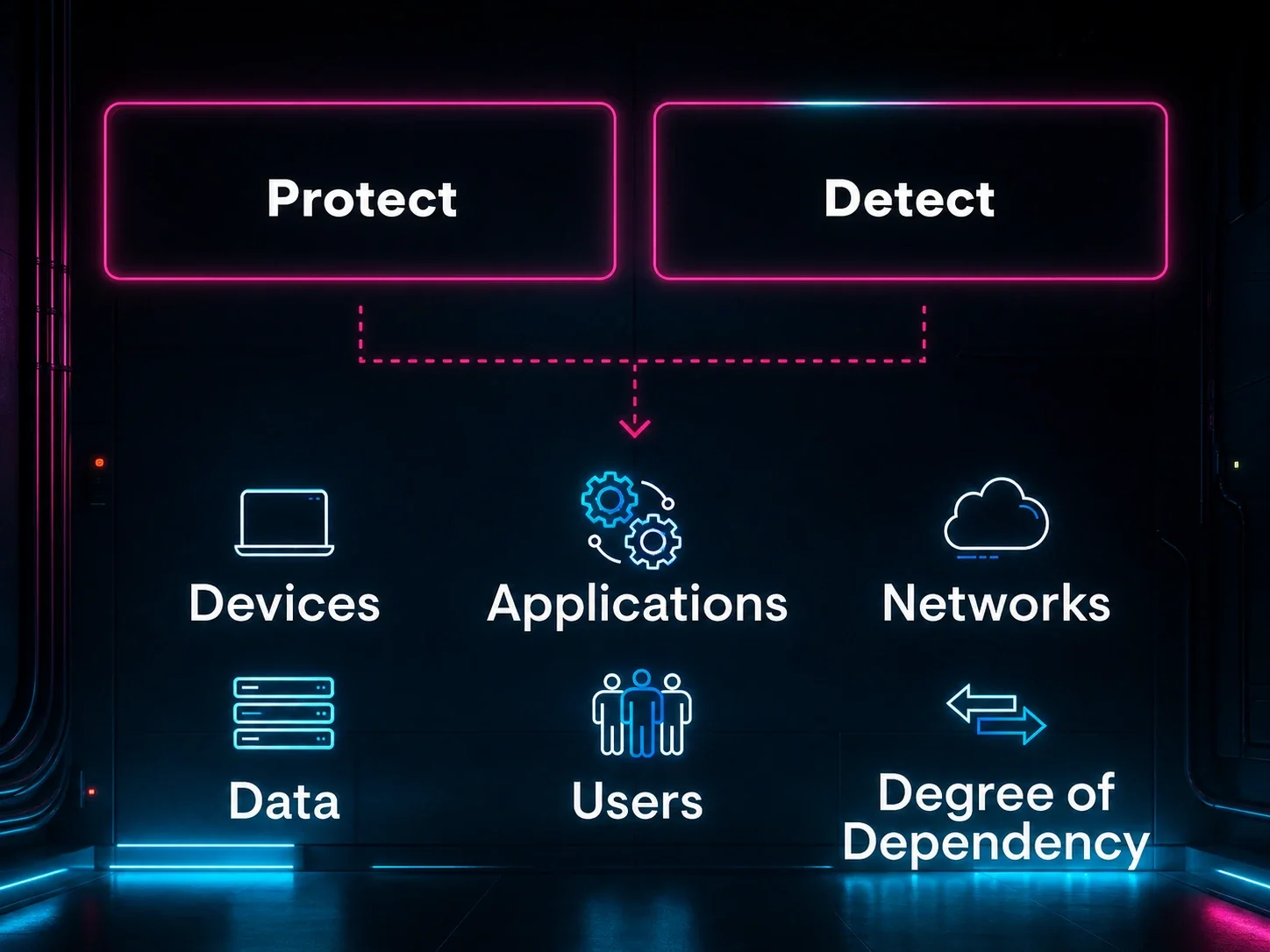
A continuous feedback loop for identity resilience. When our SOC detects an active identity threat through Managed Identity Threat Detection and Response (ITDR), those findings feed directly into ISPM to close the specific gaps that made the attack possible. Prevention and detection aren't separate programs. They work together within the Huntress platform in a continuous loop: ITDR shuts down active threats and signals where defenses need to be hardened next, while ISPM closes those gaps before attackers can use them again.
The result is identity resilience: fewer ways in, less time for attackers to operate, and a defense that gets harder to beat every incident.
As one customer put it:
"When you're supporting a company that's grown from around 40 people to more than 150 in a year with only a two-person IT team, you need security that can keep up. Managed ITDR has given us confidence by stopping active identity-based threats, and Managed ISPM now gives us that same confidence by finding and fixing identity security gaps before they create incidents."
— Tarah Martin, IT Support Admin, Meade
What the data tells us about the opportunity
Approximately 35% of the identity-based incidents our ITDR SOC responded to over the past six months could’ve been prevented by fully deployed ISPM policies. We expect that figure to reach 80% in the next three months as we add additional controls.
Those aren't incidents caused by sophisticated adversaries using novel techniques. They're incidents that started with a weak MFA policy, an over-privileged account, or a setting that drifted from where it should have been.
The demo account Scott used didn't have MFA enforced. It owned an application with excessive permissions. Standard users could access the Azure portal. Any of those things being different could’ve changed the outcome.
The gaps that made Standard Steve's five-minute escalation possible are common. And fixable. The problem has always been making sure they actually get fixed and stay that way.
That's what Managed ISPM is built to do.
Let’s work together to close the gaps attackers love to exploit. Start a free trial or book a demo to get started.

![The 36 Most Common Cyberattacks [2026]](https://cdn.builder.io/api/v1/image/assets%2F3eb6f92aedf74f109c7b4b0897ec39a8%2F36014deeb67545a0a0d94cdfa4b9b0db?height=10000)

