

Security data is only useful if you can get to it when you need it. For most partners and customers, that means logging into the Huntress portal, navigating to the right screen, and manually pulling what you're looking for, whether that's an incident report, an agent status, a billing count, or a client escalation. It gets the job done, but it takes time, and it assumes you know where to go.
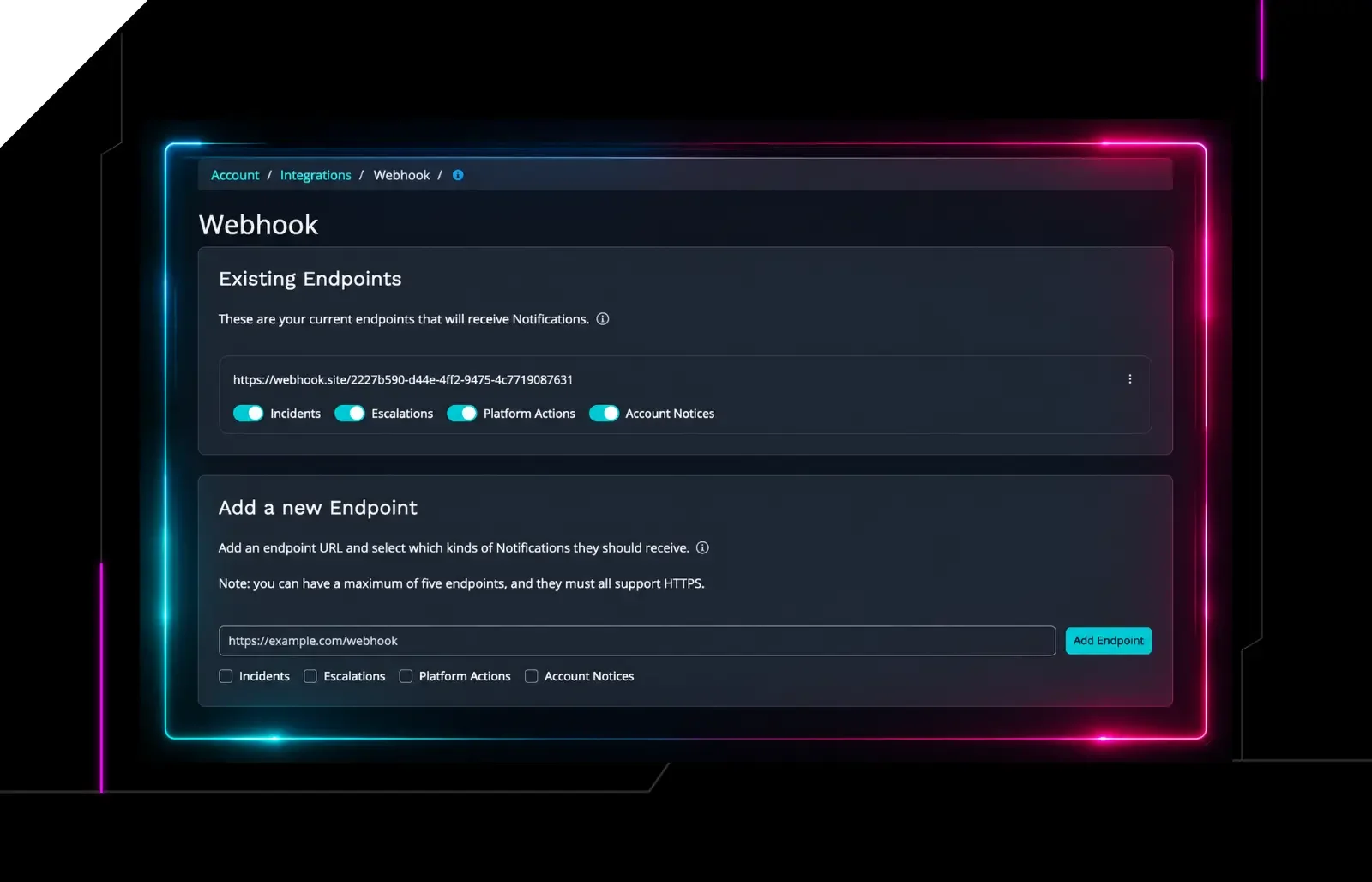
To make life easier, we've been expanding the ways you can access Huntress data in the tools your team works in every day via our API and Webhooks for real-time notifications. And now, you have another option, one built for the age of AI: the Huntress MCP Server.
What Is MCP?
MCP stands for Model Context Protocol, an open standard that lets AI assistants like Claude and ChatGPT connect directly to external data sources and tools. Think of it as a structured way for your AI to securely talk to other systems.
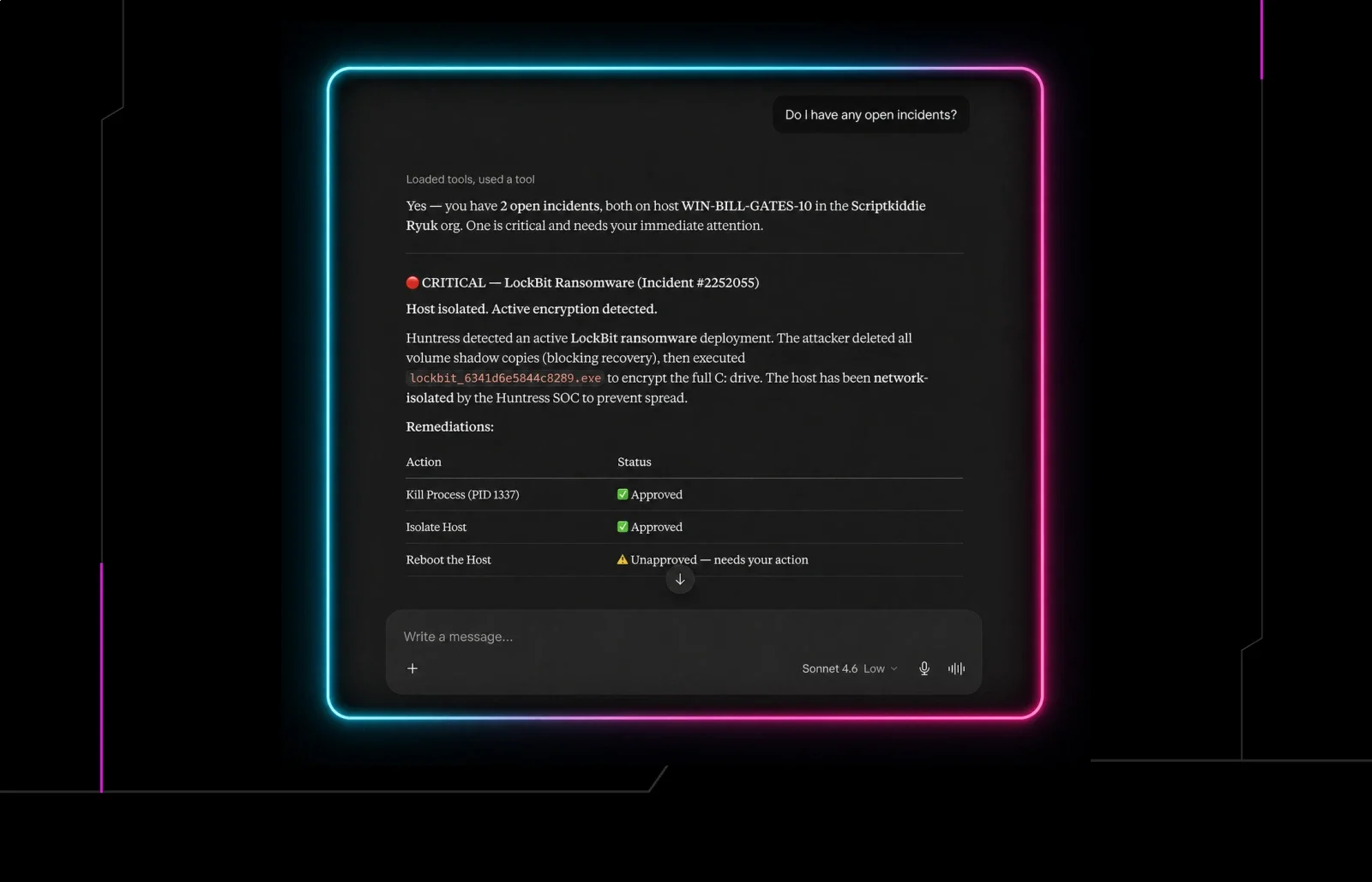
Once you connect the Huntress MCP Server to your AI assistant, you can ask questions about your Huntress data in plain English. No portal navigation, no API calls, no writing queries. Just ask.
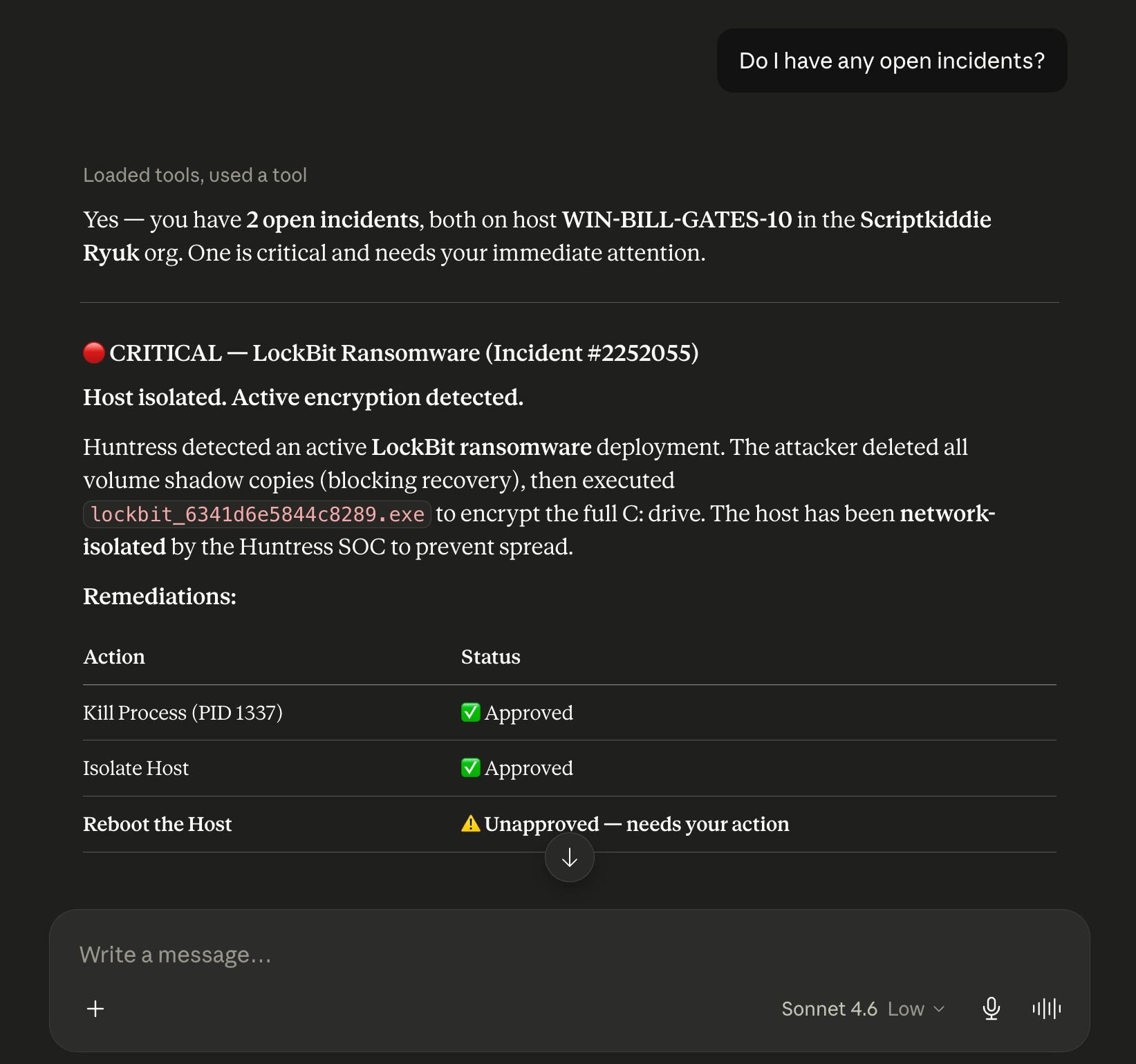
Huntress MCP Server connecter setup
For example, you could ask: "Which organization in my account has had the most incident reports in the last 30 days?" and get back a ranked summary with incident counts by org, the kind of answer that would normally take several clicks and some manual work to piece together.
What Can You Do With Huntress MCP?
The Huntress MCP Server provides read-only access to your account data, including agents, organizations, incident reports, signals, escalations, remediations, invoices, reports, and external recon. Read-only means exactly what it sounds like: the AI can surface your data, but it can't make changes to your account, so there's no risk of an AI assistant inadvertently touching anything it shouldn't. Here are a few ways to put that to work.
Get a security summary across all your clients: Ask your AI assistant to pull open incident reports and active escalations across your entire book of business. Get a snapshot of what needs attention without clicking through individual org dashboards.
Spot billing discrepancies faster: Need to reconcile agent counts or check invoice line items? Pull that data through the MCP and ask your AI to flag anomalies or summarize it in whatever format your billing process requires.
Generate client-ready reports: Ask your AI to summarize recent incident activity for a specific organization, pull remediation outcomes, or build a narrative from your Huntress data to include in a client QBR or executive briefing.
Answer questions without switching tabs: "How many agents does Acme Corp have?" "Did any escalations come in overnight?" "What's the status of the last incident report for this org?" Instead of navigating to find the answer, just ask.
Give Non-Technical Users Access to Security Data: Not everyone on your team needs access to the Huntress portal. The MCP lets team members query your Huntress data through a familiar chat interface without needing portal access or technical expertise.
How to Get Started
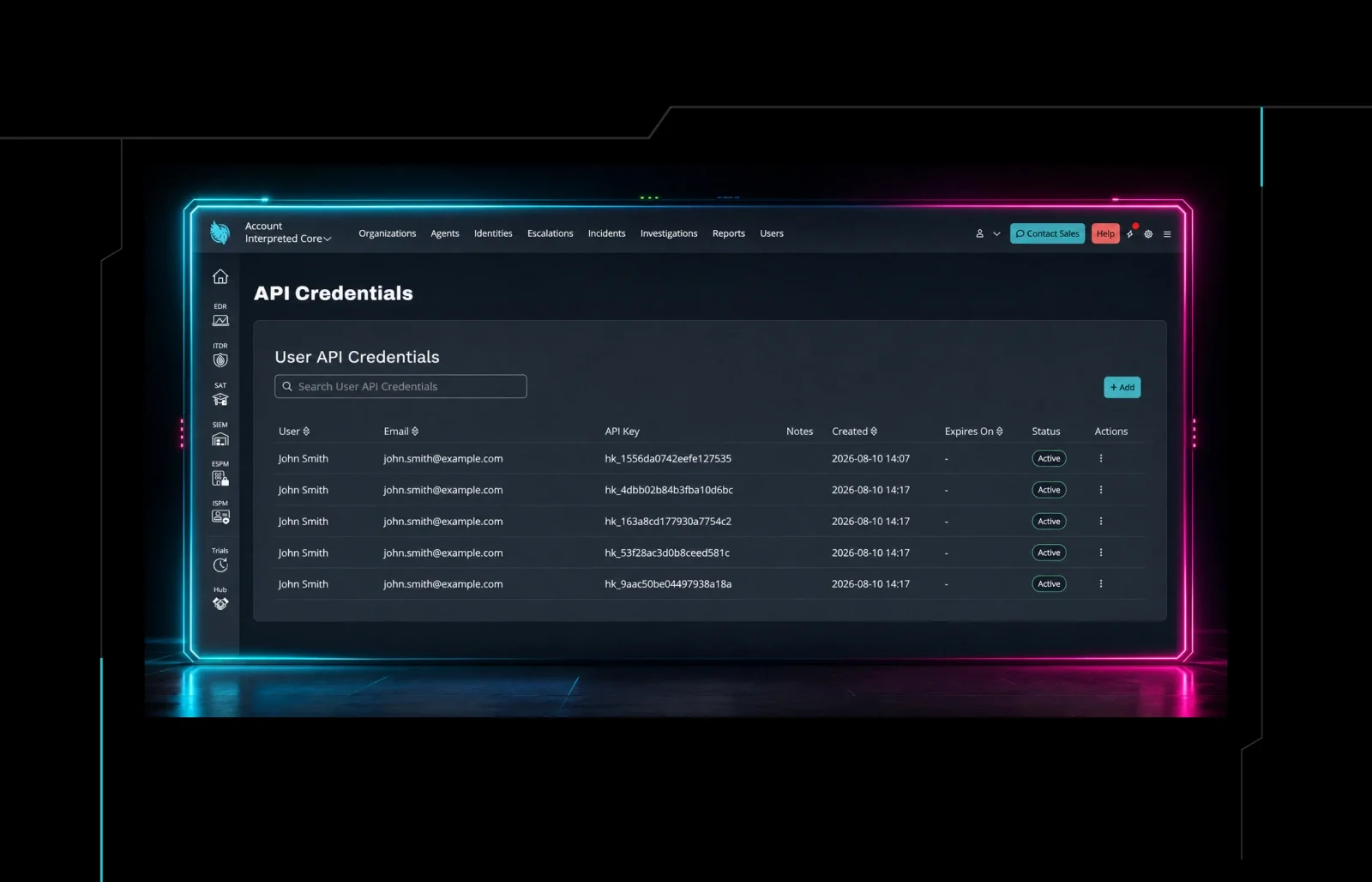
Connecting the Huntress MCP Server takes just a few minutes. You'll need your Huntress API credentials and an MCP-compatible AI client like Claude Desktop, Claude Code, or ChatGPT. Two authentication methods are supported: OAuth (recommended) and Base64-encoded credentials.
For detailed setup instructions, take a look at our support documentation. For a quick overview of connecting with Claude Web/Teams, take a look at this video:
What's Next?
The MCP Server is one part of a broader effort to make Huntress data more accessible and actionable, wherever you work and however you build. Alongside our API (now with write capabilities, reseller billing endpoints, identity access, and more) and Webhooks for real-time event delivery, the MCP rounds out a platform that partners can integrate deeply into their own tools and workflows.
We're just getting started. More capabilities are on the way, and we'd love to hear how you're using the tools we've already shipped. Drop your feedback on our Integrations, Webhooks, and APIs feedback board.