


Passkeys are a major step forward in authentication, but protecting a credential is only part of protecting an account. Attackers can still target enrollment, recovery, compromised endpoints, alternative authentication flows, and social engineering.
Recent reporting highlights these gaps. This post examines them and shows how phishing-resistant authentication, identity protection, endpoint protection, security awareness training, and detection work together to close them. The goal is not to weaken the case for passkeys, but rather to show how organizations can make their protection count across the full account lifecycle.
What "passkey-themed phishing" actually means
Passkey-themed phishing is a social engineering attack that uses the passkey as bait, rather than defeating the passkey itself. Attackers impersonate a trusted source, typically IT staff, and urge employees to update or set up a passkey. The goal is to steer them toward an authentication flow the attacker can exploit.
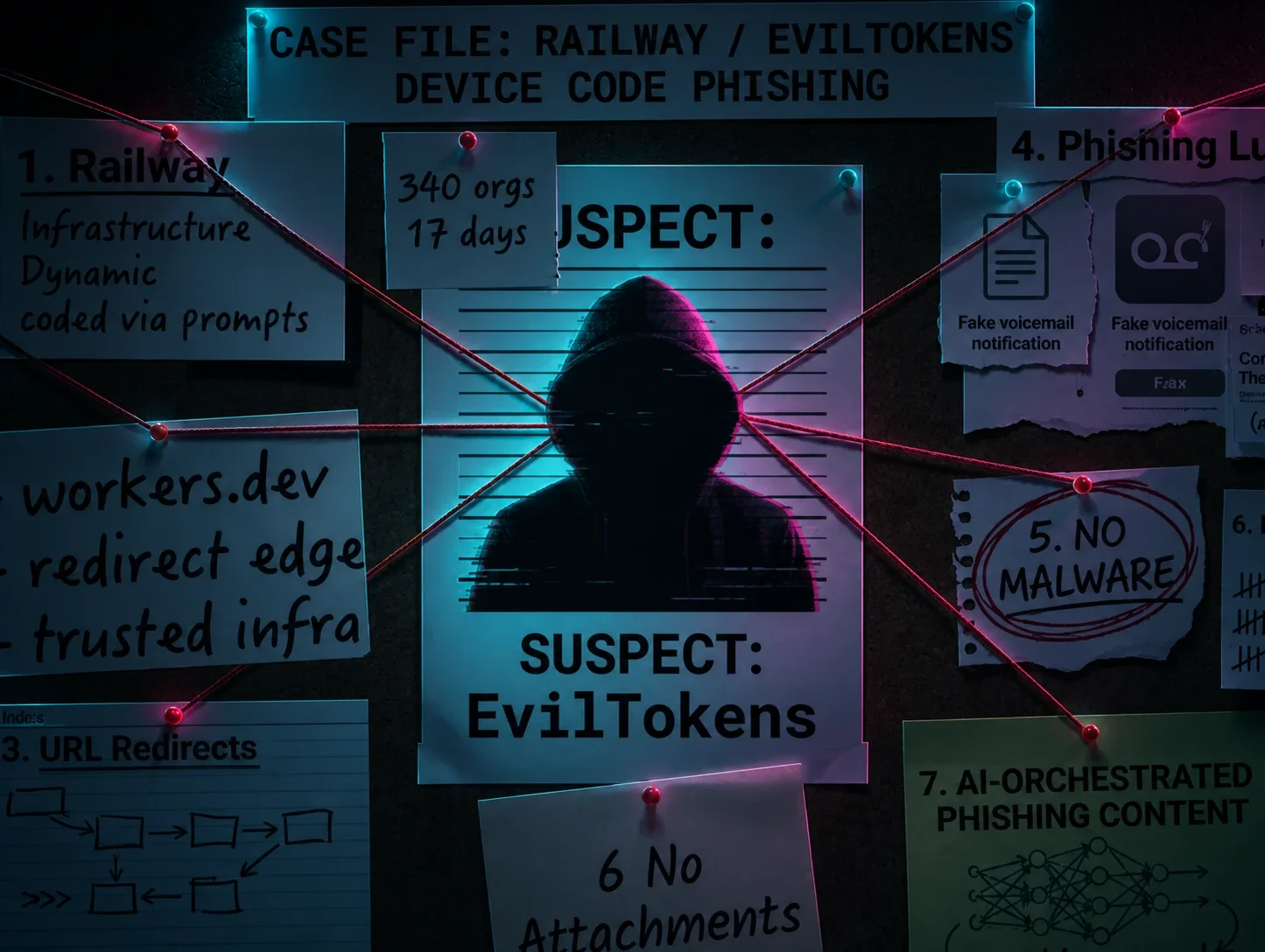
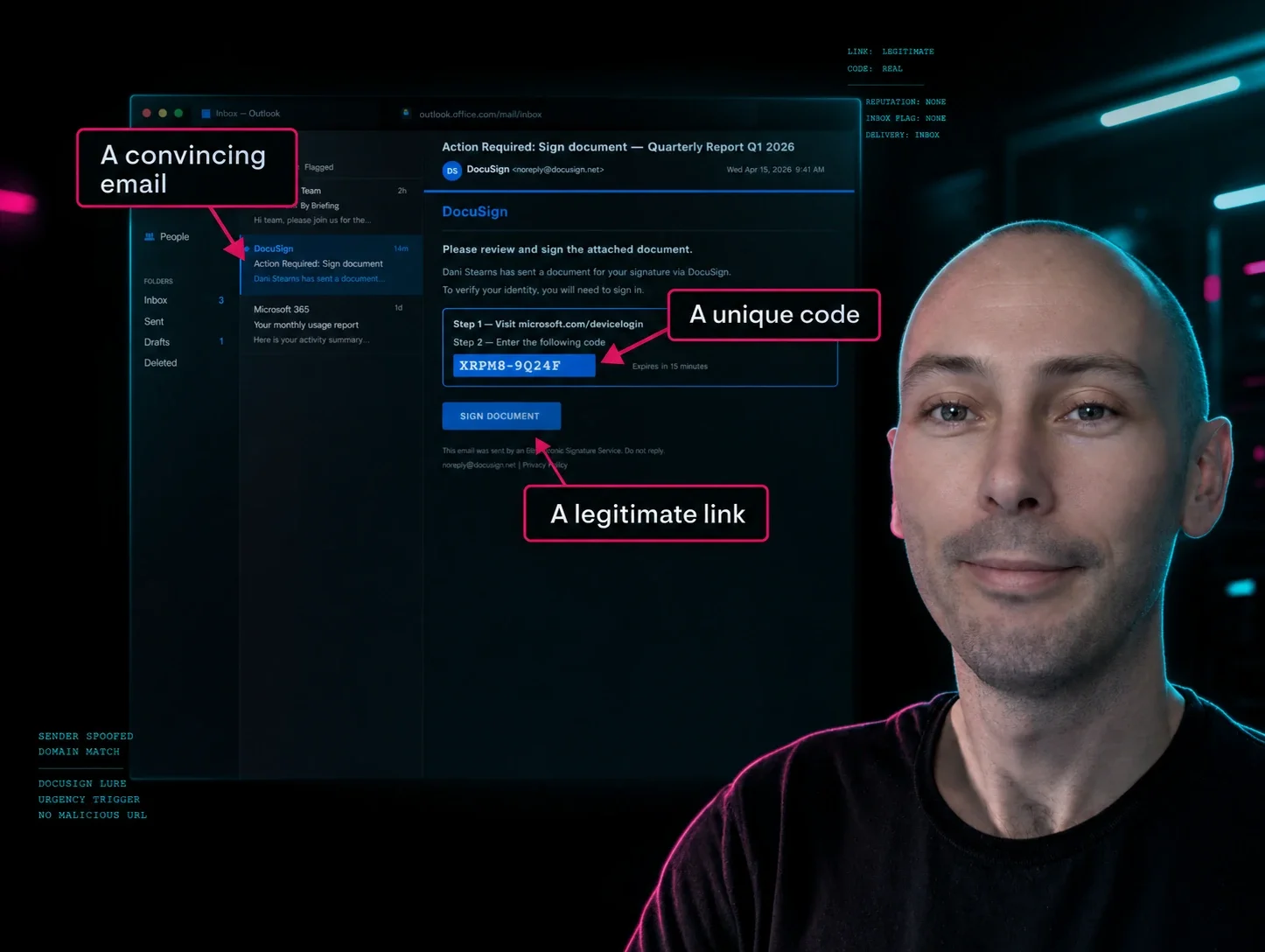
Device code phishing shows how far this approach can reach. Huntress researchers tracked a campaign called EvilTokens that hit 344 organizations across five countries in about 16 days. Device code authentication is the same flow that lets you activate a streaming app on a smart TV by typing a code into your phone. Attackers start that process themselves, then send a convincing email that leads the victim to enter the code on a real Microsoft page. The victim completes MFA correctly, and the attacker walks away with a valid session. No password is stolen, no malware is required, and the attacker does not need to break passkey cryptography. The attacker abuses a legitimate device-code flow to obtain a valid session after the victim authorizes the attacker-controlled client. EvilTokens packaged the technique as a phishing-as-a-service kit with AI-generated lures tailored to each victim's role, which means the pattern can scale.
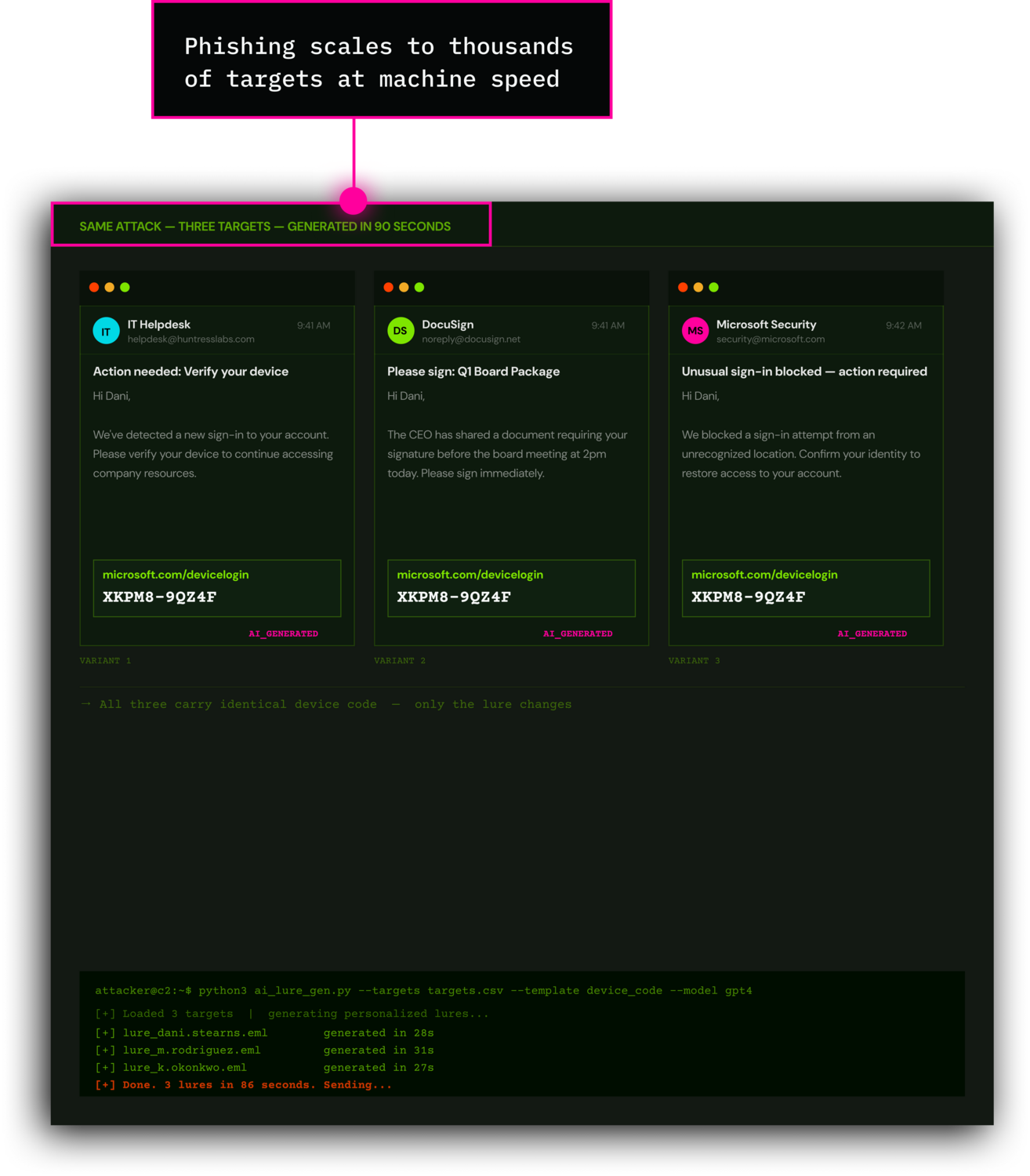
In another campaign, attackers impersonated IT staff and told employees to update their passkey or sign-in configuration. When Microsoft researchers dug into the incident, they found that the passkey served as the lure, while attackers pursued other authentication flows to get in. One documented attack sequence explicitly involved non-phishing-resistant MFA.
Both campaigns point to the same lesson: attackers look for any legitimate sign-in path that still works in their favor. The passkey may remain secure and untouched. A passkey-themed phishing attack does not mean attackers defeated passkey cryptography. Defenders need to identify the authentication method and policy that actually allowed access, because that is where the fix belongs.
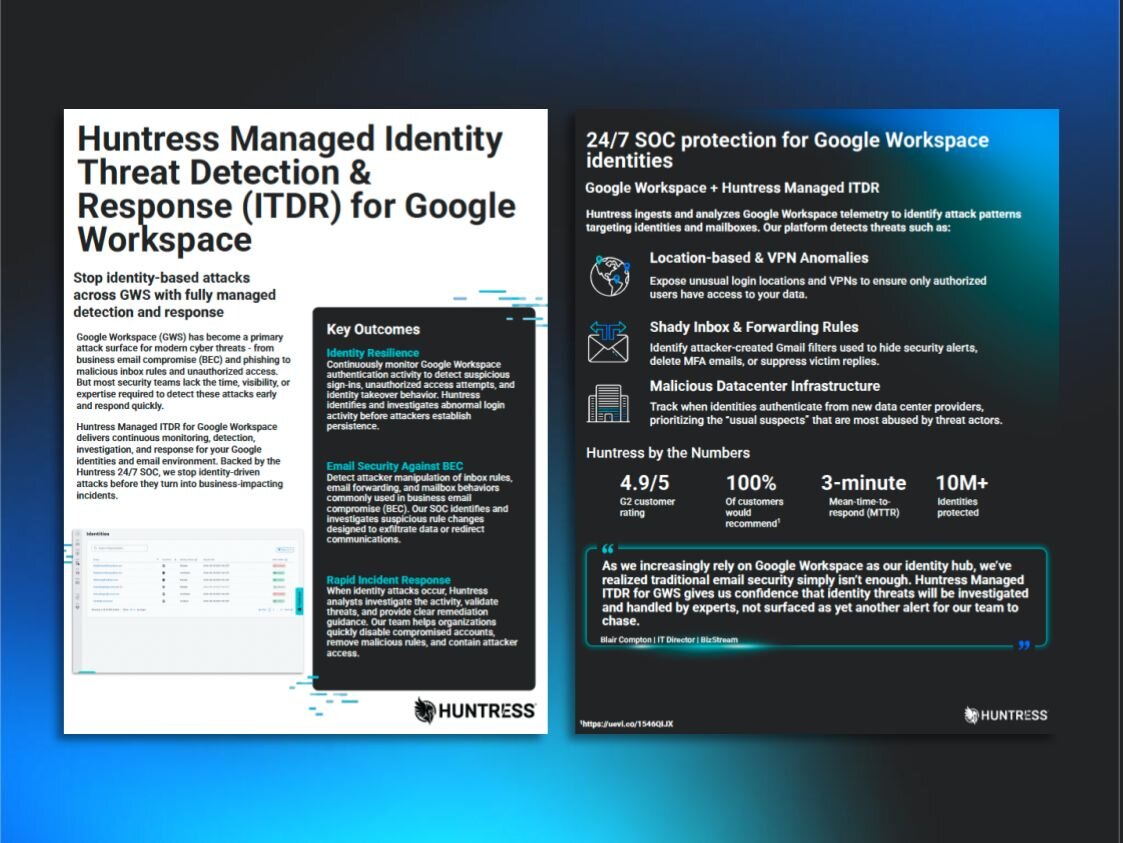
That distinction is where identity threat detection and response (ITDR) becomes relevant. ITDR does not make the passkey itself stronger. It helps defenders identify and contain suspicious activity around a legitimate sign-in.
Enrollment and recovery are security boundaries
An attacker may not need to steal an existing passkey if they can register another credential or exploit a weaker recovery process. The original credential can remain protected while the attacker gets into the account through a separate door.
Closing that door starts with a clear answer to one question: what proof does your organization require before someone adds an authenticator, replaces a lost key, or resets MFA? Those actions deserve strong verification and monitoring.
A compromised endpoint can undermine authentication
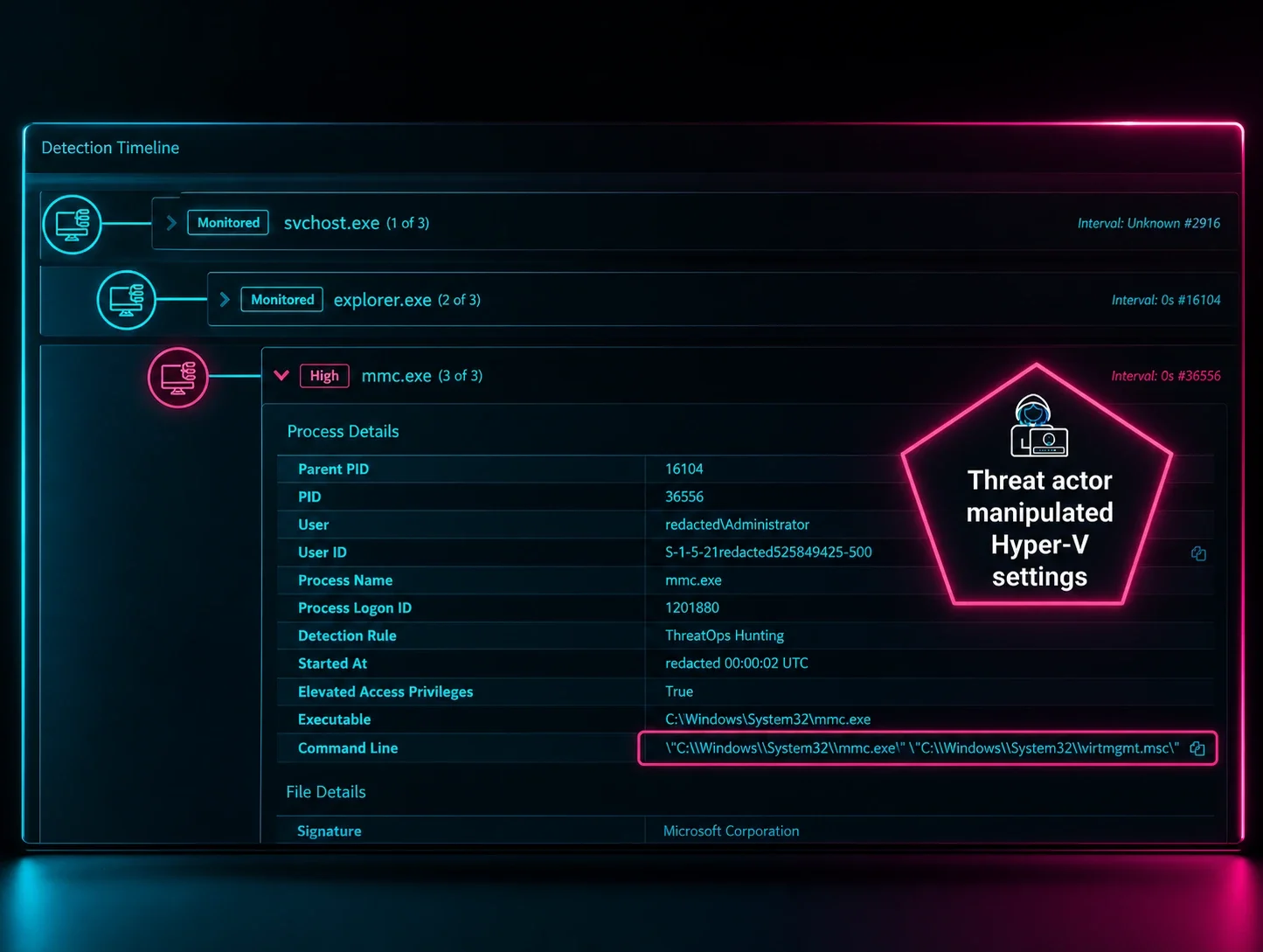
SpecterOps' research demonstrates techniques that manipulate Windows WebAuthn interactions, including browser hooks that capture authentication responses or alter challenges. These attacks have specific prerequisites, including local execution or access to the authentication process. That makes them a different class of threat from an ordinary phishing website.
This is why endpoint protection remains necessary after a passkey rollout. Malicious software can target the environment handling authentication without extracting the private key. Protecting the endpoint that handles authentication starts with ensuring that every device signing in to company resources is managed and protected by an active and monitored endpoint detection and response (EDR) agent.
Employees can play a real part in endpoint defense too. This includes things like:
Install updates promptly when your computer or browser asks. Prompt updates close the doors attackers use to get a foothold.
Add browser extensions and software only from your company's approved list.
Lock your screen whenever you step away.
Tell IT when your browser behaves strangely, such as unexpected redirects, new toolbars, or sign-in pages that look slightly off.
Where the passkey lives matters
Passkeys come in two storage models, and each carries a different set of dependencies.
Synced passkeys live in a cloud-backed account, such as a platform keychain or a password manager, and follow the user across their devices. That convenience means the account that stores, synchronizes, and recovers the passkey becomes part of your security perimeter.
Device-bound passkeys live on a single piece of hardware, such as a security key, and stay there. They reduce the dependency on sync accounts, but they require more from your team in the form of key distribution, spare-key management, and replacement processes.
Whichever model you choose for a given group of users, evaluate it together with its enrollment process, recovery process, and endpoint protections. Those surrounding controls determine how much protection the passkey delivers in practice. A practical deployment may use device-bound keys for high-risk roles and synced passkeys for the broader workforce, with managed accounts and strong recovery behind them.
Security awareness training must keep pace
Passkey adoption works best when paired with safe credential handling, strong privilege hygiene, and training on current social engineering tactics. Employees need to be able to recognize fake help-desk calls, urgent enrollment requests, and messages asking them to authorize unfamiliar devices.
Effective training gives people concrete habits:
Use a trusted enrollment route. Open approved account settings directly instead of following unsolicited setup links.
Verify unexpected support requests. Contact IT through an established channel before changing authentication or recovery settings.
Know what you are approving. Stop when an unexpected prompt asks for a device code, biometric verification, or security-key touch.
Protect keys and recovery options. Keep hardware keys under your control, never disclose their PINs, and follow approved storage, spare-key, and recovery procedures.
Report fast, with no blame attached. Make it easy to report suspicious requests, mistaken approvals, and lost keys.
A good security awareness training solution pairs what attackers are doing right now with how people actually learn. That could include things like simulated phishing scenarios that build the instinct to pause in a safe setting before a real phishing email arrives.
Hardware keys remain among the strongest MFA options
Hardware security keys used in FIDO2/WebAuthn mode are among the strongest MFA options available. CISA identifies phishing-resistant MFA as the gold standard. The protocol matters: using a hardware token to generate a one-time code does not provide the same phishing resistance as FIDO authentication.
That distinction makes FIDO2/WebAuthn hardware keys an excellent choice, and should encourage adoption alongside secure handling, recovery controls, and endpoint protection.
Keep watching after authentication succeeds
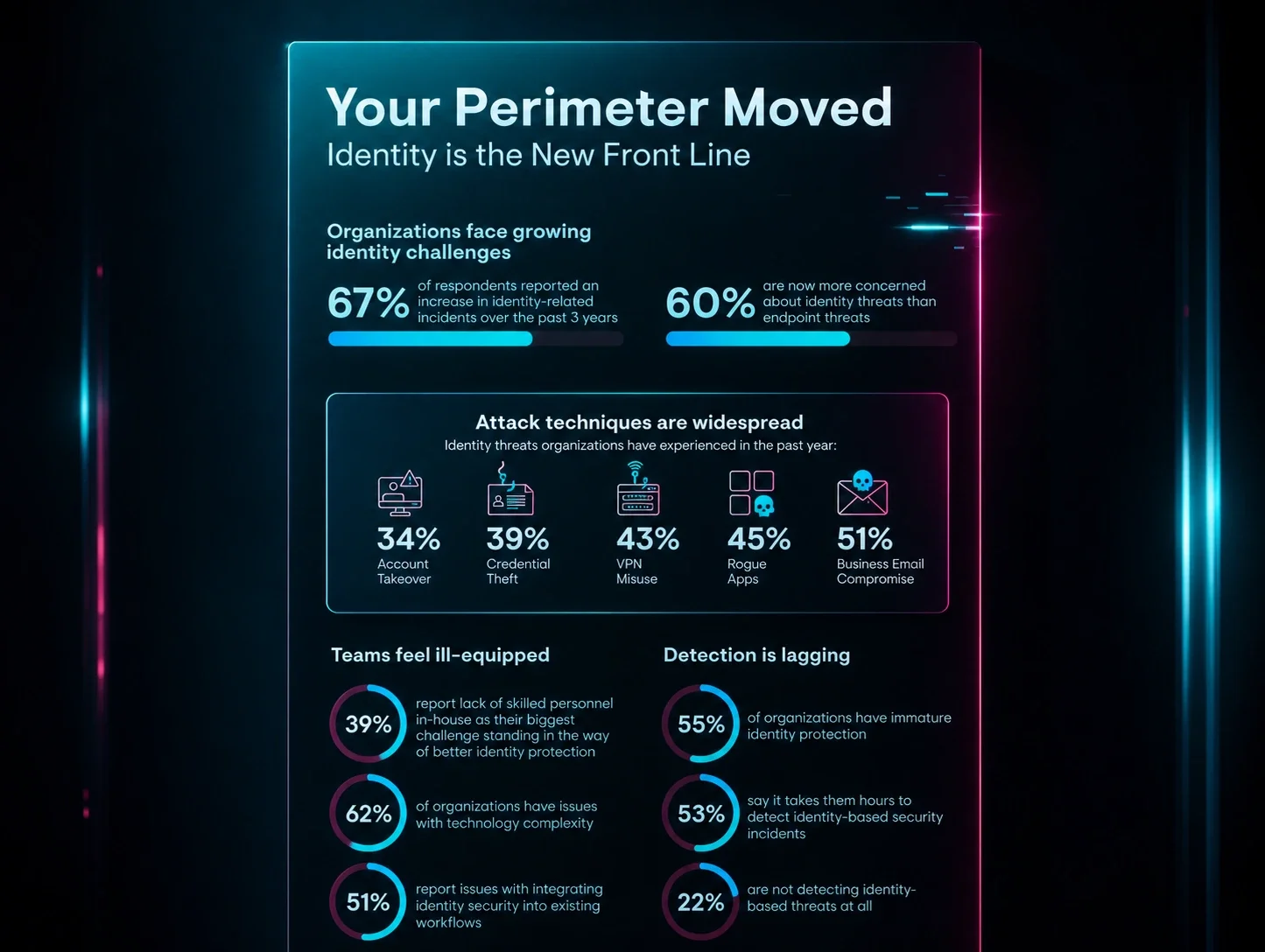
Passkeys strengthen the authentication event, but they do not tell defenders whether the session, device, account changes, or follow-on activity are legitimate. ITDR extends protection beyond sign-in by connecting signals such as unusual access, newly registered authentication methods, suspicious cloud activity, and abnormal mailbox or file activity. When those signals indicate compromise, responders can revoke sessions, remove unauthorized authenticators, and investigate persistence.
A successful sign-in is one event in a longer story. An attack may look benign at each layer until defenders ask whether the sign-in makes sense for that person. Is this the device they normally use? Does this authentication flow fit their role and workflow? Defenders can connect those questions to newly registered authentication methods, cloud reconnaissance, and abnormal file or mailbox activity.
For confirmed compromise, effective containment includes revoking sessions and removing unauthorized authentication methods. After cleanup, search for persistence, including inbox rules, OAuth app grants, and forwarding addresses.
A practical passkey deployment checklist
Before rollout, teams need clear answers to these five questions:
How will users enroll a passkey through a trusted route?
What proof is required to recover an account or replace a lost key?
How are the endpoints that handle authentication managed and monitored?
How will employees recognize and report passkey-themed social engineering?
How will the team detect and contain suspicious activity after a successful sign-in?
The Lesson
Passkeys significantly improve account security, but they work best as one layer in a complete identity strategy. Attackers can abuse a legitimate authentication flow to obtain valid sessions while passwords and cryptography stay intact.
Phishing-resistant authentication works best alongside protected enrollment and recovery, identity security, endpoint security, security awareness training, and monitoring that can spot what happens after a successful sign-in. Deploy strong authentication, teach people how to use it safely, and maintain visibility into the activity around it. Protecting the full account lifecycle makes that improvement count.