


Most of us think of a breach as something technical, like an unpatched server or a zero day. We figure MFA makes a stolen password worthless. That thinking assumes the attacker breaks in using their own tools.
This blog breaks down three attacks that skip all of that. They work because an employee does something perfectly ordinary, like clicking a link or approving a login. The attacker gets in by abusing the victim's own tools and habits. We show how each one works so you can recognize the tradecraft before it's used against you.
ClickFix and Session Hijacking
In about eight minutes, an attacker gains access to an employee's inbox without installing any malware because the employee runs the malicious command themselves. It starts with a stolen login, the kind anyone can buy off the dark web for about the price of a large pizza. The attacker tries it, but MFA stops them at the door. Plenty of attacks would end there, but this attacker goes after the person who owns the password instead.
The bait is an email, and it takes almost no effort to write. The attacker asks ChatGPT for something that sounds like routine internal comms, like a company-wide note about an updated holiday policy. The attacker swaps in a link to a look-alike SharePoint site, adds a deadline, and tells people not to reply to their manager, because a quick check with the boss is how phishing gets caught.
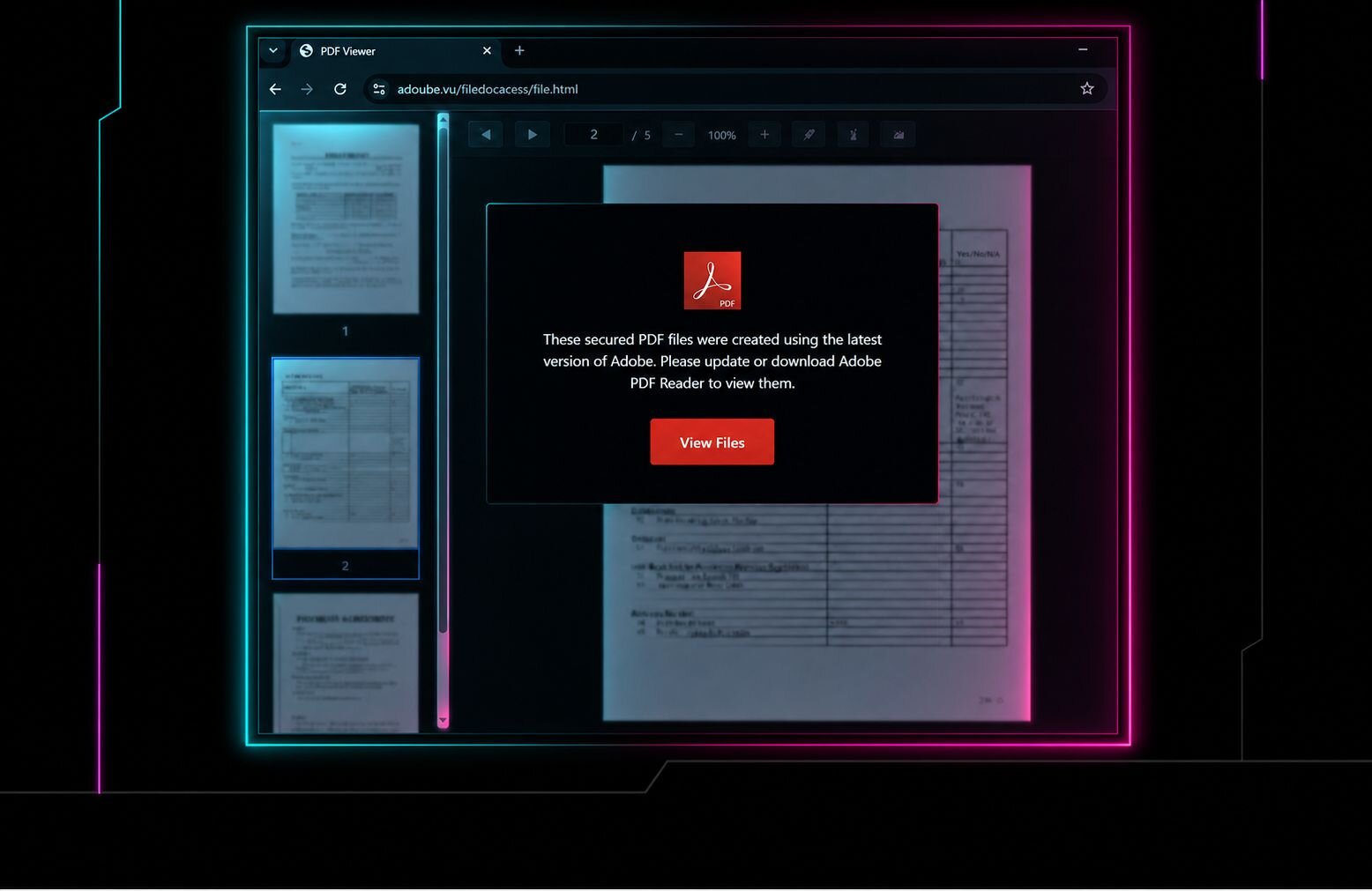
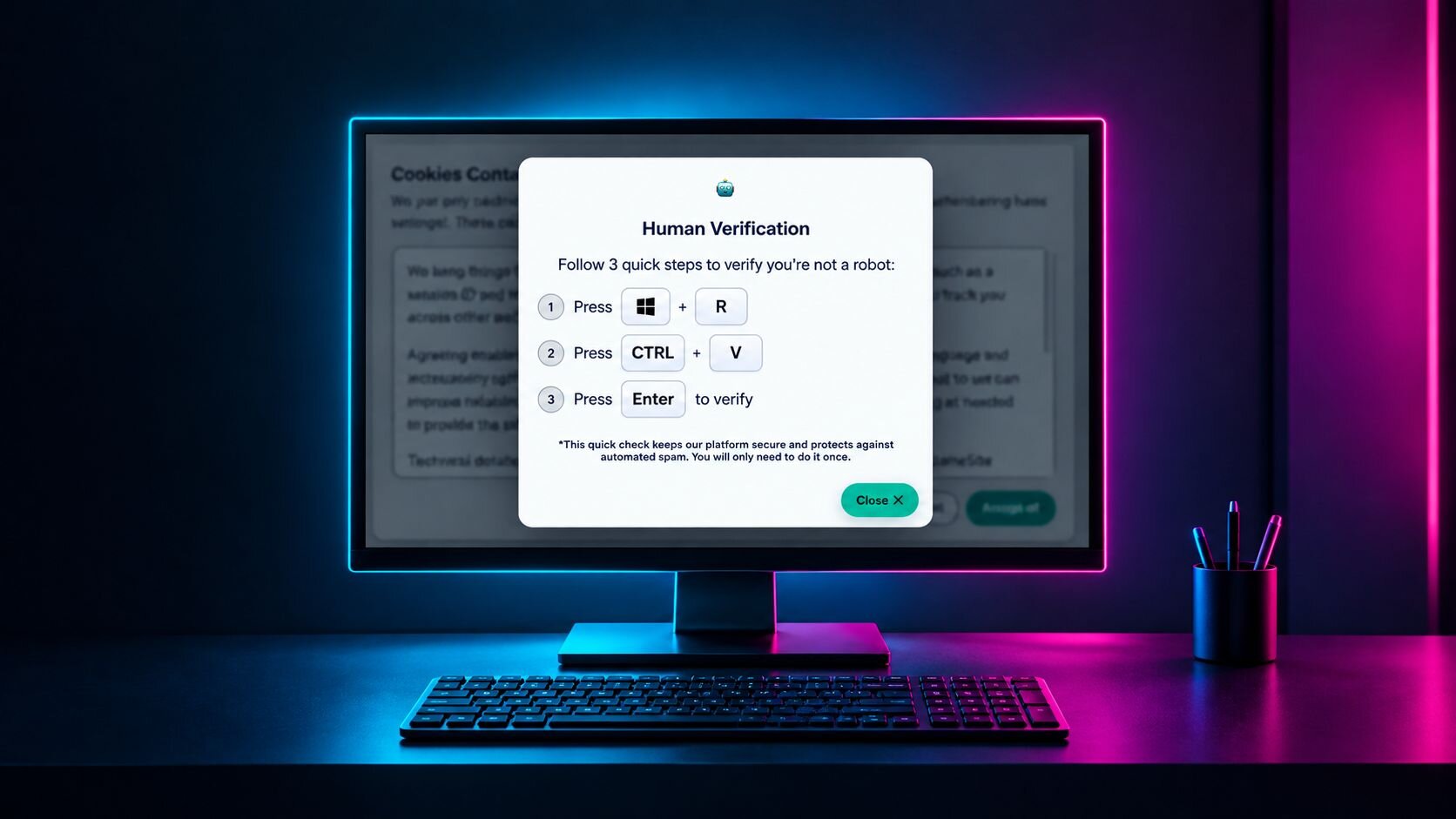
The employee opens the email and clicks. The page shows a "prove you're not a robot" box. We've all done this countless times. But this time, clicking it discreetly loads a payload onto the employee's clipboard, and the page asks them to press the Windows key + R, paste, and hit Enter. That's ClickFix. The employee thinks they're finishing a verification, and they're running the attacker's PowerShell on their own machine.
Meanwhile, the PowerShell sends the attacker the employee's session cookies. The browser stores them when you tell it to keep you signed in, and most of us say yes so we don't have to log in over and over. The cookie carries the approved MFA. The attacker loads those cookies into their browser using a free extension called Cookie Editor, refreshes, and then lands in the employee's Outlook inbox. They have the password but never had the phone, and the stolen session makes that gap irrelevant. This is token impersonation, also called session hijacking, and it reaches well past Microsoft 365, since everything the browser held is up for grabs.
Over-Permissioned Apps and Global Admin
An attacker turns a standard user's phished login into a Global Admin account in under six minutes. This one starts with Standard Steve, who has an ordinary account and an ordinary workday. The attacker wants his access, so they put an Evilginx proxy between Steve and the login page, phish his credentials, and sign in as Steve. Steve hasn't set up MFA yet, so the attacker can register their own MFA, which means a password reset won't lock them out.
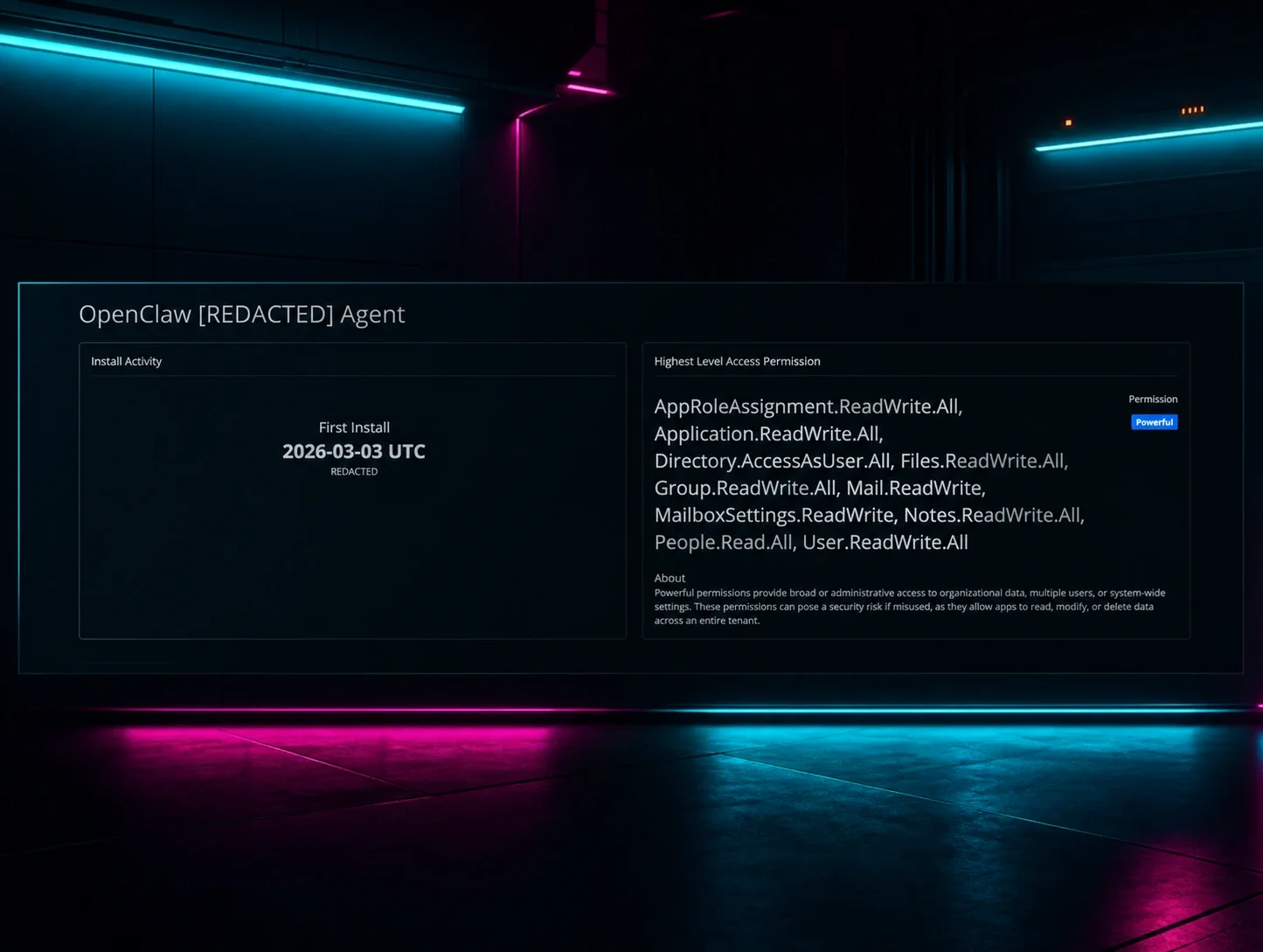
Steve can't open the admin center, but the Azure management portal and Entra are wide open, so the attacker starts looking around. In app registrations, they find something odd. Steve owns a finance integration app. Standard users don't usually own apps, and this one carries a directory-wide role management permission, which is about as powerful as permissions get. The attacker creates a new secret for the app with a two-year lifespan, so even if someone blocks Steve's account, the app still lets them in.
For the last step, the attacker describes what they want in plain English to n8n, a workflow automation tool, and asks it to make them a Global Admin. After a couple of minutes of back and forth, the workflow runs. Steve logs back in with the attacker's MFA and opens the admin center as a Global Admin. About seven controls could have stopped or slowed all of this, including keeping standard users out of the admin center and enforcing MFA registration.
Device Code Phishing
An employee signs in on Microsoft's real login page, and an attacker gets access to their mailbox without ever seeing the password. That's the attack behind EvilTokens, a phishing-as-a-service (PhaaS) platform that Huntress and Microsoft tracked hitting more than 300 organizations in about two weeks.
The attacker's part is small. They enter a company's domain into EvilTokens, and the platform creates a phishing email targeting that company's employees.
An employee opens a phishing email that has a short code in it, the type of code you get from Netflix. They go to the login page and sign in with the code like they would on any other day.
That sign-in is the moment the attacker gets in. The code is tied to the attacker's session, so when the employee signs in, access goes straight back to the attacker's back end. The employee used their own credentials and their own MFA on the real login page, and that's exactly what handed over the account. The attacker now has the employee's email and every document in OneDrive, and can search through it all.
The employee sees a normal sign-in and goes back to work while someone else reads their files. Because the attacker holds a live session, access can persist even after a password reset unless the session and tokens are revoked as well.
EvilTokens went from launch to takedown in under nine months. Microsoft's Principal Corporate Counsel Carlton Gammons, Huntress's Chief Legal Officer Lauren Zajac, and Product Manager Rich Mozeleski explain how Huntress's early research and a law written for the mob took it down.
The One Ordinary Action Every Attack Needed
Each attack asked the user for a single normal action, and each victim acted as a reasonable employee would on a busy day. That's why the defense has to start before the inbox.
For your users, that means knowing what these moments look like. A web page telling you to open the Run dialog is a ClickFix tell because no real CAPTCHA asks you to do that. A login code you never asked for deserves the same suspicion as a password prompt you didn't expect.
For admins, it means checking your tenant for the settings in the second attack, like who owns app registrations and which apps hold directory-wide permissions. Every one of those settings could have been closed.
If you only have time for one thing this week, pick one of those controls and check it in your own tenant.