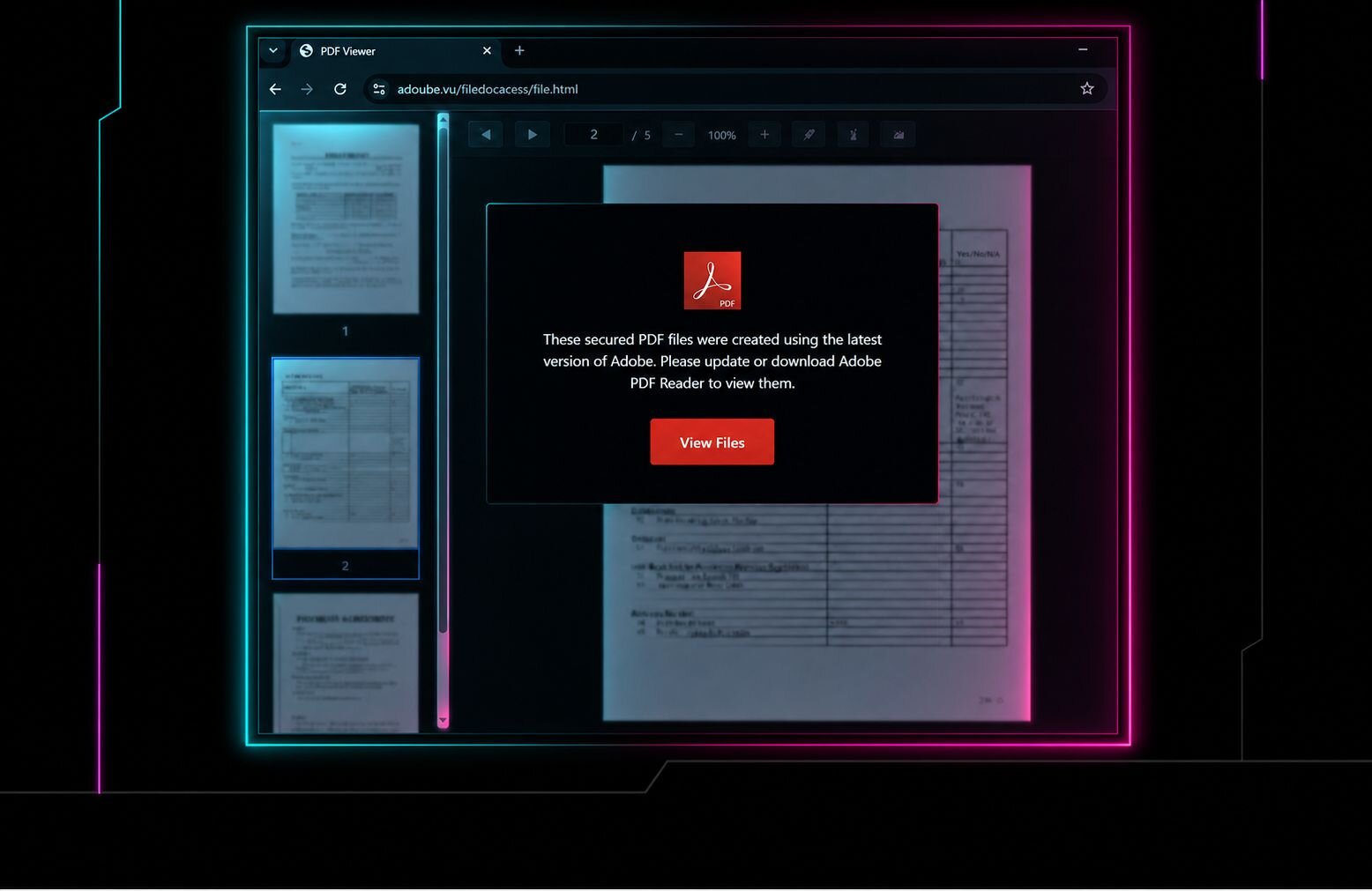



Amazon, ChatGPT, Google Docs…we've seen them all being impersonated in ClickFix campaigns. Also known as "paste and run" or "fake CAPTCHA," ClickFix lures trick users into copy/pasting a command in their terminal under the guise of a technical "fix" or software download. Just one malicious command pasted into a Run box can open the door to infostealers, remote access tools, ransomware, or other malicious software.
On the latest episode of Tradecraft Tuesday, Staff Technical Community Engagement Writer Ben Nahorney, Staff Detection Engineering & Threat Hunting Analyst Tyler Bohlmann, and Security Operations Analyst Sarah Reddish walked through some of the more convincing ClickFix lures Huntress has seen lately, the variety in final payloads, and a peek under the hood of the infrastructure attackers use to host fake verification pages.
Watch the full video below, and keep reading for clips and other highlights.
ClickFix at a glance
Ben kicked things off by defining ClickFix and breaking down the differences between its variants: FileFix, TerminalFix, and DownloadFix.
ClickFix has been around for a while, so why are we talking about it now? We're seeing more and more ClickFix, with increasingly convincing lures, sophisticated tradecraft, and a variety of final payloads.
Our first audience poll found that 40% of respondents had not seen ClickFix in the wild, while the remaining 60% had run into it as a user, in a SOC investigation, or both.
Later in the episode, we asked the audience what kind of malware they had seen as the final payload in ClickFix-related incidents: remote access trojans or rogue remote access tools was the most common response (43%), followed by infostealers (33%).
What happens after you click Verify?
The pasted commands from a ClickFix lure vary from a one-line malware download to the starting gun for a complex attack chain with layers of obfuscation, C2 communications, living off the land, and multiple malicious payloads.
Clip 2
The infrastructure
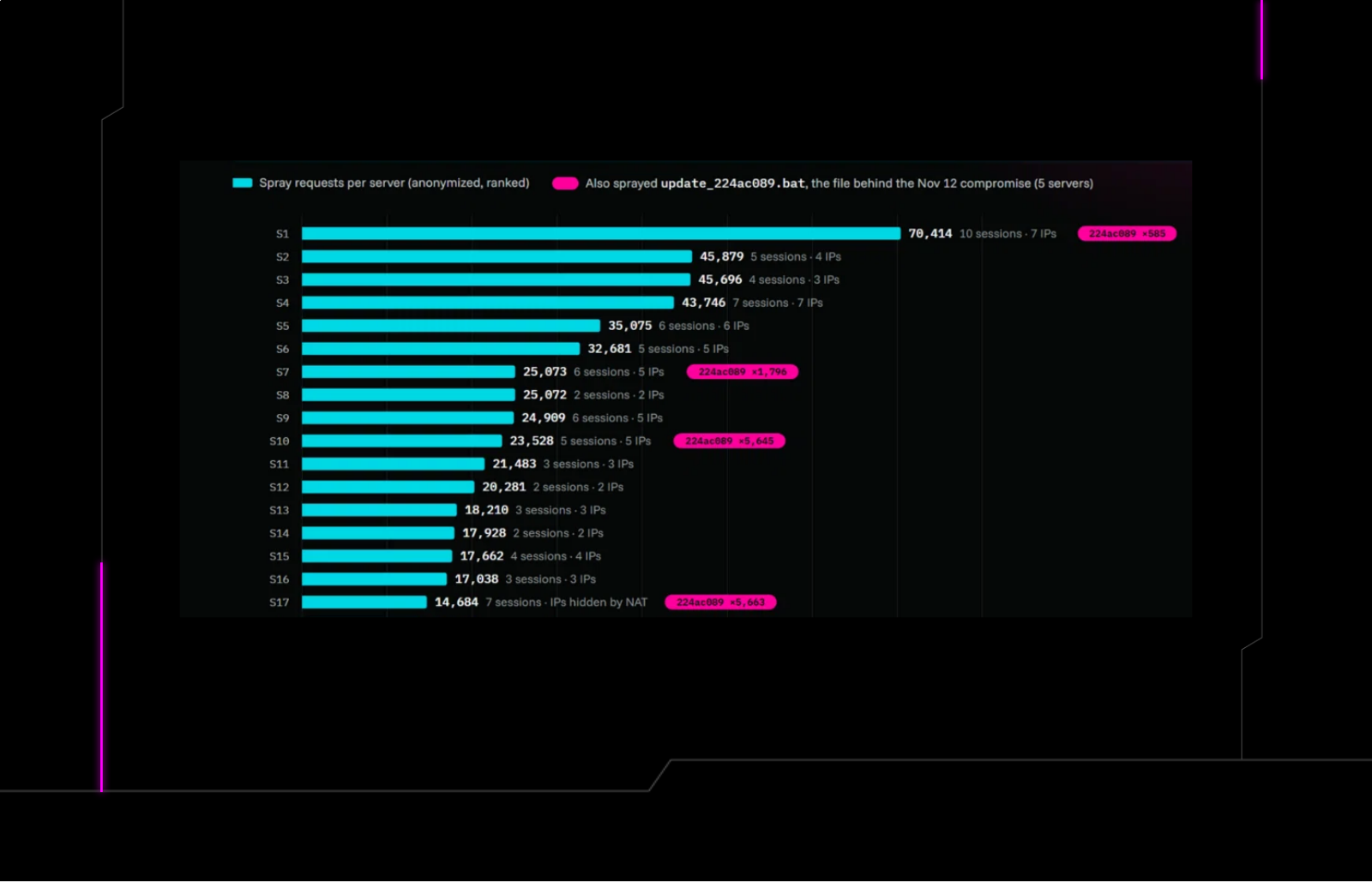
Tyler takes over for a look at some of the plumbing that goes into standing up a ClickFix campaign. ClickFix operators evolve their tradecraft as defenders stand up new detection logic and prevention controls. By renting a commercial kit, such as ErrTraffic, attackers can rotate out hosted domains across thousands of compromised websites using blockchain communications. These "smart contracts" make it relatively cheap and easy to swap out lure art, branding, and shortcuts from the same infrastructure.
Tyler highlights a single compromised WordPress site that carried five separate malicious injections from different attacker families, several disguised as legitimate script tags, showing it's been hit by multiple unrelated operators. Instead of hardcoding a malicious domain, the injected script reads a pointer from a Polygon smart contract to find its current front domain, so the attacker redirects every victim page by editing one on-chain value rather than touching any site.
ClickFix in the wild
Next, Sarah walks through a recent incident our SOC investigated that began with a Google search for "Amazon business" and ended with a remote access trojan (RAT) and an infostealer on the victim's environment. We refer to these payloads as "finger-licking malware," due to their use of the obscure built-in Windows finger utility to communicate with a variety of BBQ-themed domain names.
Sarah breaks down all three stages of this complex attack chain, including C2 communications, malicious JavaScript, and multiple layers of obfuscation.
Beyond the clipboard
Ben returns to highlight more of the variations in ClickFix tradecraft that have popped up in recent Huntress SOC investigations, including attack chains that establish persistence, support lateral movement, and enable reconnaissance and credential theft.
Featured examples include DLL sideloading, stenographic malware delivery, a node.js RAT dressed up as an remote monitoring and management (RMM) tool, and a command that retrieves a malicious script from the victim's browser cache.
How to fix ClickFix
Each of our panelists emphasized user training to "stop the paste:"
Never paste commands into a Run dialog box, a terminal, PowerShell, or anything else at a web page's request.
A legitimate CAPTCHA or other verification will never ask you to do so.
From the defenders' standpoint, we recommend leveraging application control tools or allowlisting for untrusted executables and limiting the access to local administrator privileges. Consider limiting who can access the Run dialog box or a command prompt.
Detection efforts should focus on the sequence of activity rather than relying solely on hashes, domains, or other static indicators. These can easily be swapped out by a threat actor.
Common post-paste behavior includes:
A browser or user-launched process spawning cmd.exe, PowerShell, or Windows Terminal
Encoded PowerShell commands
Execution-policy bypasses
Archives or executables appearing in user-writable locations
New scheduled tasks, new Run keys, or unexpected SSH connections
Like what you just read? Join us every month for Tradecraft Tuesday—our live webinar where we expose hacker techniques and talk nerdy with live demos. Snag your spot now!