


Cybercriminals don't check the clock before they go hunting for gaps. In early September, a 2am alert in the Huntress Security Operations Center (SOC) flagged suspicious remote monitoring and management (RMM) activity. It was in the client network of a managed service provider (MSP), TruePath IT, and close to 1,000 endpoints were at risk. Twelve days later, the alert queue lit up again, indicating that the attacker still had access to the environment. These two incidents cost the client an estimated $3 million in downtime and a lot of stress.
Learn how TruePath IT worked with Huntress to contain two rogue ScreenConnect deployments in less than two weeks, and how recovery plans shifted after the second incident was discovered.
One account, nearly 1,000 "doors"
In the initial incident, the attackers compromised an account with wide-reaching admin rights and used it to push out rogue ScreenConnect instances.
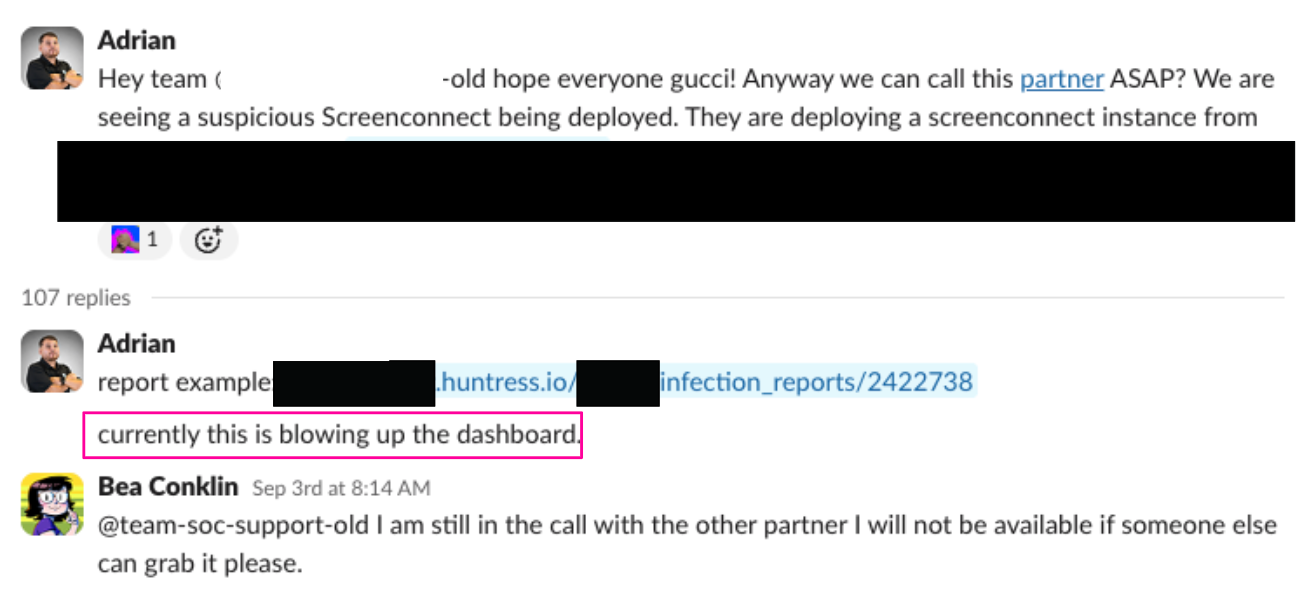
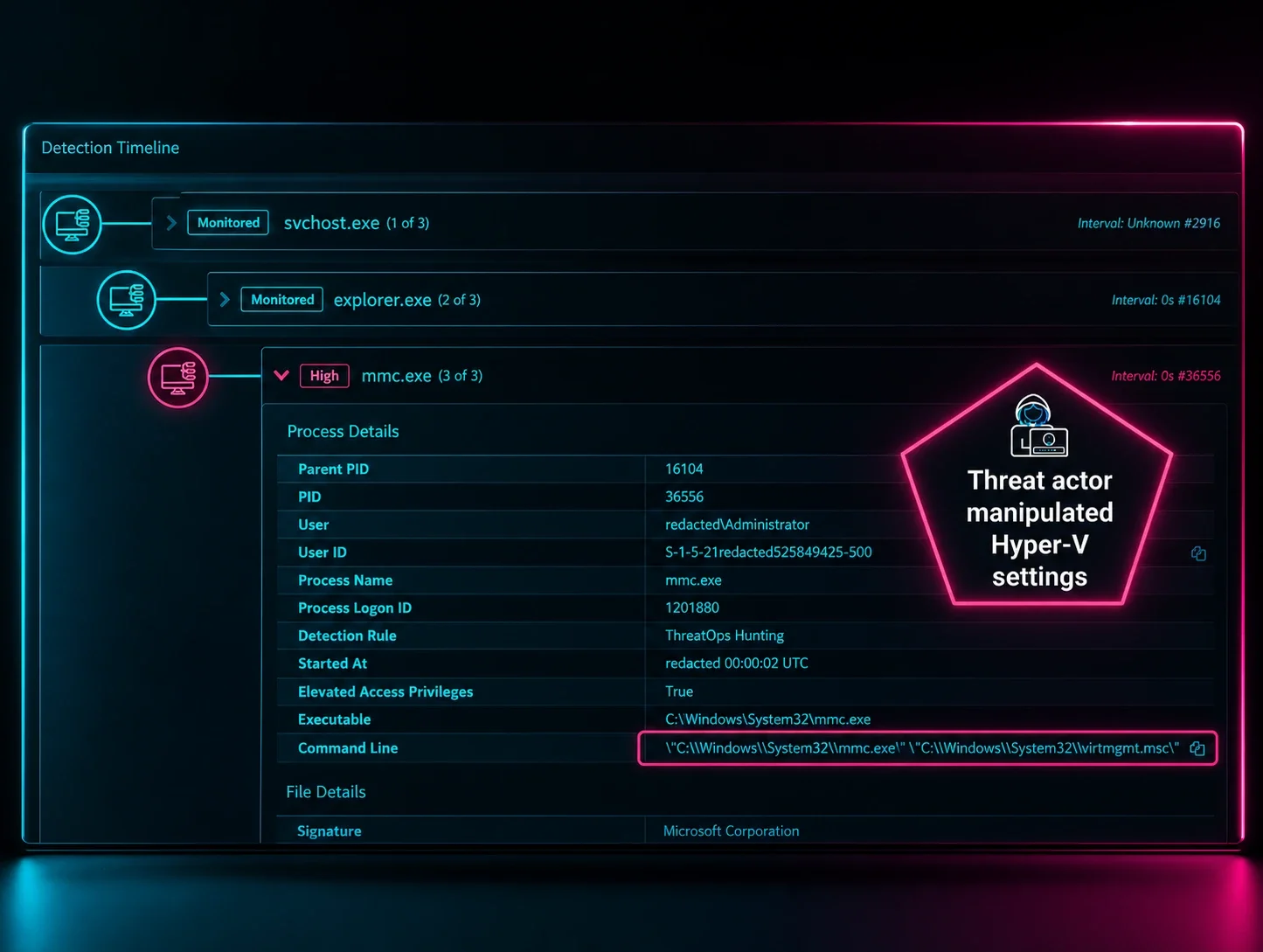
Figure 1: Huntress internal communication to communicate with the partner and contain the incident
ScreenConnect lets a technician take over a machine remotely to fix a problem, run scripts, and push updates. That's a great setup when it's your technician and a bad one when it's an attacker. This one put nearly 1,000 "doors" within reach of an unwanted intruder, and TruePath was responsible for the building.
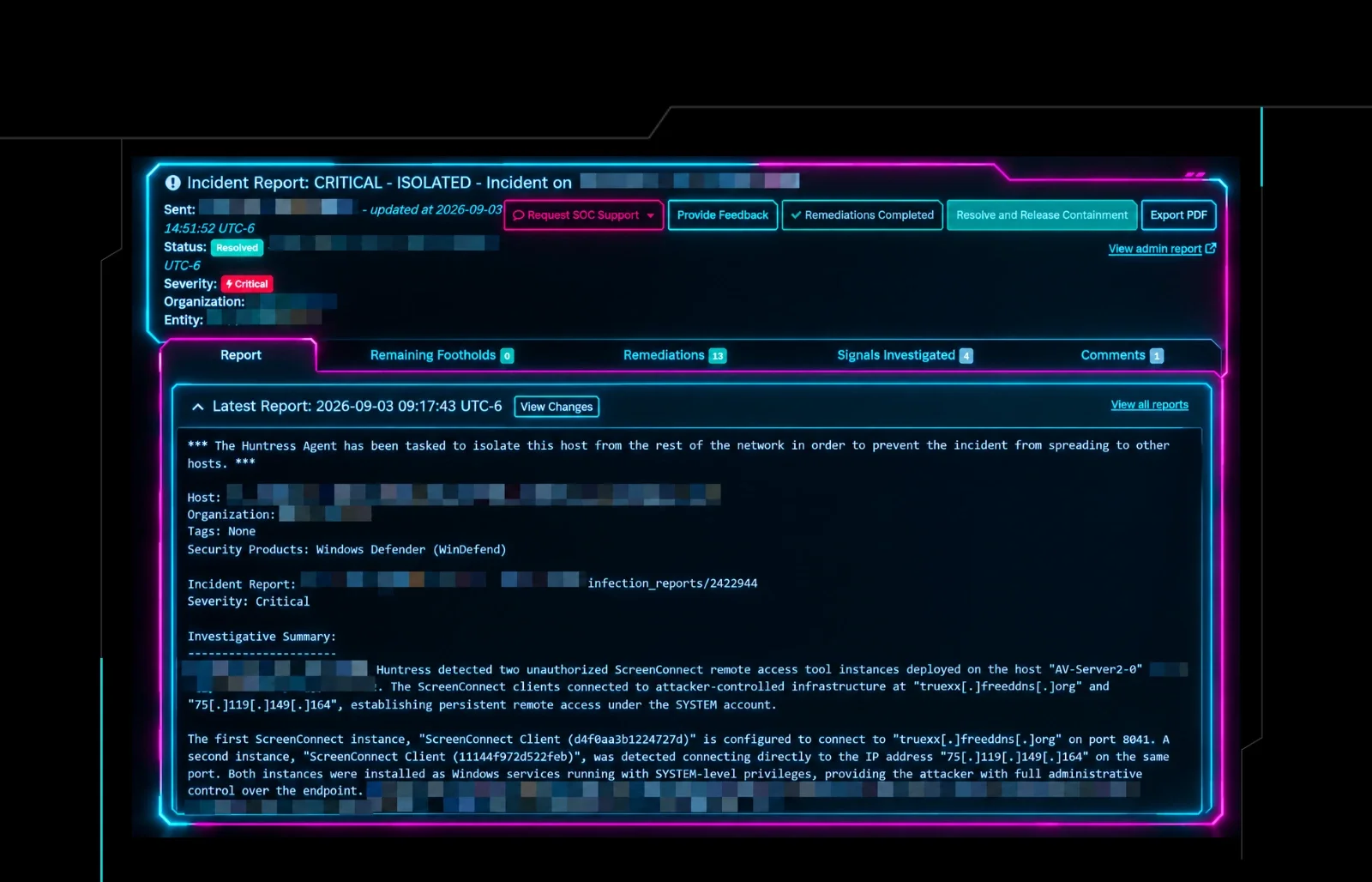
The Huntress SOC runs 24/7, so they isolated the affected endpoints and sent a critical incident report right away.
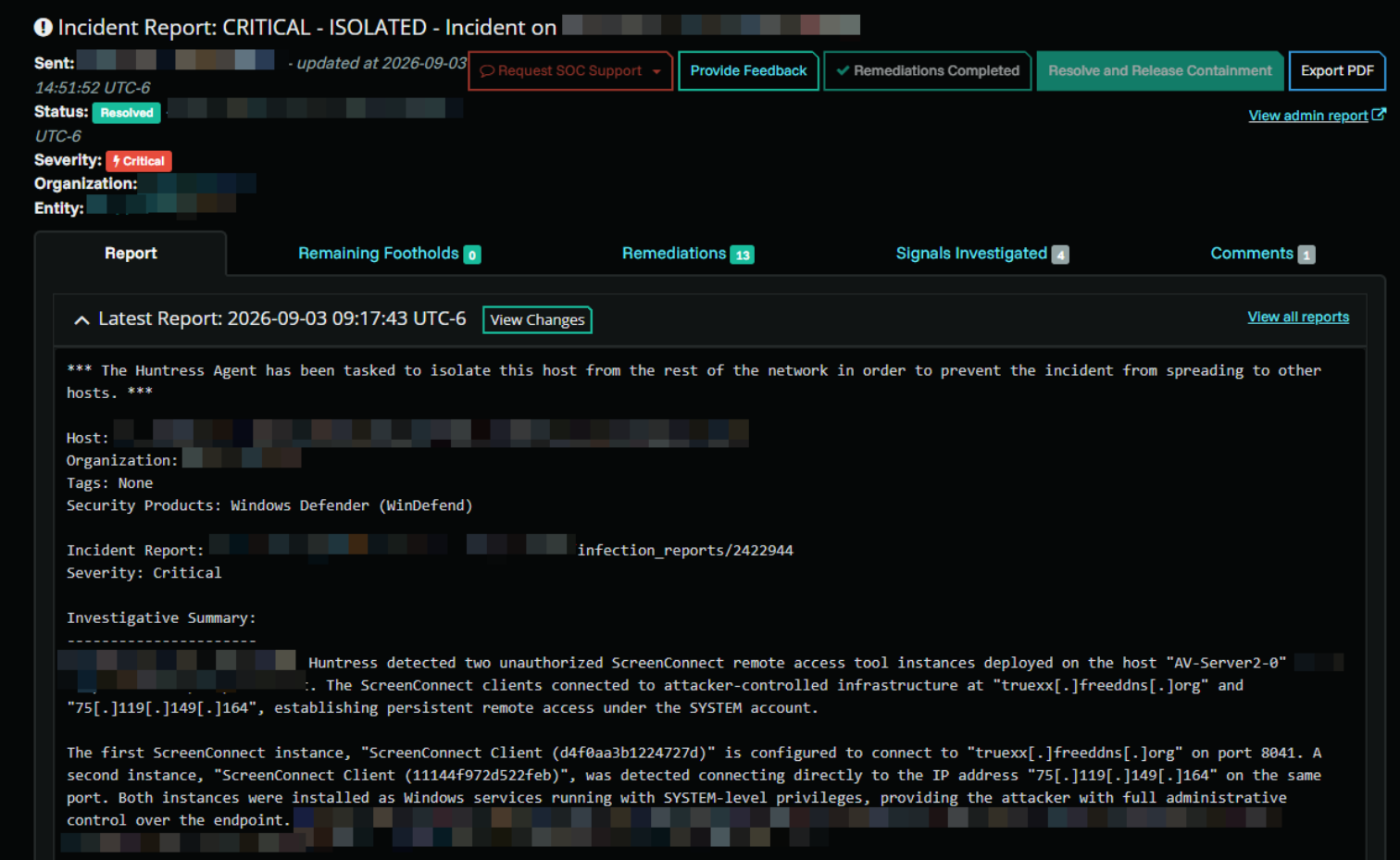
Figure 2: Critical incident report from the Huntress SOC explaining the first rogue RMM incident
Why TruePath IT asked for the SOC phone call anyway
Tom Warren, Vice President of Operations at TruePath IT, stepped in just before 5am, to pick up where TruePath's CEO left off in handling the incident overnight. He had the incident report in hand, but asked for a phone call with the SOC anyway. The client would treat whatever he said next as final, so he wanted SOC support to talk through this specific incident and the impact of each decision.
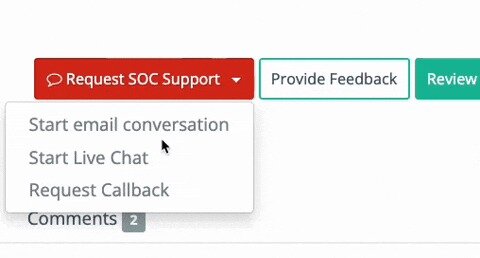
Figure 3: How partners and customers can request SOC support
A SOC analyst was on a call in under 10 minutes, then joined a call with the client's IT director and stayed until the team felt ready to act. With the client's executive team closely watching the disruption, the IT director had solid, confirmed facts to carry up the chain as the incident response unfolded.
The pressure to reopen without enough cleanup
By the time the first wave of malicious activity had settled, the client had been down for about two days, and leadership wanted to know when business operations would return to normal.
Rushing recovery on a compromised network is risky, often causing more damage. TruePath had a priority-user list ready and released machines in targeted batches. Under pressure from leadership, though, the client's team put some endpoints that were still compromised back into use before they were fully cleaned up.
Groundhog Day, Rogue ScreenConnect Edition
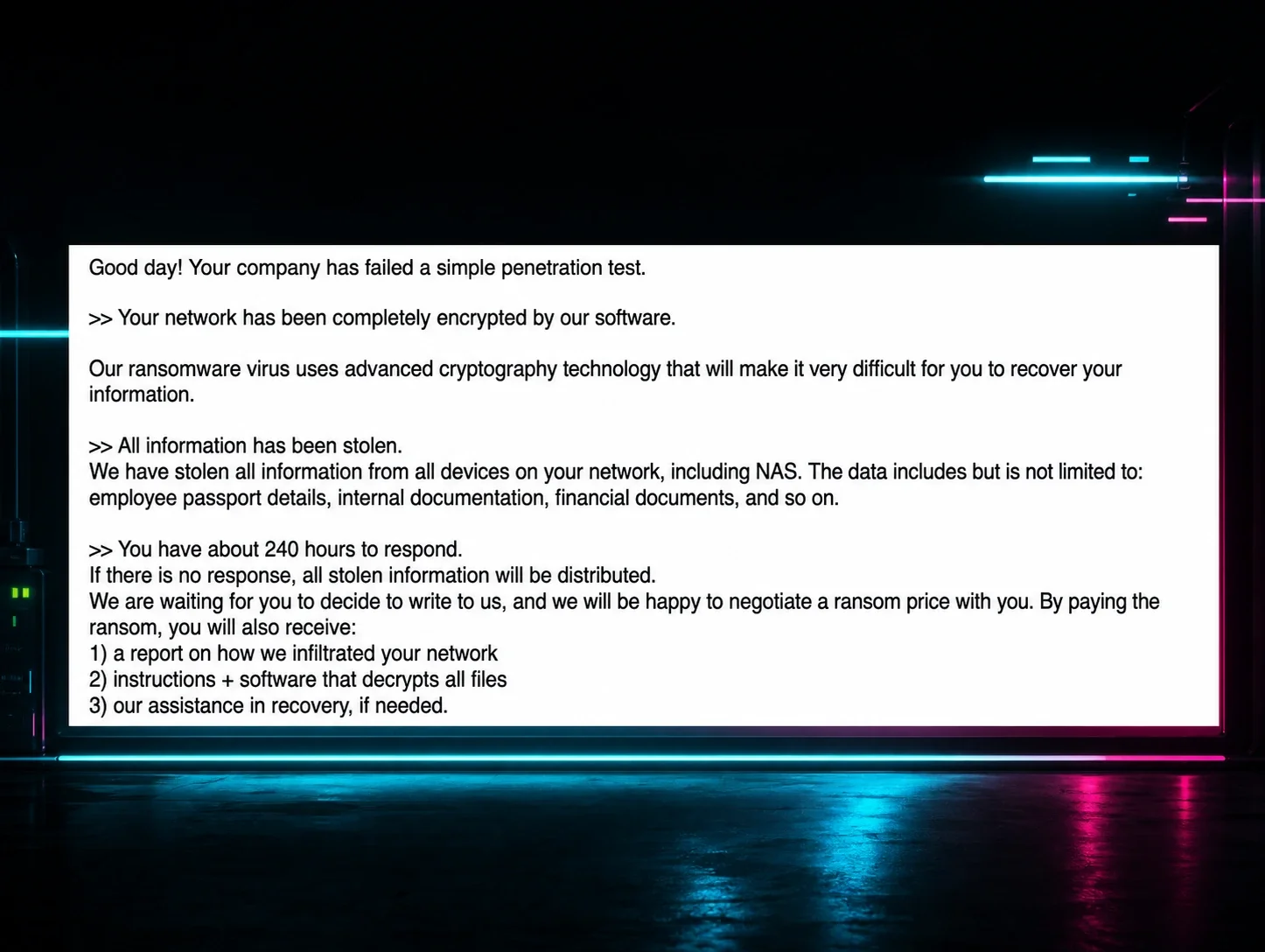
A second rogue ScreenConnect instance showed up in the same environment 12 days later, this time delivering what looked like a ransomware executable. The attacker had kept their foothold on endpoints that went back into production before they were ready.
Once Huntress confirmed the attacker still had access, TruePath locked down the client's environment again and finished the cleanup it had started after the first incident.
That meant telling the client's CEO, who had just spent days recovering, that systems were going offline again. Logistics deadlines were slipping, and nobody could use their machines to qualify orders.
Trust, but Verify, One Endpoint at a Time
After the second lockdown, nothing returned to production until the client's IT team verified remediation work for each affected endpoint and an executive gave verbal approval. The lesson learned was that there has to be clear evidence of recovery before going back into production mode. The reopening was slower, but the client never had to read a ransomware note.
Pre-Game Your Next 2 am Alert
These conversations are much easier to have before an incident than during one. Whether you run IT for your own company or manage it for clients, answer these questions ahead of time:
If an active threat shows up, who's authorized to isolate the affected systems?
Who makes the decisions, and can your IT or security team act right away, or does someone need to sign off first?
Who communicates with leadership during an incident?
How much downtime can the business tolerate?
How quickly could you recover? Having backups doesn't automatically mean you can restore operations quickly.
A few technical habits also shrink the room an attacker has to work with:
Decide which remote access tools belong in your environment and block everything else by default.
Watch what normally runs in your environment before you enforce anything, then clean up what shouldn't be there, like leftover software from a previous IT provider, a project, or a trial that never moved forward.
Look at your network from the outside. Find which ports and services are exposed to the internet, and decide which need tighter protection, such as a hardened firewall policy.
Watch the full livestream, "Inside the Incident: What Happens When Our SOC Calls", to learn what good SOC support at 2am looks like.