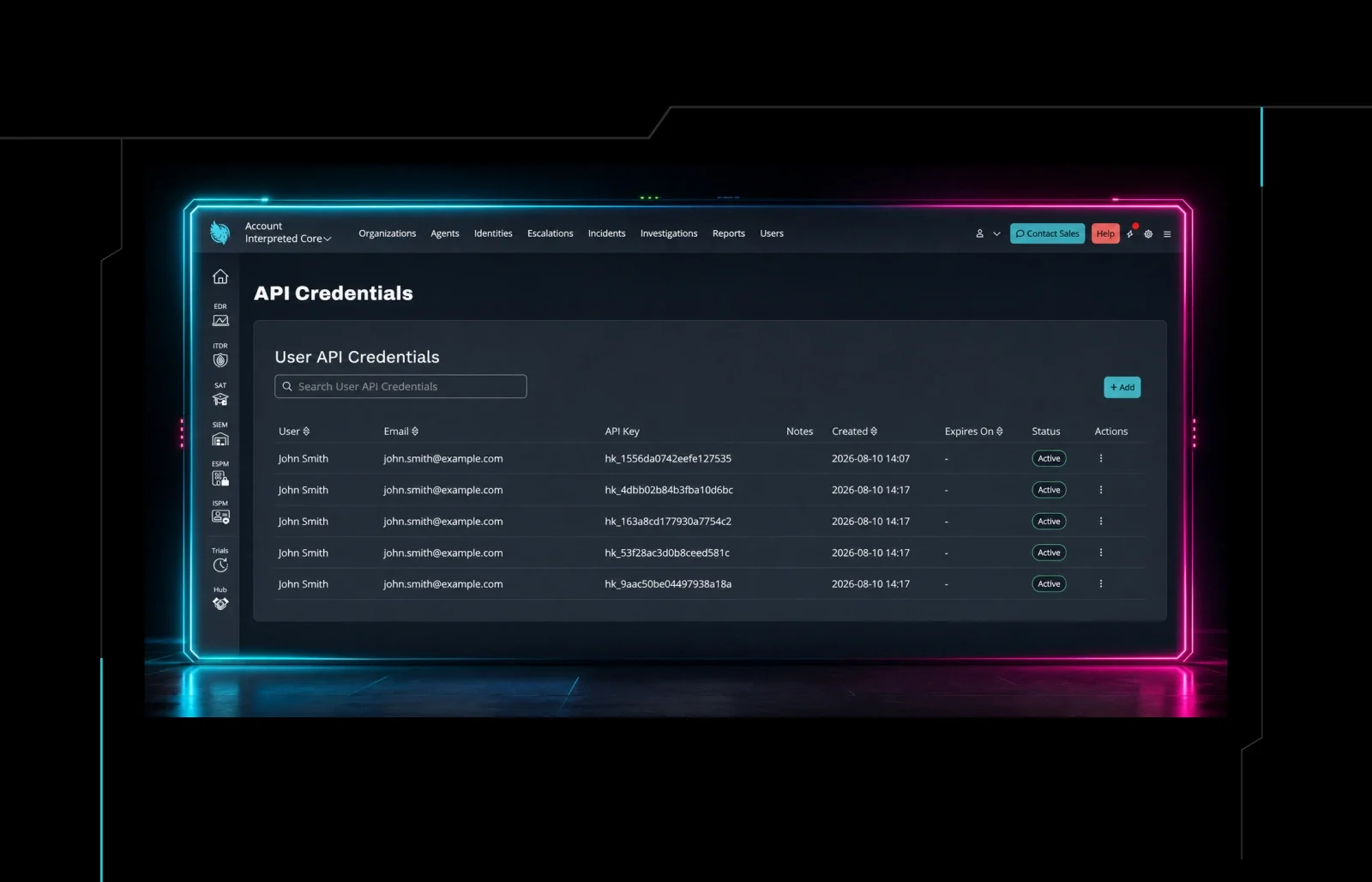


When we launched the Huntress API in 2022, the goal was straightforward: give partners a way to pull their Huntress data without logging into the portal. But at the time, the API was limited to six read-only endpoints, so there were a lot of limitations. A lot has changed since then.
Over the past year, we've not only rolled out Webhooks and an MCP server, but we've also expanded the Huntress API from a read-only data access tool into a full integration and automation platform. One that lets you not just read your Huntress data, but manage it and build real workflows around it. Here's what's new, and what it means for you, starting with an overview video:
From Read-Only to Full Automation
The biggest shift in the past year is simple: the API can now write, not just read. That single change unlocked a category of automation that wasn't possible before. A few examples:
Manage Agents programmatically. The new Agents write API lets you uninstall agents, update tags, toggle tamper protection, and isolate or release hosts directly from your scripts or RMM. No portal login required. If you're managing hundreds or thousands of endpoints, the ability to automate agent lifecycle tasks through your own tooling is a significant time saver.
Automate organization and account onboarding. The Organization write API lets partners create, update, and delete organizations programmatically. For resellers/distributors, the Reseller API also supports account create, update, and delete requests. A practical use case is RMM-driven onboarding: when a new client is created in your RMM, automation can create the corresponding Huntress organization and kick off EDR deployment.
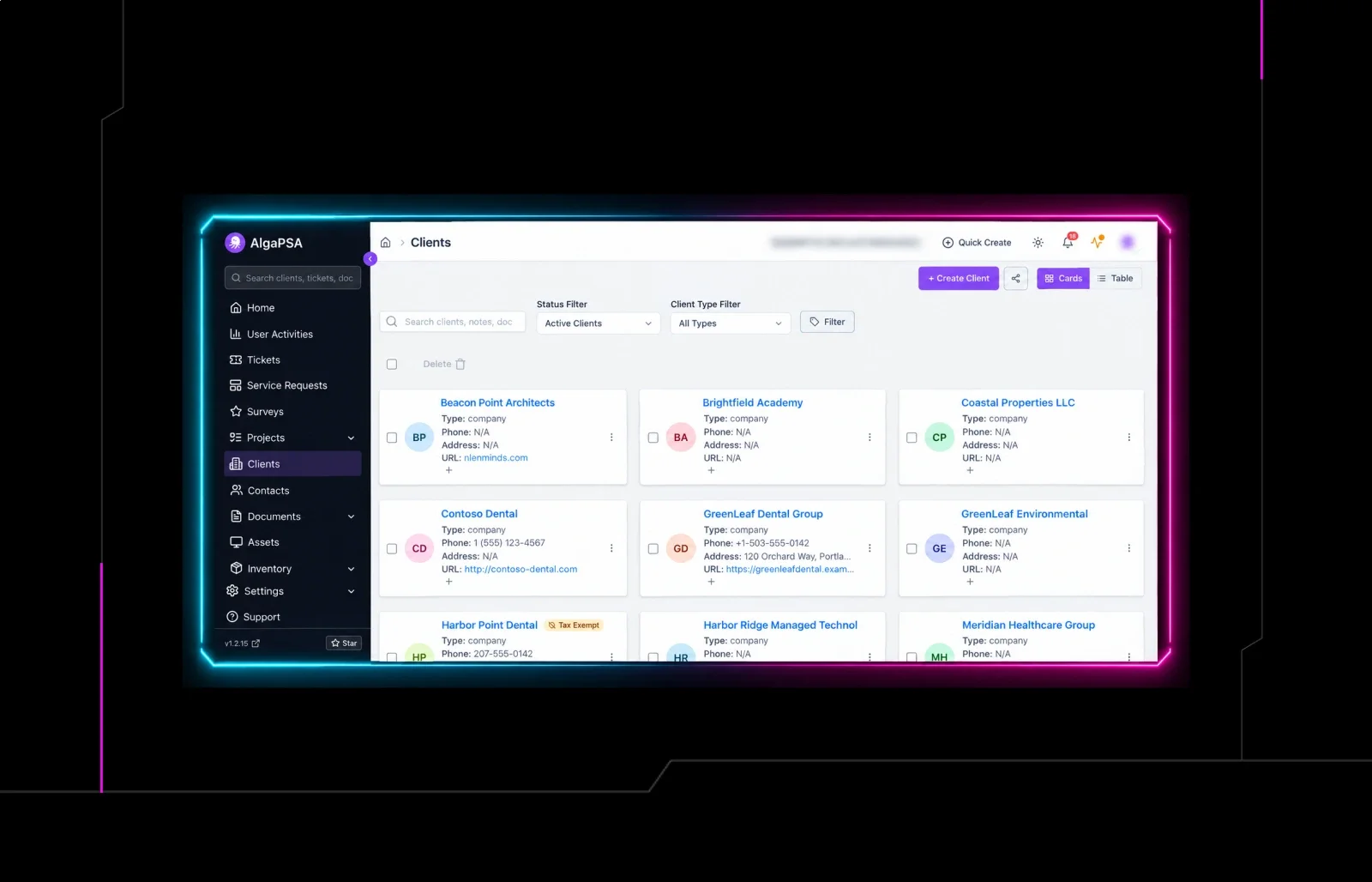
Manage access without touching the portal. The User Management API lets you list, invite, update, and remove the people who have access to your Huntress accounts and organizations (what we call "memberships"). If you're adding or removing staff access across multiple accounts, this is now something you can automate rather than click through.
More Data, More Places to Use It
Beyond write capabilities, a wave of new read endpoints has expanded what you can pull from Huntress and where you can use it.
Security workflow data. The Signals API and SIEM Query API give you programmatic access to security event data, which is useful for pulling into a SIEM, feeding a dashboard, or routing into a PSA ticketing workflow. The Incident Report response API lets you approve or reject remediations without opening the portal. And the ITDR Unwanted Access Rules API lets you create and manage travel exceptions and VPN rules programmatically.
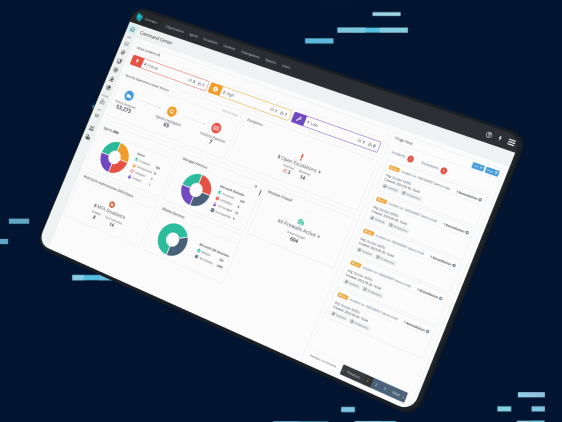
Richer organization data. The updated Organization API endpoint now returns clean per-product statistics, breaking out agent counts, SIEM storage, and ITDR identity counts by product instead of combining them. Data that used to require a portal screenshot or manual export is now available in a structured API response, ready to feed your dashboards and reports.
External recon data. Two new endpoints expose port scan data from Huntress External Recon, including IP address, port, protocol, detected service, and more. If you're building client-facing risk reports or feeding data into a broader vulnerability management workflow, this is now part of the API surface.
Better Access Control for API Keys
We've also improved how API keys work. The old account-level API key is now deprecated in favor of user-based API keys that mirror the permissions of the user they're assigned to. You can create multiple keys per user and across an account, each with only the access needed for its specific use case. If you update a user's role, their API key permissions update automatically.
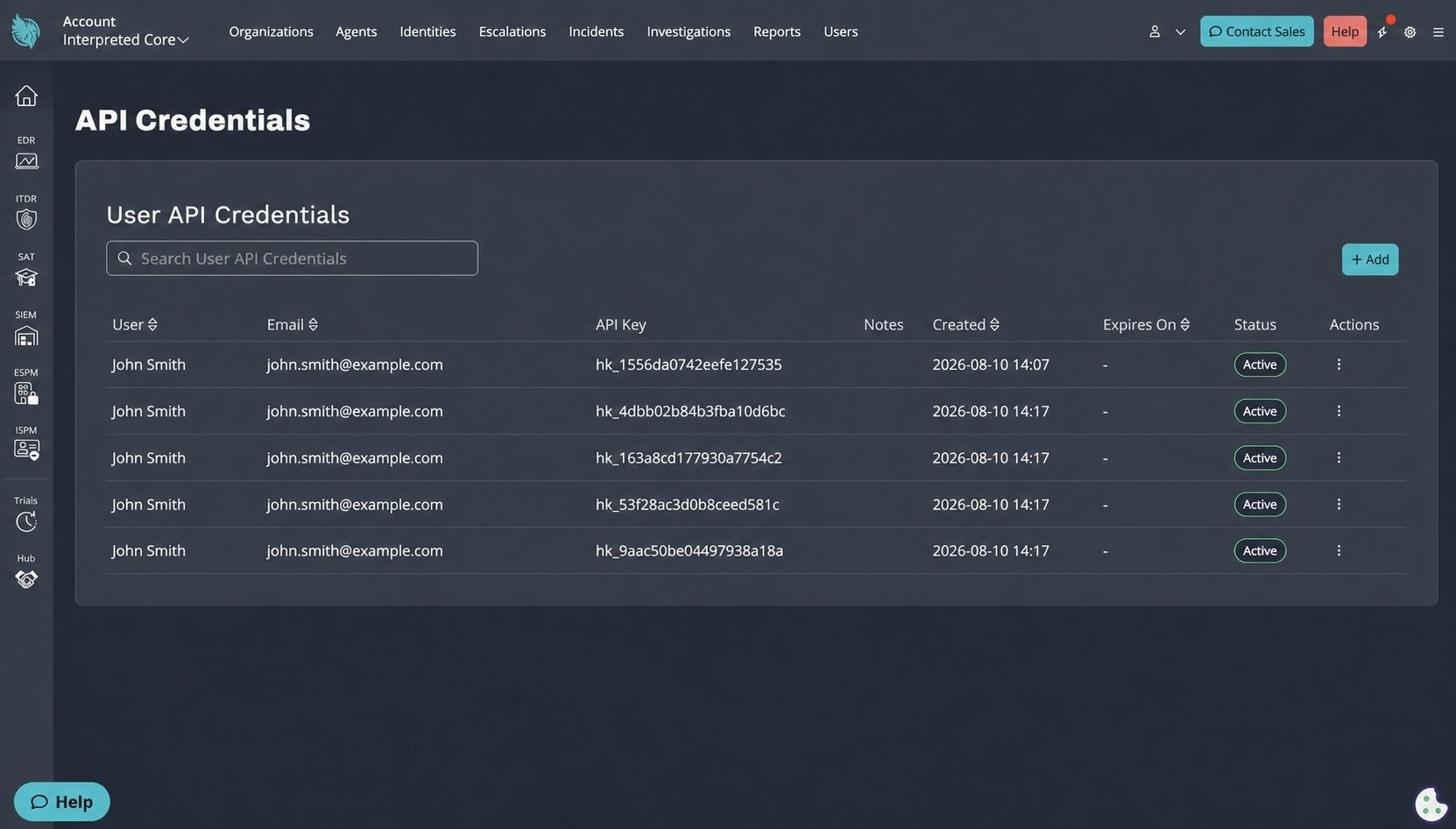
The API Credentials page in the Huntress portal, where customers can generate new User API Credentials.
For Resellers: Full Programmatic Billing and Subscription Management
If you're a Huntress reseller or distributor, the new Reseller API is worth a close look. It covers account CRUD, subscription management across all four Huntress products, and billing endpoints for pulling invoices, line-item details, and usage data by account or organization. The workflows that used to require spreadsheets and CSV exports can now be automated end-to-end.
How to Get Started
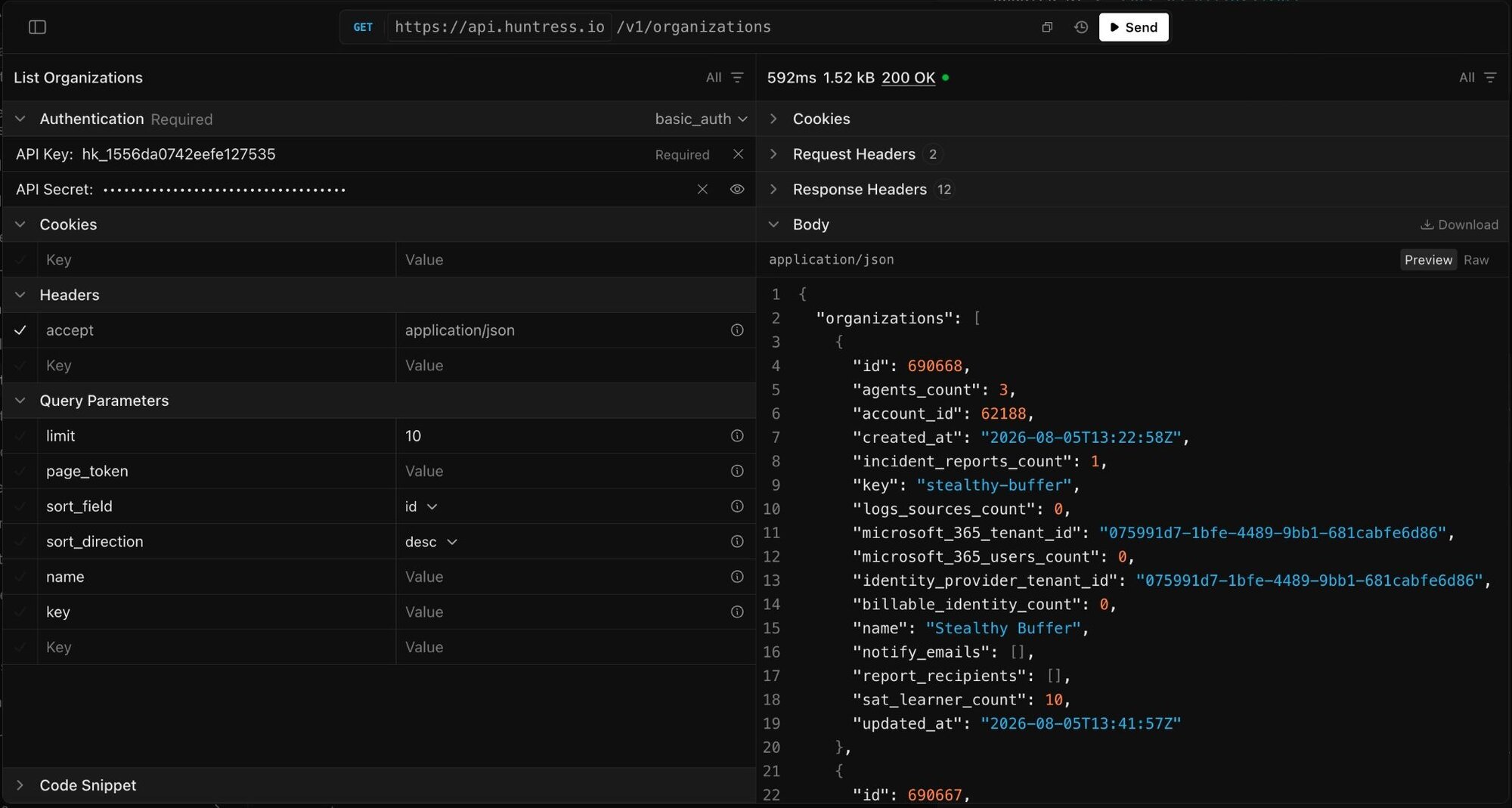
Interactive API widget in the Huntress Developer docs, where you can make test calls against your account.
The full API reference is at api.huntress.io/docs, where you can browse every endpoint, see request and response structures, and make live test calls against your account. For generating API keys and getting started check out this support article: Generating API Keys.
What's Next
The API, Webhooks, and MCP Server are all part of the same effort: making Huntress data and capabilities available wherever you work and however you build. The pace of API development over the past year reflects how seriously we take that commitment. We're not done. More capabilities are on the way.
Have feedback or something you'd like to see in the API? Drop it on our Integrations, Webhooks, and APIs feedback board.