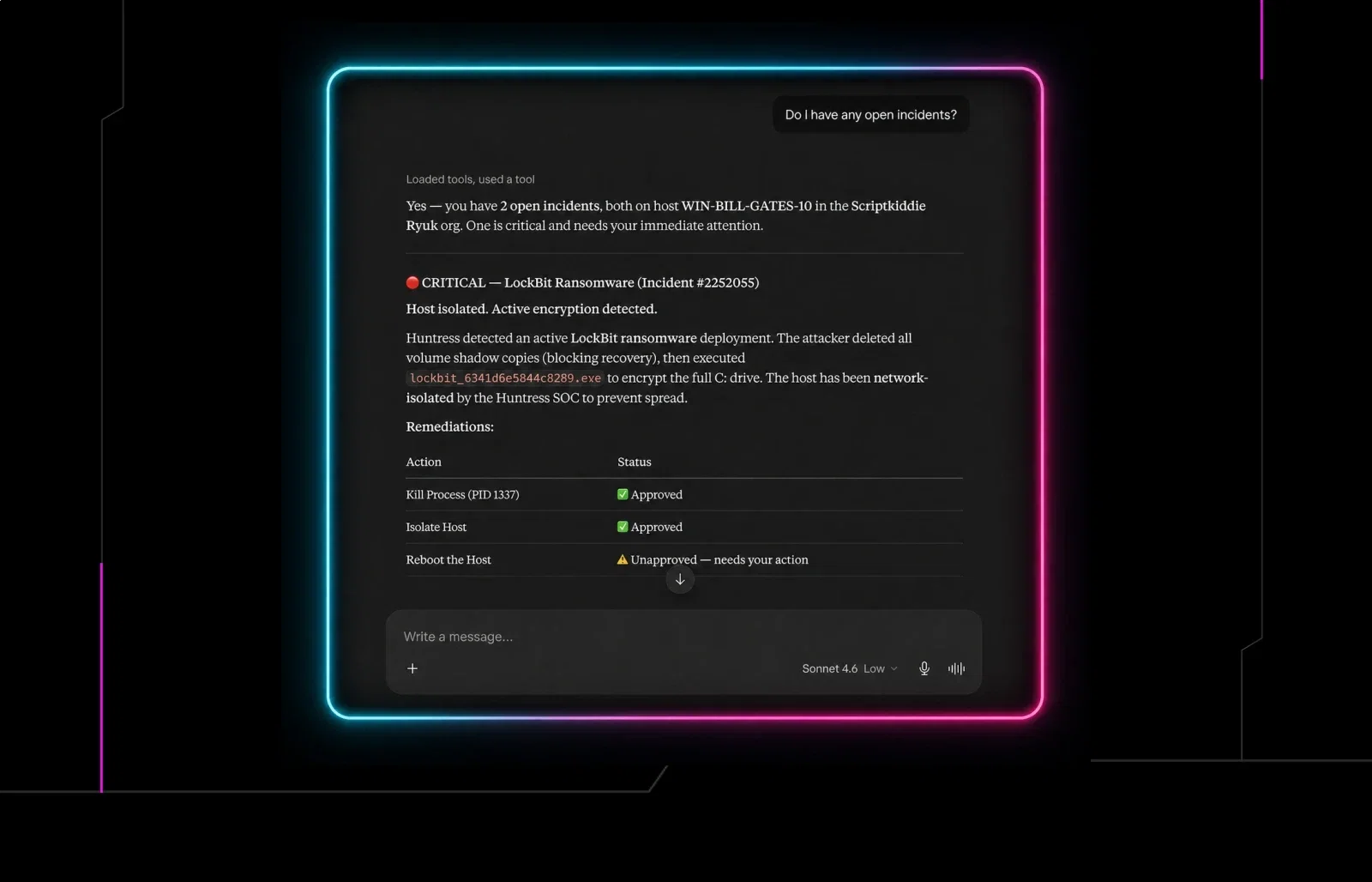


In security, every minute counts. When an incident report or escalation comes in, a quick response can mean the difference between being the hero and having a very bad day. But here's the reality: you and your team aren't always staring at the Huntress portal. You're in your PSA triaging tickets, glancing at Slack, or working in your RMM. Important alerts sitting in a buried tab aren't protecting anyone.
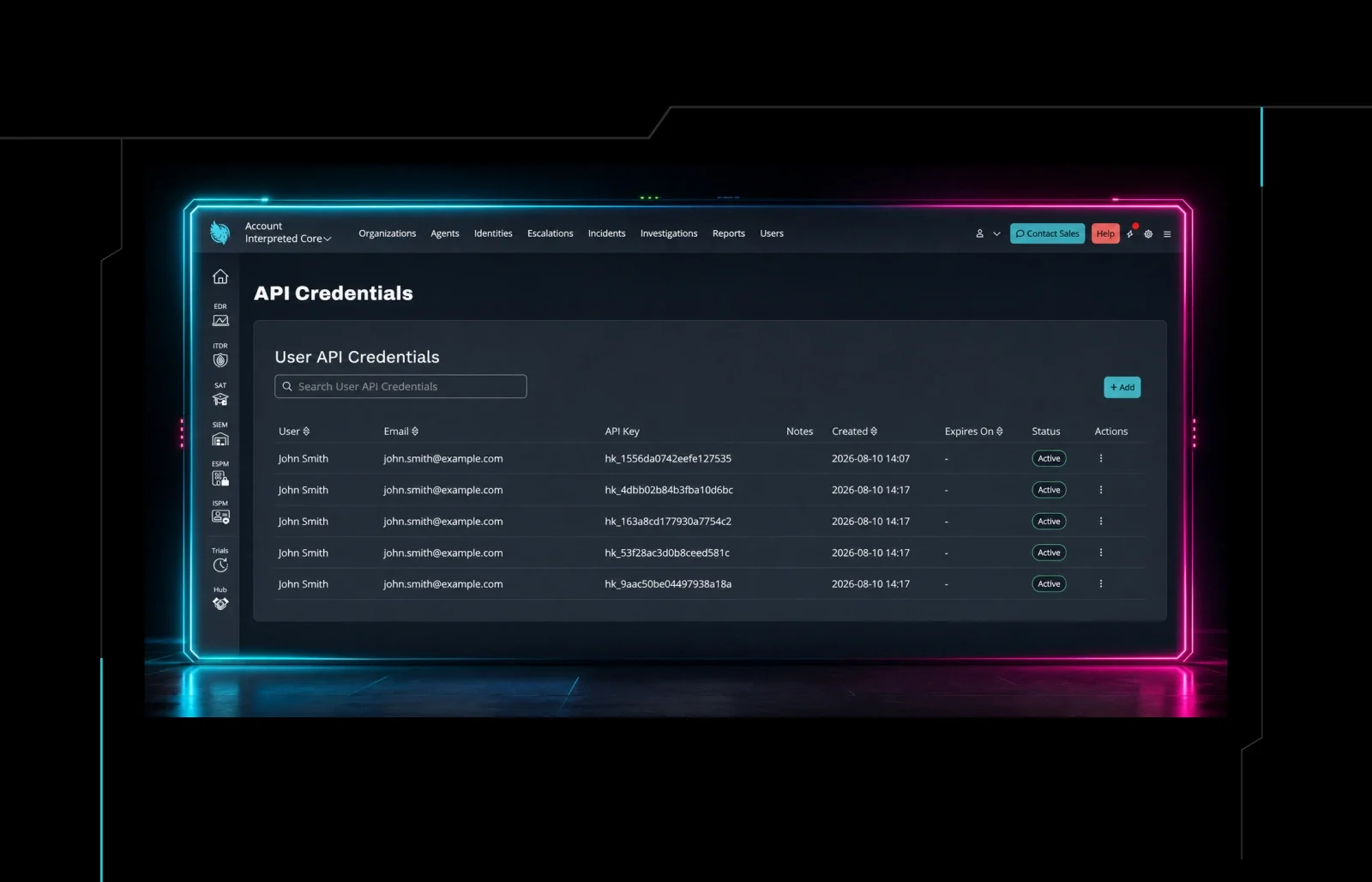
We've been building out our API capabilities to make it easier to get Huntress data where you need it. But for real-time alerting, APIs require your system to continuously ask, "Did anything change?" That polling model leaves you a step behind. That's why we've also made Webhooks available to all Huntress accounts.
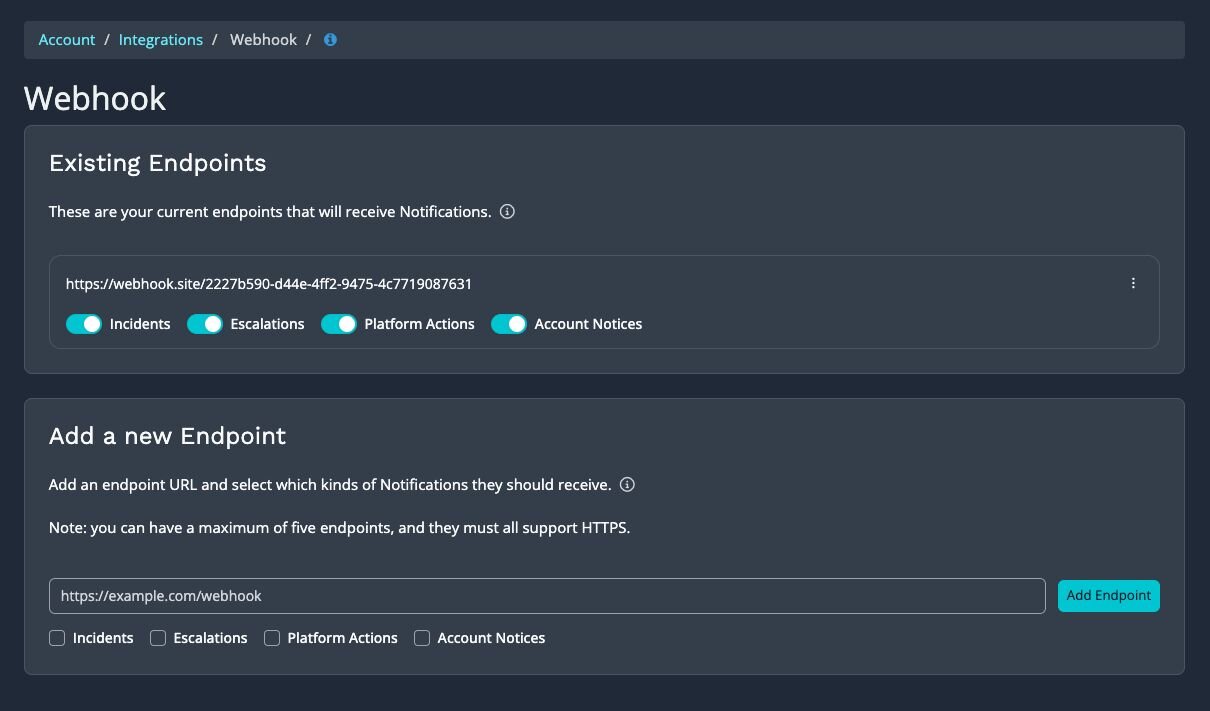
Instead of constantly polling, Huntress pushes. The moment a subscribed event occurs, including incidents, escalations, platform actions, or account notices, we send a notification directly to an endpoint URL you provide.
What you can do with Webhooks
The short version: things that benefit from a real-time signal from Huntress. Here are five practical ways partners are putting this to work:
1. Get instant Slack alerts for incidents: Route Huntress incident notifications to a dedicated Slack channel so your team sees critical events the moment they're detected. Pair it with Slack's notification settings, and your on-call team gets pinged immediately.
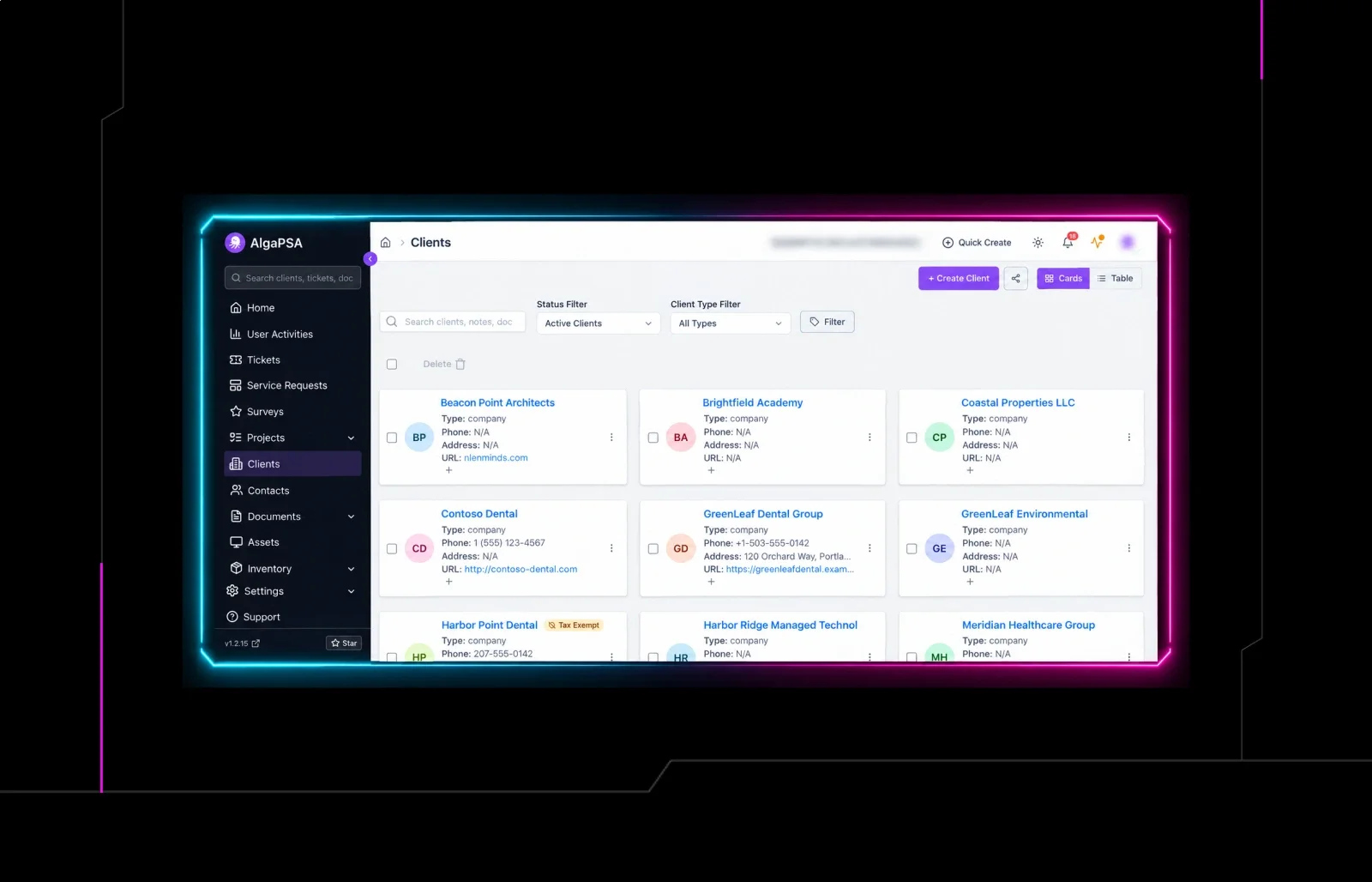
2. Auto-create tickets in your PSA: Connect Huntress Webhooks to ConnectWise Manage, Autotask, HaloPSA, or your PSA of choice. When an incident or escalation fires, a ticket gets created automatically with the event details, so your service desk can start working on it without anyone having to copy and paste from the portal.
3. Trigger automations in your RMM or workflow platform: Webhooks pair naturally with automation tools like Make, Zapier, or n8n. An escalation from Huntress can kick off a workflow that isolates a machine, sends an alert to a client contact, or logs the event to a spreadsheet for reporting.
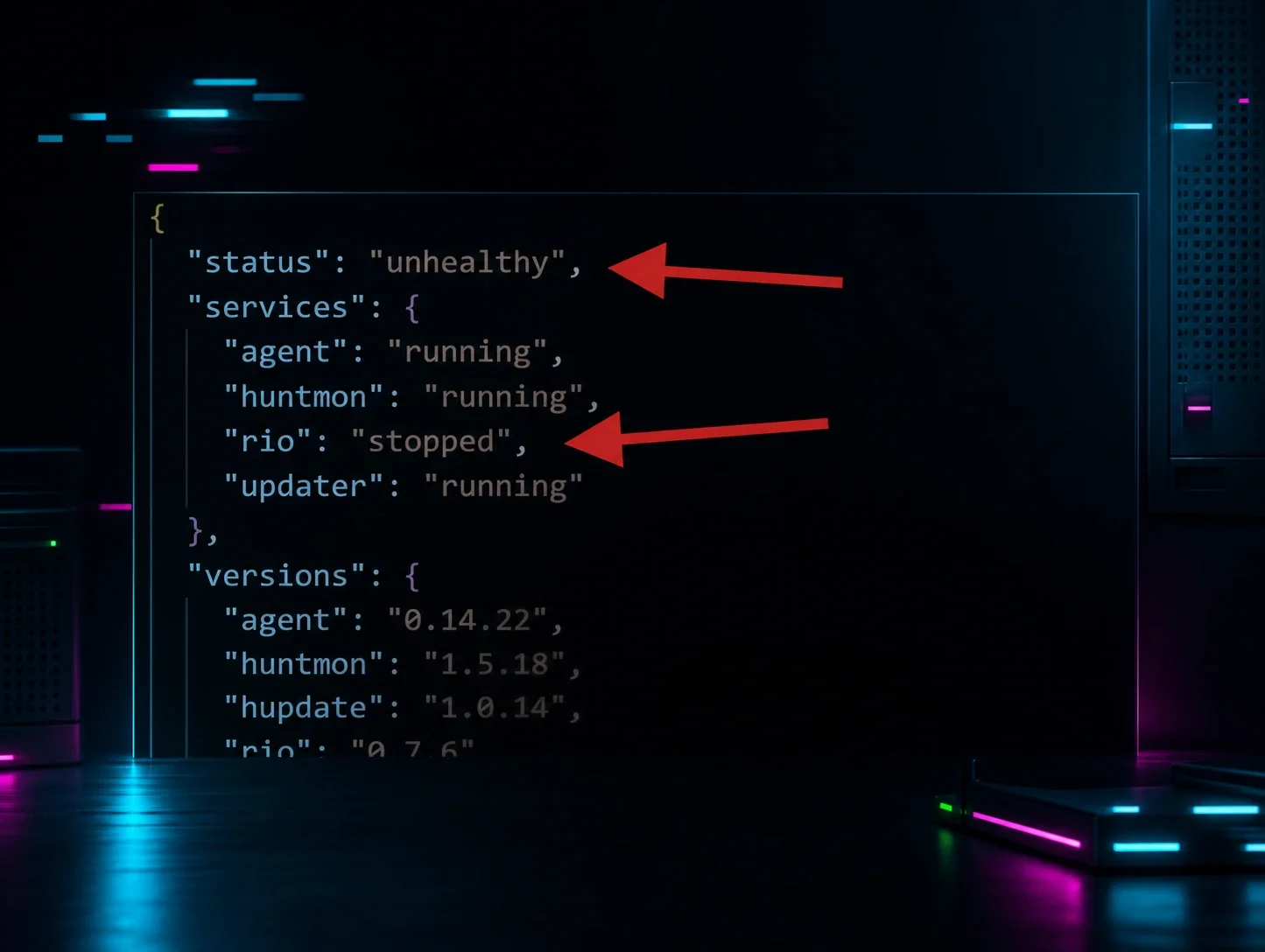
4. Feed events into your SIEM: Trigger and enrich SIEM workflows in real time, giving your SIEM a low-latency, push-based signal the moment an incident report, escalation, or platform action changes state. No polling required. Each delivery is a compact, structured JSON payload carrying the essentials your SIEM needs to act: event type, severity, status, account and organization identifiers, agent ID, and timestamps. Use these fields to route, prioritize, and correlate against your existing telemetry, and, if needed, pull the full details from the REST API.
5. Provide custom notifications for your team or clients: Not every MSP runs the same workflow. You can use Webhooks to pipe Huntress events into Microsoft Teams, email distribution lists, PagerDuty, or any system that accepts an HTTPS POST. Build the notification experience that fits how your team actually operates.
How to get started with Huntress Webhooks
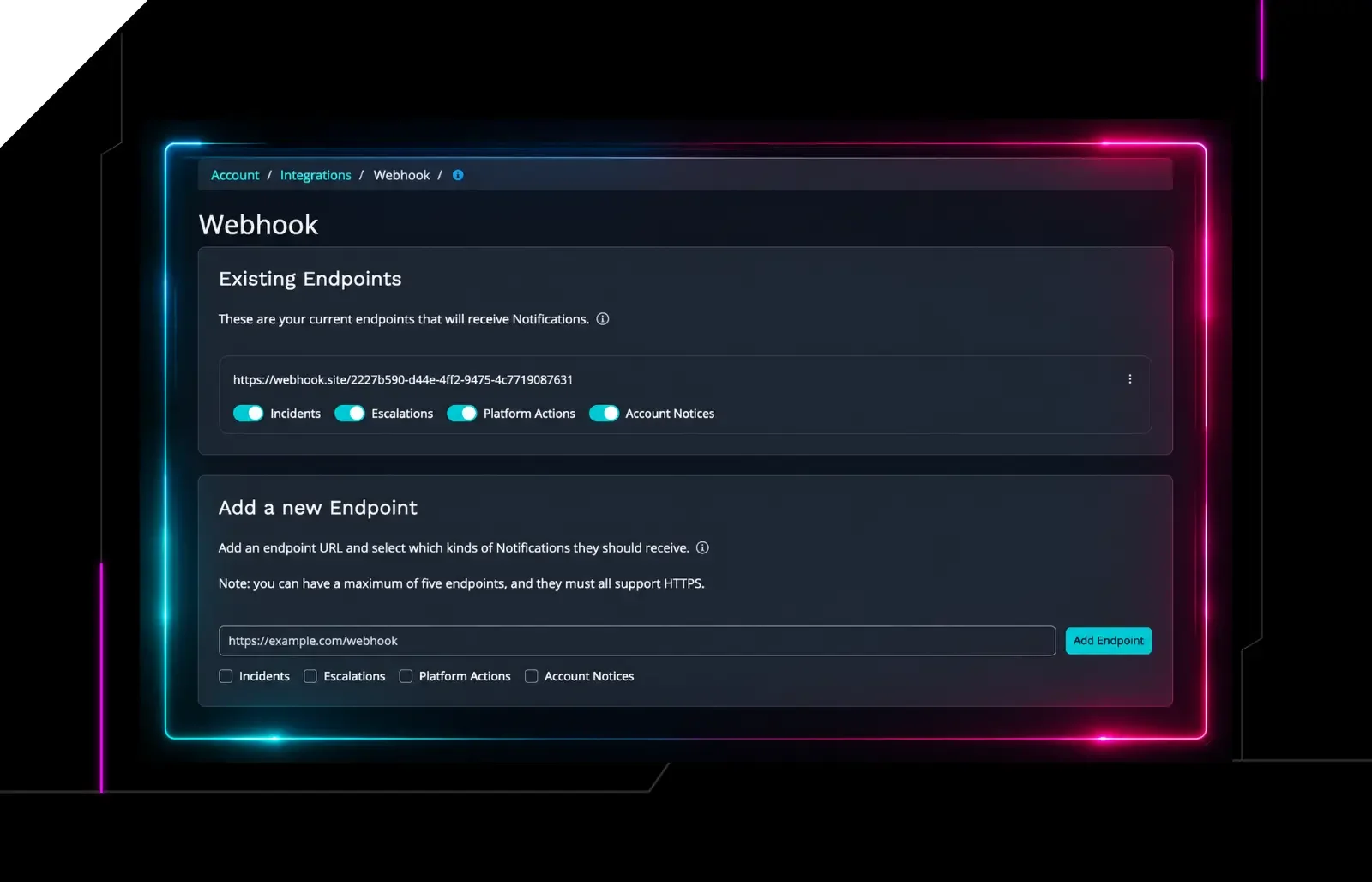
Setting up a webhook takes just a few minutes. From your Huntress dashboard:
Head to Integrations
Add a new Webhook endpoint
Provide your destination URL
Select which event categories you want to receive. You can configure up to five endpoints per account.
For all of the configuration details, including how to verify payload signatures to keep your endpoint secure, check out our support documentation.
For a very brief overview, check out the video below.
What's next
Webhooks are one piece of a bigger picture. Our platform team is hard at work expanding how you can access, interact with, and act on your Huntress data, whether that's through our APIs, Webhooks, or our recently introduced MCP integration. More capabilities are on the way, and we're just getting started.
If you have feedback on Webhooks or want to share how you're using them, drop it on our Integrations, Webhooks, and APIs feedback board. We read every comment.