




Cybersecurity 101
What Is Cybersecurity Transformation?
Learn what cybersecurity transformation means, why it's essential for modern organizations, and how to implement a comprehensive security strategy.
What are Remote Monitoring and Management (RMM) Tools?
Written by: Lizzie Danielson
Published: 9/25/2026
Remote monitoring and management (RMM) tools are legitimate software that IT teams and managed service providers (MSPs) use to remotely monitor, maintain, troubleshoot, and control devices. RMM abuse happens when threat actors misuse those same tools to gain remote access, maintain persistence, run commands, steal data, or deploy ransomware.
Here's the part that trips people up: an RMM tool isn't inherently malicious. The software itself is the same whether an IT admin is patching a laptop or an attacker is quietly working through your network. The risk comes from unauthorized installation, compromised credentials, vulnerable deployments, or suspicious behavior.
RMM software gives IT teams and MSPs a single place to manage devices at scale. That typically covers:
The whole value proposition—one login, broad reach, minimal friction—is exactly the problem from a security standpoint. The same administrative capabilities that let your IT team push a patch to 200 devices in one click can give a threat actor command execution, file access, persistence, and a path to move laterally through your environment, all through a tool your security stack already trusts.
Legitimate RMM binaries and traffic often don't trigger the same alerts as custom malware would. A threat actor running commands through ScreenConnect or AnyDesk can look, on paper, like an admin doing routine maintenance because to most detection tools, that's exactly what it looks like.
RMM tools are built for continuous remote access; that's their main job. Once a tool is compromised or maliciously installed, that same built-in persistence becomes a durable foothold for the attacker, no extra malware required.
Building custom remote-access malware takes time and skill. Downloading a commercial RMM tool takes minutes. Huntress has observed abuse involving tools including ScreenConnect, Atera, AnyDesk, RustDesk, Splashtop, SimpleHelp, TeamViewer, Tiflux, and others—all off-the-shelf, all legitimate software.
RMM tools are often the backbone of how MSPs manage their customers, which makes them a high-value target. When an MSP's RMM instance is compromised, threat actors can potentially gain access to every downstream customer connected to it, turning one compromise into many.
Finding | Source |
RMM abuse increased 277% year over year in 2025 | |
RMM abuse accounted for nearly 24% of observed incidents | |
More than 50% of cases following suspicious Atera activity were linked to ransomware | Huntress, "RMM Abuse: When IT Convenience Bites Back" |
A 2021 Kaseya attack affected an estimated 50 to 60 MSPs and 1,500 to 2,000 downstream organizations | Huntress, "RMMs: A Gateway for Bulk Attacks on MSP Customers" |
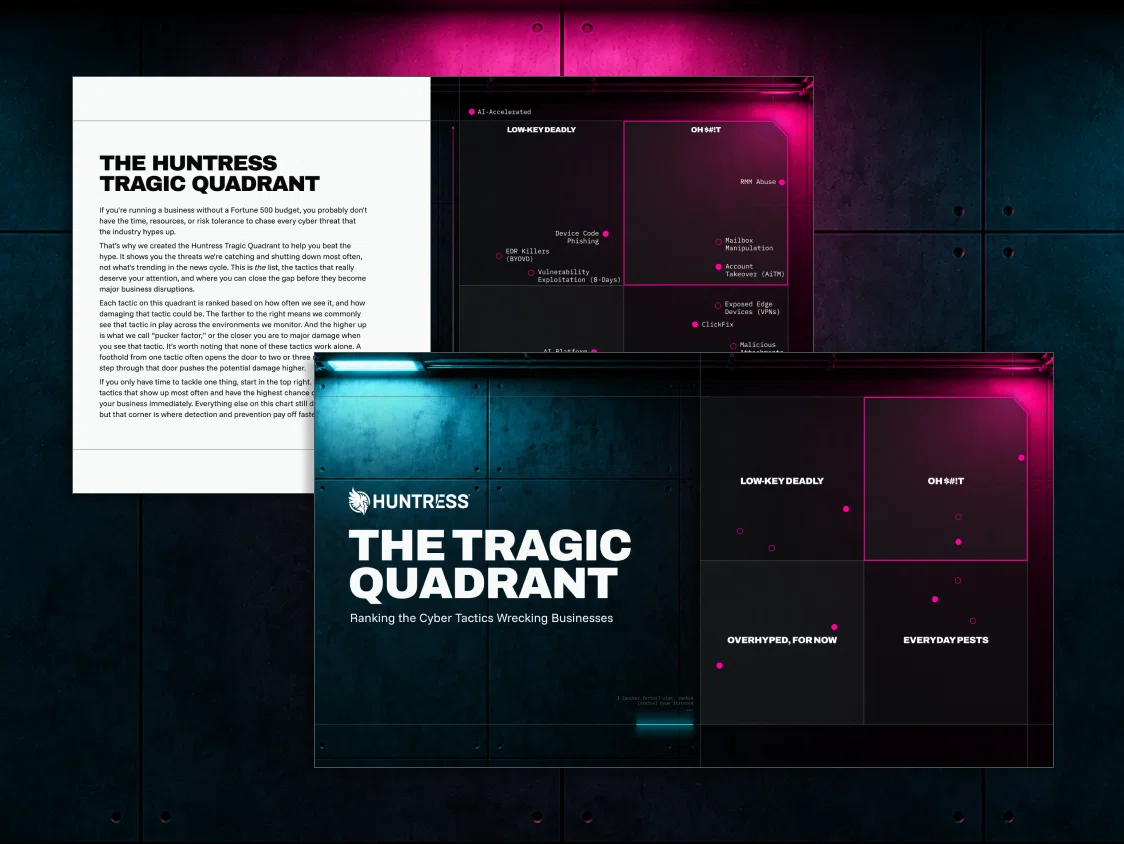
Why sneak malware past your defenses when you can abuse software your organization already trusts? Download the Huntress Tragic Quadrant to see which tactics show up most, how close they are to real business disruption, and where to start closing the gap.
Most RMM abuse follows a recognizable path:
Huntress investigations have traced this exact sequence across phishing-delivered RMM installers, stolen RMM credentials, multiple simultaneous remote-access tools, credential theft, and ransomware deployment.
Detection has to focus on behavior, not just which product is installed. Watch for:
An approved RMM tool can still be abused. That's why you need a real baseline, for users, devices, time of day, destinations, executable paths, and expected administrative actions rather than a simple allowlist of tool names.
No. RMM tools are legitimate and widely used for good reason—they're how IT teams and MSPs manage devices efficiently at scale. The risk isn't the software; it's unauthorized installations, compromised credentials, and unmonitored behavior.
Malware is built to be malicious. RMM abuse uses signed, legitimate software that your security tools already trust, which is exactly why it's harder to catch with traditional detection methods.
An MSP's RMM instance often connects to many downstream customer environments at once. Compromising a single MSP account can give a threat actor a path into every business that MSP manages.
An allowlist helps, but it's not enough on its own. Approved tools can still be abused through stolen credentials or misconfiguration, so you need behavior-based monitoring alongside your inventory and access controls.
Additional Resources
Learn what cybersecurity transformation means, why it's essential for modern organizations, and how to implement a comprehensive security strategy.
Learn what application security is and how it protects applications from vulnerabilities, safeguards data, and ensures secure access for users.
Learn how ASPM provides continuous security visibility across the software development lifecycle, helping organizations prioritize risks and streamline remediation.

