
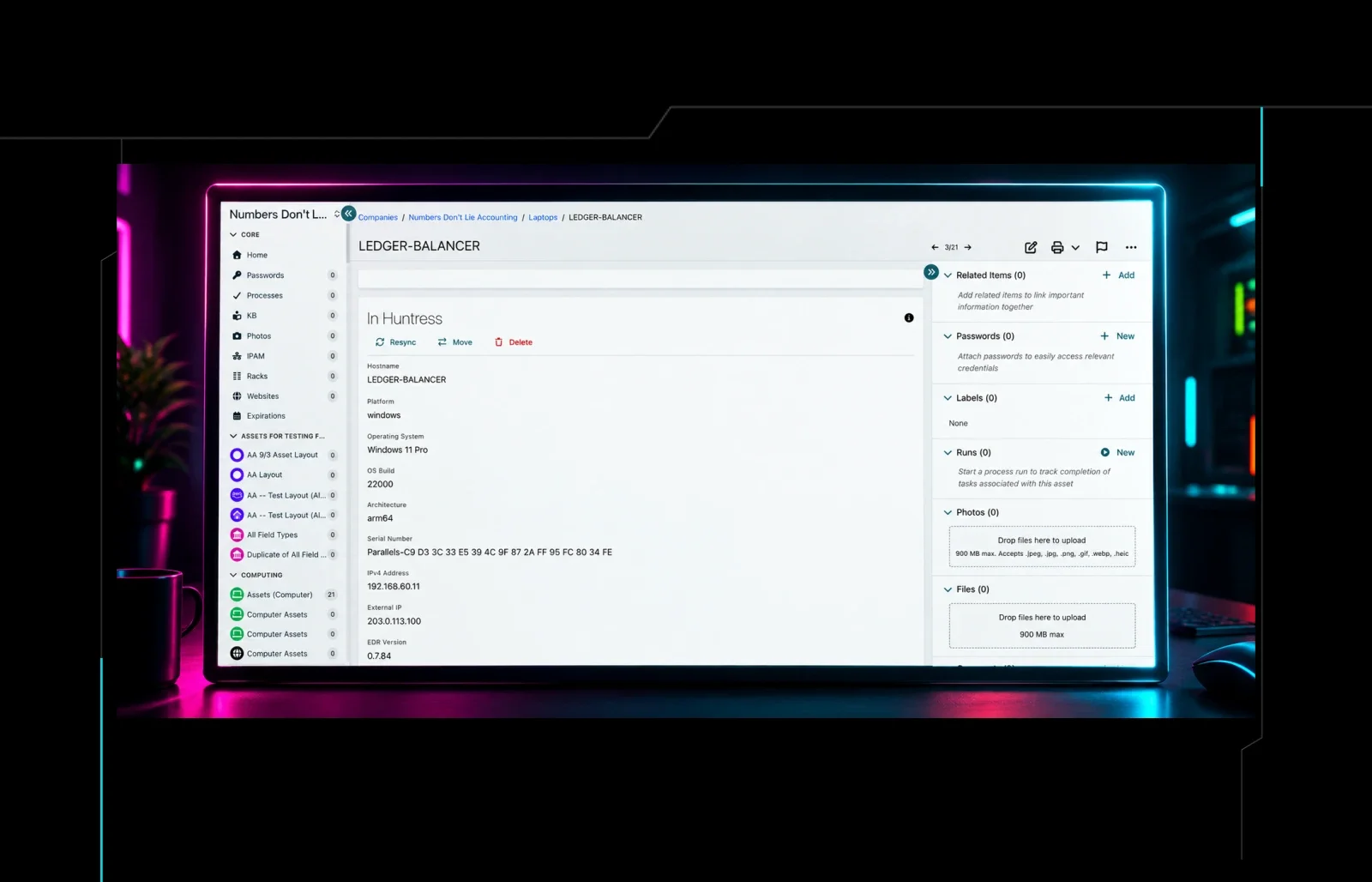


Most managed service providers (MSPs) have one place where everything about a client lives: their devices, passwords, network details, and the steps for onboarding a new user. For many MSPs, that place is Hudu.
Now your Huntress data can live there too. Hudu has built a Huntress integration that brings your Huntress organizations, agents, memberships, and identities into Hudu and matches them to the client records you already have. It's available now in beta.
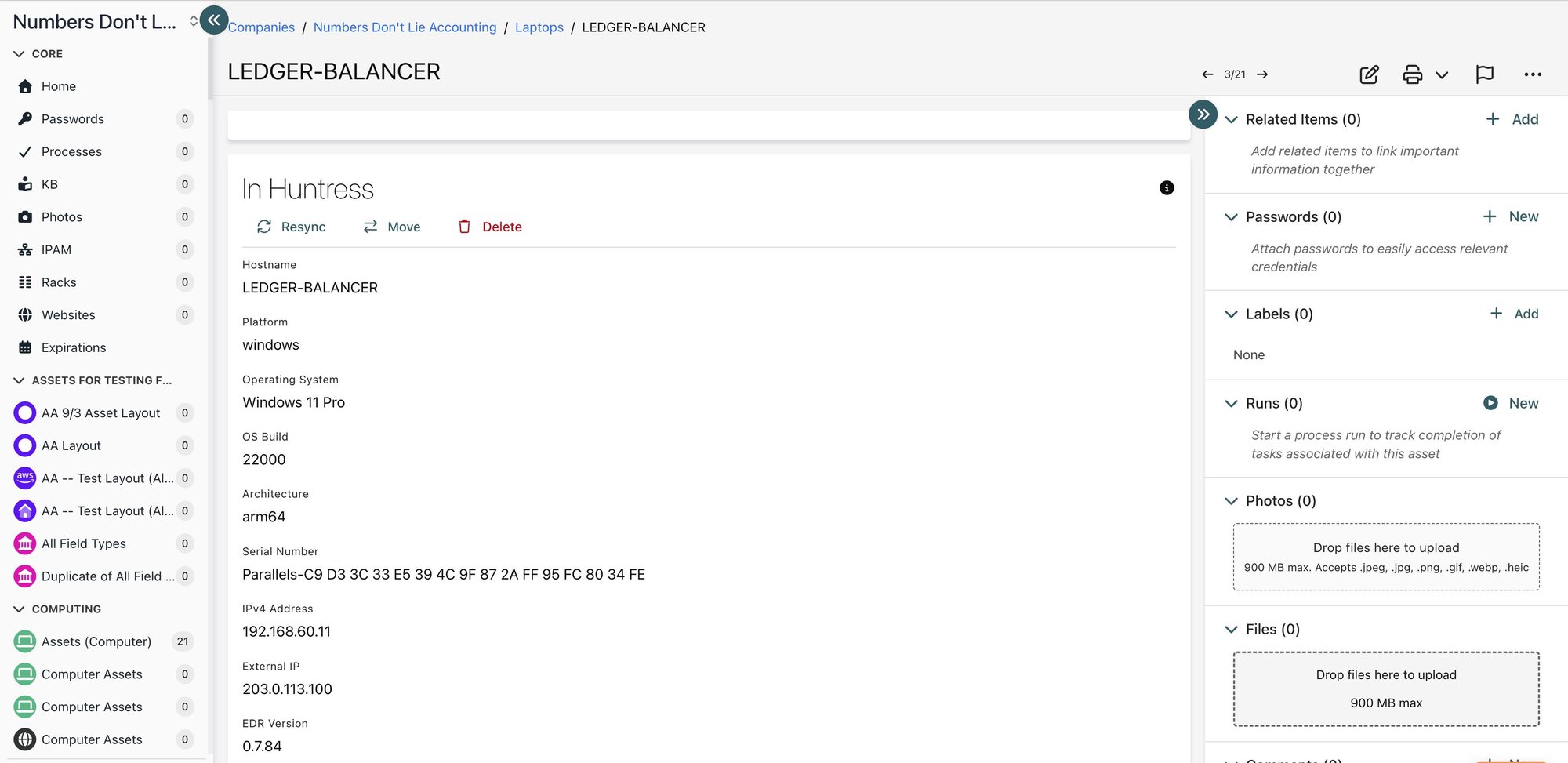
Huntress data displayed in Hudu via the Huntress <> Hudu integration
This post covers what Hudu is, what the integration does, how to set it up, and how Hudu built it on the Huntress API.
What Is Hudu?
Hudu is an IT documentation platform for MSPs and internal IT teams. It keeps documentation, passwords, assets, and network details in one structured, searchable place, and more than 6,000 teams use it.
Hudu puts it this way: your PSA manages your work, your RMM manages your devices, and Hudu manages your knowledge. That means the context, credentials, and procedures behind everything those tools touch.
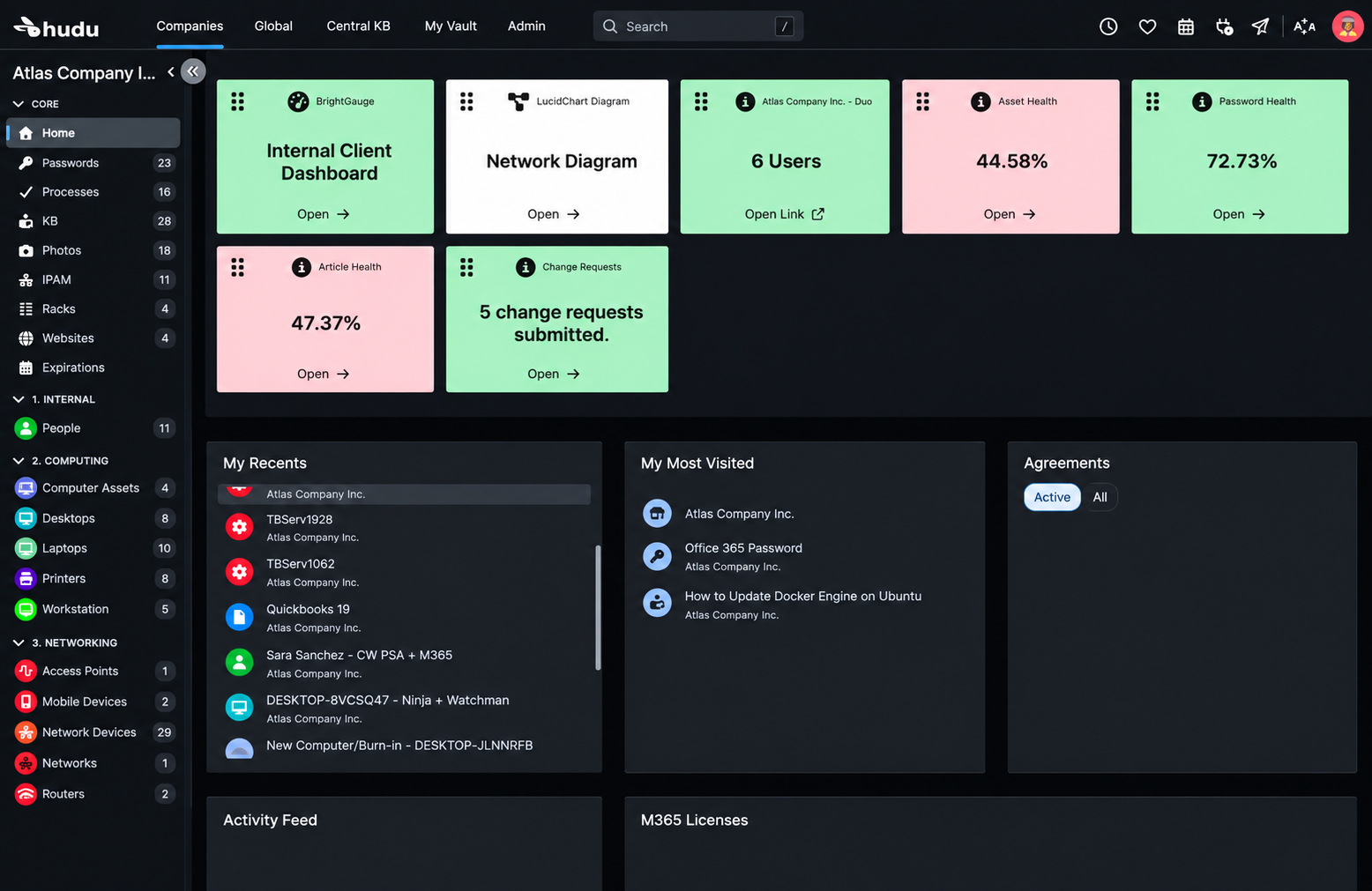
Hudu Dashboard when a user first logs in.
Every client in Hudu is documented with the same structure. That way, any technician can pick up any client without digging through old notes or relying on someone's memory. Hudu also connects with the PSAs, RMMs, and other tools MSPs already use, so that documentation stays accurate. Now Huntress is one of those tools.
How the Integration Works
Once it's set up, Huntress becomes part of each client's documentation in Hudu. A technician can open a client and see the Huntress side of that environment next to everything else:
Which devices have the Huntress agent
Who has access to the client's Huntress organization
Which identities Huntress is protecting
That cuts down on tab-switching during the workday. Say a technician is onboarding a new employee or troubleshooting a laptop. They can confirm Huntress coverage from the same page where they're already working, without logging in to a separate portal to look it up.
The integration also fits the way you've already set up Hudu. Huntress organizations are matched to your existing Hudu companies, so you don't end up with duplicate clients. With Hudu's connected fields, you can map Huntress data to the fields you already use, so it shows up where your team expects it.
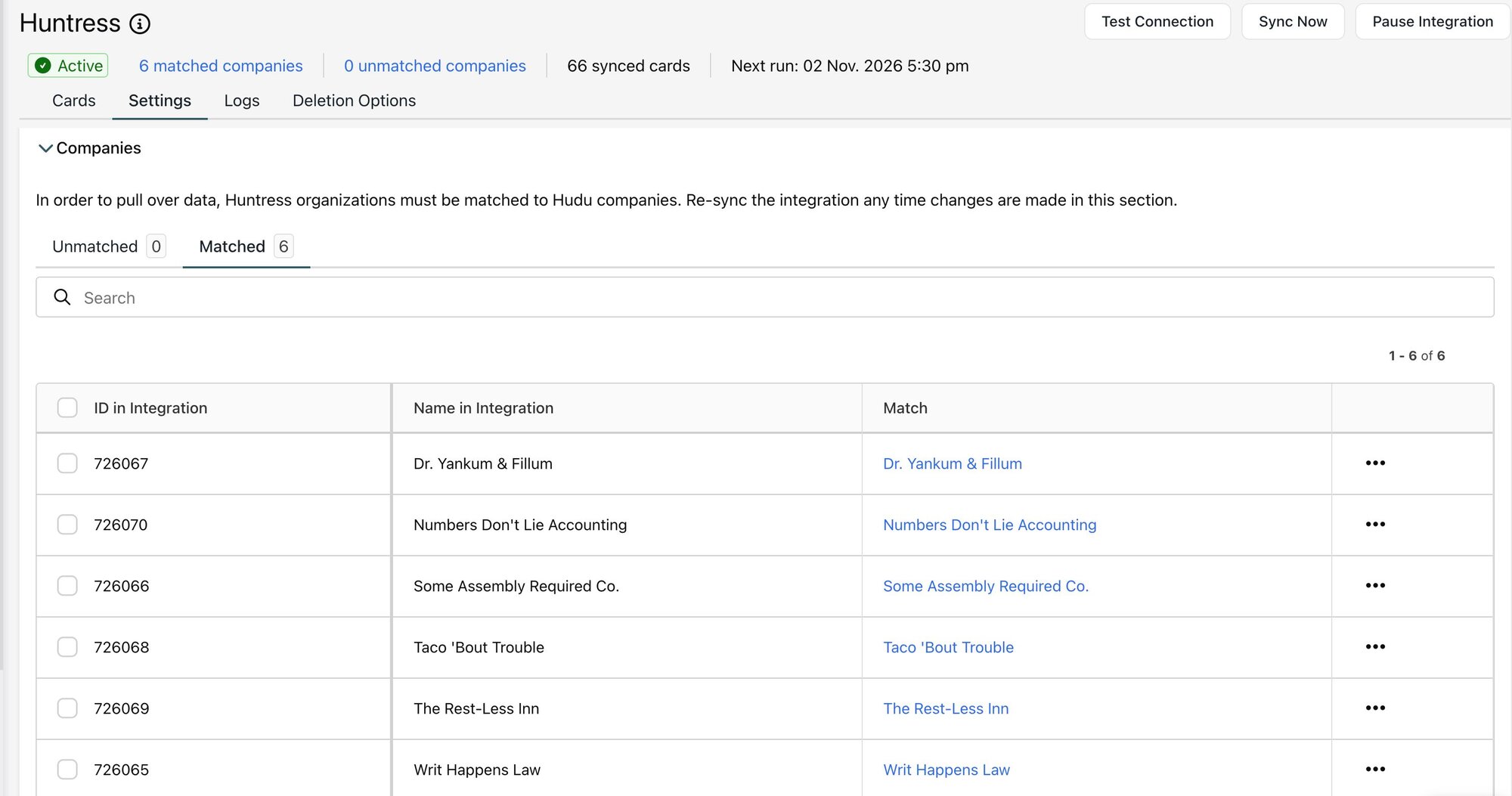
Huntress organizations with existing Hudu companies during integration setup.
Setting It Up
Setup takes a few steps:
Create a User API Key in Huntress.
Add your Huntress API credentials to the Huntress integration in Hudu.
Match your Huntress organizations to your Hudu companies.
Map Huntress data to the right asset types and fields in Hudu.
To create your API key, follow our Generating API Keys guide.
How Hudu Built It on the Huntress API
This is the part our Platform team is most excited about. Hudu built this integration themselves on the Huntress API, the same API available to every Huntress partner.
Over the past year, the Huntress API has grown from six read-only endpoints into a full integration and automation platform, along with Webhooks and an MCP server. That means software vendors like Hudu can bring Huntress into their products on their own schedule, without waiting on us.
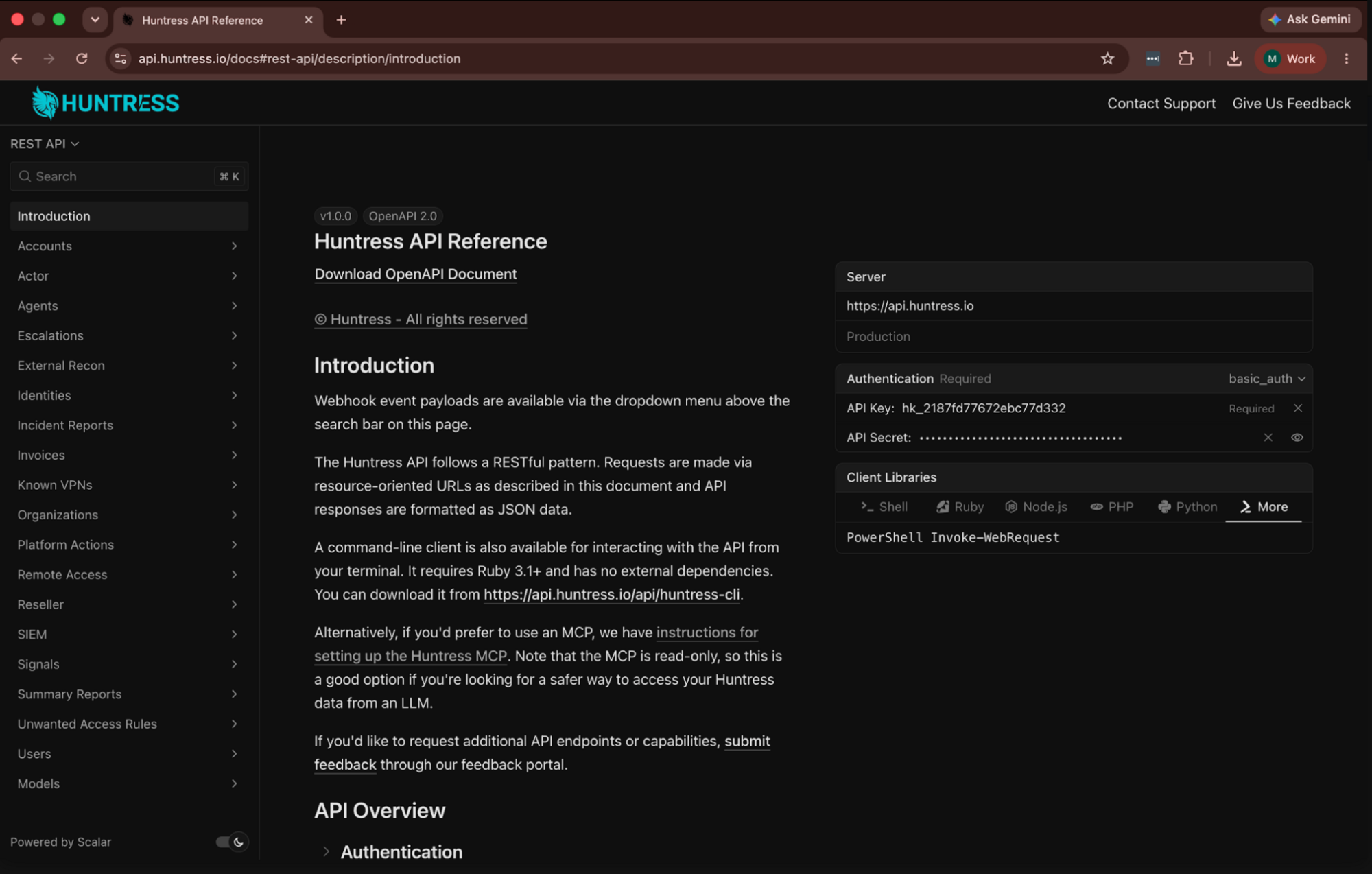
Huntress API Documentation portal where developers can find the info they need to build custom integrations.
For this integration, Hudu pulls data from the Huntress API's organization, agent, membership, and identity data. Combined with what Hudu already knows about each client, that gives technicians a fuller picture in one place.
"Our customers rely on Hudu to be the single source of truth for every client they support, and Huntress is a big part of how a lot of them keep those clients secure. The Huntress API gave us everything we needed to bring that security context right onto the client page, so technicians can see what's protected without leaving their documentation."
Jordan Hart
Director of Product, Hudu
Ready to Get Started?
Hudu built this integration because MSPs want their security data and their documentation in the same place. The Huntress API made that possible. So where would you like to start?
Use Huntress with Hudu: See Hudu's Huntress integration support article for setup steps.
Build on the Huntress API: Start with the Huntress API docs.
Share feedback: Have an idea for this integration, a new endpoint, or a webhook? Add it to our Integrations, Webhooks, and APIs feedback board.