

Acknowledgments: Special thanks to Micah Neidhart and Matt Morin for their contributions to the write-up.
There's an old saying: you don't have to outrun the bear. You just have to outrun the person next to you.
That's how Matt Morin, Product Director at Huntress, describes endpoint hardening, and it's a fitting way to think about most of the cyberattacks hitting businesses today. Attackers aren't chasing one specific target. They're scanning the internet for whoever's easiest to catch, and that's most often the small and mid-sized businesses that make up 99% of companies out there. Endpoint hardening is how you stop being the easy catch.
Why endpoint hardening efforts fall short
Endpoint hardening is the practice of proactively securing the laptops, servers, and other devices in your environment by spotting and closing common security gaps. It replaces insecure default settings with practical controls that make it harder for attackers to gain access or run malicious tools.
Too many teams fall into a pattern of treating endpoint hardening like a checkbox. They knock out a compliance requirement or satisfy a cyber insurance mandate, file it away, and move on. Unfortunately, that approach misses the mark in today's rapidly shifting threat landscape. Cyber security frameworks are critical, but they're just a baseline for your defenses.
The gaps that actually get exploited often sit outside of whatever you checked off the list. That's why layered security, not a single checklist, keeps your business better protected.
There's also a common misconception that doing hardening "halfway" isn't worth doing at all. Doing something is always better than doing nothing. Teams chasing perfect security over resilience often give up before making any real progress at all, leaving them just vulnerable as when they started.
How attackers get onto your endpoints
Real incidents show us how endpoint hardening falls short.
Internet-exposed RDP, the native Windows tool for remotely connecting to another computer, is one of the most common endpoint intrusion paths we see in our Security Operations Center (SOC). A firewall rule gets opened for a temporary project, but then overlooked as it wraps up. Meanwhile, automated scanners find the exposed RDP and brute-force their way in. Within minutes, attackers can gain full control of that endpoint, putting them within striking distance of a ransomware deployment.
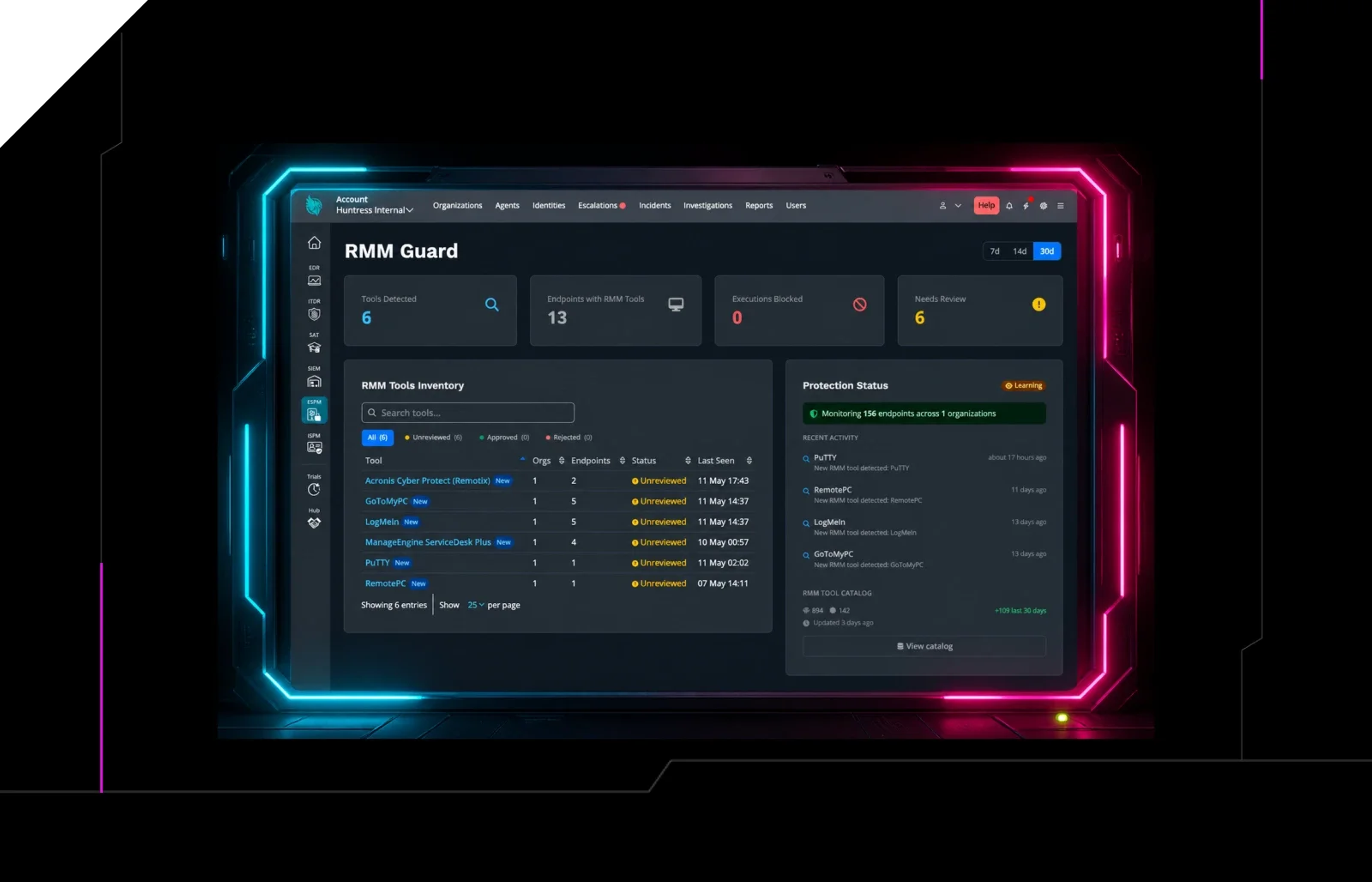
RMM abuse is another common attack vector and it also plays out directly on endpoints. It starts with a convincing phishing email, like an enticing pay raise with an attachment containing all the juicy "details." But what's actually happening is that when the employee opens the attachment, it downloads an attacker-controlled remote-access tool onto your endpoint. Now the attacker instantly has the same access as your IT team. And it looks like a normal IT workflow, so it doesn't trigger any immediate detection alarms. Incidents like this help explain why Huntress saw a 277% spike in RMM abuse in 2025.
ClickFix attacks follow a similar playbook. A user lands on a fake CAPTCHA page asking them to copy a command, press Windows key R to open the Run prompt, and paste it in to "verify they're human." That command downloads malware straight onto the endpoint, and because the user typed and ran it themselves, it can look legitimate to some tools. Most employees never touch the Run prompt during a normal workday, which makes it a simple control to lock down.
The building blocks of strong endpoint hardening
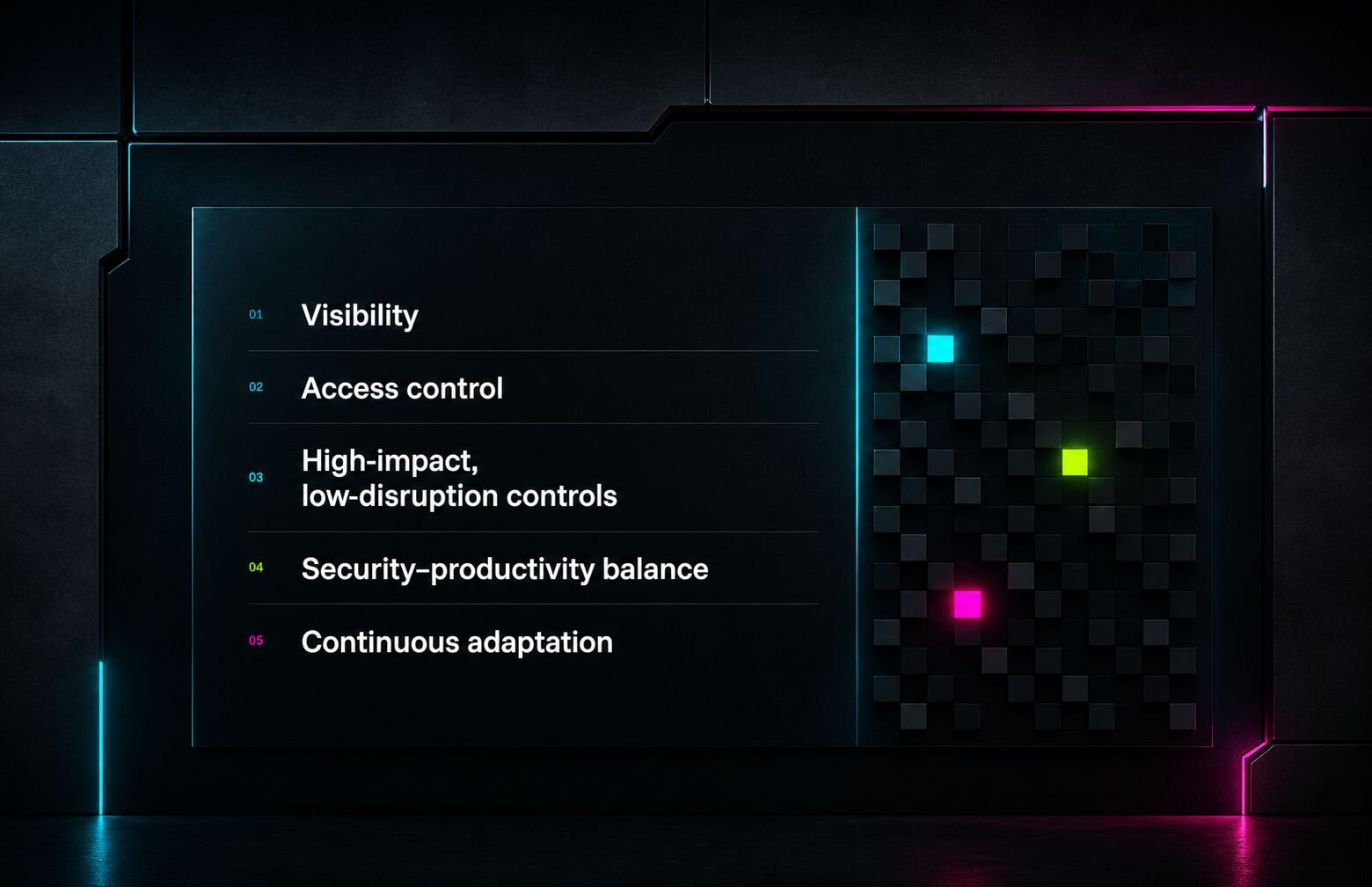
When you walk into an environment with genuinely strong endpoint hardening, you'll notice a few things right away.
Visibility. The team knows what applications are running, what's exposed to the internet, and what's running internally. That awareness alone puts an organization ahead of most of its peers.
Access control. Users with uncontrolled local admin rights are a liability.
IfWhen an initial access broker steals those credentials and sells them on the dark web, the attackers gain control with elevated privileges. Tightening that access is one of the highest-impact moves a team can make.High-impact, low disruption controls. Use frameworks like CIS and NIST to help build a practical posture approach for your own environment. Those frameworks run long so make sure to choose the best few controls or whatever is manageable for your organization, that reduces risk, but doesn't interrupt workflows.
A balance of security with productivity. This takes sound judgment. Lock things down too aggressively, especially with tools like application control, and employees lose access to what they need to do their jobs. A more targeted approach, blocking the specific tools and behaviors attackers commonly abuse while allowing everything else people rely on, gets most of the protection without the friction.
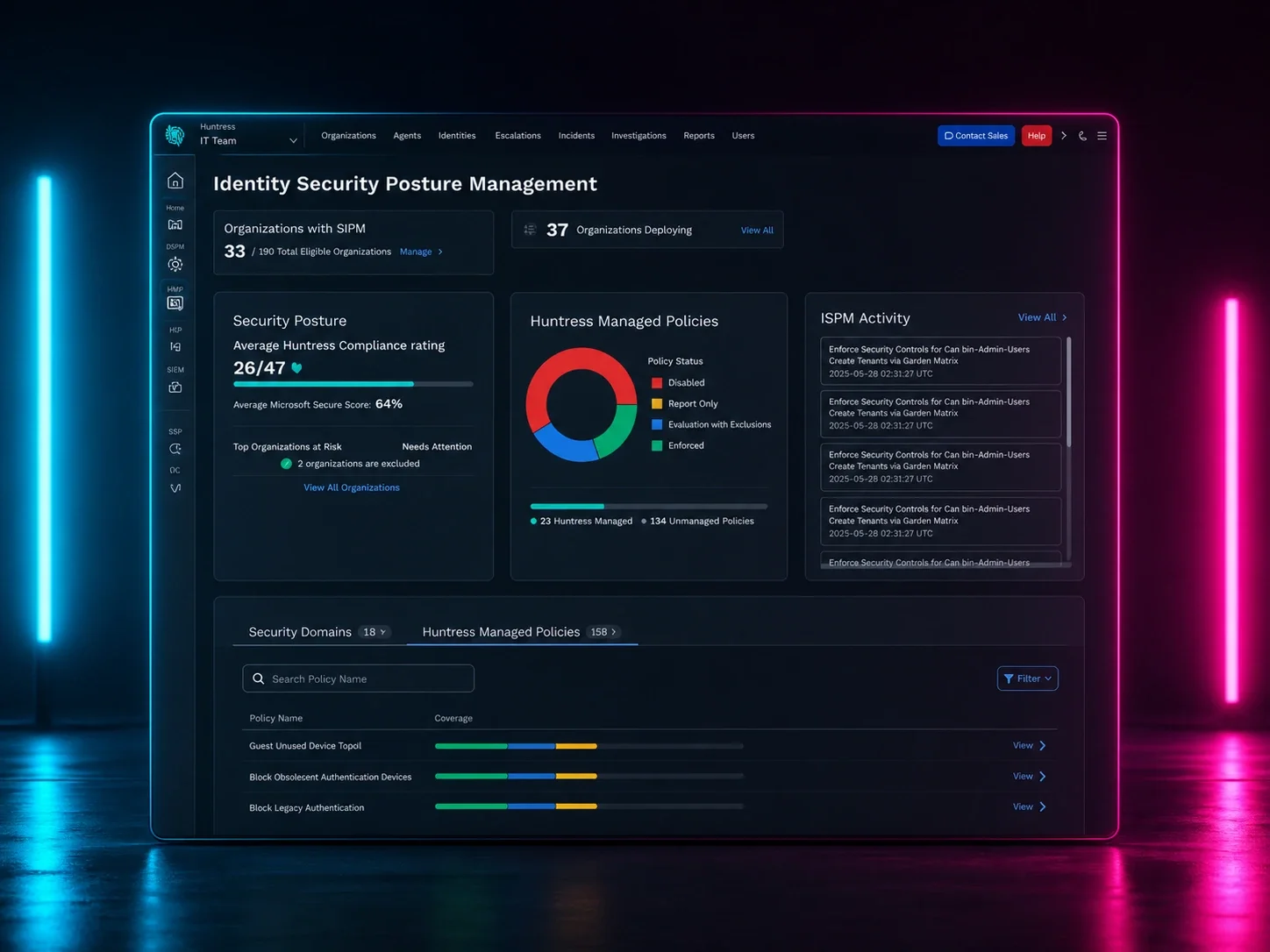
Continuous adaptation. Good hardening isn't a project with an end date. Teams that treat secure configuration as something to revisit regularly as the business needs evolve, catch drift before it becomes a real problem. Automated posture management tools help here too, especially for small IT teams stretched across support and security at the same time.
Your endpoint hardening best practices checklist
Not sure where to start? Look for the low-hanging fruit in your environment. Small, easy fixes add up fast to close gaps and shrink your attack surface.
Here is your endpoint hardening checklist that you can kick off this week.
Check your external exposure. Scan your public IP addresses for open RDP, SSH, VPN, or firewall admin interfaces, and lock down or remove any that don't have a documented reason and strong authentication in place
Cut local admin rights for end-users who don't truly need them
Make sure Windows Defender has tamper protection enabled, gets virus updates, and runs regular scans without risky exclusions
Turn off SMBv1 and any other legacy protocols you're not using
Choose one approved remote access tool and block others from launching
Restrict the Windows Run prompt for users who don't need it. This minimizes the risk of ClickFix-related intrusions
Patch fast, especially anything facing the internet
Use CIS or NIST frameworks as a starting point, not a line-by-line mandate
Continuously track your posture instead of tackling it all at once
Attackers are counting on gaps staying open. Close a few gaps this week, then keep closing more next month. That steady progress adds up to a security posture that's genuinely hard to sneak past, and that's worth more than chasing a perfect score you'll never reach.
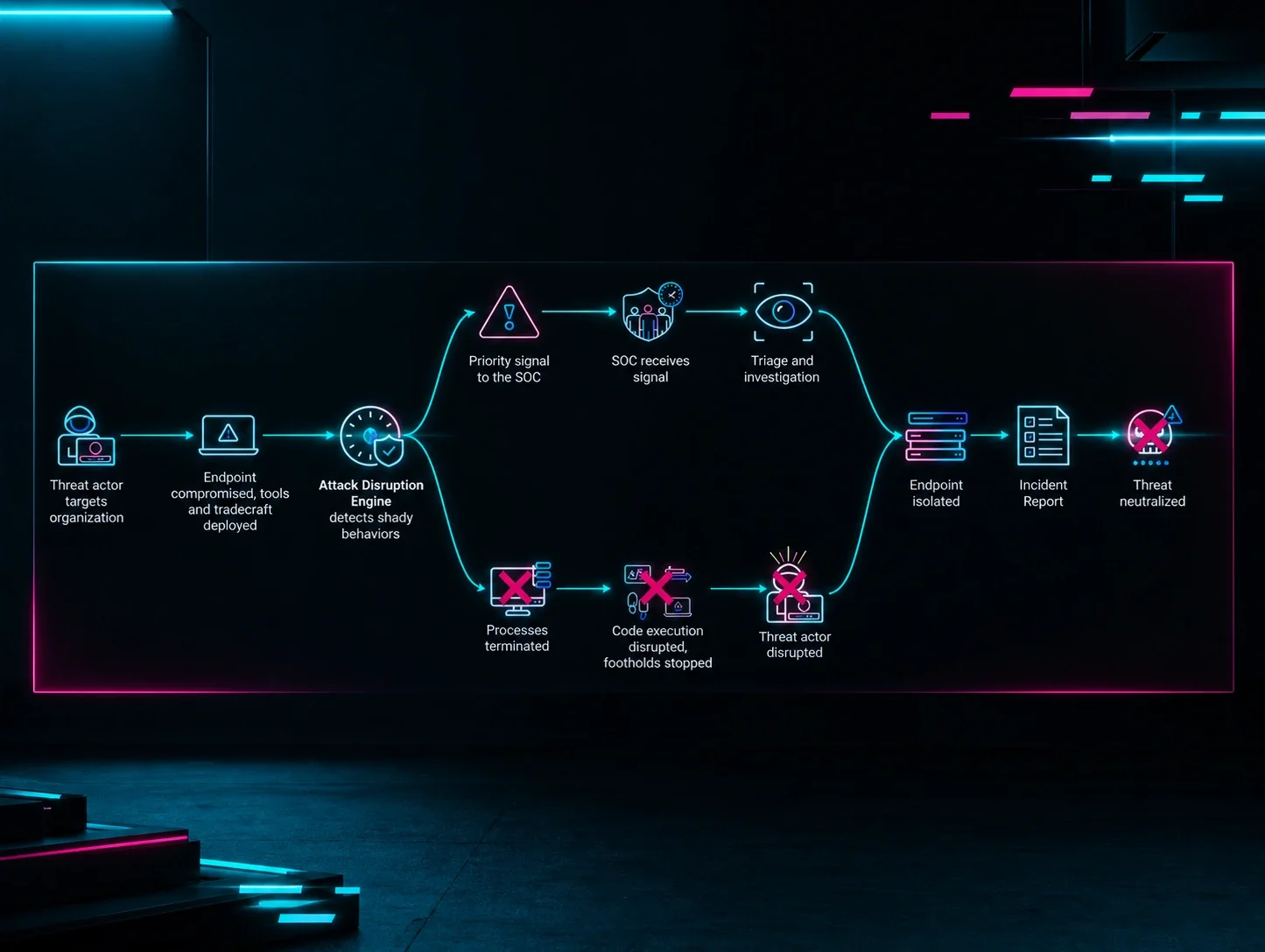
Learn how Huntress Managed ESPM helps you proactively reduce endpoint risk, and how Managed Endpoint Detection and Response (EDR) detects and responds when threats make it through.