



Acknowledgments: Special thanks to Lindsey O'Donnell-Welch for contributions to this investigation and write-up.
Background
On July 27, 2026 Huntress was alerted to credential theft activity on an endpoint hosting an Oracle database server. The attacker had managed to make copies of several registry hives (SAM, SECURITY, SYSTEM) likely for exfiltration and to dump credentials contained within.
Upon further investigation, Huntress researchers determined that this attack was the result of a SQL injection (SQLi) attack. SQLi attacks have existed for decades, and are often the result of mishandling inputs going to the SQL server, as opposed to exploitable vulnerabilities.
In the case of this attack, a public-facing application with an Oracle backend accepted and executed SQL commands input into a form within the application that didn't check if the content input was valid. For example, take a form field designed for inputting a user name. When proper validation is in place and a SQL statement is input in a form, the application will reject the SQL. Not having such checks can allow an attacker to take control of a vulnerable system.
What happened next, however, raised our eyebrows. After performing SQL injection, the threat actor managed to upload a database-resident, post-exploitation toolkit named khunt. This is a technique that's previously been discussed and described over the years, including via a technique described as oraexec – however, the use of the technique in the wild has rarely been documented.
Oracle's database has an embedded Java Virtual Machine (JVM), and the CREATE JAVA SOURCE statement lets users take Java source code and store it as a database object. This is what attackers did during this incident: they fed CREATE JAVA SOURCE commands to the Oracle database from Tomcat, through the JDBC connection, and the Java source code contained within was then compiled directly inside the database as a stored schema object.
Below, we outline the different components of khunt, the use of this attack vector and its impact, and how defenders can mitigate against this attack.
Attacker Tradecraft
The Initial Access
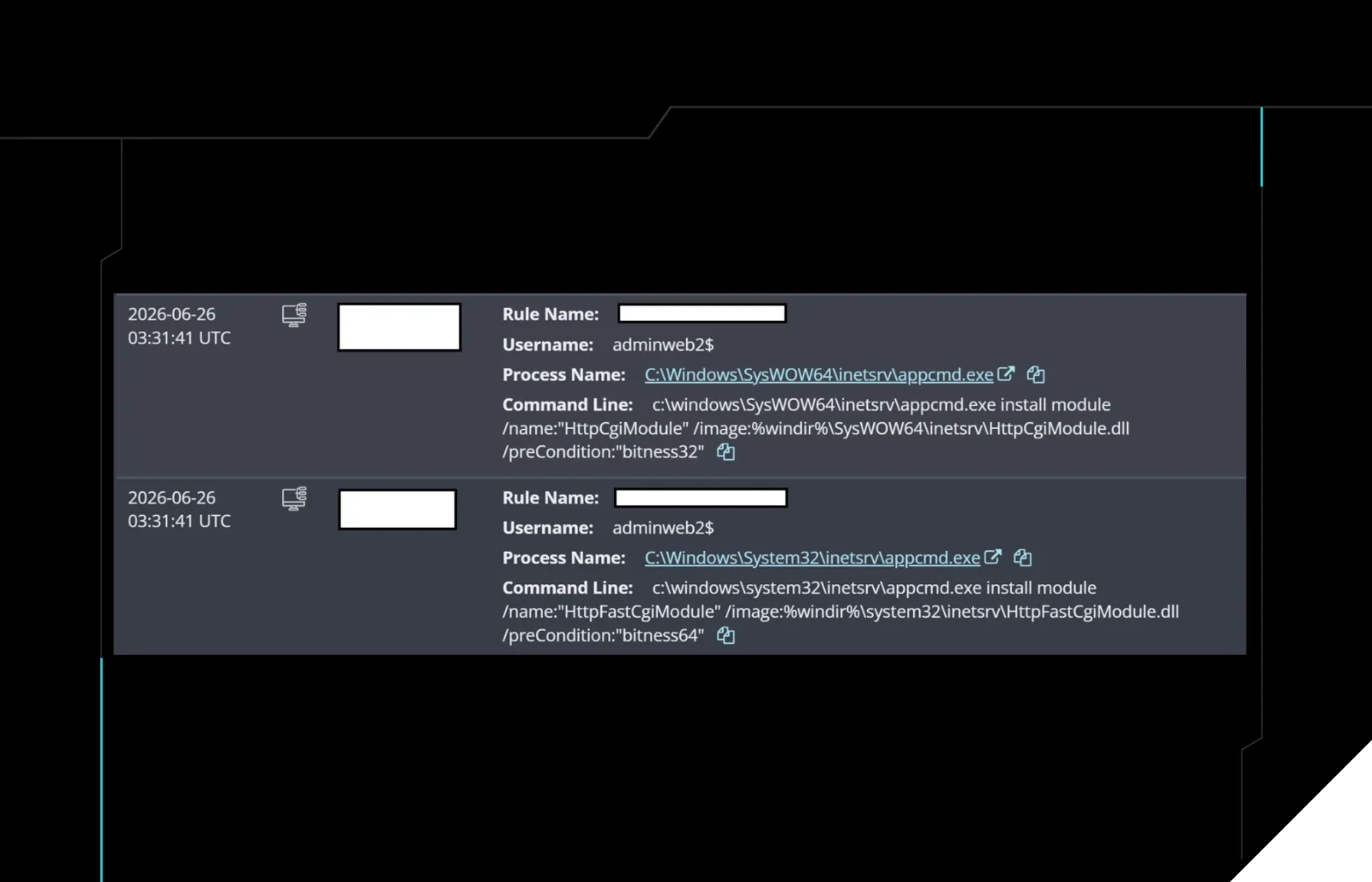
When the first credential-theft detections fired, we saw that the command came from a process (C:\Windows\System32\reg.exe) that was spawned from an oracle.exe parent process.

Figure 1: Detections firing for suspicious credential theft activity
As such, to learn more information about the attack and the initial access vector, we studied the Apache access logs (access.log). These showed us how the threat actors gained entry: using SQL injection against an endpoint on a public-facing Java/Tomcat application that lacked proper protections against the input of SQL statements. The Tomcat application, being connected to the Oracle database via a JDBC connection, fed the SQL commands to the database.
The access.log file also gave us a glimpse into the adversary infrastructure: based on the volume of requests to the injectable endpoint on the vulnerable application during the timeframe of interest, we traced the attacker's IP to 178.162.151[.]229.
The khunt toolkit
Using this attack vector, the threat actors injected several objects that ultimately comprised the toolkit. These included the following:
KhuntCmd—A module that loads cmd.exe on the system and allows the attacker to run arbitrary OS commands by sending SQL statements to the database that include them.KhuntHash—This tool goes straight into Oracle's internal user table and pulls out usernames and passwords, saving them to a file.KhuntFSandKhuntFS2—Two file explorers that allow all sorts of file functionality, such as listing, reading, searching, and checking file sizes. These effectively allow the attacker to look around the compromised system.KhuntT—A simple "ping" tool designed to confirm that the toolkit is installed, working, and reachable before proceeding with the attack.KhuntUnzip—A tool for unzipping files.Several
khunt_*PL/SQL wrappers used to call the underlying Java methods.
The attacker used some of these modules to launch the different phases of their attacks.
More post-compromise activity
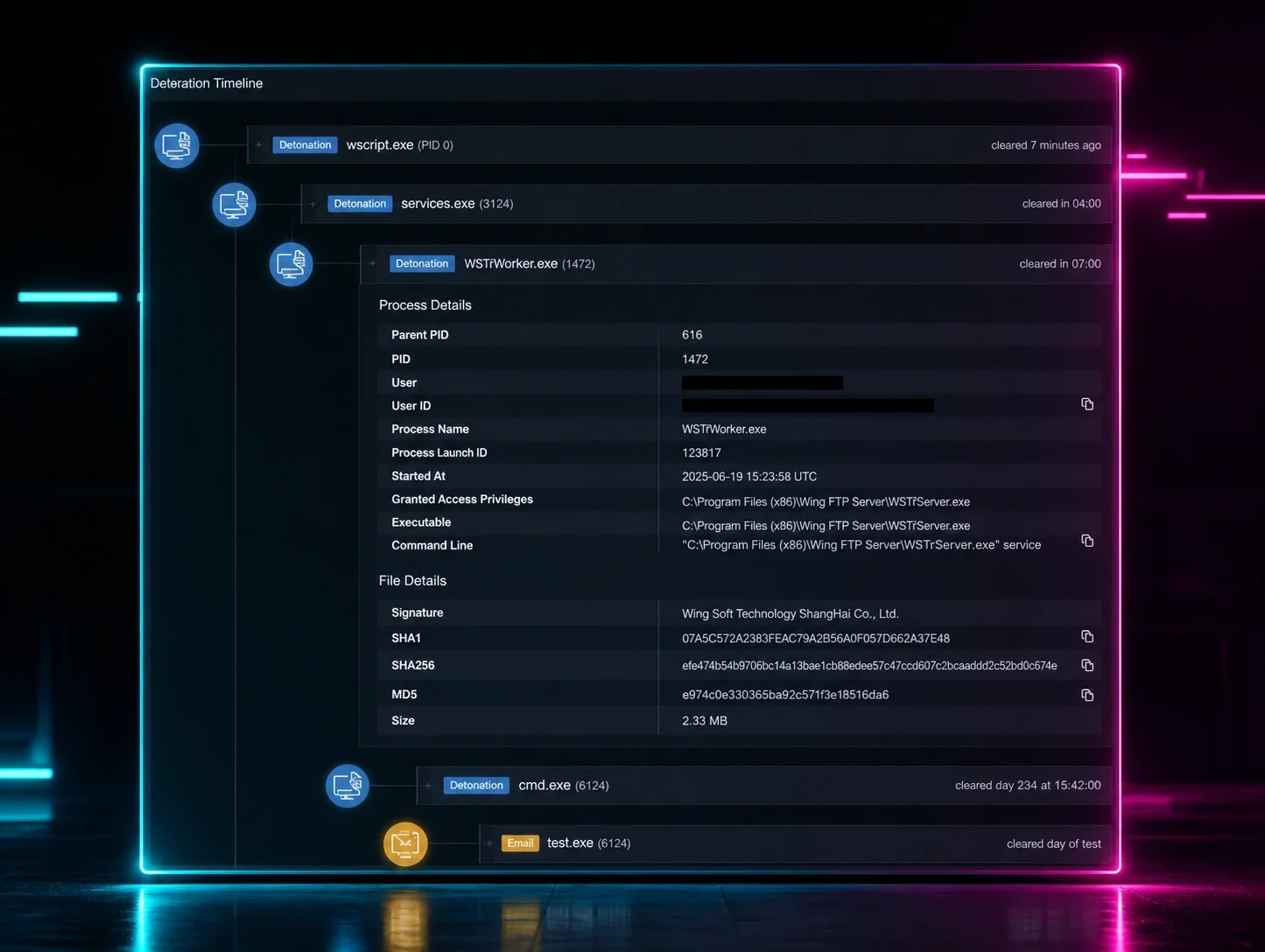
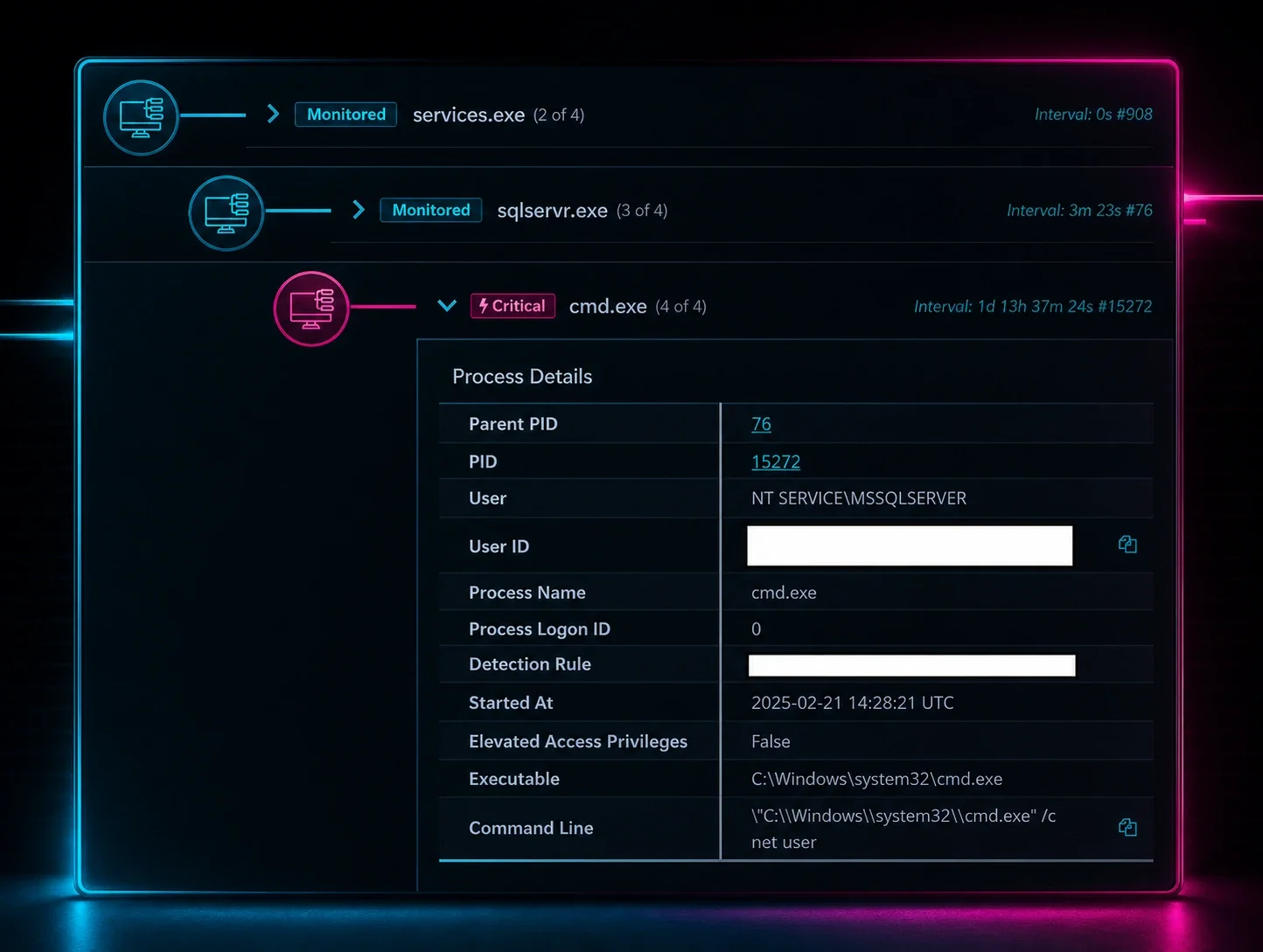
At this point, the threat actor pivoted from the Oracle database to the underlying OS of the Windows server. They did this by leveraging the KhuntCmd module to open a Windows command shell, running cmd.exe /c whoami. This allowed them to determine they had SYSTEM level permissions, and confirmed remote code execution (RCE) from the database layer to the OS.
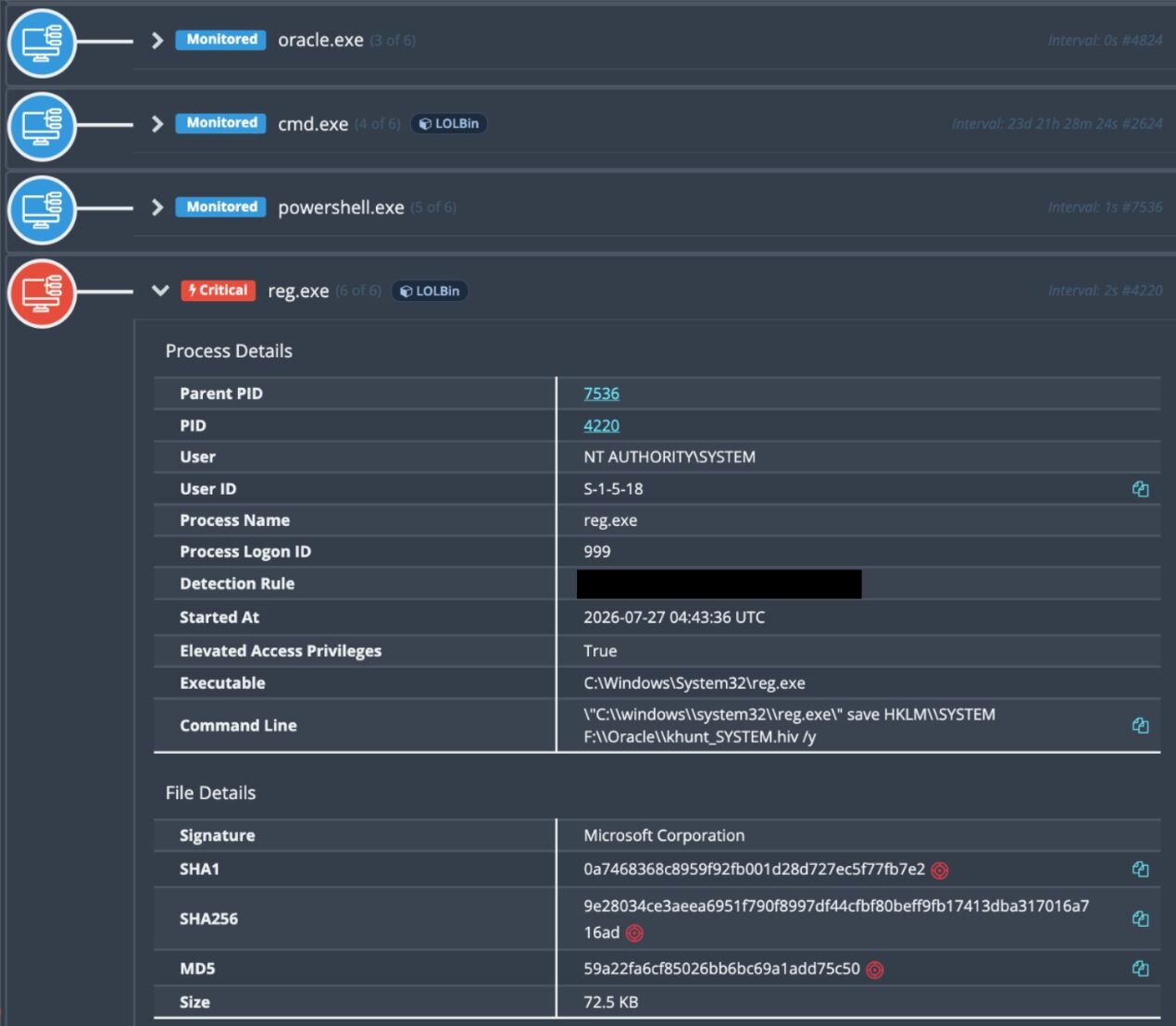
Figure 2: Malicious attacker activity stemmed from the oracle.exe parent process
Shortly thereafter, the attacker ran PowerShell commands to invoke the Window Registry tool (reg.exe) and make copies of the SECURITY and SYSTEM registry hives, saving them to F:\Oracle\khuntSECURITY.hiv and F:\Oracle\khuntSYSTEM.hiv.
The attacker then ran tasklist /svc in order to enumerate running services, saving them to a file alongside the registry hives as F:\Oracle\khunttasks.txt.
Finally, the attacker copied the SAM and SECURITY registry hives using esentutl.exe—the Extensible Storage Engine utility—saving these to F:\Oracle\khuntSAM.hiv and F:\Oracle\khunt_SECURITY.hiv.
The registry hive copies can be used to extract and decode password hashes for local accounts on this system.
Mitigations for defenders
The attackers managed to gain initial access in this attack thanks to a classic SQL injection. There was no need for a novel vulnerability because the autocomplete search feature in the public-facing application was enough to reach PL/SQL and then the operating system.
Dropping the khunt toolkit directly into Oracle raises a few issues worth considering from a defense perspective: this shifts the database from being something that attackers query for data into a beachhead from which threat actors can launch attacks. Having a malicious toolkit stored as a database object, as opposed to being a file or memory resident, makes it easy to miss. Traditional EDR and AV focus on processes, binaries, and files on the OS and do not generally inspect Java classes and PL/SQL wrappers inside of Oracle.
To avoid these types of attacks, it's important to ensure the forms aren't injectable. Practice proper input sanitization and query parameterization for any inputs. It's also important to ensure that users with the ability to execute queries aren't overprovisioned. Even if SQL injection does occur, the user account used should not be capable of authoring Java sources, executing stored procedures, or the like.
Indicators of Compromise (IOCs)
Item | Description |
|---|---|
| Registry files dumped by the attacker. |
| Text file containing a list of tasks. |
| Attacker IP address. |
| Search within the Oracle installation for object_name instances that match these names. |
| Search SQL logs for this string. |