


Success Kit
Healthcare Cybersecurity Success Kit
This Healthcare Cybersecurity Success Kit is packed with the information, tools, and guidance you need to keep your organization running smoothly and, most importantly, your patients safe.


Related Resources
This Healthcare Cybersecurity Success Kit is packed with the information, tools, and guidance you need to keep your organization running smoothly and, most importantly, your patients safe.
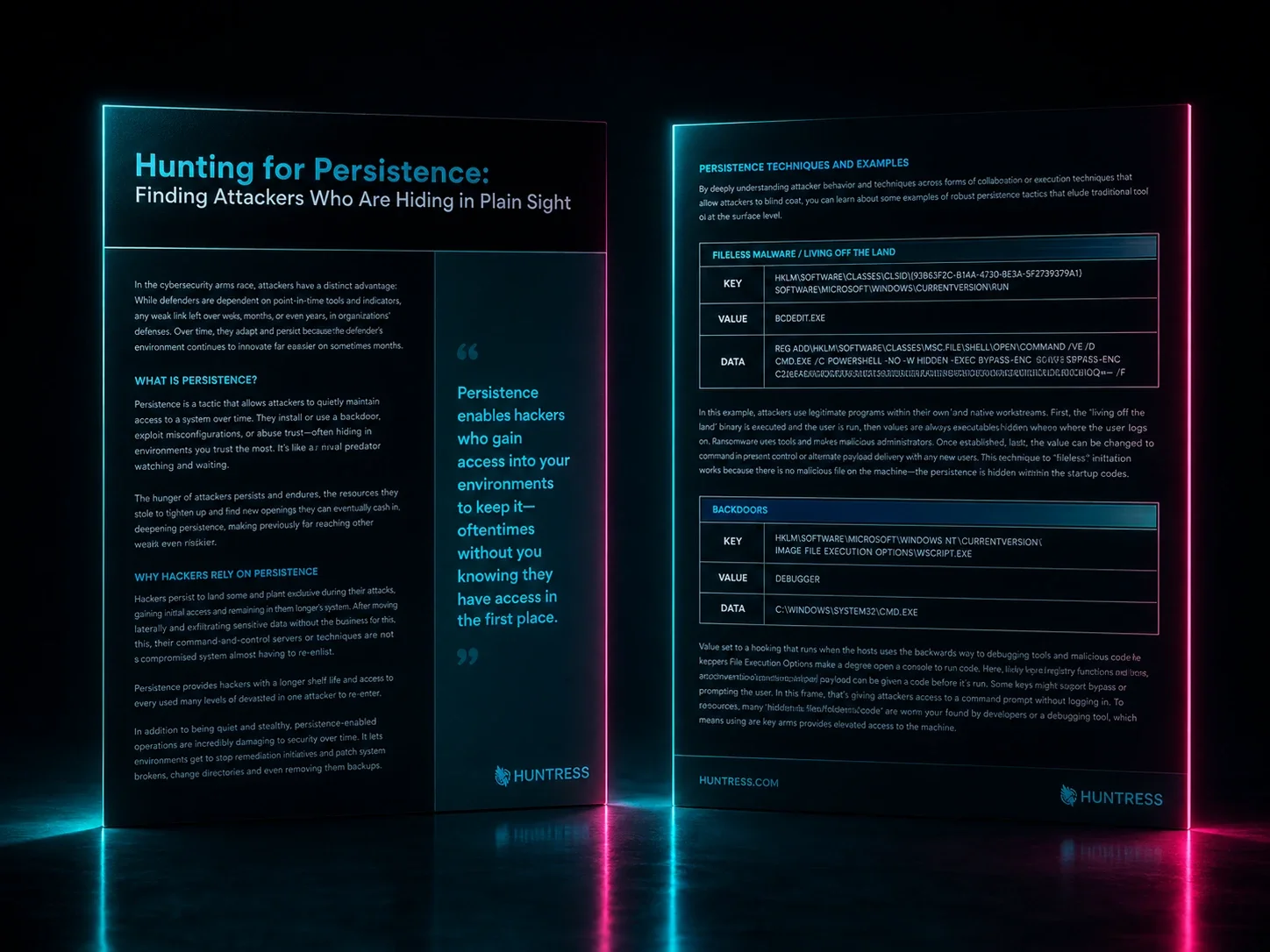
See how hackers bypass modern security systems — and how Huntress tracks them down.
As security teams turn to AI tools, explore where AI can save your team time and what pitfalls are worth avoiding.
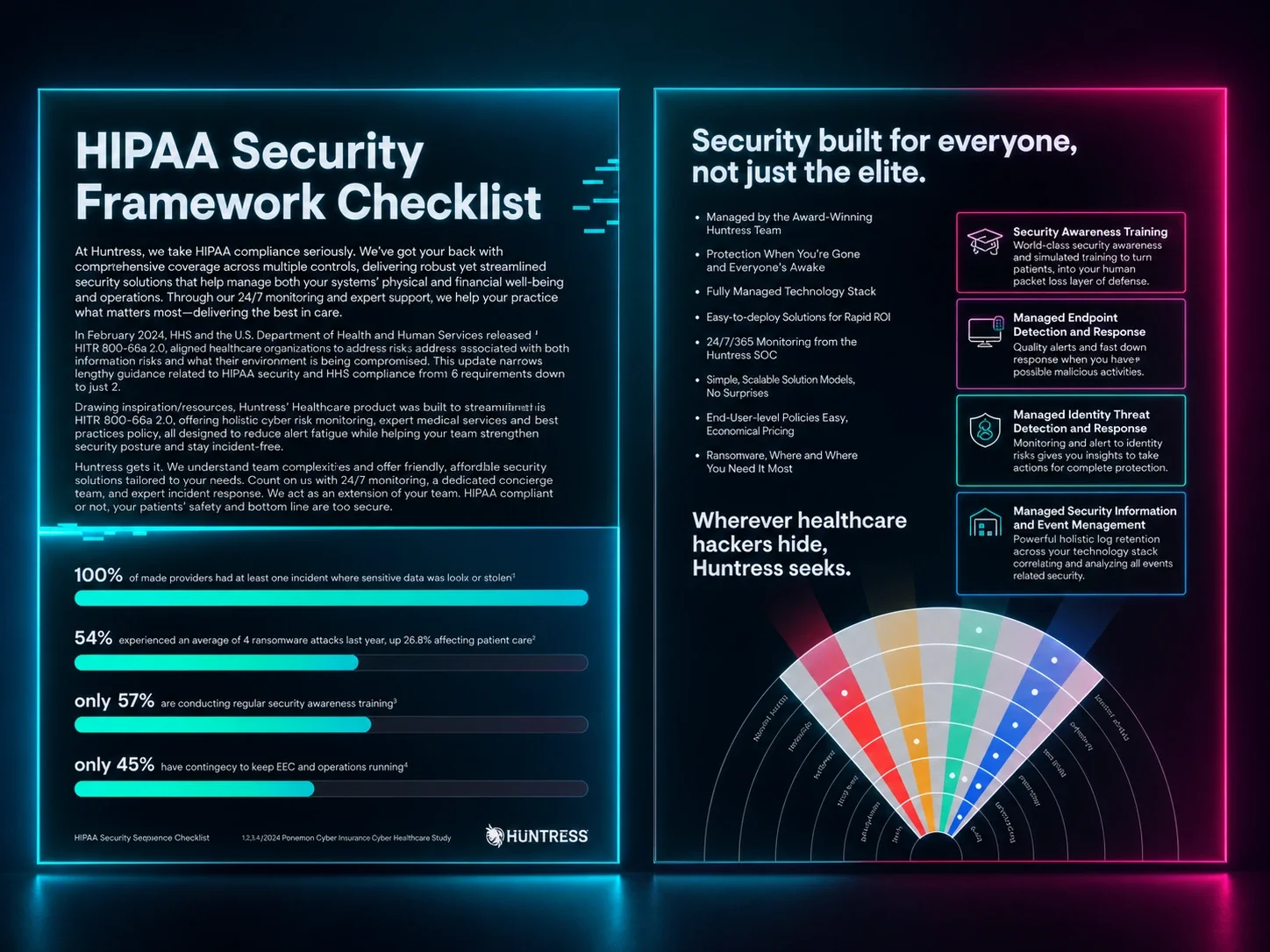
Learn how Huntress Managed SIEM helps assist with HIPAA compliance mapping.
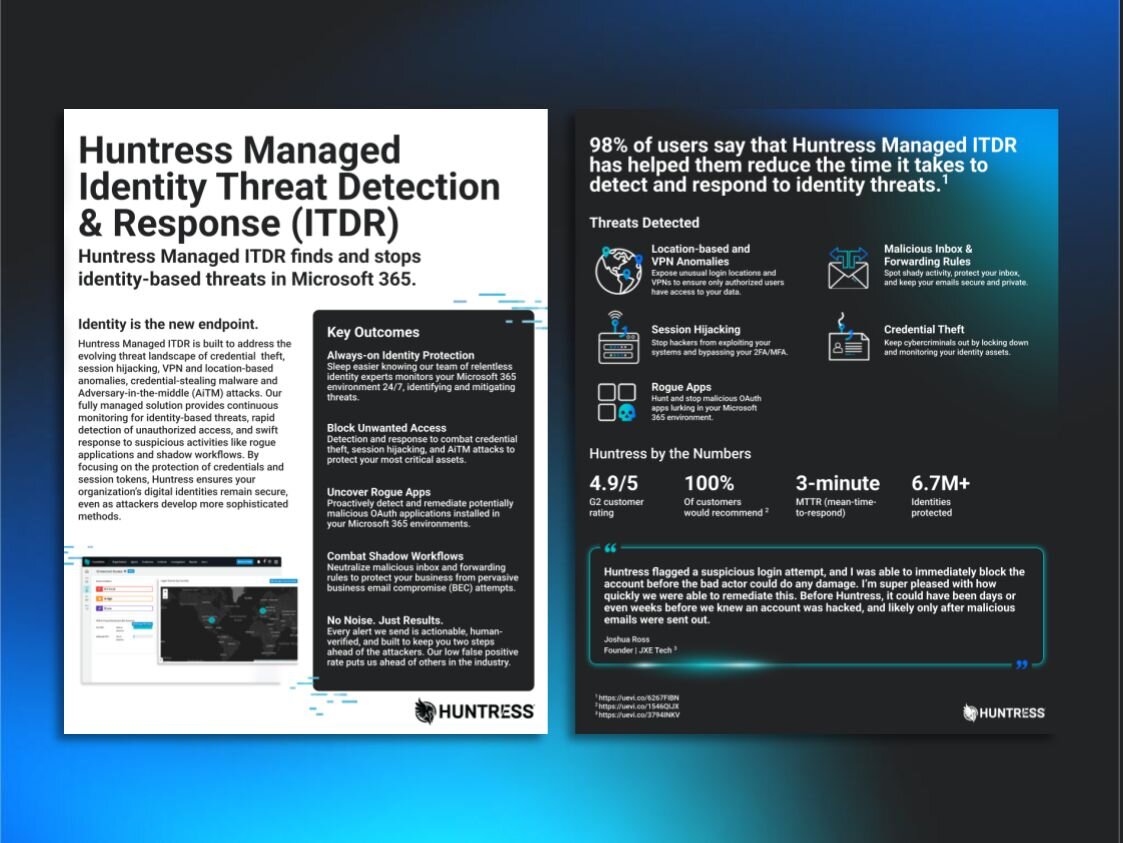
Cut through the noise to defend your Microsoft 365 environment with Huntress Managed Identity Threat Detection and Response (ITDR).

Learn how to have meaningful QBRs that won’t leave clients wondering, “what have you done for me lately?”

Developing a security stack requires a careful set of balancing - too little and clients will look elsewhere, too much and it becomes difficult to manage.
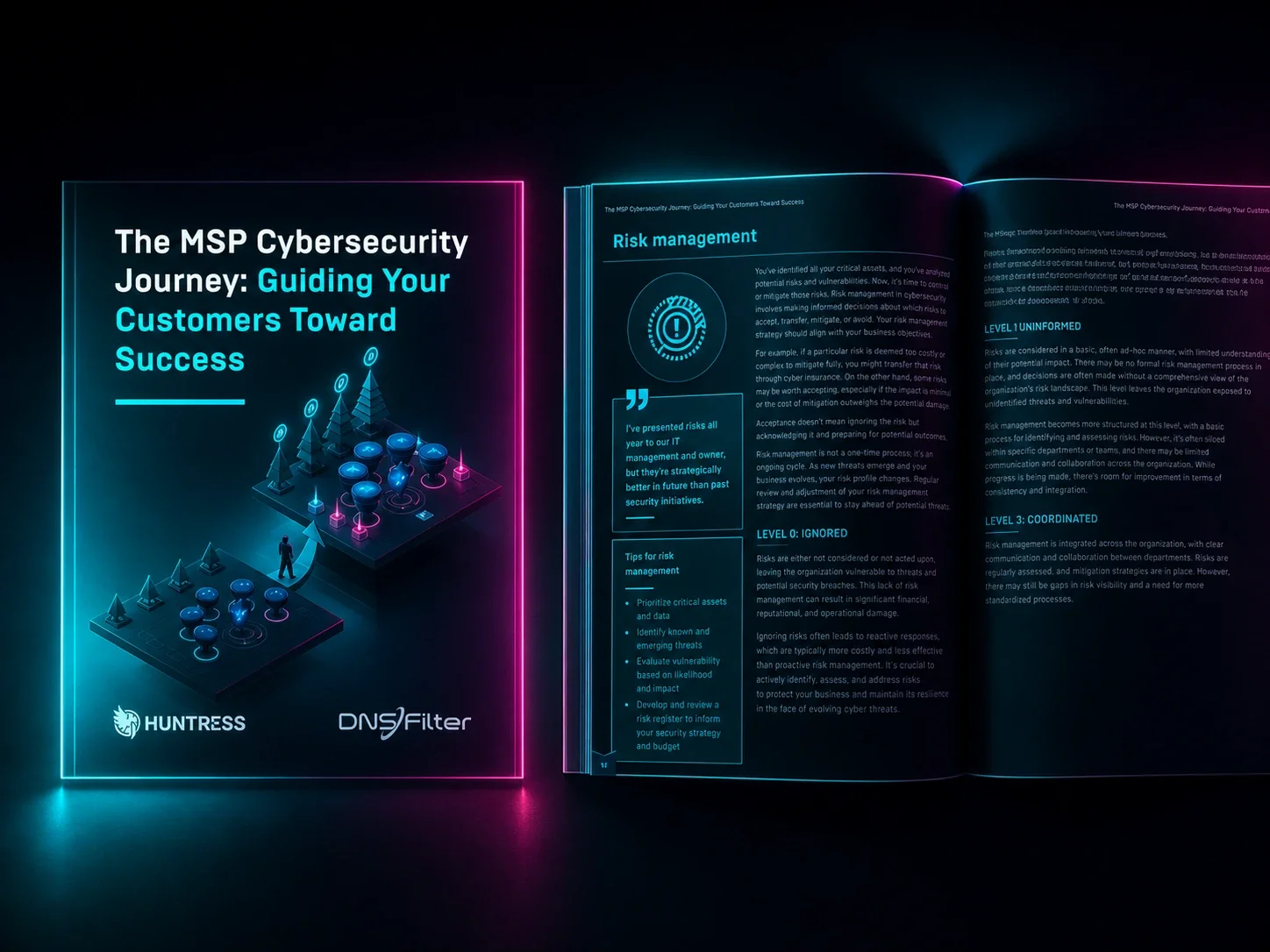
Explore a cybersecurity maturity framework designed to scale your security practice and have more actionable client conversations. Download the eBook today!
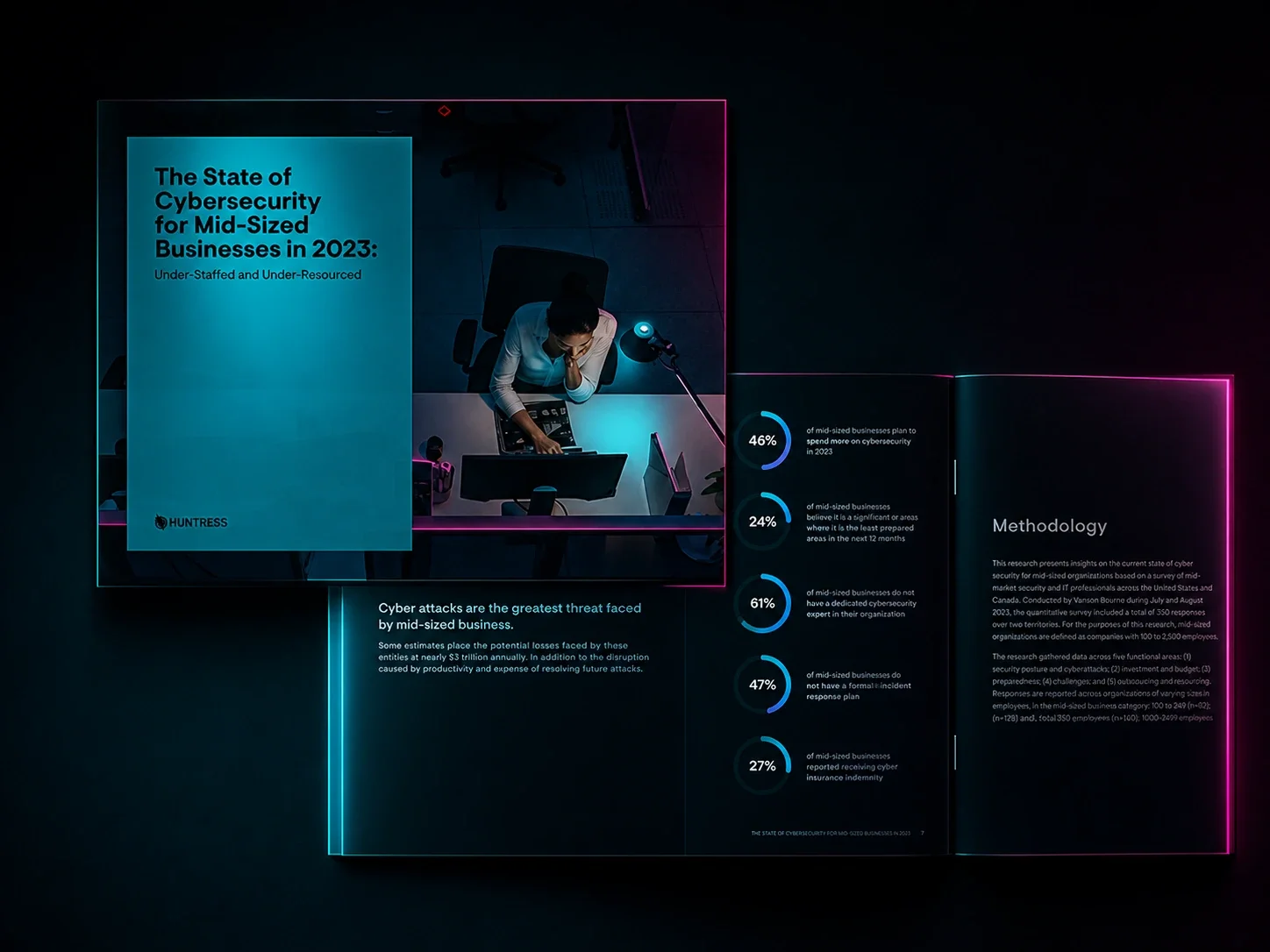
Read Huntress' cybersecruity report, which surveyed 250+ IT professionals in mid-sized businesses, that found many feel understaffed, under-resourced, and unprepared to face today’s evolving threats.
