

Infographic
Where AI Earns Its Place on a Resilient Security Team
As security teams turn to AI tools, explore where AI can save your team time and what pitfalls are worth avoiding.
Your identities are the new perimeter. Attackers aren't kicking down doors—they're logging in with credentials they stole or bought. If you can't see what's happening inside your Microsoft 365 and Google Workspace accounts, you can't stop it.
Huntress Managed ITDR (Identity Threat Detection and Response) watches your identities around the clock and shuts down account takeover before it spreads.
Detects suspicious logins and location anomalies
Flags multi-factor authentication tampering and risky configuration changes
Catches malicious inbox and forwarding rules that signal business email compromise
Surfaces account takeover early and gives you clear, guided response
Backs it all with a 24/7 human-led AI-centric SOC that investigates so your team doesn't have to
Identity attacks are quiet by design. A valid login looks normal until money or data goes missing. Managed ITDR makes the quiet stuff visible and gives you a way to act fast.
What does it protect? Microsoft 365 and Google Workspace identities and email environments.
Do I need a big team to run it? No. The Huntress SOC handles the heavy investigation and tells you what actually needs attention.
Get the capabilities, detections, and deployment details on the Managed ITDR page, and see how identity protection fits the rest of the agentic Huntress security platform.
Related Resources
As security teams turn to AI tools, explore where AI can save your team time and what pitfalls are worth avoiding.

This isn’t your usual online session. It’s 90 minutes of no-fluff insights into real attacker tradecraft, interactive product demos, practical strategies, and connecting with industry experts.
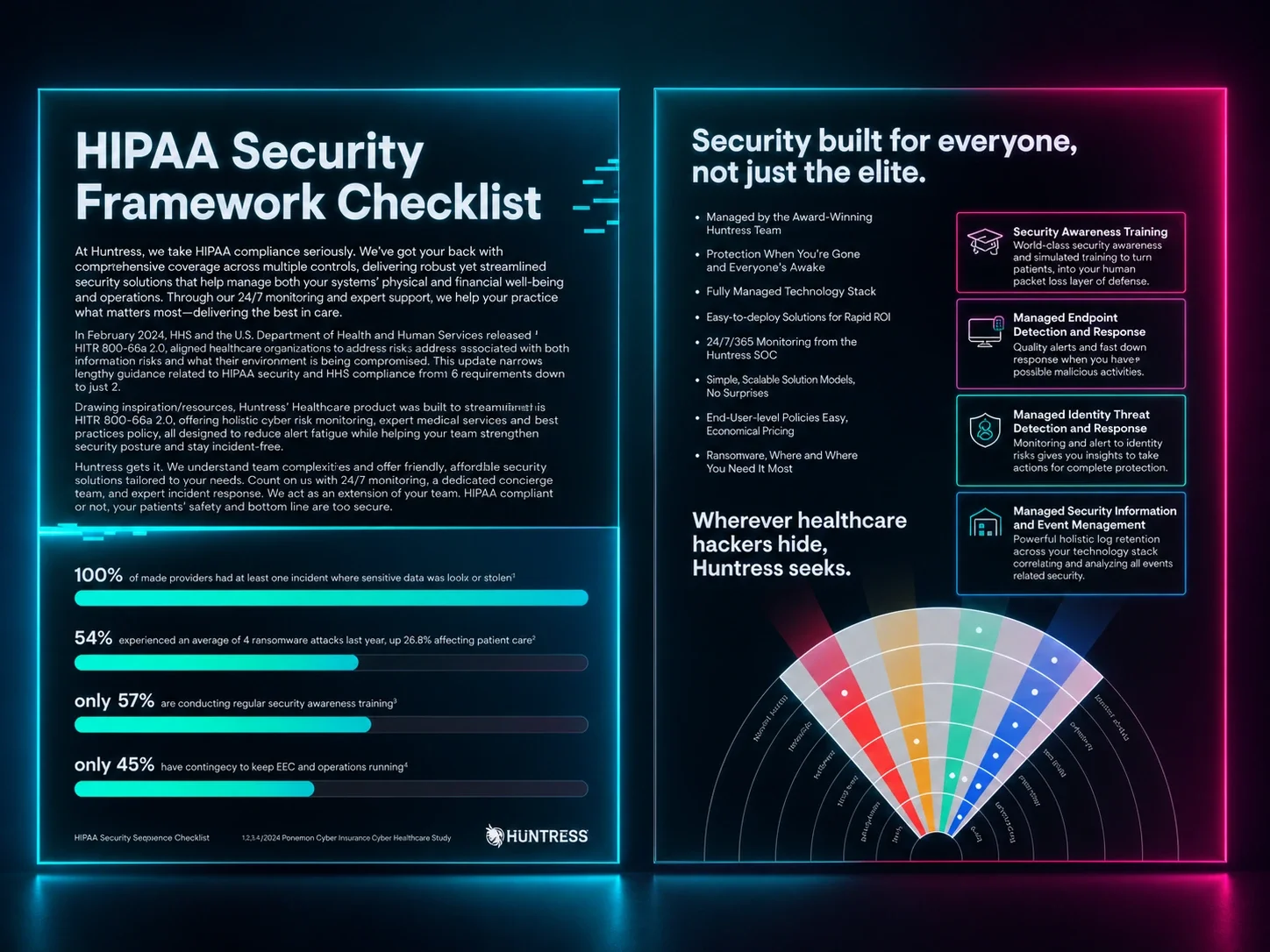
Learn how Huntress Managed SIEM helps assist with HIPAA compliance mapping.
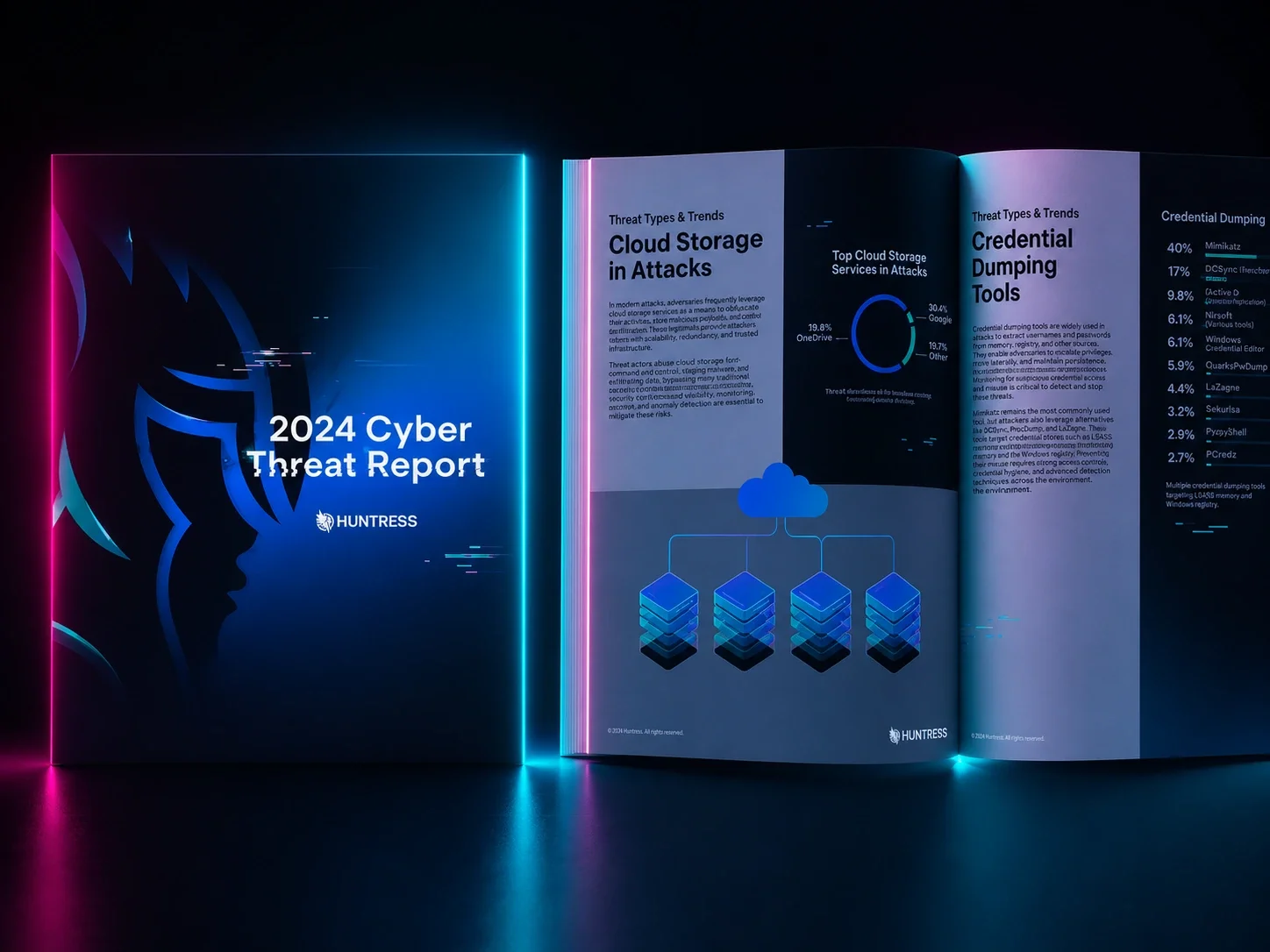
Dive into the latest tradecraft, tactics, and trends to stay a step ahead of adversaries targeting businesses like yours with Huntress' 2024 Cyber Threat Report.
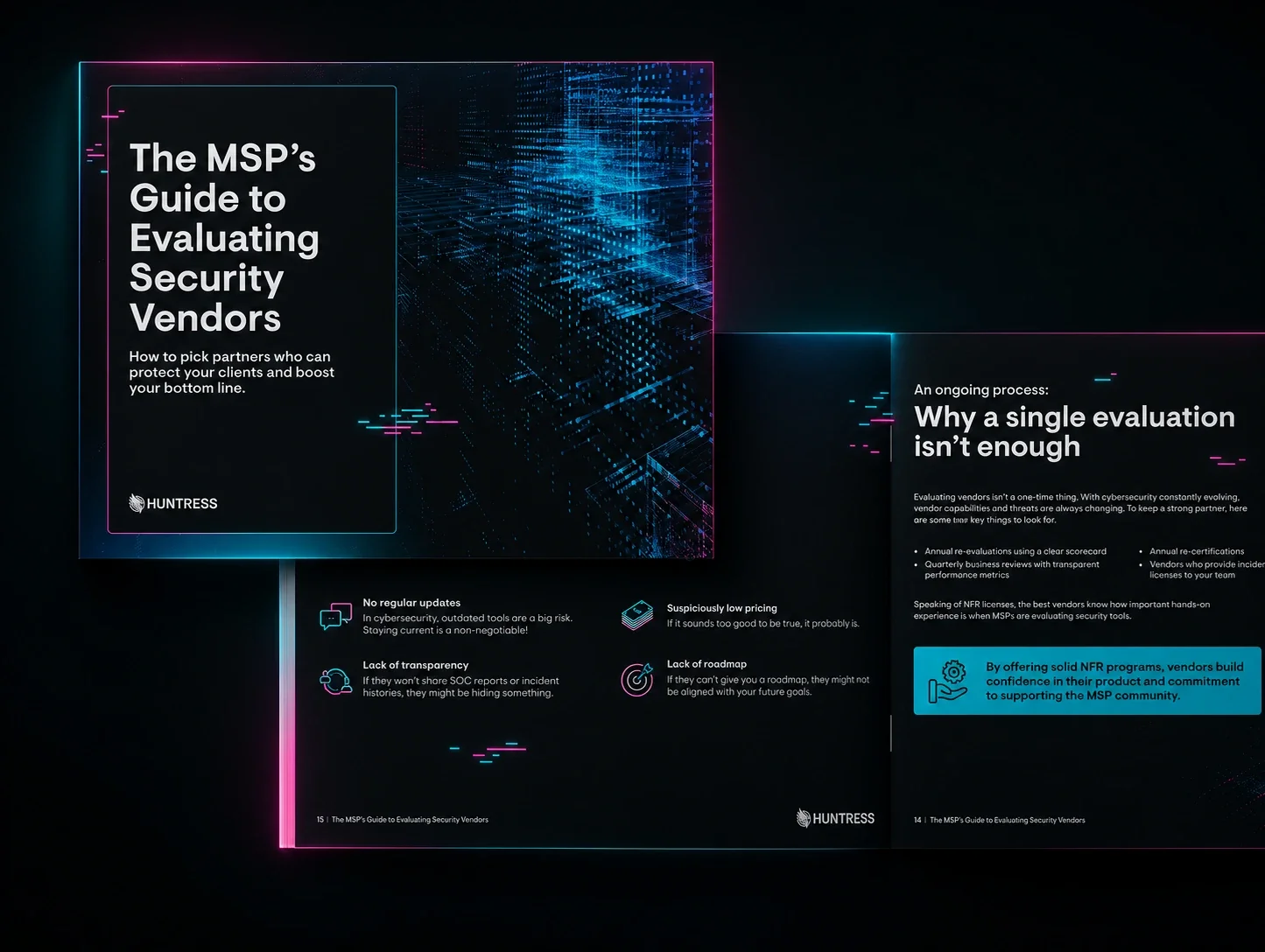
The MSP's Guide to Evaluating Security Vendors, a comprehensive framework to help MSPs evaluate cybersecurity vendors with precision and confidence.
Back in the day, Macs were “safe.” As Windows devices fought off malware, Mac users didn’t have to worry about a thing—at least that’s what the rumor was. Watch this jam-packed virtual event with information on the hidden threats, strategies, and solutions you can use to secure your macOS systems.

Community Fireside Chat is where the MSP community meets to learn from your peers, grow your business, and thrive.
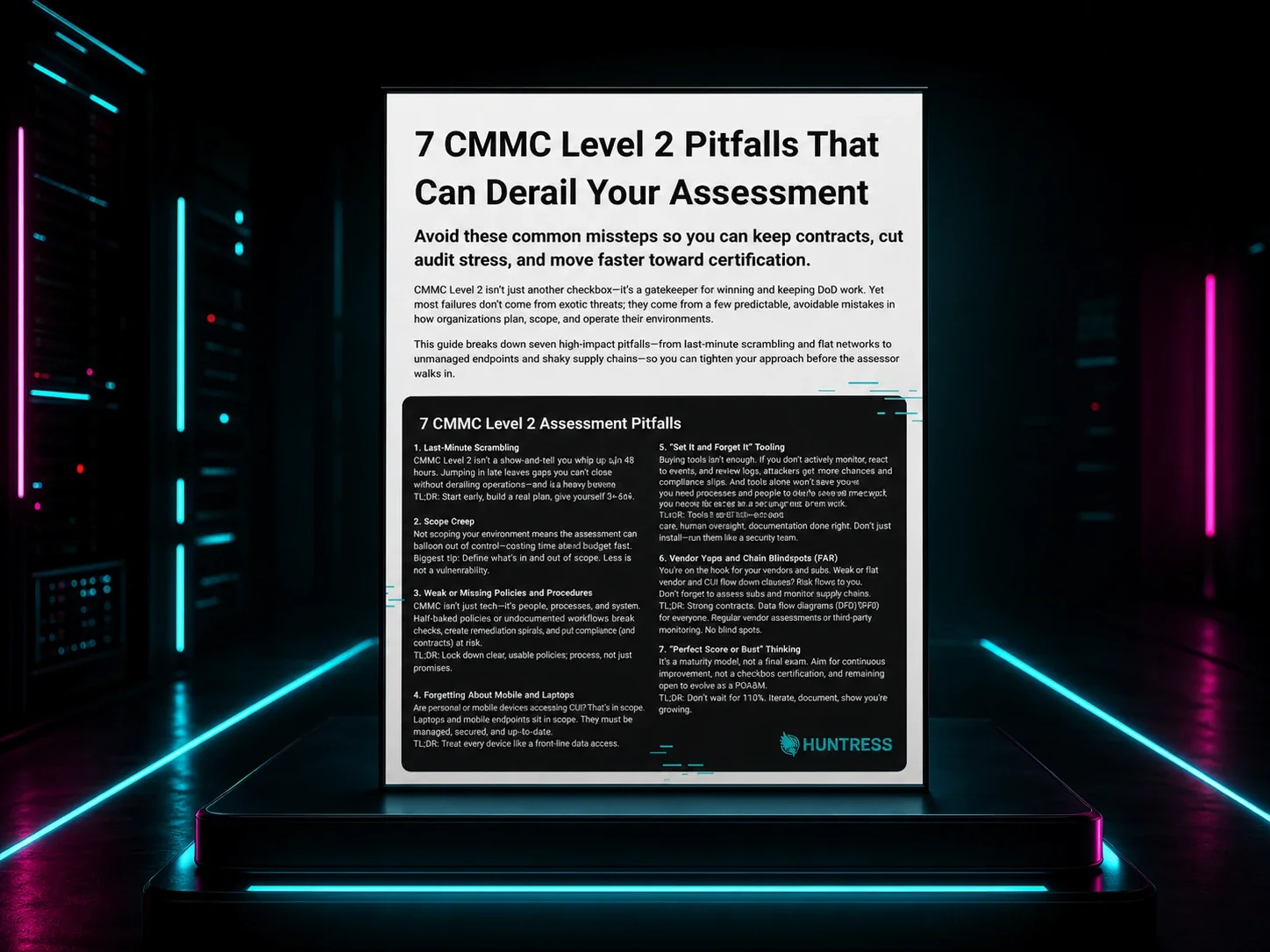
This practical guide breaks down seven of the most common CMMC Level 2 pitfalls that delay assessments, blow up scope, or put DoD contracts at risk.
Watch this product explainer video to learn more about Huntress MDR for Microsoft 365.
