Best Phishing Protection Solutions

Finding the best phishing protection means entrusting your peace of mind with a cybersecurity solution. That can be tough if you’re fending off cyber threats without the resources of a full security operations center (SOC)

You’re probably exhausted by the sheer number of vendors claiming to have “the ultimate phishing solution.” Meanwhile, your inbox is still getting pelted with fake invoices and urgent password reset requests.

Phishing goes far beyond bad spelling and spammy links. Hackers are using session hijacking and rogue apps to bypass even the strongest passwords. To keep your team safe, you need a practical, modern defense that handles the technical heavy lifting while you focus on your operational goals.

Here’s a rundown of the best anti-phishing solutions out there, complete with key features and pricing information to help you narrow down your search.


Best Phishing Protection Solutions

Finding the best phishing protection means entrusting your peace of mind with a cybersecurity solution. That can be tough if you’re fending off cyber threats without the resources of a full security operations center (SOC)

You’re probably exhausted by the sheer number of vendors claiming to have “the ultimate phishing solution.” Meanwhile, your inbox is still getting pelted with fake invoices and urgent password reset requests.

Phishing goes far beyond bad spelling and spammy links. Hackers are using session hijacking and rogue apps to bypass even the strongest passwords. To keep your team safe, you need a practical, modern defense that handles the technical heavy lifting while you focus on your operational goals.

Here’s a rundown of the best anti-phishing solutions out there, complete with key features and pricing information to help you narrow down your search.


Quick comparison: Top phishing protection solution

Provider

Best for

Key features

Pricing

Huntress Security Platform

Total managed protection without the enterprise pricetag

24/7 human-led, AI-assisted SOC monitoring, managed ITDR and security awareness training

Starting at $4.80 per identity/month

Bitdefender

Small office devices

AI-powered Scam Copilot

Starting at $324.99/year for 1 device

Microsoft Defender for Office 365

Native Microsoft 365 users

Anti-phishing for Teams and email

Starting at $2.00 per user/month, paid yearly

Proofpoint

Large-scale enterprises

URL isolation for VAPs

Contact Proofpoint

KnowBe4

Human risk training

Unlimited simulated phishing tests

Starting at $1.90 per seat/month (3-year term, 25-seat minimum)

Mimecast

Collaboration security

AI-powered social engineering defense

Contact Mimecast

Ironscales

Lean IT teams

Agentic AI autonomous threat remediation

Contact Ironscales

OpenText

Budget-conscious protection

Real-time phishing shield

Starting at $150/year for five seats


Huntress Managed ITDR

Best for: Businesses of all sizes that want 24/7 expert eyes on their identities
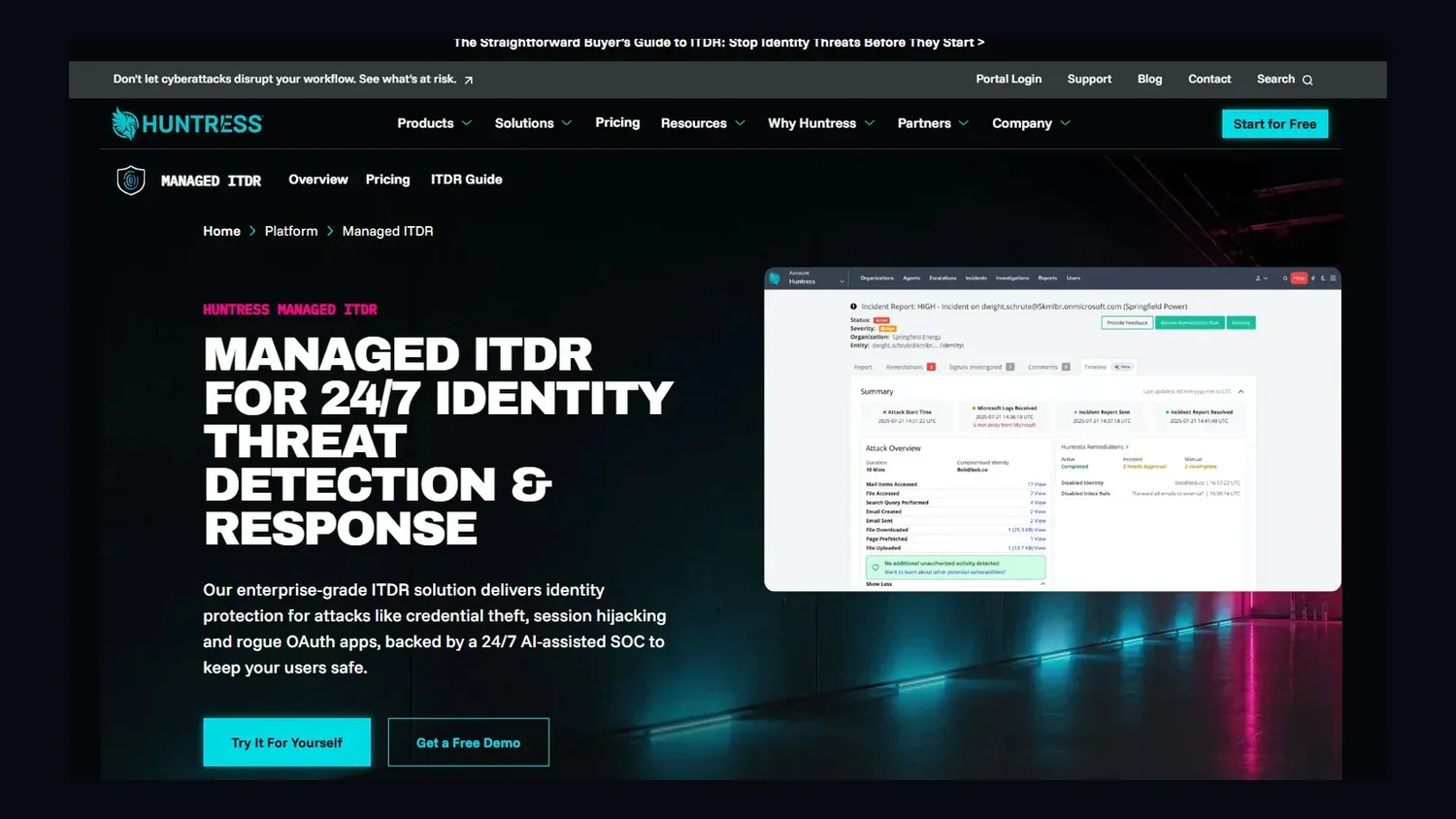
A screenshot of the Huntress platform.


Huntress Managed ITDR is built to stop hidden threats like business email compromise (BEC) and session hijacking. These are some of the most damaging types of phishing attacks because they let bad actors quietly impersonate trusted users and sneak through your environment.

We go beyond reactionary phishing prevention software. We’re a team of human experts who watch your Microsoft 365 environment around the clock. If an attacker tries to use a rogue app to get into your system, we give you a clear, actionable report so you can shut it down immediately.

Our Managed Security Awareness Training (SAT) complements ITDR by turning your employees into a defensive layer. This training uses story-based episodes and realistic phishing simulations backed by real-world threat intelligence for personalized coaching. 

We also use the real attacks that our SOC analysts see across millions of identities to keep your training relevant and your environment secure.

Huntress Managed ITDR works as a 24/7 human-led extension of your existing Microsoft security stack, providing expert oversight of Entra ID and Defender signals to eliminate alert fatigue. You get to unlock enterprise-grade protections like session hijacking and rogue app detection without the steep cost or complexity of a top-tier Microsoft 365 license.


Key features

  • 24/7 human-led SOC monitoring and response

  • Detection for location-based and VPN anomalies

  • Rogue application and shadow workflow protection

  • Expert-backed Managed Security Awareness Training for employee coaching

  • Automated threat remediation for rapid containment

  • Detailed incident reporting, including an Incident Timeline


Pricing 

Huntress uses a simple, predictable per-identity model with no hidden tiers or fees. Learn more about ITDR pricing.

Pros & cons

Pros

Cons

  • Managed Security Awareness Training to strengthen threat prevention

  • Fast remediation makes fixing threats easy

  • Extremely low false-positive rate

  • 24/7 expert support from security experts

  • Human-validated alerts that cut through the noise

  • Works with existing Microsoft 365 subscription levels

  • Fast deployment that doesn’t need premium licensing

  • Dashboard may be too streamlined for large, data-focused teams

  • Not designed for 50k+ seat Fortune 500 fleets


Bitdefender

Best for: Small offices that need protection for individual devices

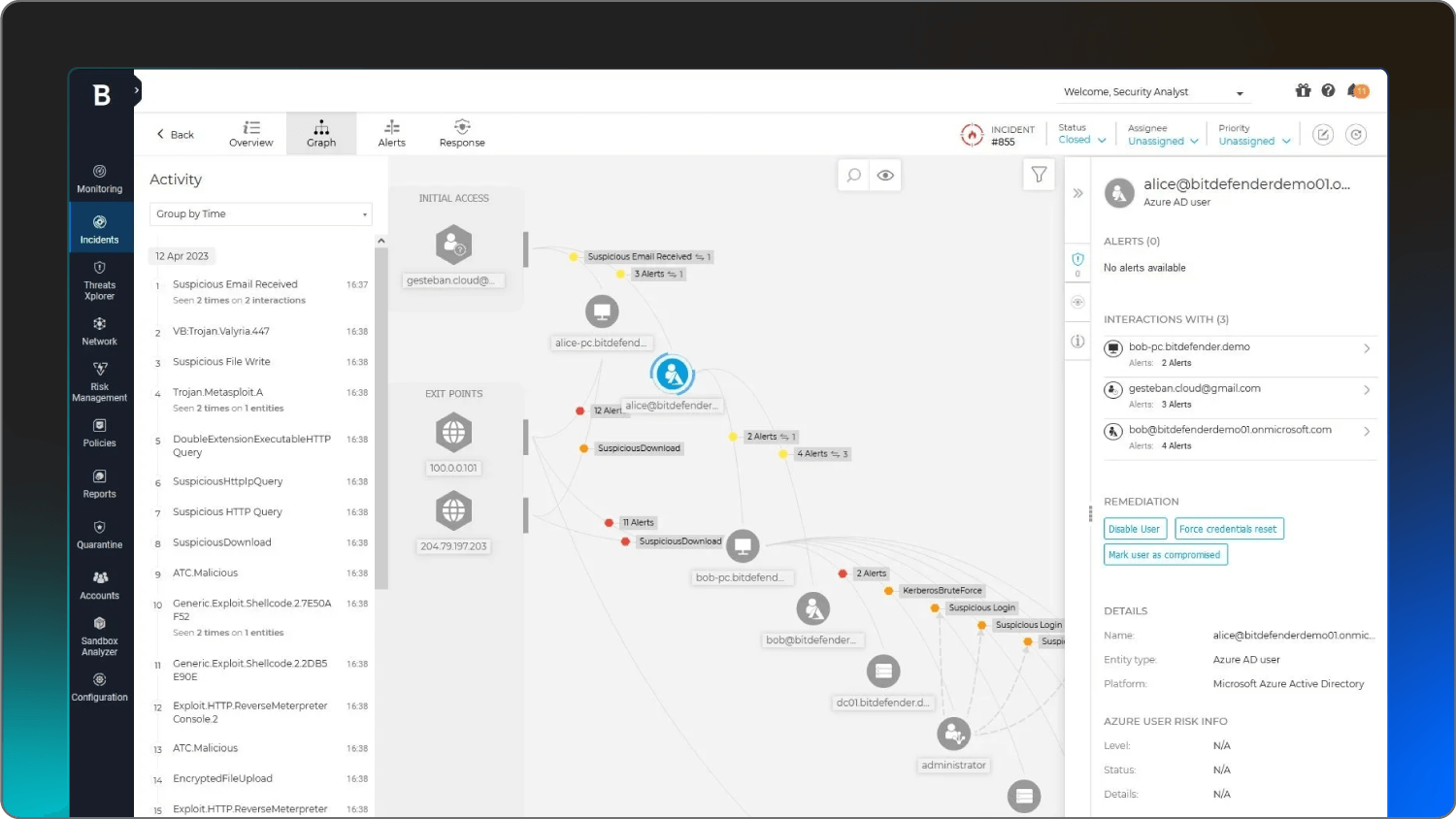
A screenshot of the Bitdefender platform.


Bitdefender has a suite of device security tools designed to identify and block phishing websites before they fully load. Their product line includes an AI-driven Scam Copilot that helps users spot social engineering attempts in real time.

This platform offers comprehensive fraud protection across web browsing, email services, and chat applications. They also feature geo-targeted Scam Wave Alerts that inform your team about emerging regional scam campaigns. And Bitdefender integrates AI-powered chatbots to give users practical guidance and verification of potential scams as they happen.

Key features

  • AI-powered Scam Copilot for phishing defense

  • Multi-layered protection against ransomware and malware

  • Web protection that blocks malicious internet traffic

Pricing 

GravityZone pricing starts at $324.99/year for one device.

Pros & cons

Pros

Cons

  • Includes a VPN and safe banking tools

  • Entry-level pricing for small teams

  • Lightweight scans that don’t slow down computers

  • Many advanced features are locked behind higher tiers

  • Frequent pop-up notifications

  • Can require managing many individual licenses

  • VPN data is limited on cheaper plans


Microsoft Defender for Office 365

Best for: Teams already living in the Microsoft 365 ecosystem

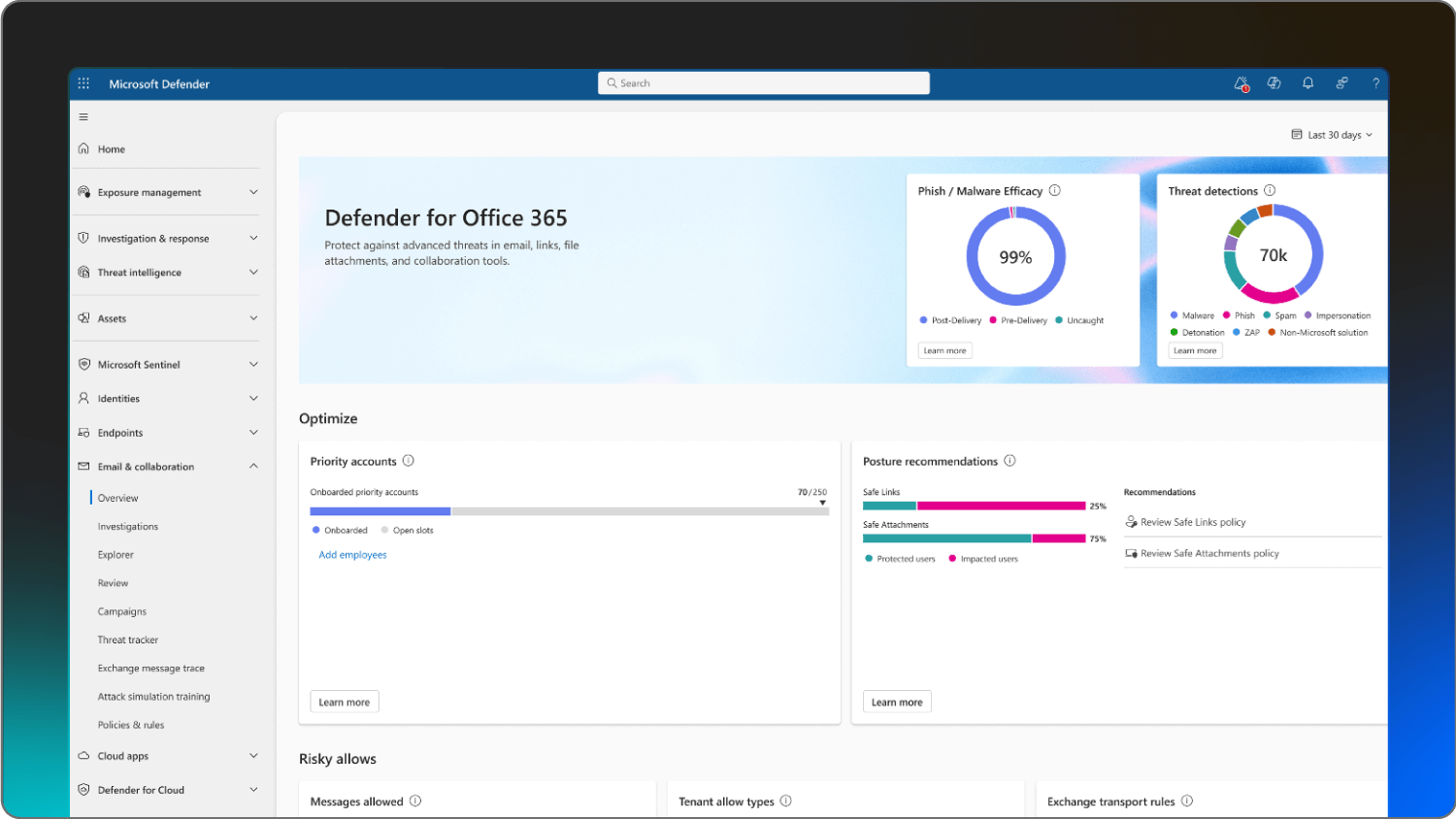
A screenshot of the Microsoft Defender platform.


If you’re already paying for Microsoft 365, you might already have phishing protection available within your existing license. Microsoft Defender has native protection for Outlook, OneDrive, and Teams.

The system uses built-in large language models and sentiment analysis to detect attacker intent with high accuracy. They also include mailbox intelligence that helps the AI distinguish between legitimate contacts and the ones who’ve been impersonated.

Huntress Managed ITDR strengthens these native capabilities. While Defender handles the heavy lifting of automated prevention, our 24/7 SOC monitors your environment to catch the subtle, identity-based tactics that automated systems might overlook. With Huntress and Microsoft side by side, even when a threat bypasses initial filters, a human expert is there to investigate and help you remediate instantly.

Key features

  • Safe Links and Safe Attachment scanning

  • Anti-phishing for collaboration platforms like Teams

  • Automated investigation and response capabilities

Pricing 

Pricing starts at $2 per user/month, paid yearly.

Pros & cons

Pros

Cons

  • No extra software to install or manage

  • Global threat intelligence from Microsoft’s network

  • Includes automated investigation and response capabilities

  • Configuration can be complex for non-technical users

  • Global pricing updates are coming in July 2026

  • Relies heavily on the administrator’s ability to tune it


Proofpoint

Best for: Larger organizations with bigger budgets

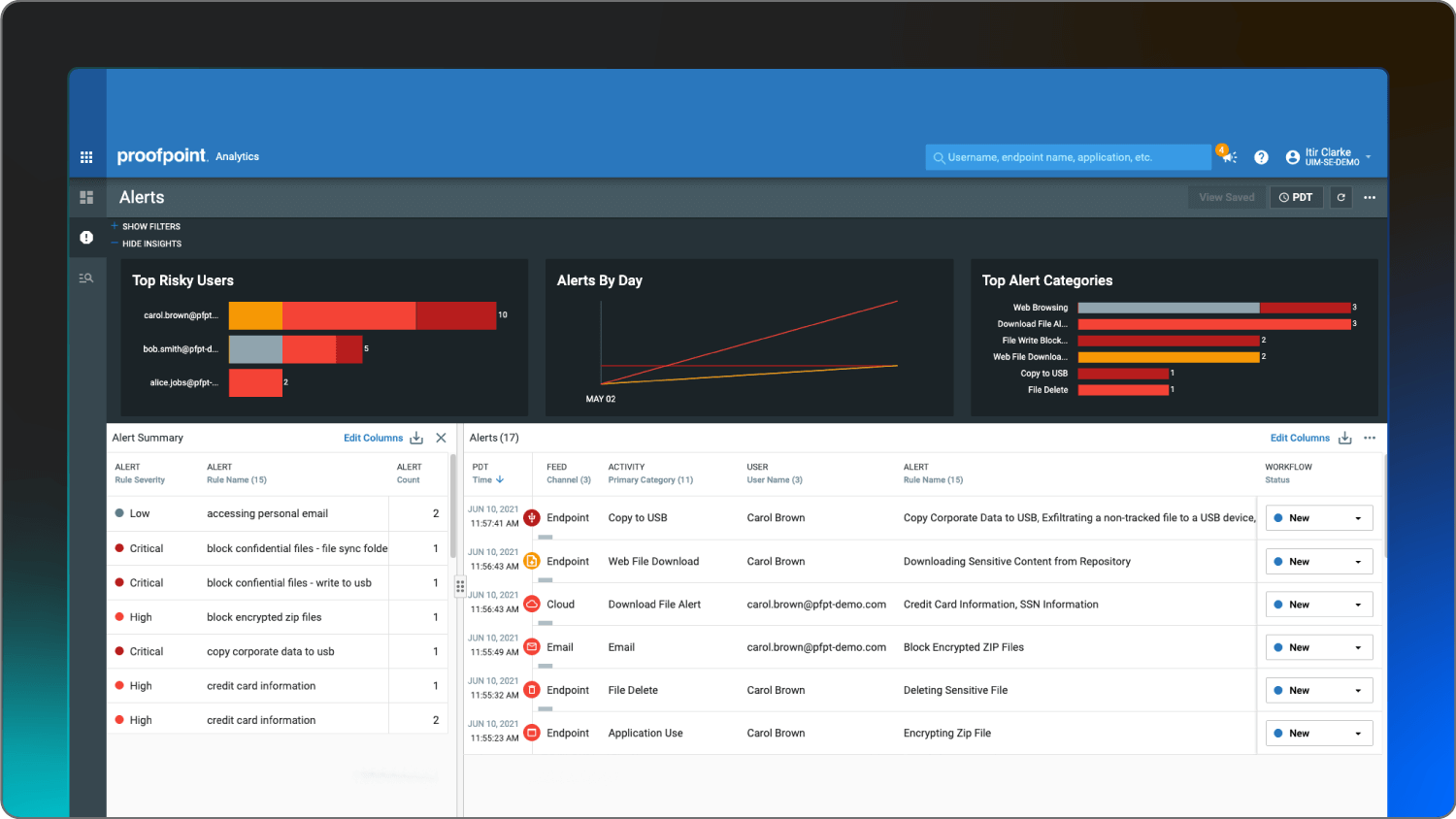
A screenshot of the Proofpoint platform


Proofpoint is built to handle high volumes of email while maintaining data loss prevention. Their Targeted Attack Protection (TAP) is designed to stop spearphishing and BEC by analyzing behavior and code in a secure sandbox. 

The feature gives visibility into whether a Very Attacked Person (VAP) is being targeted, giving security teams detailed forensics on threat campaigns.

The platform also connects email attacks to credential theft in cloud apps. This surfaces suspicious login activity and high-severity third-party application risks across your SaaS file stores.

Key features

  • Targeted Attack Protection for unknown attachments

  • URL Isolation for risky or permitted clicks

  • PhishAlarm button for simplified user reporting

Pricing 

Contact Proofpoint for pricing.

Pros & cons

Pros

Cons

  • Data loss prevention for regulated industries

  • Visibility into which users are being targeted

  • Customizable for specific organizational needs

  • Can be expensive for small businesses

  • The interface can have a steep learning curve

  • Requires significant time to set up properly


KnowBe4

Best for: Risk training that’s quick to deploy

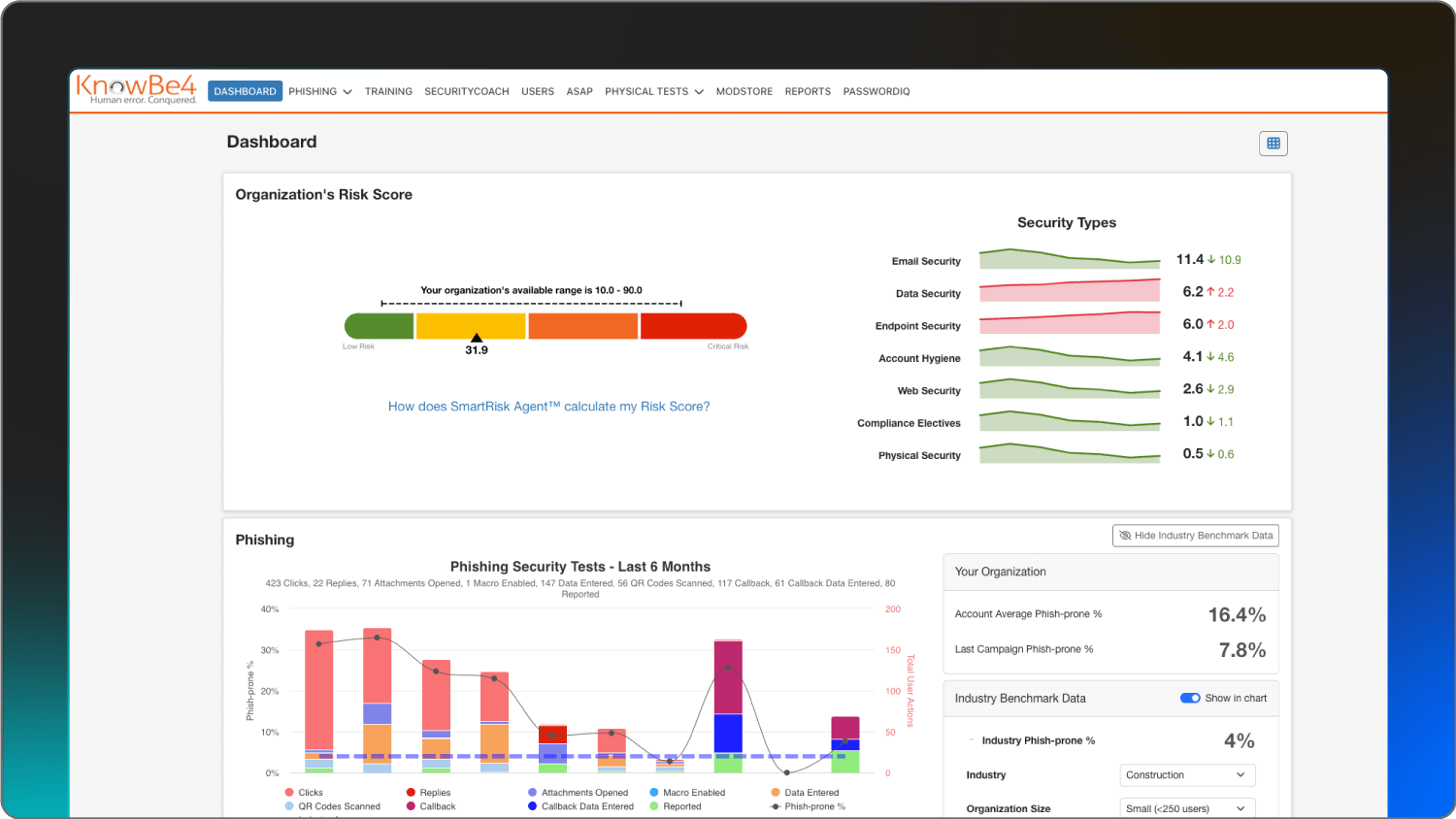
A screenshot of the KnowBe4 platform.


KnowBe4 is a platform for threat response and security awareness training that focuses on the human element of security. They claim to deploy twice as fast as competitors. After deploying, they’ll allow you to send simulated phishing emails to your team to measure susceptibility and automatically assign training based on performance.

This solution features PhishML, a machine-learning module that helps prioritize reported messages into categories like Clean, Spam, or Threat. 

Plus, the Global PhishRIP feature lets your team remove identified threats from all user mailboxes simultaneously, helping to remediate potential outbreaks before they spread.

Key features

  • Unlimited simulated phishing security tests

  • AI-Recommended Training based on user performance

  • Phish Alert Button for safe threat reporting

Pricing 

Pricing for PhishER Plus starts at $1.50 per seat/month for a three-year term, with a minimum of 101 seats required.

Pros & cons


Pros

Cons

  • Existing library of training content

  • Automatable training process

  • Industry benchmarking to see how you compare

  • Includes a Phish Alert Button for reporting

  • Doesn’t have active technical blocking like an EDR

  • Requires hands-on management to keep content fresh

  • Pricing can scale quickly as you add users

  • Some users may find frequent testing frustrating


Mimecast

Best for: Email security and archiving for small- and mid-sized businesses

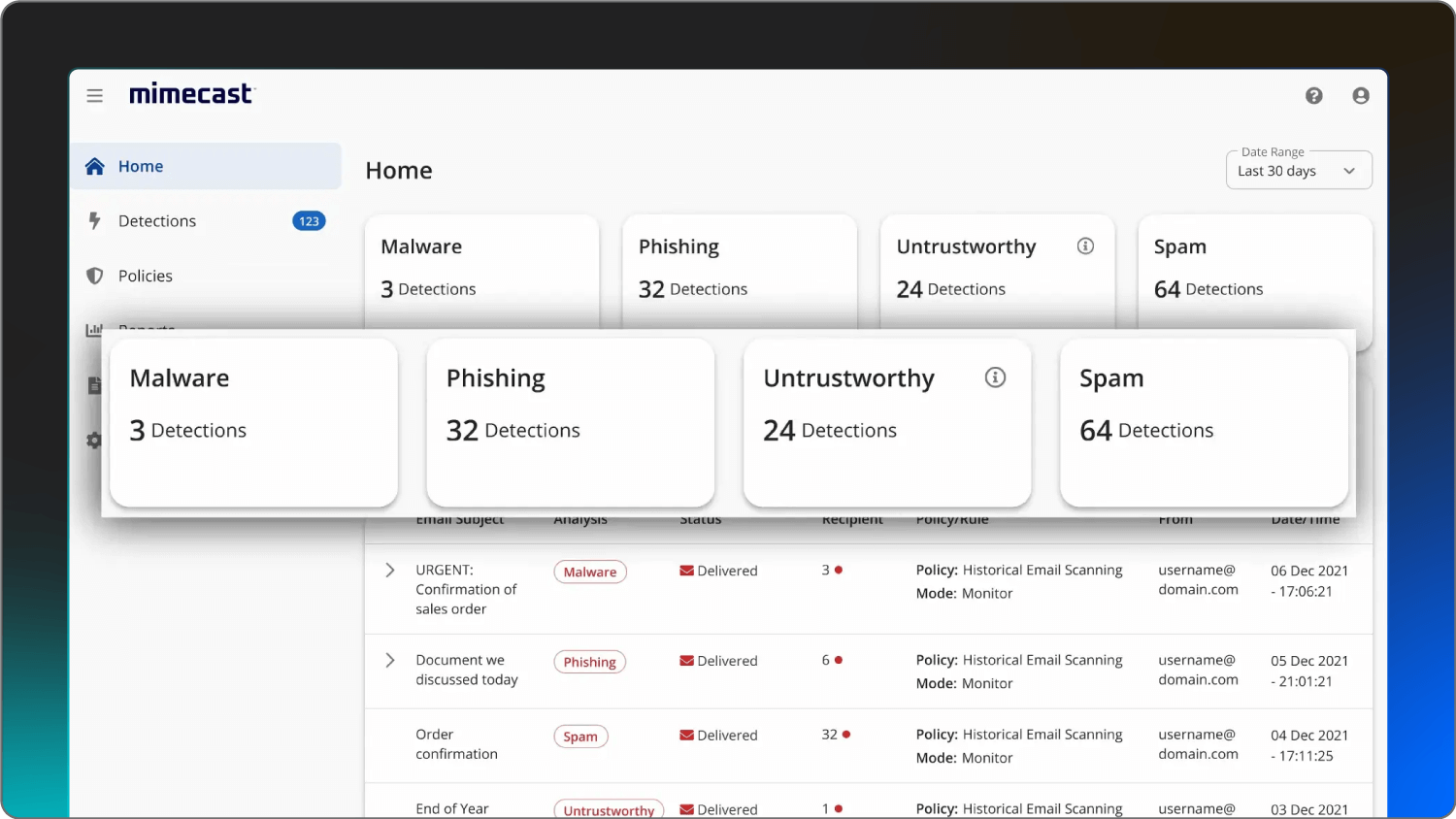
 A screenshot of the Mimecast platform.


Mimecast is a cloud-based solution that combines email security with data governance and archiving. They use AI-powered detection engines to scan every URL in real time, catching links that may become malicious after an email is delivered.

The platform includes Social Engineering Defense to protect employees from sophisticated business email compromise. Mimecast also offers contextual email banners that update across devices based on real-time risk assessments.

Key features

  • AI-powered Social Engineering Defense

  • Dynamic Contextual Bannering updated in real-time

  • Internal Email Protect for monitoring insider risk

Pricing 

Contact Mimecast for pricing.

Pros & cons

Pros

Cons

  • 99% anti-spam and 100% virus protection SLAs

  • Unified platform for security, archiving, and continuity

  • Processes 7 billion signals daily for threat intelligence

  • Admin console may be complex for users

  • Can be pricier than standalone phishing tools

  • Initial setup can be time-consuming


Ironscales

Best for: Lean IT teams who need automation

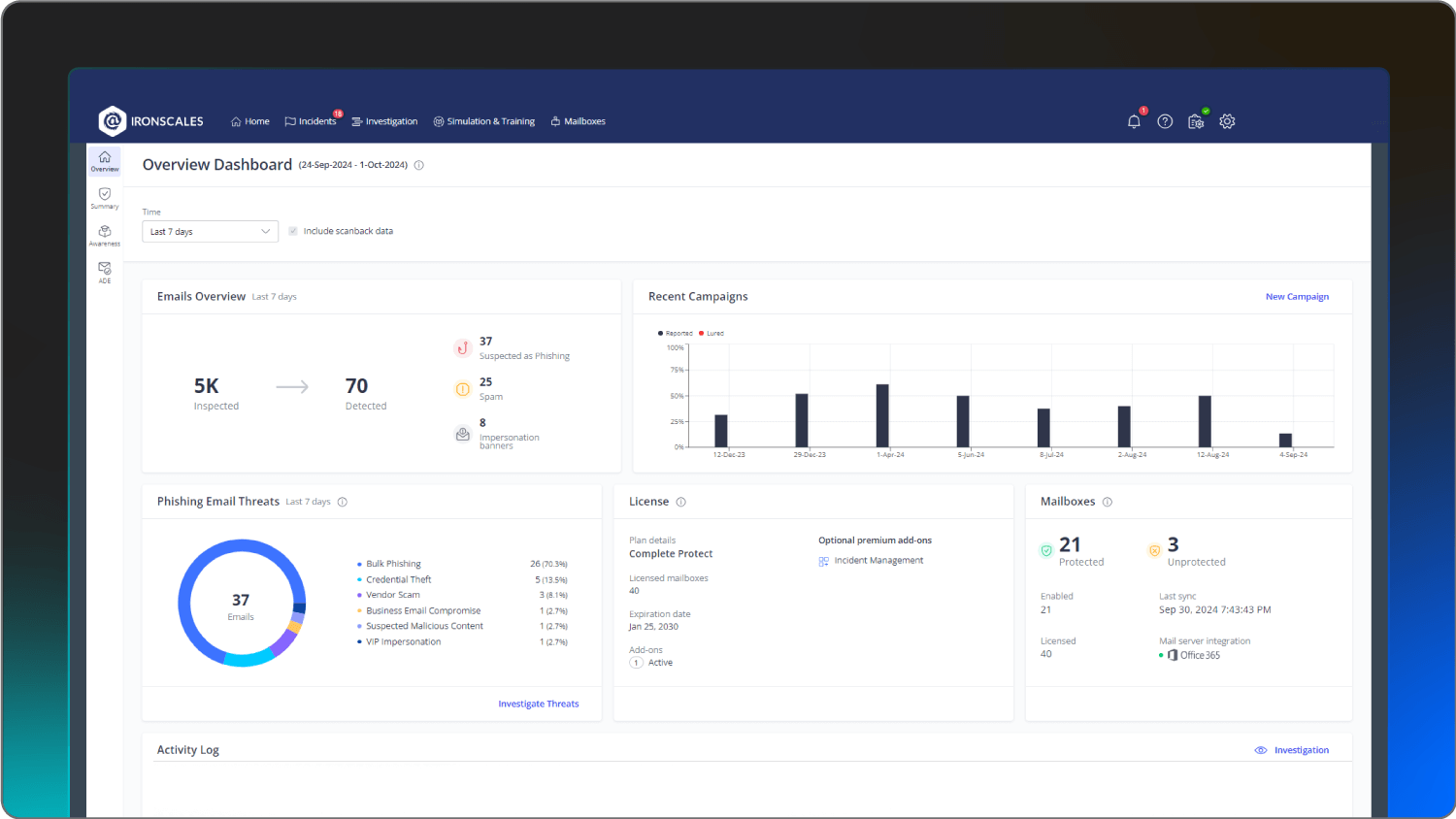
A screenshot of the Ironscales platform.


Ironscales is built for IT teams that require autonomous threat remediation to reduce manual workload. They use agentic AI to investigate and remediate threats across the entire organization without waiting for human intervention. 

The system uses adaptive AI that automatically learns and evolves to detect generative AI-crafted emails and deepfake impersonation in Microsoft Teams.

Ironscales combines machine learning with continuous human insights to help identify account takeover attempts and zero-day attacks that traditional secure email gateways might miss.

Key features

  • Agentic AI for autonomous threat remediation

  • Deepfake Attack Protection for Microsoft Teams

  • Continuous mailbox behavioral analysis for anomalies

Pricing 

Contact Ironscales for pricing.

Pros & cons


Pros

Cons

  • Fast to deploy and see results

  • Includes GPT-powered personalized phishing simulations

  • Works inside the mailbox for better user visibility

  • Free version is limited in scope

  • Advanced features like ATO protection are add-ons

  • Relies heavily on AI, which can have false positives

  • May require additional tools for full endpoint security


OpenText

Best for: Small teams who need simple, budget-friendly protection

A screenshot of the Webroot platform.]


OpenText Core Endpoint Protection, which now fully integrates Webroot, is a lightweight solution focused on real-time threat prevention. They’re a no-frills option for small businesses who need to meet compliance requirements while providing basic phishing education.

The solution uses cloud-based machine learning to monitor system behavior without significantly impacting performance. The multi-shield protection includes identity and phishing shields that detect and block complex attacks in real time. 

OpenText also features a rollback capability that can return local drives to their pre-infected state if a file is deemed a threat.

Key features

  • Real-time Phishing Shield to block risky sites

  • Patented Evasion Shield for script-based attacks

  • Automated endpoint detection and remediation

Pricing 

Pricing starts at $150/year for five seats.

Pros & cons

Pros

Cons

  • Simple, flat-rate pricing for small groups

  • US-based support available for identity restoration

  • Easy for non-technical owners to manage

  • Training library is smaller than that of competitors like KnowBe4

  • Requires a Business Endpoint Protection license for full management

  • Not designed for high-risk or complex environments


How to reduce phishing risk in your org

Even the best tools can’t fully protect a team that’s rushed or distracted. You should share clear, repeatable behavior guidelines so employees know what safety should look like in their day-to-day workflows.

Five tips for all employees to follow:

  1. Hover over links before clicking to verify the true destination, especially in invoices, urgent password messages, or unexpected file-share requests.

  2. Treat any urgent or secret request for information as suspicious. Validate it with a second channel, like a phone call or chat.

  3. Check sender details carefully, including the full email address and domain. Be wary of lookalike domains that swap or add characters.

  4. Report anything suspicious immediately instead of deleting it, so your security team can remove similar messages from other inboxes.

  5. Avoid reusing passwords across accounts. Enable password managers and multi-factor authentication (MFA) wherever possible.

Need more help recognizing the red flags of a phishing email? Check out our How to Spot a Phishing Email guide. 


What IT teams can do to prevent phishing

On the technical side, security teams can harden their environment so fewer dangerous messages ever reach end users.

Technical and security measures for IT teams:


  • Enforce strong authentication with phishing-resistant MFA for high-value accounts and remote access.

  • Deploy modern email security tools that scan URLs and attachments in real time and offer impersonation and BEC protections.

  • Monitor identities and sign-in behavior continuously to detect session hijacking, rogue applications, and suspicious mailbox rules.

  • Implement least privilege for email and SaaS access to prevent a compromised account from affecting your entire environment.

  • Integrate a security awareness training program with your detection stack, so reported messages automatically feed into investigation and response workflows.

Organizations that pair strong user education with always-on technical monitoring close many of the gaps left open by traditional email filters. A managed cybersecurity partner like Huntress lets you focus on operations while specialists handle the noisy, fast-moving phishing landscape around the clock.


Remove the threat of phishing attacks with Huntress

The best email phishing protection software guards the identities that run your business. While software can help, having a managed partner means you don’t have to be the one waking up at 2am to deal with a compromised account.

Combining Huntress Managed ITDR with our Managed SAT gives you a defense that operates at two levels. Our security experts are always on the lookout, while your employees receive the coaching they need to identify threats before they reach us. 

We’re here to make sure hackers don’t have a chance to wreck your day. Chat with one of our experts today to find the perfect fit for your team.


FAQ

What is the single most effective anti-phishing protection? 

The most effective approach is an in-depth defense strategy that combines 24/7 technical monitoring with regular employee training.

Having human experts watch your environment ensures that even if an employee clicks a link, the threat is caught before it can do damage. Regular training helps stay on top of cyber threat trends and reduce the risk of those erroneous clicks happening in the first place.

What is the difference between phishing and spear phishing? 

Phishing is a broad, spray-and-pray attack where the hacker targets many people at once. Spear phishing is a highly targeted phishing attack aimed at a specific person. Spear phishing often uses personal details to make the email look more legitimate.

What should an employee do immediately after clicking a suspicious link? 

They should immediately report the incident to their IT or security team and change their passwords from a separate, secure device.

If you have a managed service like Huntress, your SOC analysts can often isolate the host or revoke access before any data is lost.

Can security awareness training alone stop phishing attacks?

No, because even the best-trained people can make a mistake when they’re tired or busy. Security awareness training is essential for reducing risk, but it needs to be backed up by technical protections like ITDR to catch the threats that sneak through.


Protect What Matters

Secure endpoints, email, and employees with the power of our 24/7 SOC. Try Huntress for free and deploy in minutes to start fighting threats.
Try Huntress for Free