




Cybersecurity 101
What is a Security Email?
Learn what a security email is, how it protects against cyber threats, and why it’s essential for cybersecurity. Beginner-friendly insights from Huntress.
What Is SaaS Security Posture Management (SSPM)?
Written by: Lizzie Danielson
Published: 2/26/2026
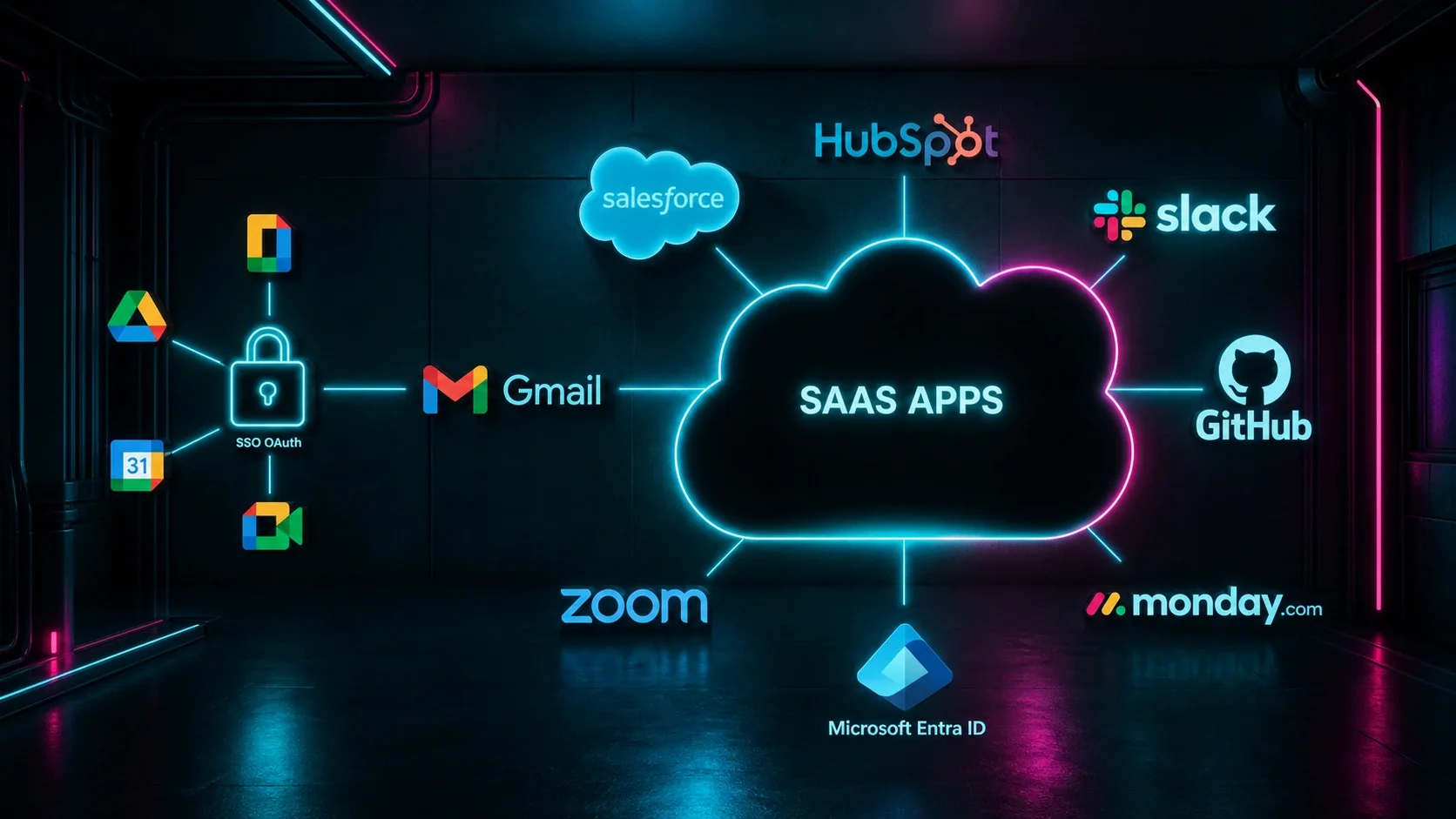
SaaS Security Posture Management (SSPM) is a category of security tools that continuously monitors the configuration settings of your cloud-based software applications to catch security gaps, misconfigurations, and policy violations before attackers can exploit them. In plain terms, it keeps a constant watch over the settings inside tools like Microsoft 365, Salesforce, Slack, and Google Workspace — and alerts your team the moment something looks risky or out of compliance.
SSPM stands for SaaS Security Posture Management — a security discipline focused on protecting cloud-based software applications.
Most SaaS apps come with default settings that aren't secure by design, and SSPM helps organizations find and fix those gaps continuously.
SSPM gives security teams real-time visibility into misconfigurations, over-permissioned user accounts, third-party app risks, and compliance gaps across their entire SaaS environment.
As businesses rely on more SaaS tools than ever before, SSPM has become a critical and often overlooked layer of modern cybersecurity defense.
SSPM is especially valuable for small and mid-sized organizations that don't have the staff to manually audit every cloud app they use.
Over the past decade, businesses of all sizes have moved away from running software on their own servers and toward cloud-based applications software you access through a browser and pay for on a subscription basis. This model is called Software as a Service, or SaaS. Think Microsoft 365 for email, Salesforce for customer data, Slack for team messaging, Zoom for video calls, or DocuSign for contracts.
This shift has been transformative. SaaS tools are easy to set up, accessible from anywhere, and don't require expensive hardware. But they've also created a serious security challenge that many organizations aren't fully prepared for.
Here's the problem: every one of those SaaS applications comes with its own set of configuration settings, user permissions, sharing controls, and integrations. And the average organization is juggling more apps than most people realize. According to BetterCloud's State of SaaSOps report, large enterprises manage upwards of 100+ SaaS applications, and even small businesses often use dozens.
That's dozens of apps. Hundreds of settings. Thousands of users and permissions to track. And when your IT or security team doesn't have full visibility into how each app is configured, mistakes are almost inevitable. A single misconfigured setting, like leaving sensitive documents accessible to anyone with a link, or forgetting to enforce multi-factor authentication, can hand attackers an easy entry point.
SaaS Security Posture Management was created to solve exactly this problem.
SSPM tools connect directly to your organization's SaaS applications through their APIs (the technical interfaces that allow software to talk to each other). Once connected, they continuously scan those applications for security misconfigurations, risky permissions, and policy violations, comparing what they find against security best practices and your organization's defined policies.
Here's a closer look at what SSPM typically covers:
Monitors Security Configurations: Every SaaS application has an admin settings panel where someone — usually in IT — controls how the tool behaves, who can access it, and what features are turned on or off. SSPM tools monitor those settings 24/7 and benchmark them against established security standards, such as the CIS Benchmarks published by the Center for Internet Security, which provide consensus-based best practices for securing common software platforms. When a setting drifts from those benchmarks, your team gets an alert.
Detects Misconfigurations: A misconfiguration is simply a setting that's been configured in a way that creates a security risk, often unintentionally.
Examples include: Allowing any user to share files externally without approval, disabling multi-factor authentication (MFA) for admin accounts. Leaving a public-facing shared drive open to anyone who finds the link. Granting full administrative access to users who only need read-only permissions. Enabling legacy authentication protocols that attackers can more easily exploit
These mistakes happen all the time, often because SaaS apps are set up quickly and their default settings aren't secure. SSPM flags these issues before attackers find them.
Manages User Permissions and Access: One of the most common — and most dangerous — SaaS security risks is excessive user access. When employees leave the company, their accounts may remain active. When someone changes roles, their old permissions often aren't revoked. Over time, this "permission sprawl" creates a long list of accounts with more access than they should have.
SSPM tools provide clear visibility into who has access to what across all your connected SaaS apps, including:
Inactive or orphaned accounts (former employees who still have access)
Overprivileged users (people with admin rights who don't need them)
External users or guests who may no longer require access
This directly supports the principle of least privilege — the security concept that users should only have access to the specific resources they need to do their job, and nothing more.
It might be tempting to think of misconfigurations as minor, fixable mistakes. But in practice, they're one of the leading causes of cloud security incidents.
CISA's Secure Cloud Business Applications (SCuBA) project — a government initiative specifically designed to help organizations secure their SaaS environments — was launched in part because misconfigured cloud applications continue to be a major risk for federal agencies and private sector organizations alike. The project provides security baselines and configuration guidance for widely used SaaS tools, including Microsoft 365 and Google Workspace.
The tricky thing about misconfigurations is that they're often invisible. Your SaaS apps may appear to be functioning perfectly from a user's perspective — email is going out, files are being shared, deals are being tracked — while underneath, a misconfigured setting is quietly exposing sensitive data or creating an opening for attackers.
Without a dedicated tool to scan for these issues, most organizations simply won't find them until it's too late.
If your organization uses SaaS applications — and virtually every organization does — SSPM deserves serious consideration. It's particularly important for:
Organizations with large or growing SaaS stacks The more apps you use, the more configurations there are to track, and the greater the chance that something slips through the cracks. SSPM scales with your environment.
Regulated industries Healthcare organizations bound by HIPAA, financial firms navigating SOC 2 requirements, government contractors navigating CMMC, or businesses operating under GDPR, all face strict rules about how data must be protected. SSPM simplifies compliance monitoring and helps avoid costly violations.
Small and mid-sized businesses (SMBs), Smaller IT and security teams rarely have the bandwidth to manually audit every SaaS tool in their stack. SSPM automates that process, giving lean teams enterprise-grade visibility without requiring additional headcount.
Organizations heavily reliant on Microsoft 365 or Google Workspace. These platforms are among the most widely used and most heavily targeted SaaS environments in the world. SSPM tools typically offer deep integrations with both, making it easier to surface misconfigurations in email, file sharing, identity, and collaboration settings.
Any organization that has experienced rapid SaaS growth. When businesses adopt new apps quickly, especially during periods of remote work or rapid scaling, security configurations often don't get the attention they deserve. SSPM helps bring that sprawl back under control.
Continuous monitoring: SSPM runs around the clock, not just during scheduled audits. You'll know when something changes the moment it happens.
Reduced attack surface: By identifying and remediating misconfigurations proactively, SSPM takes potential entry points away from attackers before they can be exploited.
Simplified compliance: Built-in compliance frameworks make it faster and easier to stay audit-ready — without pulling your team away from other priorities.
Centralized visibility: Security teams get a single pane of glass showing the security posture of every connected SaaS application, rather than having to log into each tool individually.
Faster remediation: Many SSPM tools can automatically fix certain misconfigurations or provide clear, step-by-step guidance to help administrators resolve issues quickly.
Third-party risk management: SSPM helps organizations understand exactly which third-party integrations are active, what access they have, and whether any of them pose a risk.
SaaS applications have become the backbone of how modern organizations operate. But that growing reliance on cloud software comes with security risks that traditional tools designed for on-premises environments simply weren't built to address.
SSPM fills that gap. It gives security teams the continuous visibility, automated monitoring, and actionable guidance they need to keep their SaaS environments secure even when those environments are constantly changing and growing.
Whether you're managing ten cloud apps or a hundred, SSPM helps ensure that the settings, permissions, and integrations inside those tools never become the weak link in your cybersecurity defenses.
Additional Resources
Learn what a security email is, how it protects against cyber threats, and why it’s essential for cybersecurity. Beginner-friendly insights from Huntress.

Learn what dump data is, why cybercriminals target it, and how to protect your database dumps from security threats. Essential guide for IT professionals.

Learn what security directors do, their evolving role in cybersecurity, required qualifications, and career opportunities in this comprehensive guide.

