Selecting an endpoint security vendor in 2026 is less about comparing feature checklists and more about evaluating your organization’s operational reality. The best tool in the world is useless if you don’t have the staff to manage it or the budget to sustain it.
Take stock of your devices
A solution optimized for Windows might be less effective for Mac. For those with heavy Linux or server farms, you’ll need something that offers superior kernel visibility. On the other hand, if you’re a Windows-only shop, a combination of Microsoft Defender and Huntress is likely the most seamless choice.
Essentially, you need to make sure the software doesn’t hinder the specific operating systems your team uses daily.
Questions to ask yourself about your endpoint environment: - Do we have legacy OS (like Windows 7) that requires protection?
- Are our devices purely on-premise, or do we have roaming laptops that never touch the VPN?
- Do we utilize virtual desktop infrastructure (VDI) where agent performance is critical?
- What percentage of our fleet runs macOS or Linux, and does the vendor support them fully?
|
Decide what's most important for your security needs
Every organization has a different risk appetite. You need to align the tool with your biggest fears, whether that’s ransomware or data theft. If you’re a lean IT team that can’t afford to chase false positives, a managed model is often the only logical choice. The operational cost of chasing false alarms often exceeds the cost of the software itself.
Questions to ask yourself about risk tolerance and priorities: - Do we have a 24/7 team to watch the console at 3am on a Sunday?
- Is our primary fear ransomware and protecting data integrity, or data theft and protecting confidentiality?
- Do we need to meet specific compliance logs (like CMMC or HIPAA) that require 1-year data retention?
- Is our goal to set it and forget it or use it to investigate threats ourselves?
|
Pick an easy-to-manage tool
The hidden cost of security software is the time it takes to run. You should look for platforms that offer low friction and can be deployed via scripts in minutes without breaking legitimate apps.
Here's how low-friction and high-friction tools can impact your business:
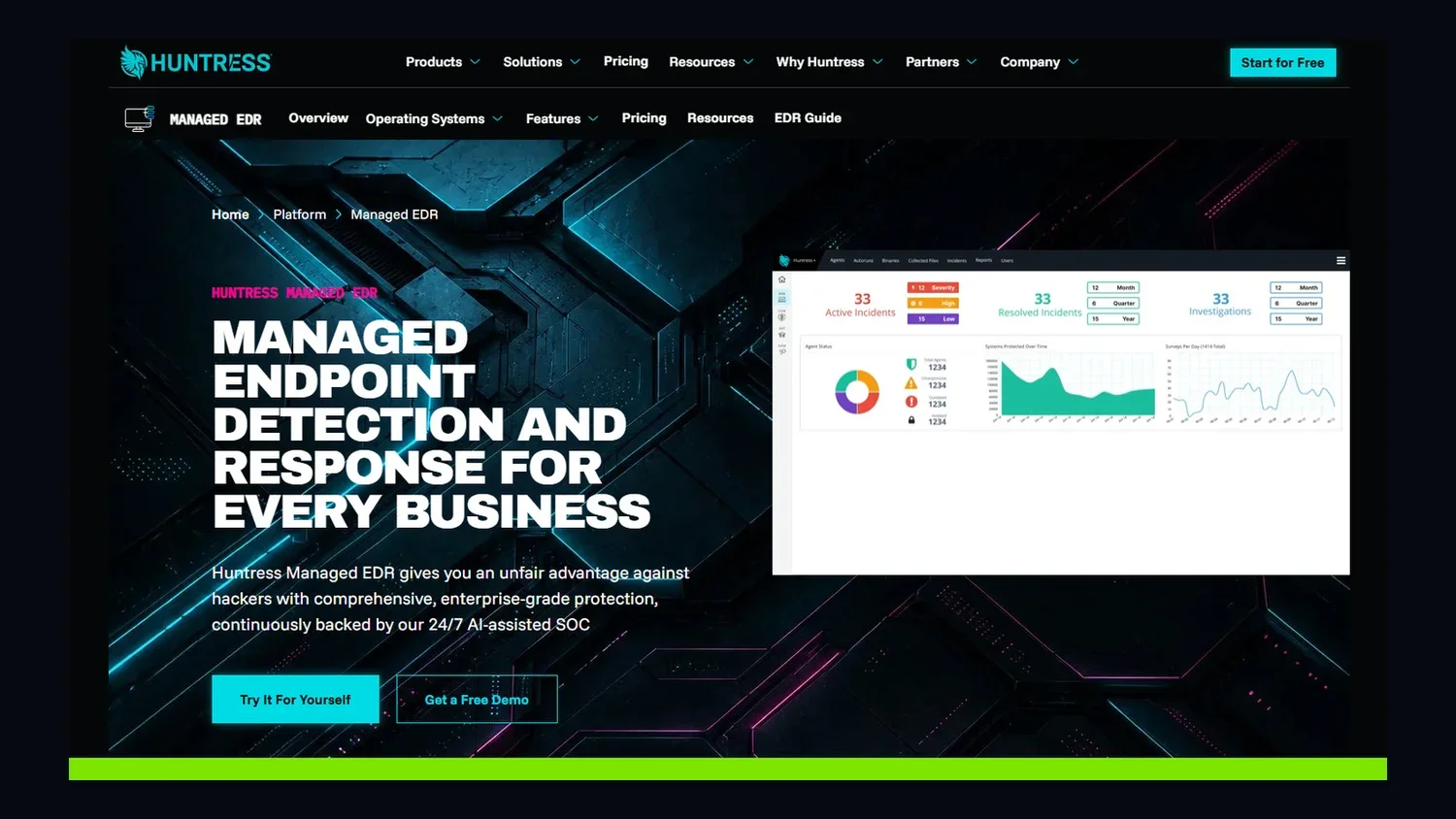
- Low friction: Huntress is designed to be easily deployed in minutes and requires almost zero configuration. It works out of the box.
- High friction: Palo Alto Cortex XDR or Microsoft Defender requires weeks of policy tuning, exclusion settings, and baseline creation to stop them from breaking legitimate apps.
A tool that works out of the box frees up your IT staff for more proactive work.
Questions to ask yourself about operational overhead and admin: - How many hours per week can my team dedicate to administering the solution?
- Is the dashboard intuitive for a novice helpdesk tech, or does it require a trained security analyst?
- Does the vendor handle updates automatically, or do I have to schedule maintenance windows?
- Can I remotely deploy this to all my users without rebooting their machines?
|
Check how the software handles threats
Prevention is ideal, but detection is mandatory. You should consider how the tool handles activity that isn’t clearly malicious. Automated blocking is good for a known trojan, but human review is key for sophisticated hackers, like those employing Living off the Land (LotL) attacks. If a tool blocks all administrative scripts, your team can’t work; if it allows them all, malicious hackers win.
Questions to ask yourself about threat detection preferences: - Does the vendor use a human SOC to review ambiguous threats?
- What is the false positive rate? Will my phone ring at 2am for a Google Chrome update?
- Does the tool offer rollback capabilities for ransomware?
- Does it detect identity threats or just endpoint threats?
|
Make sure it functions well with your other tools
No security tool is an island. You should ensure the platform integrates with your existing management tools, ticketing systems and identity providers.
It should integrate easily with what you already have:
- MSP integration: If you are an MSP, does it integrate with ConnectWise, Datto, or Kaseya? Huntress does.
- SIEM integration: If you have an SIEM (like Splunk), can the EDR send logs to it easily? Huntress can.
- Microsoft integration: Does it play nicely with Windows Defender, or does it fight it? Huntress integrates seamlessly.
You also want to know if the software can run alongside your existing antivirus as part of a layered security strategy.
Checking these boxes ensures your security stack stays cohesive. See the full list of Huntress API and integrations.
Questions to ask yourself about compatibility with your security stack: - Does it integrate with our ticketing system?
- Does it require removing our existing antivirus, or can it run alongside it in a layered security strategy?
- Does it support single sign-on (SSO) for our admin team?
|
Prioritize performance and ease of use
User experience matters because if security software slows down a laptop, users will find a way to disable it. Look for tools known for being lightweight that won’t consume excessive bandwidth while sending data to the cloud. You want an agent that runs quietly in the background without impacting the workday.
Questions to ask yourself about user experience: - Does the agent run scans during the workday, slowing down users?
- Does it require a reboot to install or update?
- How much bandwidth does it consume sending data to the cloud?
|
Think about value, not just price
Price is what you pay, but value is what you get. When you consider the total cost of ownership of top EDR solutions, a low-cost solution that lets ransomware through costs significantly more in recovery fees and downtime.
Consider whether the price includes a response from human experts or just automated alerts. And note the total cost of ownership for tools at different price points:
- Cheap: A $2-per-endpoint antivirus tool that lets ransomware through costs you $2 plus $1,000,000 in recovery.
- Value: A $5-per-endpoint MDR that stops the ransomware at 2am saves you the $1,000,000.
- Enterprise: A $15-per-endpoint tool that provides features you never use is part of a wasted budget.
With Huntress, you get a fully-managed endpoint security solution that gives you the peace of mind to focus on your operational goals instead of the threats you might be missing.
Questions to ask yourself: - Does the price include managed response or just alert emails?
- Are there hidden costs for storage, support, or essential modules (like ransomware rollback)?
- What is the cost of downtime if our current tool fails?
- Is there a minimum seat count that disqualifies us?
|