Best SOC Services for Cybersecurity in 2026

If you’re trying to find the best security operations center (SOC) services for cybersecurity in 2026, you probably know that the DIY approach to security is like trying to perform your own appendectomy. It might be theoretically possible, but it’s not a great idea.

Hackers don’t work a 9-to-5 schedule, and they certainly don’t care if your IT team is tied up fixing a printer. A security operations center (SOC) is your 24/7 eyes and ears, watching for the subtle signs of a breach that automated tools often miss.

But not all SOCs are created equal. Some are giant black boxes where you’re just a ticket number; others are expensive ivory towers that only enterprise budgets can touch. We’re here to break down the top ten players in the game so you can figure out who’s actually going to have your back when the sirens go off.


Best SOC Services for Cybersecurity in 2026

If you’re trying to find the best security operations center (SOC) services for cybersecurity in 2026, you probably know that the DIY approach to security is like trying to perform your own appendectomy. It might be theoretically possible, but it’s not a great idea.

Hackers don’t work a 9-to-5 schedule, and they certainly don’t care if your IT team is tied up fixing a printer. A security operations center (SOC) is your 24/7 eyes and ears, watching for the subtle signs of a breach that automated tools often miss.

But not all SOCs are created equal. Some are giant black boxes where you’re just a ticket number; others are expensive ivory towers that only enterprise budgets can touch. We’re here to break down the top ten players in the game so you can figure out who’s actually going to have your back when the sirens go off.


Quick comparison: Best managed SOC services

Provider

Best for

Key features

Pricing

Huntress

Real-time, human support for businesses of all sizes

24/7 SOC monitoring, human-led threat hunting, managed EDR/M365

Contact for a quote

CrowdStrike Falcon Complete

Large enterprises

Falcon Complete MDR, massive telemetry

Starting at $59.99 per device/month, billed annually

Palo Alto Networks

Complex networks

Unit 42 expertise, Cortex XDR integration

Contact Palo Alto Networks

Microsoft Defender Experts

Microsoft 365 users

Deep integration with Defender stack

Add-on to existing licenses; starting at $12 per user/month

Arctic Wolf

Midsize to large organizations

Concierge Security® model, wide log coverage

Starting at $2.99 per user/month, billed annually

Fortinet

Hardware-first teams

FortiGuard integration, fast response

Contact Fortinet

Sophos MDR

Unified ecosystem

Sophos Central management, 15-minute response

Contact Sophos

ITSco

Compliance

HIPAA/PCI focus, daily human reviews

Contact ITSco

Rapid7

Risk and vulnerability management

InsightIDR platform, unlimited IR

Starting at $2.19 per asset/month for 250 assets, billed annually

ReliaQuest

Multi-tool organizations

GreyMatter platform, vendor agnostic

Contact ReliaQuest


1. Huntress

Best for: Businesses of any size looking for enterprise-level comprehensive credential theft, rogue apps, and BEC protection, plus 24/7 human support, at an accessible price.

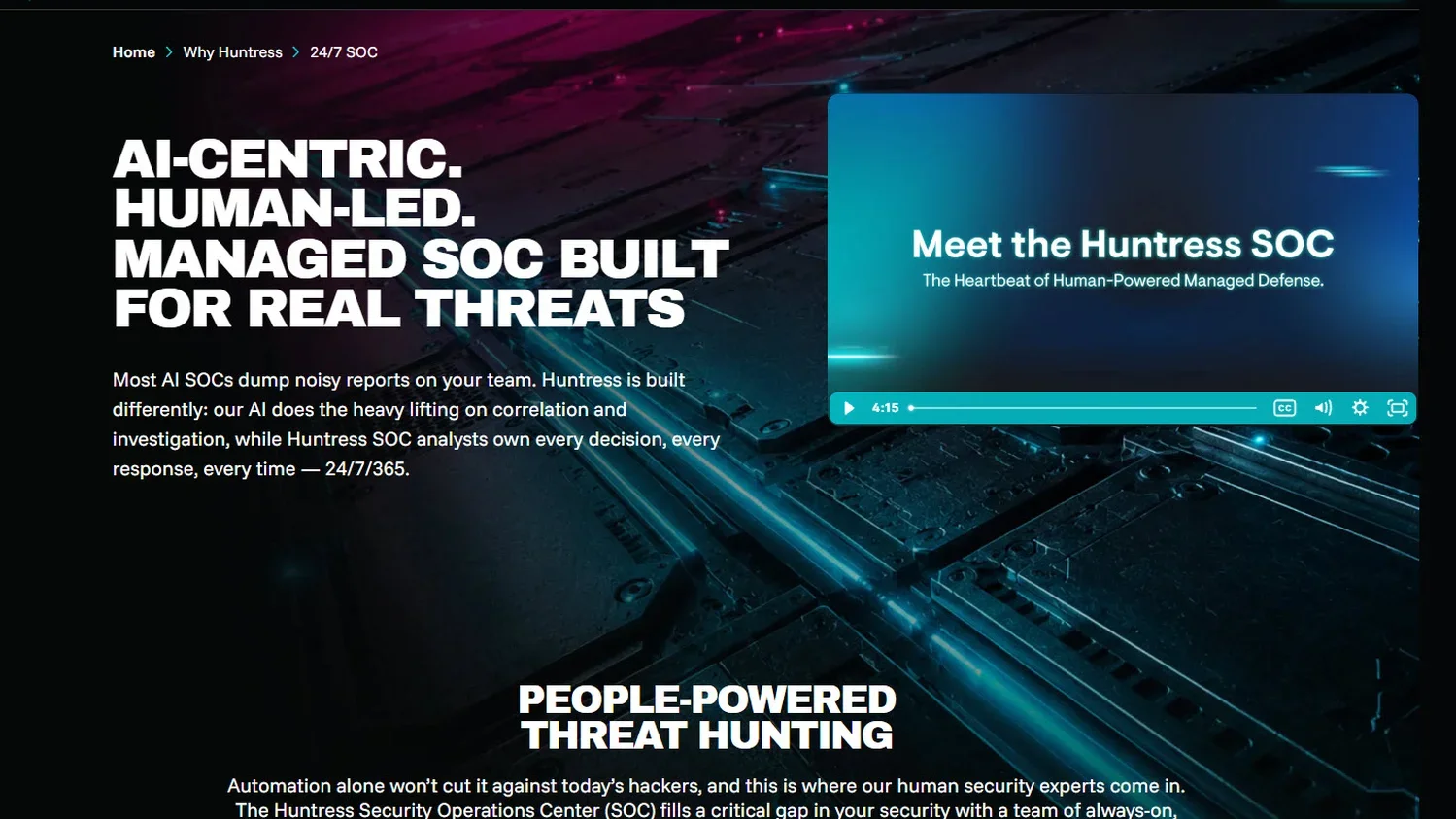
A screenshot of Huntress managed security services

Most scaling businesses don’t have the budget to hire a six-person security team. Huntress is a 24/7 AI-assisted SOC that acts as a human force multiplier by adding a team of cybersecurity professionals who hunt alongside your existing staff.

Instead of sending you a million automated alerts to parse through, the Huntress SOC investigates the noise for you using an international model with analysts in the US, UK, and Australia.

Huntress specializes in finding persistent footholds—the sneaky little backdoors that hackers leave behind—that traditional antivirus software ignores. If we find something, we don’t just send an email; we send a clear, human-written remediation plan with easy-to-understand analysis that can be executed in a single click. Or, we can even kick the hacker out ourselves. It’s powerful security without all the unnecessary complexity.

To understand how our 24/7 Security Operations Center (SOC) team operates and the value we deliver to our partners, download our SOC Datasheet.

Key features

Pricing 

Huntress uses a simple, predictable, per-endpoint or per-identity model with no hidden tiers or fees. Learn more about pricing.

Pros and cons

Pros

Cons

  • Easy to deploy and manage

  • Human analysts who explain threats in plain English

  • Aggressive pricing tailored for lean IT teams

  • Global 24/7 coverage from experts in multiple time zones

  • Fewer options for highly specialized IoT hardware


2. CrowdStrike Falcon Complete

Best for: Large enterprises with massive global footprints


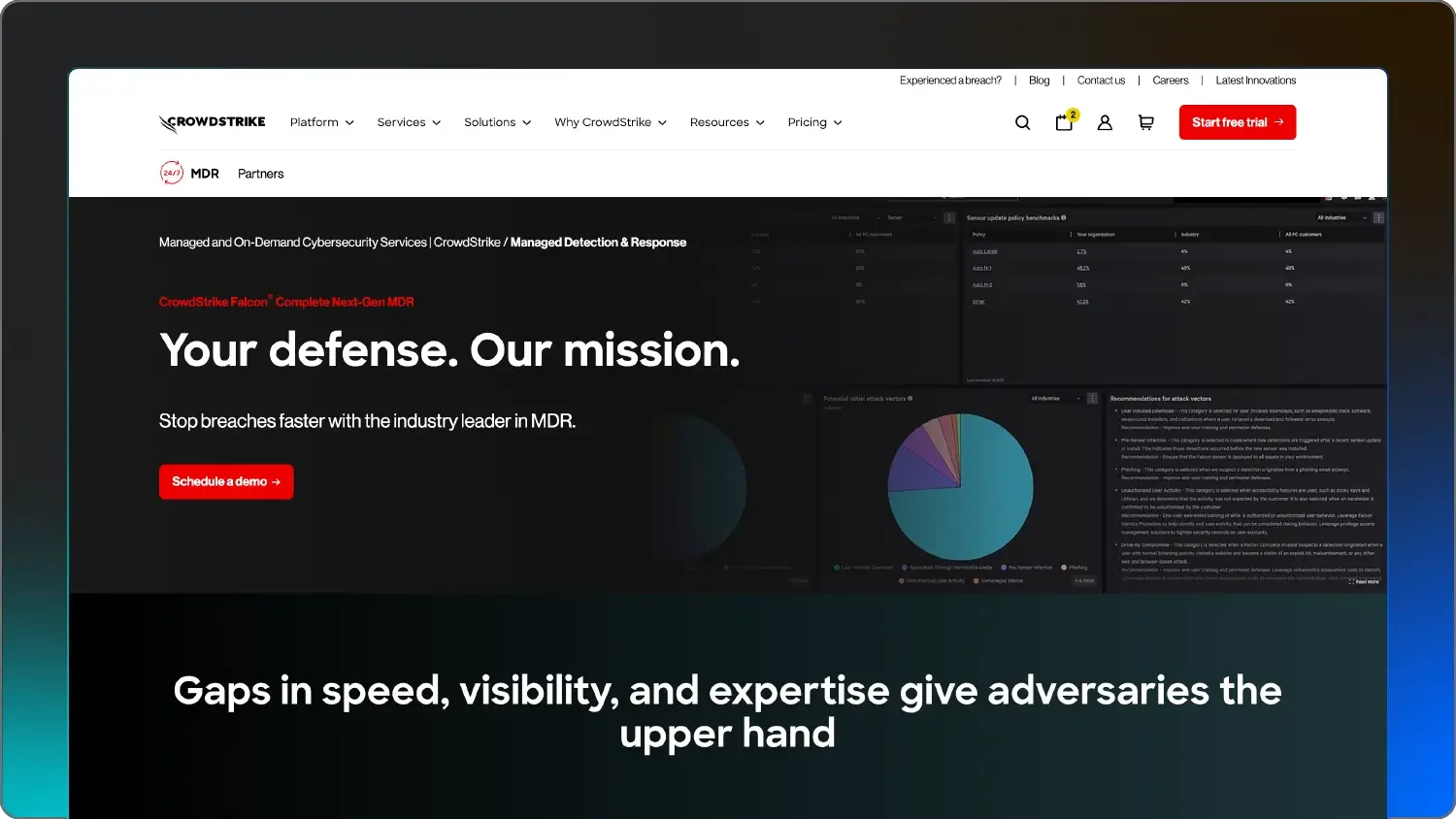
A screenshot of CrowdStrike Falcon Complete

Image Source: CrowdStrike

CrowdStrike’s Falcon Complete managed cybersecurity services are essentially their software, plus a dedicated team of responders who take over the keys to your environment. They boast one of the fastest response times in the industry and have a massive database of threat intelligence to draw from.

They’re built on a lightweight cloud agent that doesn't slow down your laptops but still catches sophisticated malware and Living Off the Land attacks. They’re famous for their “1-10-60” rule: detecting a threat in one minute, investigating it in ten, and kicking the hacker out within an hour.

If you have thousands of devices across multiple countries and a budget to match, this might be a match for you.

Key features

  • 1-10-60 Rule to detect in one minute, investigate in 10, and remediate in 60

  • Falcon OverWatch 24/7 threat hunting

  • Integrated identity and cloud security that follows users from the laptop to the cloud

Pricing 

Starting at $59.99 per device/month, billed annually

Pros and cons


Pros

Cons

  • Reputable threat intelligence

  • Hands-off remediation

  • Massive scalability

  • Very expensive for smaller businesses

  • Can be complex to configure initially

  • Requires Falcon agents on everything for best results


3. Palo Alto Networks

Best for: Organizations running complex high-traffic networks

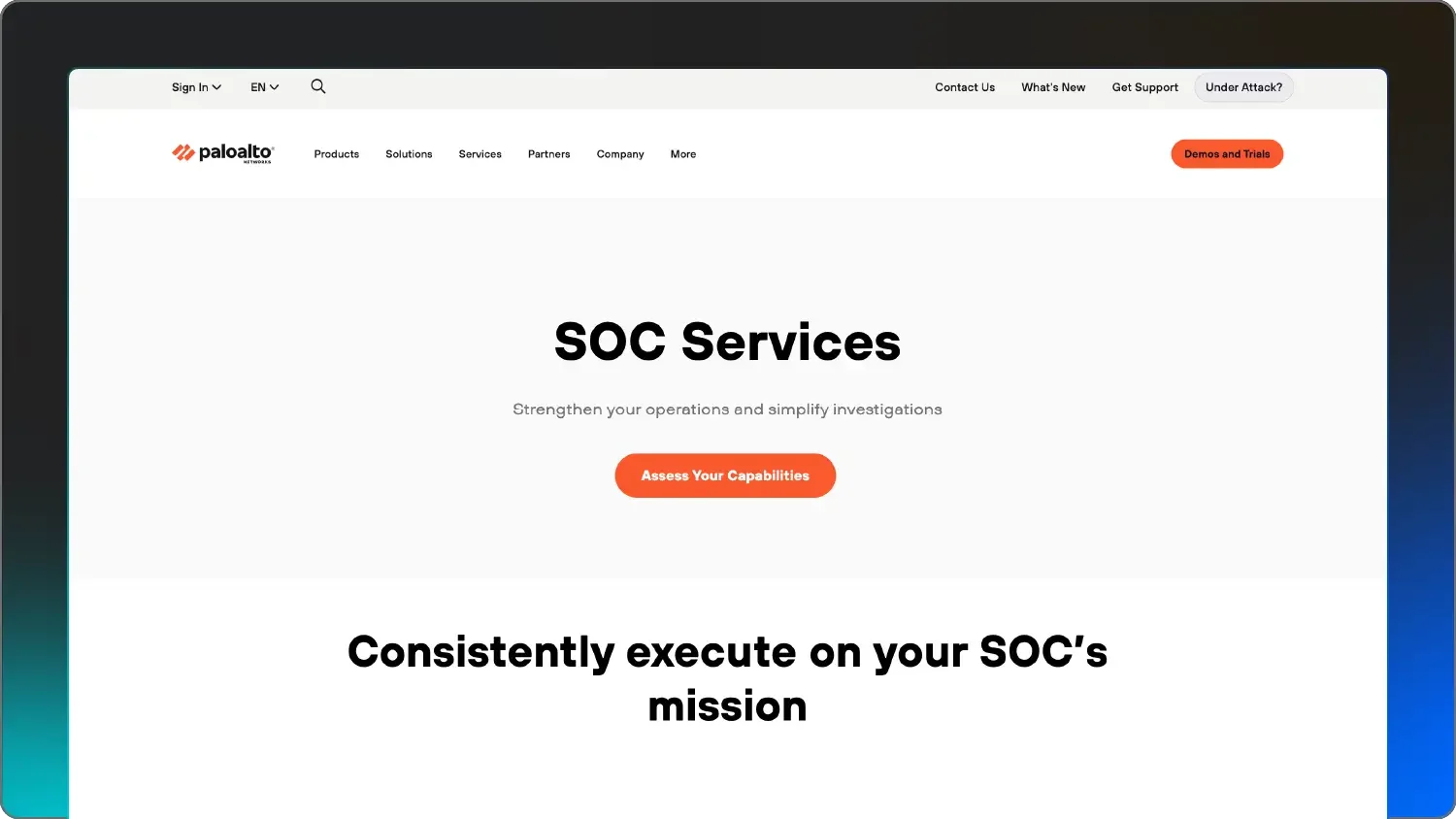
Image Source: Palo Alto Networks A screenshot of Palo Alto Networks.

Palo Alto’s Unit 42 is famous for their incident response and threat research. When you buy their MDR (Managed Detection and Response) service, you’re basically hiring that same team to watch your network.

Their MDR service is powered by Cortex XDR, which acts like a giant magnet, pulling in data from your firewalls, cloud, and endpoints to find hackers hiding. You also get their Unit 42 research team—the same people who hunt down nation-state hackers—to watch your specific network 24/7.

Because Palo Alto has such a strong hold on the firewall and network market, their managed IT security services are good at spotting lateral movement, or when a hacker gets in one door and tries to sneak into another room.


Key features

  • Cortex XDR integration to aggregate data from network, endpoint, and cloud

  • Access to the same researchers who hunt nation-state actors with Unit 42 expertise

  • Proactive posture tuning

Pricing 

Contact Palo Alto Networks for a quote.

Pros and cons

Pros

Cons

  • Good network visibility

  • Access to renowned IR experts

  • Comprehensive compliance reporting

  • Best performance requires the Palo Alto ecosystem

  • High price point and steep learning curve

  • Can be too complex for simple environments


4. Microsoft Defender

Best for: Businesses already all-in on the Microsoft 365 stack

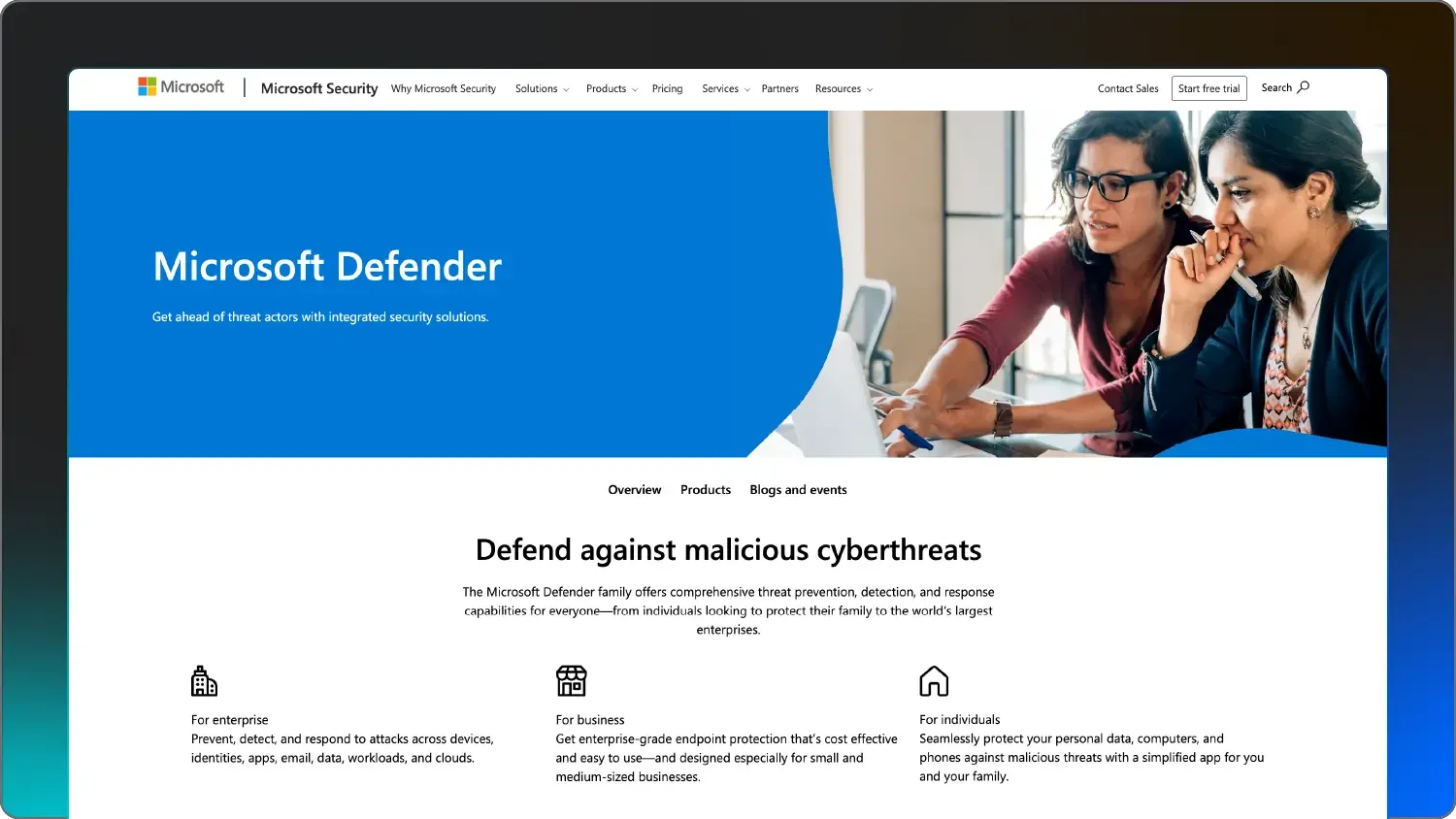
A screenshot of Microsoft Defender Experts.

Image Source: Microsoft 

If your whole world runs on Windows and Outlook, Microsoft Defender Experts is like hiring the people who built the house to guard the door. They use the signals Microsoft sees every day to hunt for threats specifically targeting your tenant. Microsoft has more data on Windows threats than any other security-as-a-service provider.

They also have Emerging Threat insights, which tell you exactly how they’re proactively testing your defenses against the newest hacker tricks. Their SOC analysts (the Defender Experts) work directly inside your Defender portal, helping triage alerts and providing proactive hunting. It’s a native experience that doesn’t require installing new third-party agents.

Key features

  • Native Microsoft 365 integration

  • On-demand Microsoft engineer chatting

  • Proactive searches for threats hiding in your tenant


Pricing 

Starting at $12 per user/month, billed annually. Requires Microsoft 365 E3 or Office 365 E3 and Enterprise Mobility + Security E3.

Pros and cons

Pros

Cons

  • Seamless integration with Windows/Office

  • Streamlined if you already have the licensing

  • Massive global threat database

  • Limited visibility into non-Microsoft assets

  • You’re locked into the Microsoft ecosystem

  • Response can feel more templated than boutique managed SOC providers


5. Arctic Wolf Managed Security Awareness

Best for: Mid-sized companies that want a concierge experience.

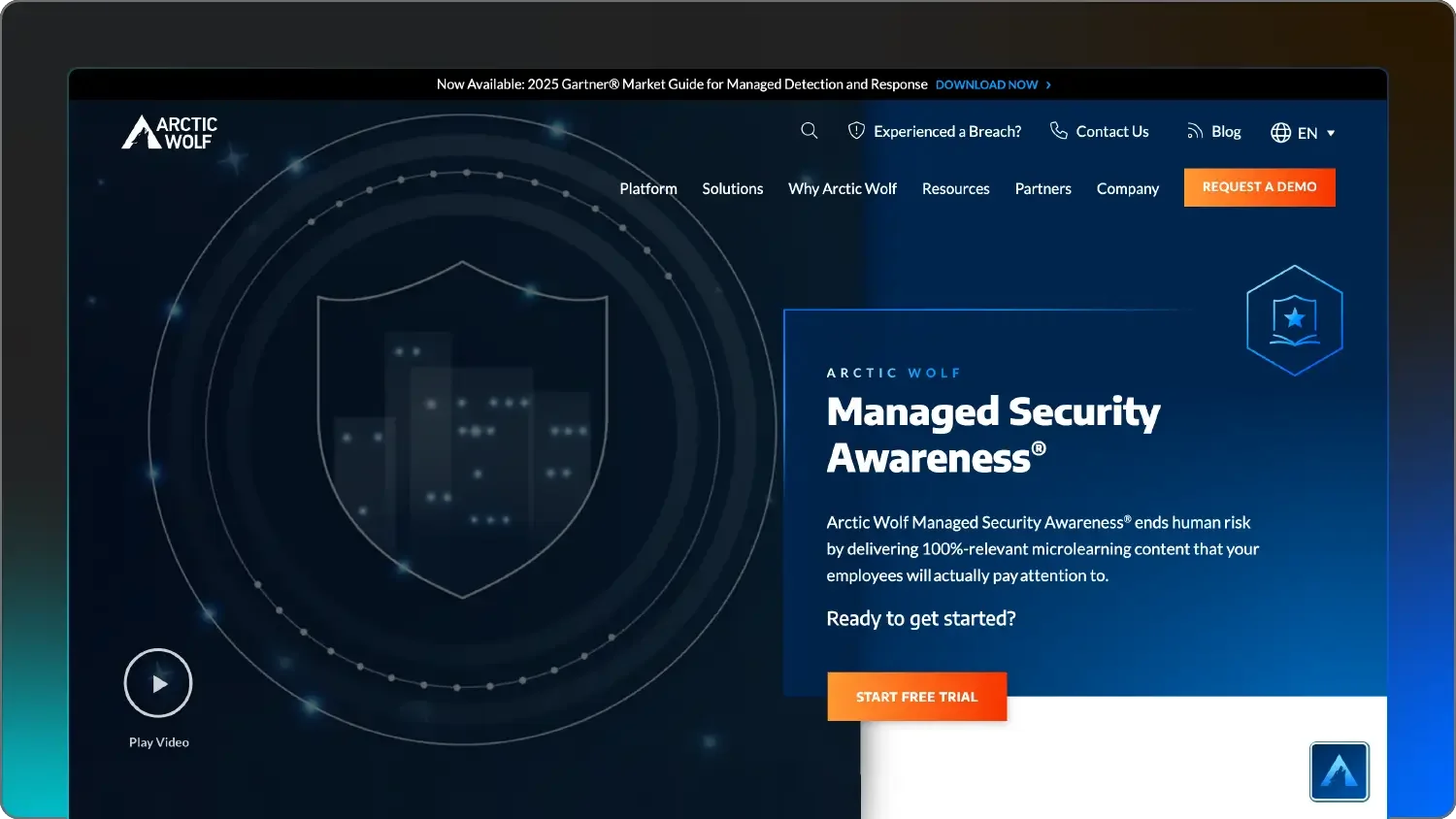
A screenshot of Arctic Wolf.

Image source: Arctic Wolf

Arctic Wolf is known for their Concierge Security® model. Instead of a rotating cast of anonymous analysts, you get assigned a specific team that learns your environment over time.

They act as an extension of your IT team, helping you with red alerts as well as with long-term security posture. Arctic Wolf uses their Aurora platform to take logs from your firewalls, cloud, and endpoints and make sense of them for a unified view of your risks.

Key features

  • Concierge Security® team

  • Cloud-native system that ingests all your logs

  • Broad device support

Pricing 

Starting at $2.99 per user/month, billed annually

Pros and cons

Pros

Cons

  • Personalized service from a dedicated team

  • Strong log retention and compliance

  • Vendor-neutral—they don’t care what firewall you use

  • Can be more expensive than EDR-only services

  • Implementation takes more planning than Huntress

  • Alerts can still require your team’s approval


6. Fortinet

Best for: IT shops already standardized on Fortinet hardware

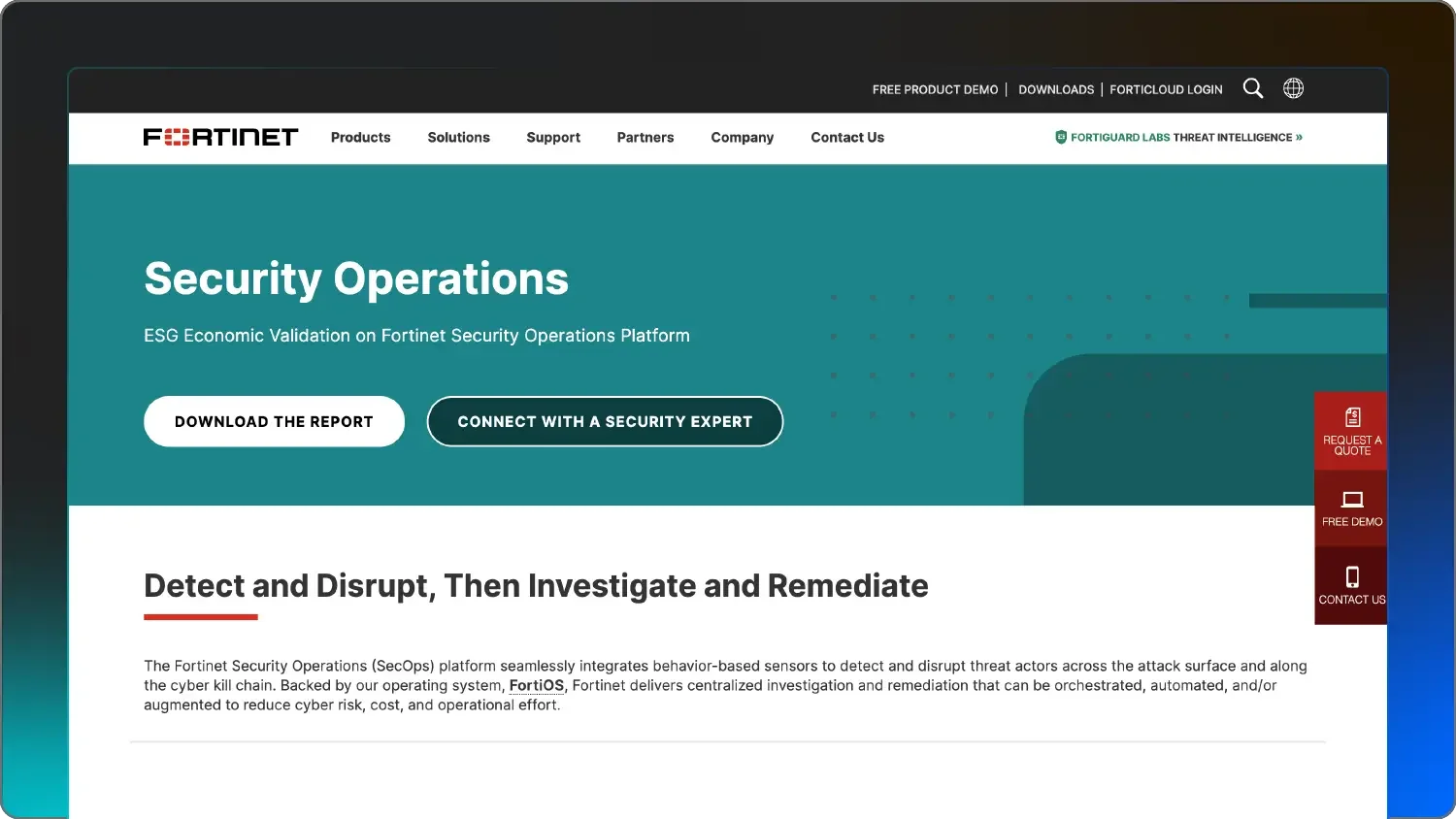
A screenshot of Fortinet

Image Source: Fortinet 

If your server room is full of FortiGate firewalls, Fortinet’s SOCaaS (SOC as a Service) is a natural fit. It plugs directly into the Fortinet Security Fabric, allowing their global team of analysts to see exactly what your firewalls are seeing in real-time.


They can often investigate and escalate critical threats in as little as 15 minutes. They also offer pre-authorization, where you can give them the green light to automatically change firewall settings to block an attack the moment they see it. This means the SOC analysts can push updates or blocks directly to your hardware. 

Key features

  • Unified visibility across all Fortinet products

  • Powered by FortiGuard Labs intelligence

  • 15-minute threat response

Pricing 

Contact Fortinet for a quote.

Pros and cons

Pros

Cons

  • Tight integration with firewalls

  • Competitive pricing for existing customers

  • Fast deployment on existing hardware

  • Very Fortinet-centric—less ideal for mixed environments

  • Interface can be dense for non-technical users

  • Limited human-led hunting on non-Fortinet endpoints


7. Sophos MDR

Best for: Companies wanting a single vendor for both software and SOC

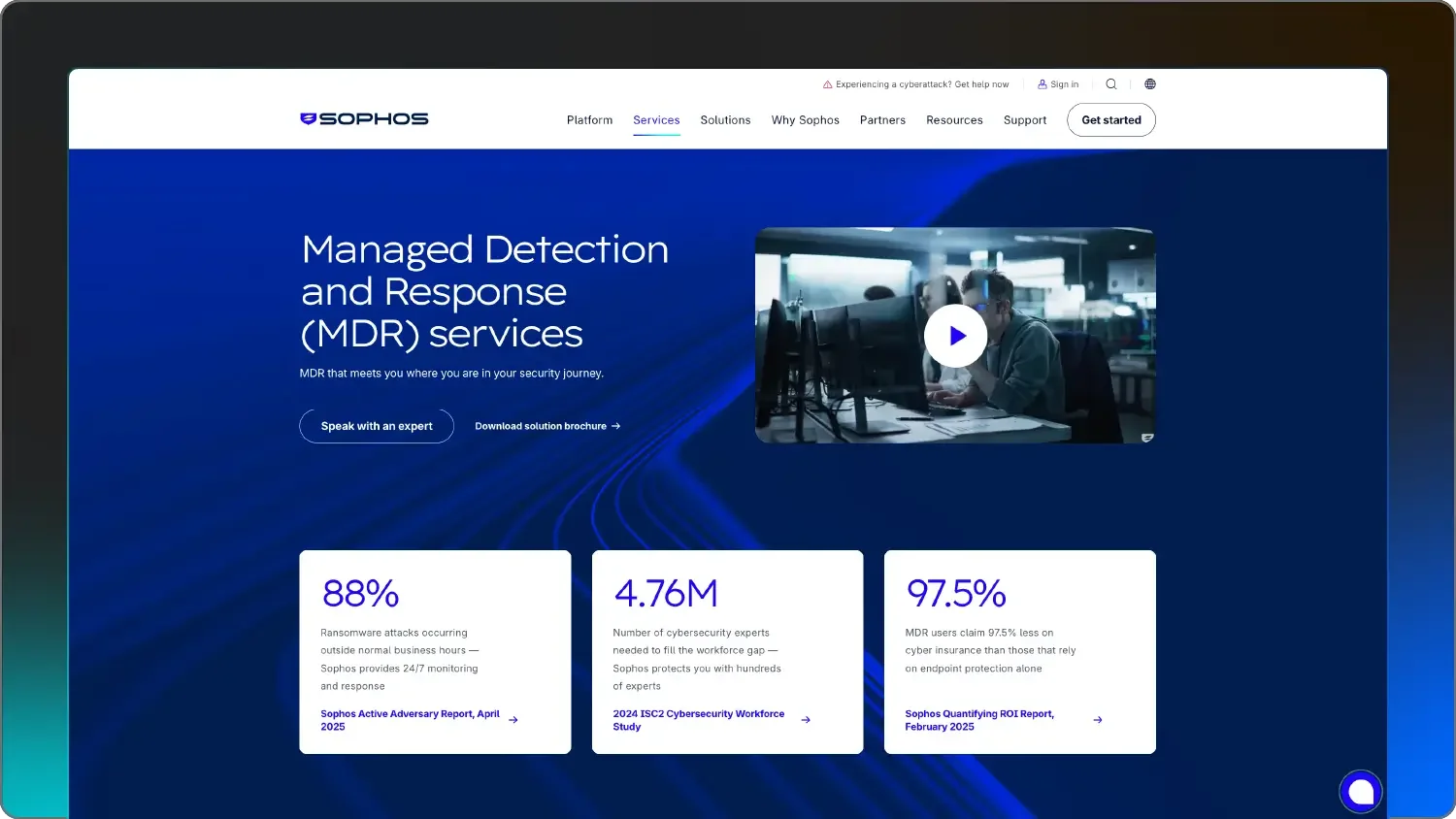
A screenshot of Sophos MDRA screenshot of Sophos MDR

Image Source: Sophos 

Sophos has moved from being a software company to a service company. Their MDR service is flexible; you can use their Sophos Intercept X software, or they can work with the security tools you already have, such as Microsoft Defender or CrowdStrike.

They have a massive customer base, which gives them a huge neighborhood watch effect. If they see a new ransomware in one client’s network, they can block it for everyone else in minutes. They also offer breach protection warranty on their higher tiers, showing they’re willing to put their money where their mouth is when it comes to stopping intruders.

Key features

  • Unified dashboard for endpoint, mobile, email, and firewall

  • 24/7 leadless hunting

  • Breach protection warranty

Pricing 

Contact Sophos for a quote.

Pros and cons

Pros

Cons

  • Fast response times (averaging less than 30 mins)

  • Works with your existing non-Sophos tools

  • All-in-one ecosystem

  • Advanced features require the Complete tier

  • The Essentials tier is mostly notification-only

  • Can get pricey as you add more modules


8. ITSco

Best for: Compliance-heavy industries like healthcare, finance, and legal

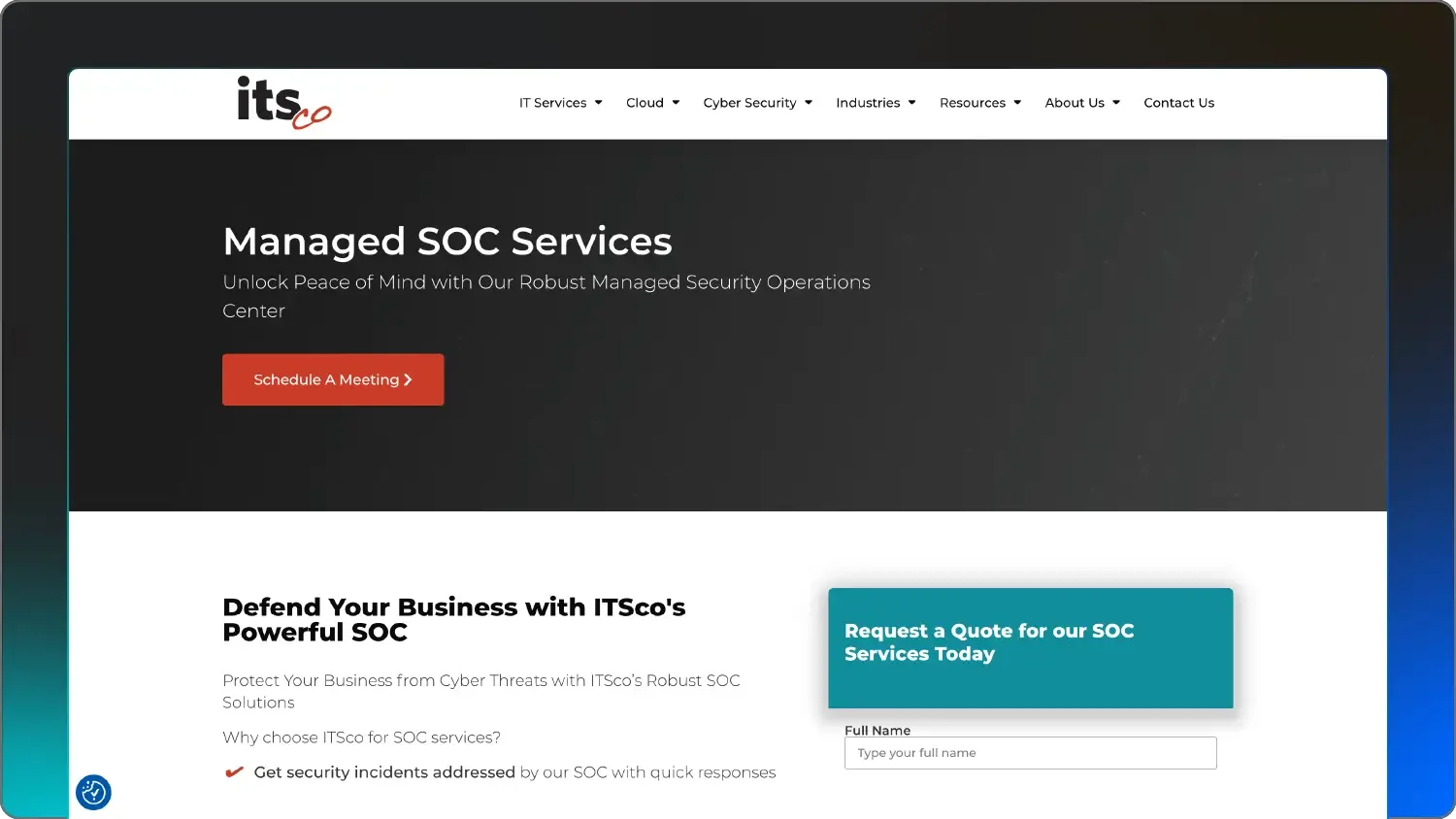
A screenshot of ITSco

Image source: ITSco

ITSco is a bit different from the Silicon Valley giants. They’re a managed service provider (MSP) that focuses heavily on helping you pass audits for things like HIPAA, PCI, or CMMC.

They work best for organizations that need to check specific compliance boxes like HIPAA or PCI-DSS. ITSco analysts perform manual daily reviews of your logs to make sure issues aren’t slipping through the cracks.

They also offer vCISO services—or virtual, on-demand cybersecurity help—giving you access to an executive-level expert who can help you write policies and plan your long-term strategy.

Key features

  • Manual daily reviews

  • Compliance-focused reporting

  • Vulnerability management

Pricing 

Contact ITSco for a quote.

Pros and cons

Pros

Cons

  • High-touch, personal service

  • Exceptional for regulatory compliance

  • Budget-friendly for small and mid-sized firms

  • Smaller global footprint than CrowdStrike and Microsoft

  • Less automated than some high-tech XDR platforms

  • May not have the highest level threat intel


9. Rapid7

Best for: Teams that want to combine SOC with vulnerability management

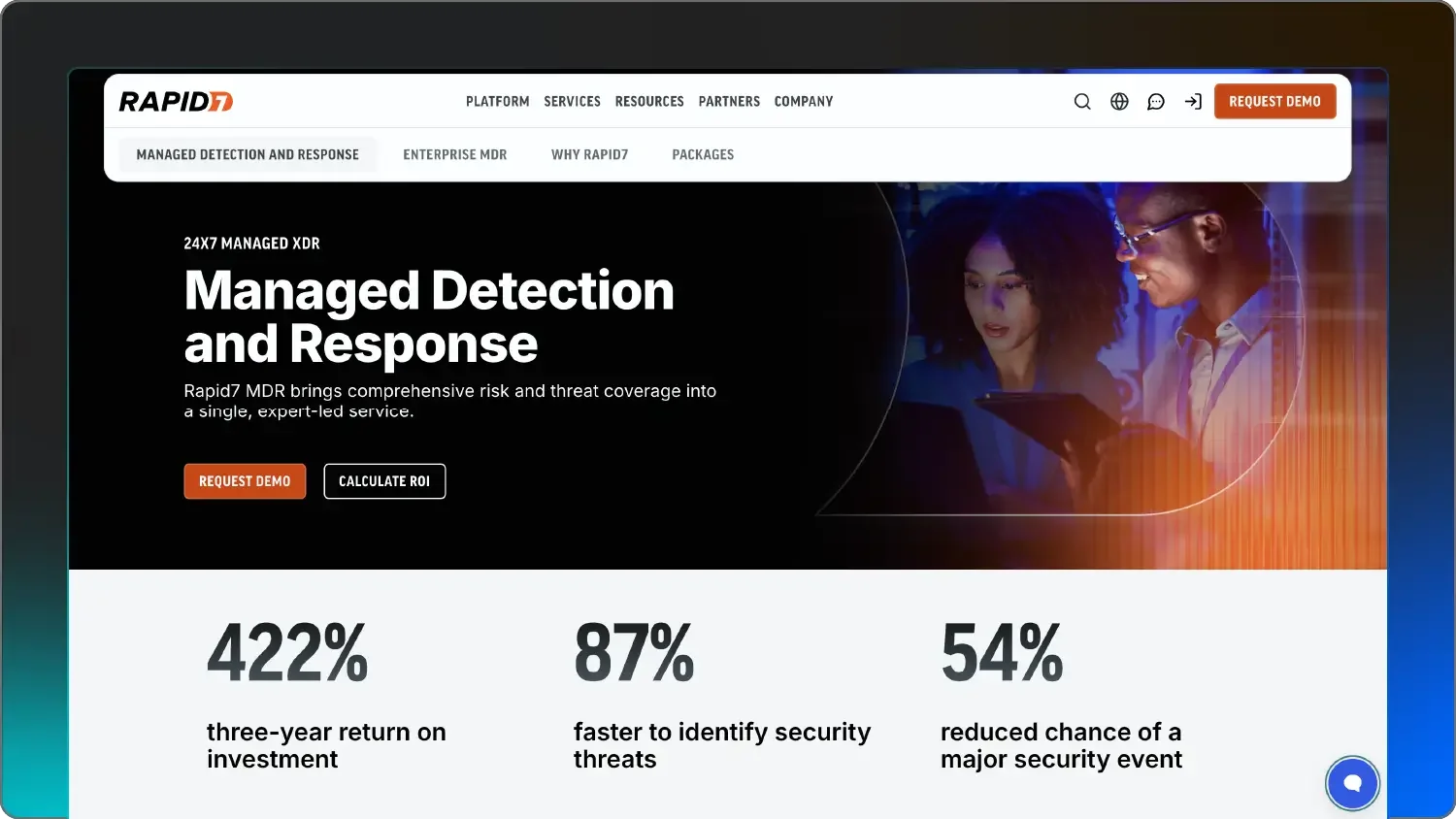
A screenshot of Rapid7

Rapid7 blends 24/7 monitoring with vulnerability management, or finding the holes before hackers do. Their Managed Threat Complete service combines their SOC with their famous InsightVM scanning tools. Basically, while their SOC is watching for active break-ins, their software is also constantly scanning your network to find vulnerabilities, like unpatched software or weak, vulnerable passwords.

They use data from their Metasploit project (a tool real hackers and researchers use) to understand exactly how an attacker would try to get in. They also offer unlimited incident response, which means if you do have a day with a high volume of incidents, their elite responders will help you clean up the mess without charging you extra.

Key features

  • InsightIDR platform for SIEM/XDR

  • Unlimited incident response

  • Vulnerability management

Pricing 

Vulnerability risk management starting at $2.19 per asset/month for 250 assets ($547.50/month); detection and response starting at $5.89 per asset/month. All plans are billed annually.

Pros and cons

Pros

Cons

  • Great pre-attack visibility

  • Unlimited IR is a peace-of-mind factor

  • Helpful Attacker Timeline visuals

  • Can be a lot of data to manage

  • Higher barrier to entry for very small teams

  • Requires some internal expertise to use the data well


10. ReliaQuest

Best for: Large enterprises with many different tool vendors

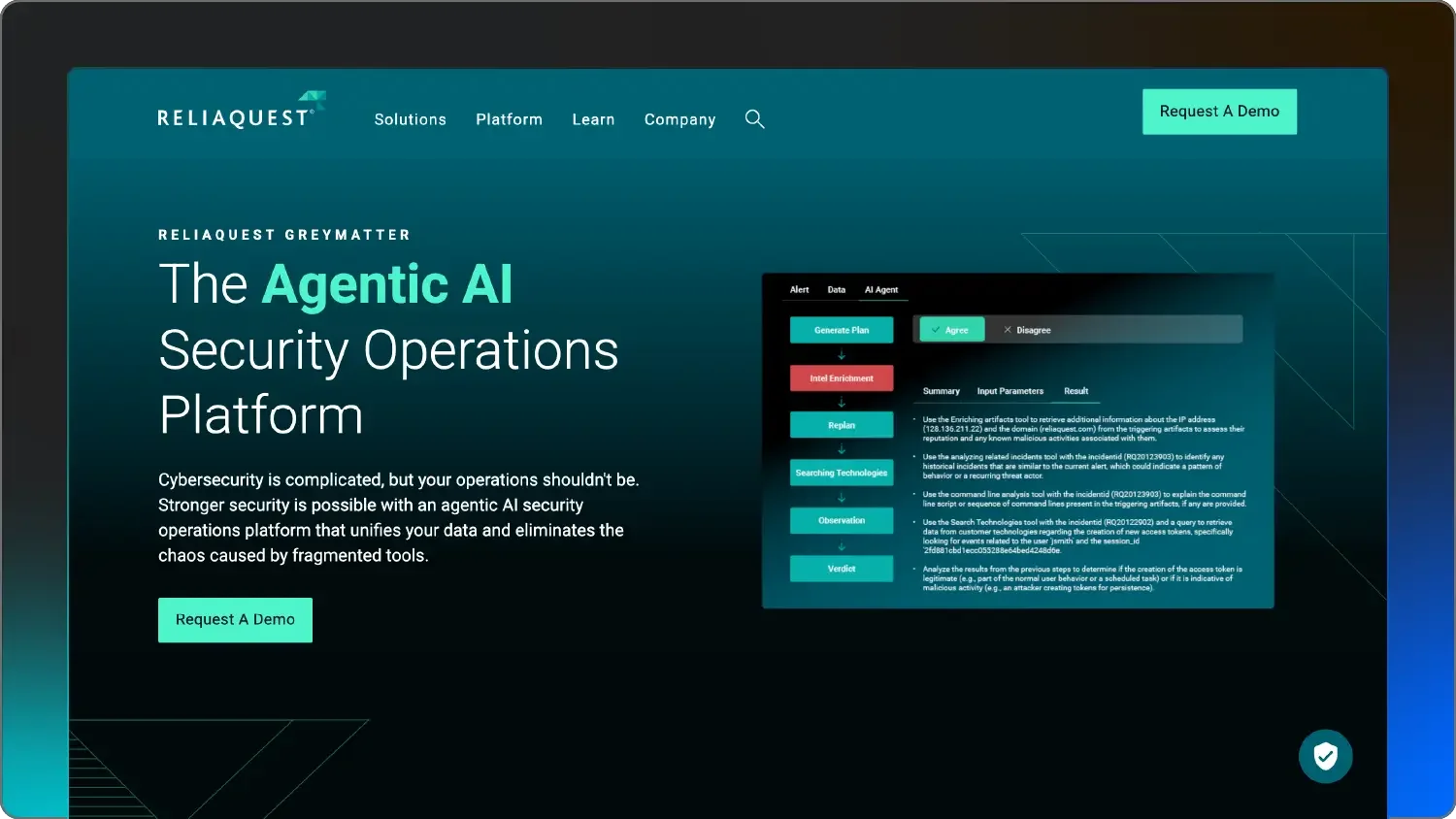
A screenshot of ReliaQuest

ReliaQuest is for the company that has a Cisco firewall, a Microsoft cloud, CrowdStrike on laptops, and Splunk for logs. They don’t ask you to replace your tools; their GreyMatter platform sits on top of your existing EDR, SIEM, and cloud tools and normalizes all that data into one view.

Their SOC uses Agentic AI teammates to automate the repetitive parts of an investigation, like checking if an IP address is malicious, which lets their human analysts focus on the high-level strategy. This automation extends across all the different vendors in your stack from a single console.

Key features

  • Integration with 500+ different security tools

  • Centralized GreyMatter platform

  • AI threat investigation

Pricing 

Contact ReliaQuest for a quote.

Pros and cons

Pros

Cons

  • No need to rip-and-replace your existing tools

  • Works in multi-cloud environments

  • High degree of automation and customization

  • Not built for small businesses

  • High price point

  • Requires a mature internal team to partner with


How to choose the best SOC as a service provider

Picking the best SOC services for cybersecurity is all about finding the one that actually works for you. If you’re a 50-person shop, you don’t need a million-dollar enterprise contract—you need a team that knows how to protect a 50-person shop.

Here are five tips for choosing the right SOC service for your business.


1. Assess coverage and telemetry

Think about where your data is. If you’re 100% in the cloud (Microsoft 365 or Azure), a SOC that specializes in on-premise firewall logs isn't going to help you much.

Conversely, if you have a warehouse full of specialized IoT scanners, you need a provider that can actually see those devices. Make sure the SOC’s tools can actually plug into your world.

Look for a provider that offers centralized visibility across your entire multi-dimensional attack surface, including remote endpoints, cloud workloads, and identity solutions. The best SOC providers use adaptive technology to handle high-volume log ingestion without data loss.


2. Measure detection and response quality

A SOC that only detects is just an expensive alarm system. You want a team that responds.


Ask them: “If you see a hacker at 3am on a Sunday, what do you actually do?” Do they just send an email? Or do they isolate the malware-infected host and disable compromised user identities? (You want the latter.)

Verify their response authority. You need to know exactly what actions they can take in your environment (like blocking IPs at the firewall), and their mean time to contain (MTTC) should be measured in minutes, not hours.


3. Check for industry fit and compliance

If you’re in healthcare, you’re subject to HIPAA rules. If you’re in finance, you have FINRA. Some SOCs are generalists, while others have specific reporting templates built for your industry’s auditors or that help with CMMC Level 2 requirements.

Don’t underestimate how much time a compliance-focused SOC can save you during an audit.

Make sure they give you automated audit trails and structured log retention that support SEC Cybersecurity Compliance Rules or GDPR. A provider with deep industry knowledge can act as a vCISO, guiding your long-term security strategy instead of just reacting to alerts.


4. Prioritize integration and smooth onboarding

The best security tool in the world is useless if it takes six months to set up. Look for low-friction providers that offer automated asset discovery.

For example, Huntress can be deployed in minutes because it uses a lightweight agent. If a provider tells you that you need to spend $50k on professional services just to turn the lights on, keep looking. Ask if the provider can interface with your existing IT stack (like your ticket system or Slack) so your team doesn't have to learn yet another complex dashboard.


5. Find the right fit for pricing and scalability

Cybersecurity is a marathon, not a sprint. You need a pricing model that won’t punish you for growing.

Avoid log-based pricing if you can: as your company gets busier, your website logs grow, and your bill will skyrocket. Per-endpoint or per-user pricing is usually much more budget-friendly.


See how Huntress fulfills your cybersecurity needs

Choosing the right partner is the difference between sleeping soundly and jumping every time your phone pings at night. Whether you’re looking for enterprise-grade muscle or a nimble, human-led team, there’s a best choice for your specific business size.

Finding the best SOC services for cybersecurity means looking past the marketing jargon and finding the team that actually does the heavy lifting for you. We’ve built Huntress to be a partner that does the heavy lifting for the businesses that need it most—and the ones who want elite protection without the elite price tag.

Start your free trial with Huntress today and let our SOC analysts take the first watch. If you’re still weighing your options, reach out to our team for a no-pressure chat about your security stack.


Protect What Matters

Secure endpoints, email, and employees with the power of our 24/7 SOC. Try Huntress for free and deploy in minutes to start fighting threats.
Try Huntress for Free