Don’t let overlooked obligations become incidents. Learn how.
Utility navigation bar redirect icon
Portal LoginSupportBlogContact
Search
Close search
Huntress Logo in Teal
  • Platform Overview
    Managed EDR

    Get full endpoint visibility, detection, and response.

    Managed EDR

    Get full endpoint visibility, detection, and response.

    Managed ITDR: Identity Threat Detection and Response

    Protect your Microsoft 365 and Google Workspace identities and email environments.

    Managed ITDR: Identity Threat Detection and Response

    Protect your Microsoft 365 and Google Workspace identities and email environments.

    Managed SIEM

    Managed threat response and robust compliance support at a predictable price.

    Managed SIEM

    Managed threat response and robust compliance support at a predictable price.

    Managed Security Awareness Training Software

    Empower your teams with science-backed security awareness training.

    Managed Security Awareness Training Software

    Empower your teams with science-backed security awareness training.

    Managed ISPM

    Continuous Microsoft 365 and identity hardening, managed and enforced by Huntress experts.

    Managed ISPM

    Continuous Microsoft 365 and identity hardening, managed and enforced by Huntress experts.

    Managed ESPM

    Proactively secure endpoints against attacks.

    Managed ESPM

    Proactively secure endpoints against attacks.

    Integrations
    Integrations
    Support Documentation
    Support Documentation
    See Huntress in Action

    Quickly deploy and manage real-time protection for endpoints, email, and employees - all from a single dashboard.

    Huntress Cybersecurity
    See Huntress in Action

    Quickly deploy and manage real-time protection for endpoints, email, and employees - all from a single dashboard.

    Huntress Cybersecurity
  • Threats We Stop
    Phishing
    Phishing
    Business Email Compromise
    Business Email Compromise
    Ransomware
    Ransomware
    Infostealers
    Infostealers
    View Allright arrowView Allright arrow
    Industries We Serve
    Education
    Education
    Financial Services
    Financial Services
    State and Local Government
    State and Local Government
    Healthcare
    Healthcare
    Law Firms
    Law Firms
    Manufacturing
    Manufacturing
    Utilities
    Utilities
    View Allright arrowView Allright arrow
    Tailored Solutions
    MSPs
    MSPs
    Resellers
    Resellers
    SMBs
    SMBs
    Compliance
    Compliance
    What Gets Overlooked Gets Exploited

    Most days, nothing happens. But one day, something will.

    Huntress Cybersecurity
    Cybercriminals Have Evolved

    Get the intel on today’s cybercriminal groups and learn how to protect yourself.

    Huntress Cybersecurity
  • Pricing
  • Community Series
    The Product Lab

    Shape the next big thing in cybersecurity together.

    The Product Lab

    Shape the next big thing in cybersecurity together.

    Fireside Chat

    Real people. Real perspectives. Better conversations.

    Fireside Chat

    Real people. Real perspectives. Better conversations.

    Tradecraft Tuesday

    No products, no pitches – just tradecraft.

    Tradecraft Tuesday

    No products, no pitches – just tradecraft.

    _declassified

    Exposing hidden truths in the world of cybersecurity.

    _declassified

    Exposing hidden truths in the world of cybersecurity.

    Resources
    Upcoming Events
    Upcoming Events
    Ebooks
    Ebooks
    On-Demand Webinars
    On-Demand Webinars
    Videos
    Videos
    Whitepapers
    Whitepapers
    Datasheets
    Datasheets
    Cybersecurity Education
    Cybersecurity 101
    Cybersecurity 101
    Cybersecurity Guides
    Cybersecurity Guides
    Threat Library
    Threat Library
    Real Tradecraft, Real Results
    Real Tradecraft, Real Results
    2026 Cyber Threat Report
    2026 Cyber Threat Report
    The Huntress Blog
    dMSA Ouroboros: Self-Sustaining Credential Extraction in Windows Server 2025
    Huntress Cybersecurity
    dMSA Ouroboros: Self-Sustaining Credential Extraction in Windows Server 2025
    Huntress Cybersecurity
    Social Engineering Leveled Up. Has Your Security Program?
    Huntress Cybersecurity
    Social Engineering Leveled Up. Has Your Security Program?
    Huntress Cybersecurity
    ClickFix Removes Your Background but Leaves the Malware
    Huntress Cybersecurity
    ClickFix Removes Your Background but Leaves the Malware
    Huntress Cybersecurity
  • Why Huntress

    Go beyond AI in the fight against today’s hackers with Huntress Managed EDR purpose-built for your needs

    Huntress Cybersecurity
    Why Huntress

    Go beyond AI in the fight against today’s hackers with Huntress Managed EDR purpose-built for your needs

    Huntress Cybersecurity
    The Huntress SOC

    24/7 Security Operations Center

    The Huntress SOC

    24/7 Security Operations Center

    Reviews

    Why businesses of all sizes trust Huntress to defend their assets

    Reviews

    Why businesses of all sizes trust Huntress to defend their assets

    Case Studies

    Learn directly from our partners how Huntress has helped them

    Case Studies

    Learn directly from our partners how Huntress has helped them

    Community

    Get in touch with the Huntress Community team

    Community

    Get in touch with the Huntress Community team

    Compare Huntress
    Bitdefender
    Bitdefender
    Blackpoint
    Blackpoint
    Breach Secure Now!
    Breach Secure Now!
    Crowdstrike
    Crowdstrike
    Datto
    Datto
    SentinelOne
    SentinelOne
    Sophos
    Sophos
    Compare Allright arrowCompare Allright arrow
  • HUNTRESS HUB

    Login to access top-notch marketing resources, tools, and training.

    Huntress Cybersecurity
    HUNTRESS HUB

    Login to access top-notch marketing resources, tools, and training.

    Huntress Cybersecurity
    Partners
    MSPs

    Join our partner community to deliver expert-led managed security.

    MSPs

    Join our partner community to deliver expert-led managed security.

    Resellers

    Partner program designed to grow your cybersecurity business.

    Resellers

    Partner program designed to grow your cybersecurity business.

    Tech Alliances

    Driving innovation through global technology Partnerships

    Tech Alliances

    Driving innovation through global technology Partnerships

    Microsoft Partnership

    A Level-Up for Your Business Security

    Microsoft Partnership

    A Level-Up for Your Business Security

  • Press Release
    Huntress Announces Collaboration with Microsoft to Strengthen Cybersecurity for Businesses of All Sizes
    Huntress Cybersecurity
    Press Release
    Huntress Announces Collaboration with Microsoft to Strengthen Cybersecurity for Businesses of All Sizes
    Huntress Cybersecurity
    Our Story

    We're on a mission to shatter the barriers to enterprise-level security.

    Our Story

    We're on a mission to shatter the barriers to enterprise-level security.

    Newsroom

    Explore press releases, news articles, media interviews and more.

    Newsroom

    Explore press releases, news articles, media interviews and more.

    Meet the Team

    Founded by former NSA Cyber Operators. Backed by security researchers.

    Meet the Team

    Founded by former NSA Cyber Operators. Backed by security researchers.

    Careers

    Ready to shake up the cybersecurity world? Join the hunt.

    Careers

    Ready to shake up the cybersecurity world? Join the hunt.

    Awards
    Awards
    Contact Us
    Contact Us
  • Portal Login
  • Support
  • Blog
  • Contact
  • Search
  • Get a Demo
  • Start for Free
Portal LoginSupportBlogContact
Search
Close search
Get a Demo
Start for Free
HomeCybersecurity GuidesITDR Guide
Best ITDR Vendors

11 Best ITDR Vendors for Your Identity Security Needs

Last Updated:
April 29, 2026

Key Takeaways:

  • Not all identity threat detection and response (ITDR) vendors are created equal. Focus on detection depth, coverage, and noise reduction when selecting a solution over brand recognition. 
  • The best identity security solutions automate response, integrate cleanly, and don’t consume your entire security team. 
  • Huntress Managed ITDR gives you managed ITDR solutions and real humans who are watching your back 24/7.

The identity environment today is anything but tame. The days of centralized workforce and on-prem security infrastructures have been replaced with remote work, SaaS applications, and hybrid clouds. To cybercriminals, this has become their perfect playground, and the universal skeleton key is, of course, credentials. 

The best ITDR vendors not only help identify threats, but also reduce noise and offer a solution. However, many of these platforms on the market are not necessarily equal. Not all vendors are shiny logos, one-size-fits-all purchases. 

If you’re in the market for an identity security partner, you need a solution that actually integrates with your existing stack, supports your team, and aligns with your risk tolerance. That’s why G2 ranks Huntress among the best ITDR solutions on the market. You don’t need a Fortune 50 budget to get Fortune-level identity security.

Here are the who, how, why, and what to look for factors you’ll need to consider in ITDR vendors to make the best possible decision for your business.


Try Huntress for Free
Get a Free Demo
Topics
11 Best ITDR Vendors for Your Identity Security Needs
Down arrow
Topics
  1. What is ITDR? A Complete Overview of Identity Threat Detection and Response
  2. Best Identity Theft Protection Solutions for Businesses
  3. 11 Best ITDR Vendors for Your Identity Security Needs
    • Top identity threat detection and response solutions overview
    • 1. Huntress
    • 2. Arctic Wolf
    • 3. Blackpoint
    • 4. Crowdstrike
    • 5. Cynet
    • 6. Kaseya
    • 7. Rapid7
    • 8. Red Canary
    • 9. SentinelOne
    • 10. Sophos
    • 11. Threatlocker
    • What is ITDR in cybersecurity (and why should you care)?
    • How to choose the right ITDR vendor: 7 key ITDR features to look for
    • The benefits of having a dedicated ITDR
    • How Huntress can meet your needs
  4. What is Identity Protection? How to Safeguard Digital Identities
  5. Common Identity Threats and How to Prevent Them
  6. What are the Top IAM Solutions?
Share
Facebook iconTwitter X iconLinkedin iconDownload icon

11 Best ITDR Vendors for Your Identity Security Needs

Last Updated:
April 29, 2026

Key Takeaways:

  • Not all identity threat detection and response (ITDR) vendors are created equal. Focus on detection depth, coverage, and noise reduction when selecting a solution over brand recognition. 
  • The best identity security solutions automate response, integrate cleanly, and don’t consume your entire security team. 
  • Huntress Managed ITDR gives you managed ITDR solutions and real humans who are watching your back 24/7.

The identity environment today is anything but tame. The days of centralized workforce and on-prem security infrastructures have been replaced with remote work, SaaS applications, and hybrid clouds. To cybercriminals, this has become their perfect playground, and the universal skeleton key is, of course, credentials. 

The best ITDR vendors not only help identify threats, but also reduce noise and offer a solution. However, many of these platforms on the market are not necessarily equal. Not all vendors are shiny logos, one-size-fits-all purchases. 

If you’re in the market for an identity security partner, you need a solution that actually integrates with your existing stack, supports your team, and aligns with your risk tolerance. That’s why G2 ranks Huntress among the best ITDR solutions on the market. You don’t need a Fortune 50 budget to get Fortune-level identity security.

Here are the who, how, why, and what to look for factors you’ll need to consider in ITDR vendors to make the best possible decision for your business.


Try Huntress for Free
Get a Free Demo

Top identity threat detection and response solutions overview

ITDR vendor

Best for

Key features

Price

Huntress

Overall/Managed ITDR

  • 24/7 AI-Centric Human-Led SOC monitoring

  • Identity isolation for both Microsoft 365 and Google Workspace identities

  • Automated remediation

Fair to moderate

Arctic Wolf

Concierge security

  • Concierge security team

  • Broad signal ingestion

  • Security journey mapping


Moderate to high

Blackpoint

A hands-off SOC experience

  • Autonomous SOC response

  • Identity-driven cloud response

  • Live network visualization


Moderate

CrowdStrike

Large enterprises with in-house security teams

  • Risk-based conditional access

  • Hybrid identity visibility

  • Lateral movement detection

High

Cynet

An all-in-one security stack

  • User behavior analytics (UBA)

  • Deception technology

  • Automated remediation playbooks

Fair to moderate

Kaseya

Businesses already using the Kaseya IT Complete ecosystem

  • Dark web monitoring

  • SaaS security monitoring

  • Integrated phishing simulation

Moderate

Rapid7

A heavy-duty SIEM with identity features

  • User and entity behavior analytics (UEBA)

  • Deception tools

  • Centralized log management

High

Red Canary

Layering managed hunting over existing security tools

  • MDR for identity

  • Threat correlation

  • Automated playbooks

Moderate to high

SentinelOne

Deception-based security

  • Deception decoys

  • Active Directory assessment

  • Attack path visualization

Moderate to high

Sophos

Managing identity through firewall and endpoint vendor

  • Identity posture dashboard

  • Dark web monitoring

  • Integrated response actions

Moderate

Threatlocker

A zero trust approach

  • Application allowlisting

  • Ringfencing

  • Zero Trust network access

Fair to moderate


1. Huntress

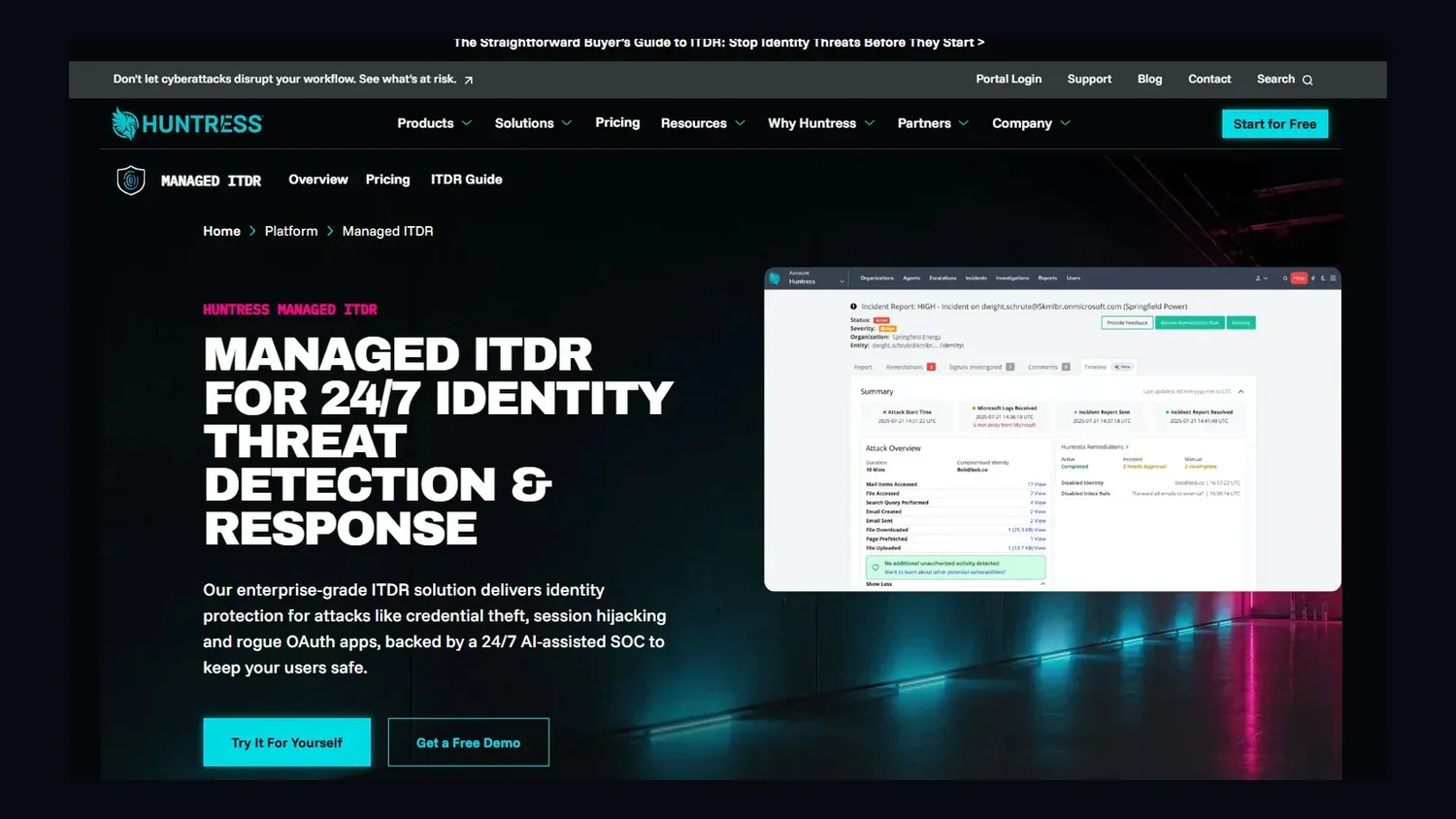
The Huntress ITDR platform.

Best for: Overall ITDR solution


Huntress Managed ITDR is built for organizations that want enterprise-grade identity protection without the headache of managing it themselves. While most tools dump a pile of alerts on your desk, we back our tech with a 24/7, AI-centric, human-led Security Operations Center (SOC). Our analysts do the heavy lifting by watching for sneaky behavior, and then step in to help you fix it. 

We believe security should be simple, not scary. That’s why we’ve designed our platform to be lightweight and fast to set up. You’re able to connect your accounts in minutes, and Huntress starts surfacing identity risks and incidents in the portal in as little as 24 hours. 

Because our SOC analysts filter out the noise, you only hear from us when something actually matters. This keeps your team focused on growing your business instead of chasing ghosts in your logs.

Our goal is to give every organization the tools needed to stay safe. By combining smart automation with real human expertise, we find the threats that software alone might miss. Whether it's stopping an attacker from moving through your network or locking down a compromised account before it can do real damage, we’re here to make sure your identities stay protected.


Price: Fair to moderate

Features:

  • Continuous 24/7 AI-Centric Human-LED SOC monitoring: Our expert SOC analysts watch your environment around the clock to spot and stop identity-based threats that automated tools often miss.

  • Managed identity isolation: When our SOC confirms a compromise, Huntress uses Microsoft Graph (and, in hybrid environments, the Huntress agent on your domain controller) to revoke active sessions, disable the affected Microsoft 365 identity, and turn off malicious inbox and forwarding rules. 

  • Targeted automated remediation: We don't just tell you there’s a problem; we help you fix it by automatically revoking sessions, disabling compromised identities, and shutting down malicious inbox/forwarding rules as part of our managed response, then guide you through any remaining cleanup steps. 


2. Arctic Wolf

Arctic Wolf

Best for: Concierge security

Arctic Wolf is a managed security service that covers a lot of ground, from endpoints and networks to cloud identities. They are well-known for their concierge security team model, where they assign specific people to work with your business on long-term security goals. 

While this sounds great for high-level planning, it’s worth noting that their approach to identity threats is often more about guided response rather than hands-on action. If a credential gets stolen, they’ll tell your team how to fix it, but you’re usually the one who has to do the actual work.

Their platform is vendor-neutral, meaning they try to plug into the tools you already have. However, that creates massive amounts of data from many different sources. Some users found the initial noise and alert volume a bit overwhelming. A clean, quiet environment can take significant time and effort. 


Price: Moderate to high

Features:

  • Concierge security team: You get access to named security experts who provide regular posture reviews and help you navigate your security journey over time.

  • Broad signal ingestion: Their platform can pull in identity data from multiple sources, including Microsoft 365 and Okta, to look for suspicious login patterns.

  • Security journey mapping: Beyond just stopping threats, they provide reports and meetings designed to help you check off compliance boxes and improve your overall security maturity.


3. Blackpoint

Blackpoint

Best for: A hands-off SOC experience

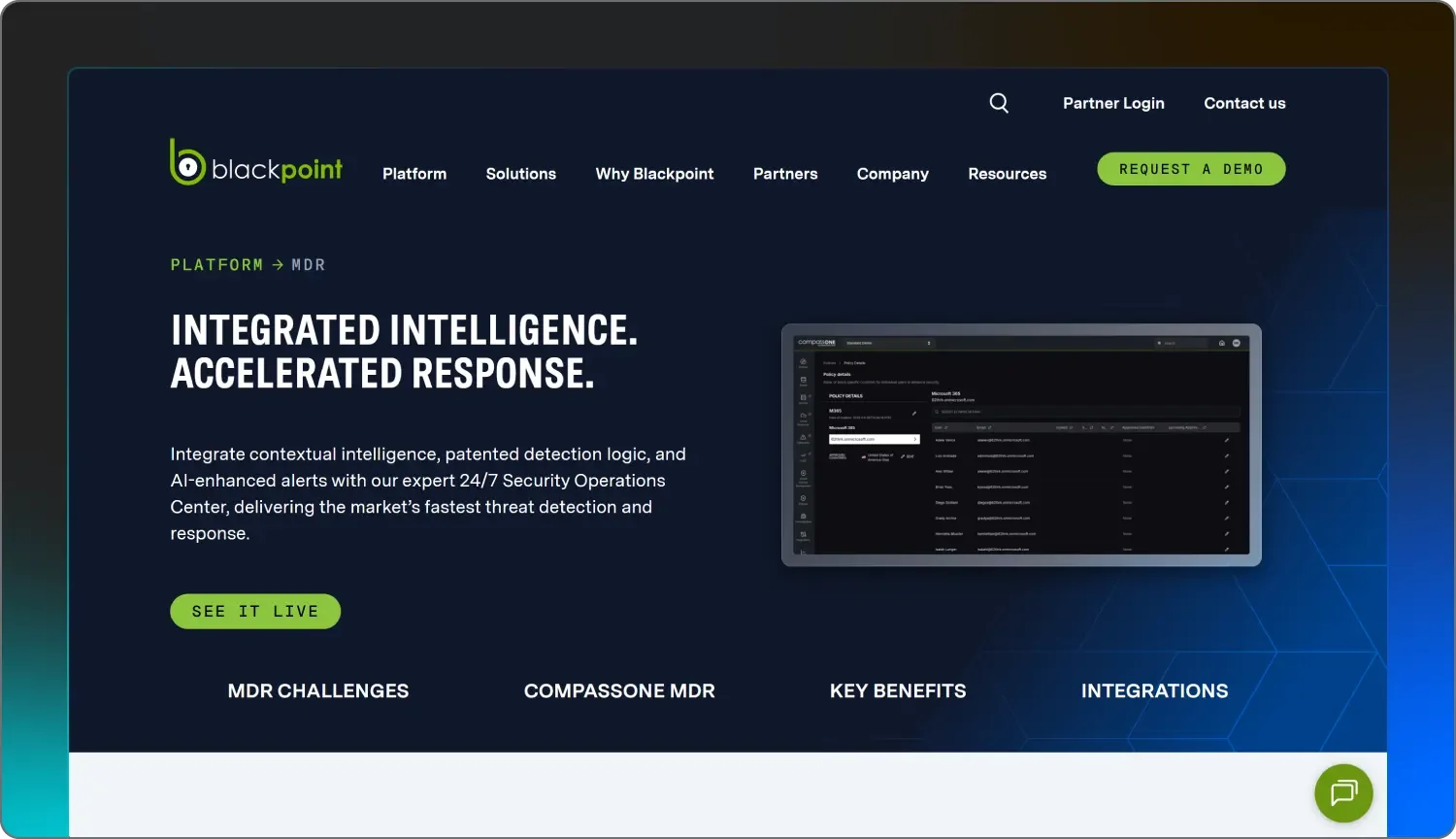
Blackpoint Cyber focuses on the active part of identity threat response. They’ve built their platform to take immediate action on your behalf, such as disabling a compromised user account or killing a malicious process, without waiting for you to hit approve. This can be a huge relief for small IT teams that don't want to be on call 24/7.

However, this autonomous approach means you’re giving up a level of control, as their SOC analysts are the ones making the final call on what gets shut down in your environment. While they offer solid protection for Microsoft 365 and Google Workspace, their reporting and portal experience can feel a bit technical and cluttered compared to simpler tools.

Some users have found that while the silent nature of the service keeps the noise down, it can also make it harder to understand the full reasoning behind why certain actions were taken. It’s a specialized tool that works well if you want a team of experts to take the wheel, but the tool itself can feel a bit difficult to navigate.


Price: Moderate

Features:

  • Autonomous SOC response: Their analysts are authorized to take immediate action, like locking an account or isolating a device, to stop a threat before you even see the alert.

  • Identity-driven cloud response: They monitor for impossible travel and suspicious mailbox rule changes across Microsoft 365, Google Workspace, and Cisco Duo.

  • Live network visualization: The platform includes a mapping tool that shows how accounts and devices are connected, helping their SOC spot threats trying to move sideways through your network.


4. Crowdstrike

Crowdstrike

Best for: Large enterprises with in-house security teams

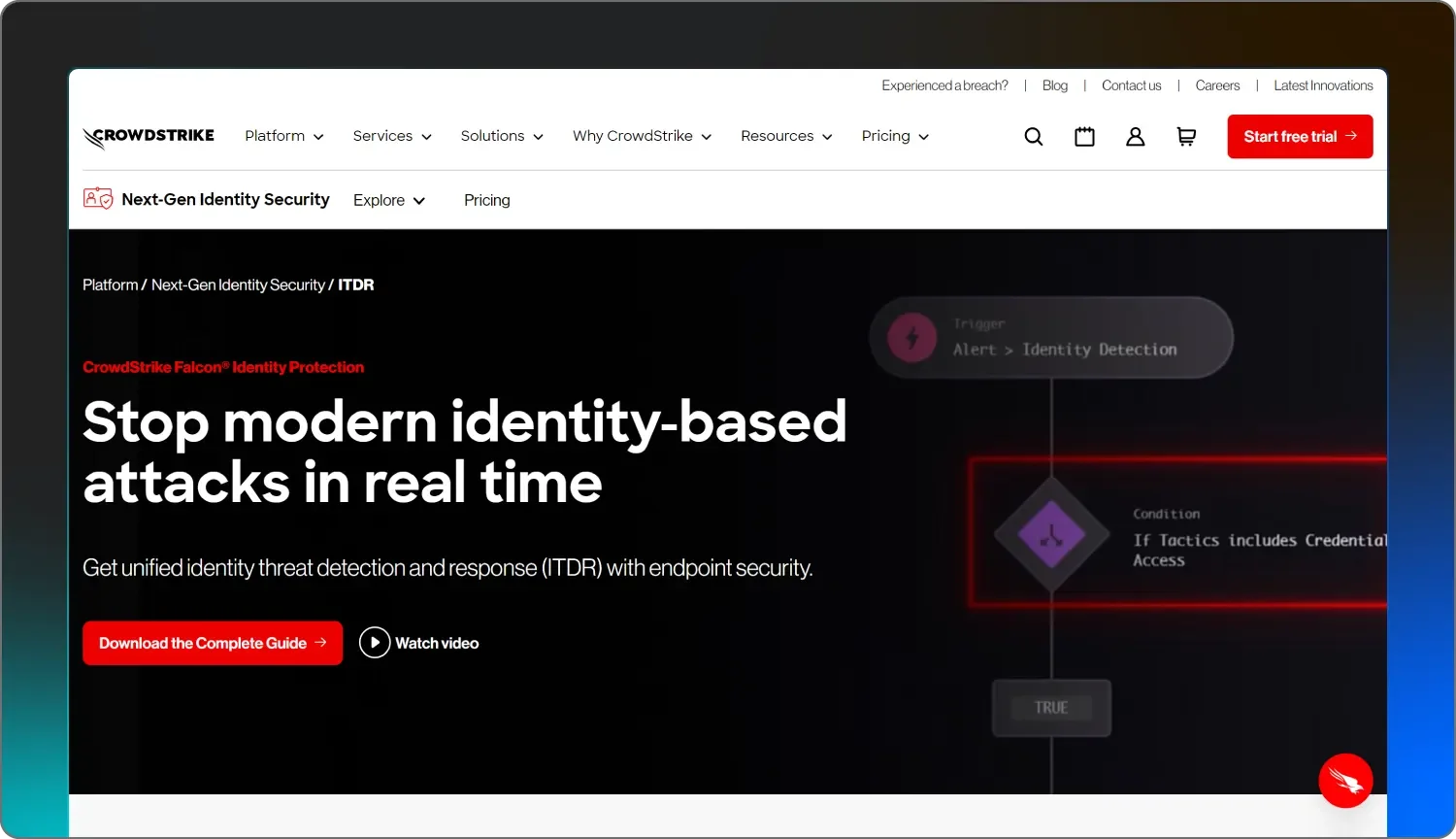
CrowdStrike Falcon Identity Protection is for organizations that need to monitor identity movements across complex, hybrid networks. Their platform gives a high volume of telemetry and allows for deep customization of security rules. 

Because the company focuses on a wide range of data, businesses that already have a full-time, in-house SOC typically use their tools to manage alerts and configurations. With a reputation as one of the best ITDR solutions for enterprise security, CrowdStrike emphasizes self-service automation and rule-based access. 

They offer visibility into both cloud and on-premises identities, but the sheer amount of information can be a lot for smaller teams to digest. While the technology is comprehensive, it can require a significant time investment to set up and maintain, which isn’t a win if you want to hit the ground running. Organizations using this tool generally need to handle their own alert triage and investigation unless they pay for additional managed service tiers.


Price: High

Features:

  • Risk-based conditional access allows you to set policies that trigger additional security steps, such as multi-factor authentication (MFA), based on the perceived risk level of a login attempt.

  • Hybrid identity visibility: The tool provides a view of identities across both on-premises Active Directory and cloud-based directories like Entra ID.

  • Lateral movement detection: Their engine is built to track when an attacker tries to move from one compromised account to another within a network.


5. Cynet

Cynet

Best for: An all-in-one security stack

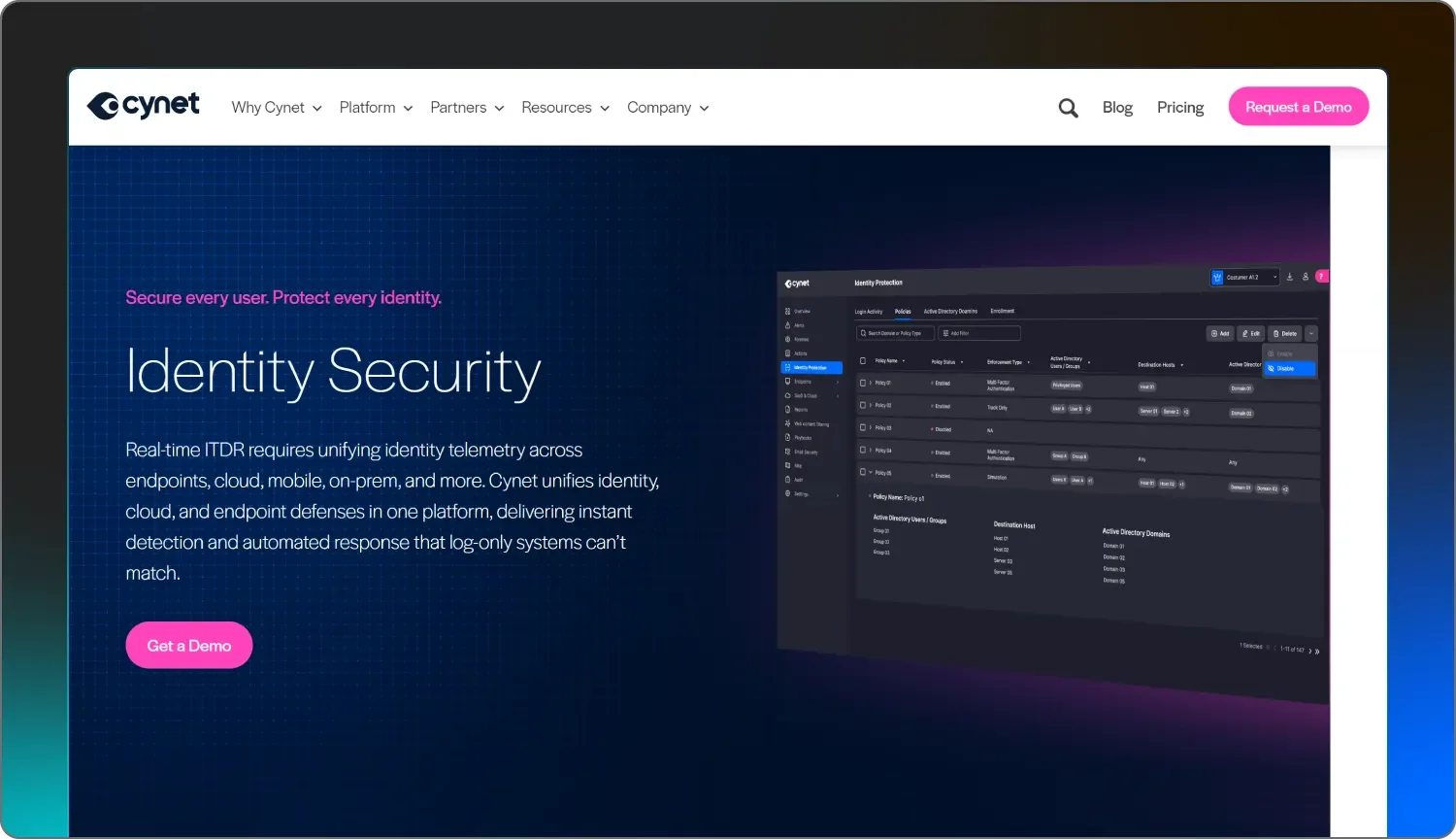
Cynet 360 tries to be everything to everyone by packing endpoint protection, network visibility, and identity security into a single platform. They call this all-in-one solution AutoXDR, and it’s designed to automate a lot of the routine work that usually takes up an IT team’s day. 

While having one agent to do it all sounds efficient, some users have found the software to be a bit heavy on system resources, which can occasionally slow down the very devices you're trying to protect.

Their 24/7 managed service, CyOps, leans heavily on automation. This means the system tries to fix problems using preset rules before a human gets involved. While this can be fast, it can also lead to more false alarms or automated actions that might be a bit too aggressive for some environments. 

Because Cynet covers so many different security areas—from email to cloud to network—it can be a complex tool to fine-tune and scale. It’s built for teams that want to replace multiple security products with a single suite. It’s a broad option for those who want to simplify their toolkit.


Price: Fair to moderate

Features:

  • User behavior analytics (UBA): The platform tracks user activity to find anomalies, like a person suddenly accessing sensitive files they’ve never touched before.

  • Deception technology: Much like a digital honey pot, they use decoy files and credentials to lure attackers into revealing themselves.

  • Automated remediation playbooks: You can set the system to automatically perform certain tasks, like disabling a user in Active Directory, the moment a high-risk threat is found.


6. Kaseya

Kaseya

Best for: Businesses already using the Kaseya IT Complete ecosystem

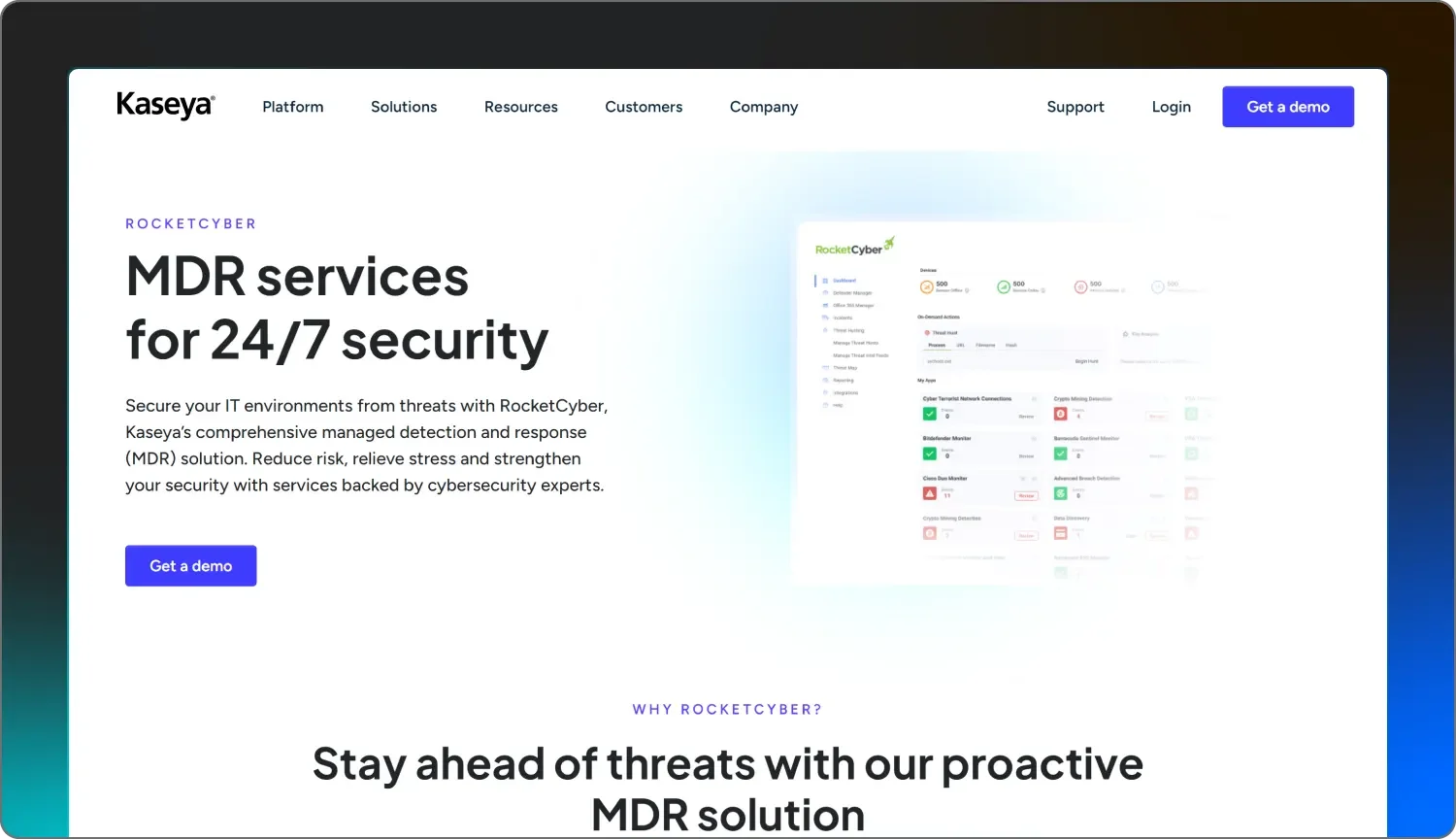
Kaseya handles identity security through a mix of different products they’ve acquired over the years, like RocketCyber, ID Agent, and BullPhish ID. Their approach is built around a unified stack, where your identity monitoring, dark web tracking, and endpoint security live under one roof. 

If you’re already using Kaseya for your RMM (remote monitoring and management) or backup, adding their identity features can be a convenient way to keep your billing in one place. However, their managed SOC services often act more as an alerting layer, if they detect the attack at all. This means that if they find a suspicious login or an exposed credential, your team is usually the one responsible for digging into the logs and taking the actual steps to fix the issue.

The platform is very much geared toward the “do-it-all” IT professional who needs a broad range of features at a predictable cost. But because Kaseya covers everything from ticketing to network monitoring, their identity-specific tools might not feel as deep or focused as a dedicated ITDR service.


Price: Moderate

Features:

  • Dark web monitoring: They scan the dark web for stolen credentials associated with your domain and alert you if any of your passwords are leaked in a third-party breach.

  • SaaS security monitoring: Their tools watch for common Microsoft 365 threats like unexpected  login locations and suspicious changes to your mailbox forwarding rules.

  • Integrated phishing simulation: They provide a library of fake phishing campaigns to help train your team on how to spot and report identity-based attacks before they happen.


7. Rapid7

Rapid7

Best for: A heavy-duty SIEM with identity features

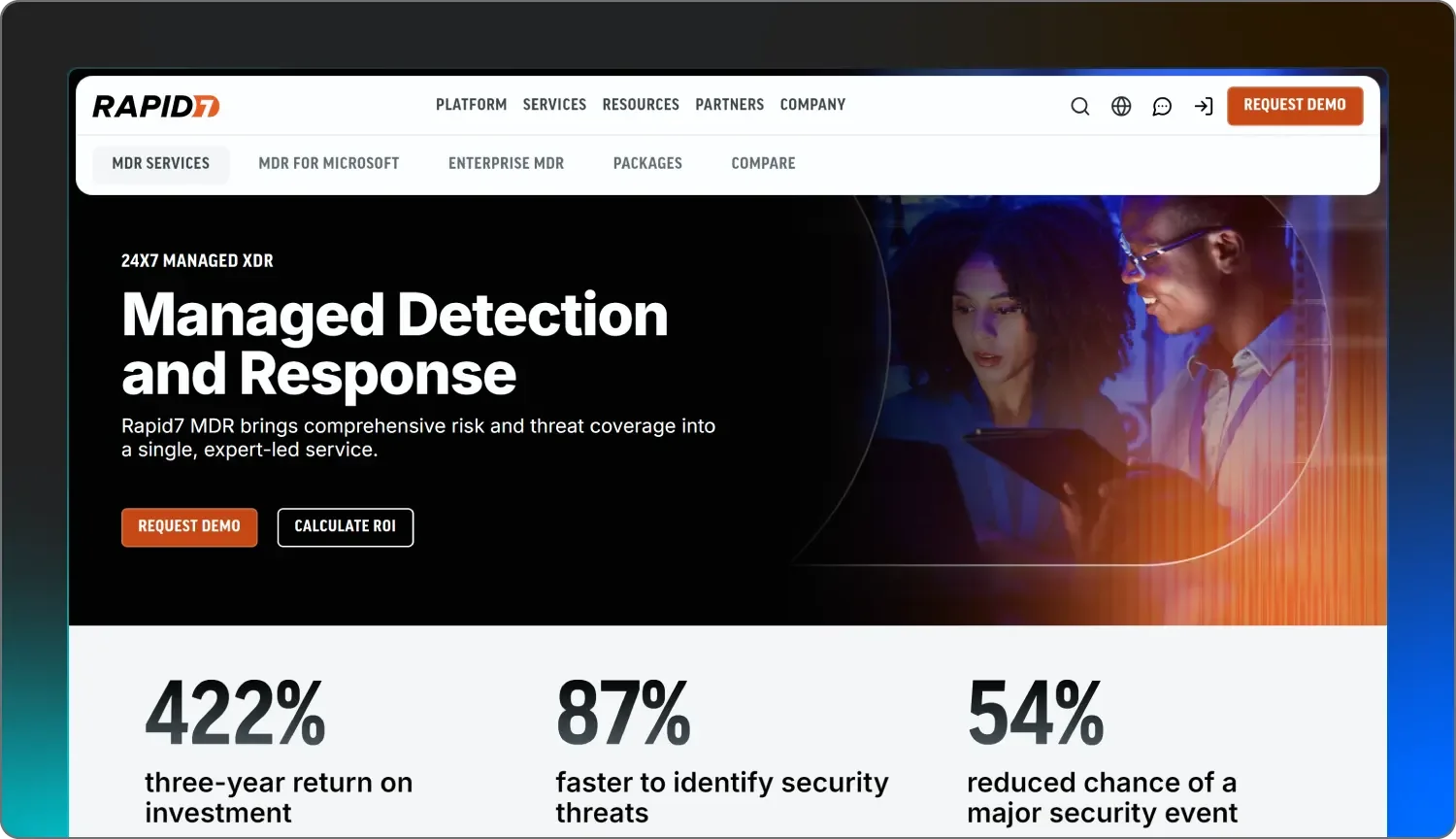
Rapid7 InsightIDR is a security information and event management (SIEM) tool that has expanded to include ITDR capabilities. They focus on pulling in large amounts of data from your endpoints, network, and cloud accounts to create a central hub for security alerts. Because it’s built as a data-heavy platform, it’s often used by larger organizations that have the staff to sift through complex logs and build custom playbooks.

While they offer 24/7 monitoring through their Managed Threat Complete service, the software itself can be quite a lot to manage on its own. It uses user behavior analytics to identify deviations from a normal routine, but getting these rules tuned correctly can take significant time and technical know-how.

Rapid7 is a major player with a wide range of products, and InsightIDR is best suited for use within its larger ecosystem. It’s a powerful option for those who want deep visibility and have the internal resources to act as their own mini-SOC. However, it may lack the streamlined, “We'll handle it for you,” managed approach that leaner teams often need.


Price: High

Features:

  • User and entity behavior analytics (UEBA): The platform builds a baseline for every user and flags anomalous activity, such as someone logging in at an odd hour or from a new location.

  • Deception tools: They let you set traps, like fake administrator accounts or hidden files, to catch attackers poking around your network.

  • Centralized log management: As a SIEM-first tool, it excels at gathering and searching through months of historical data from almost any source in your IT stack.


8. Red Canary

Red Canary

Best for: Layering managed hunting over existing security tools

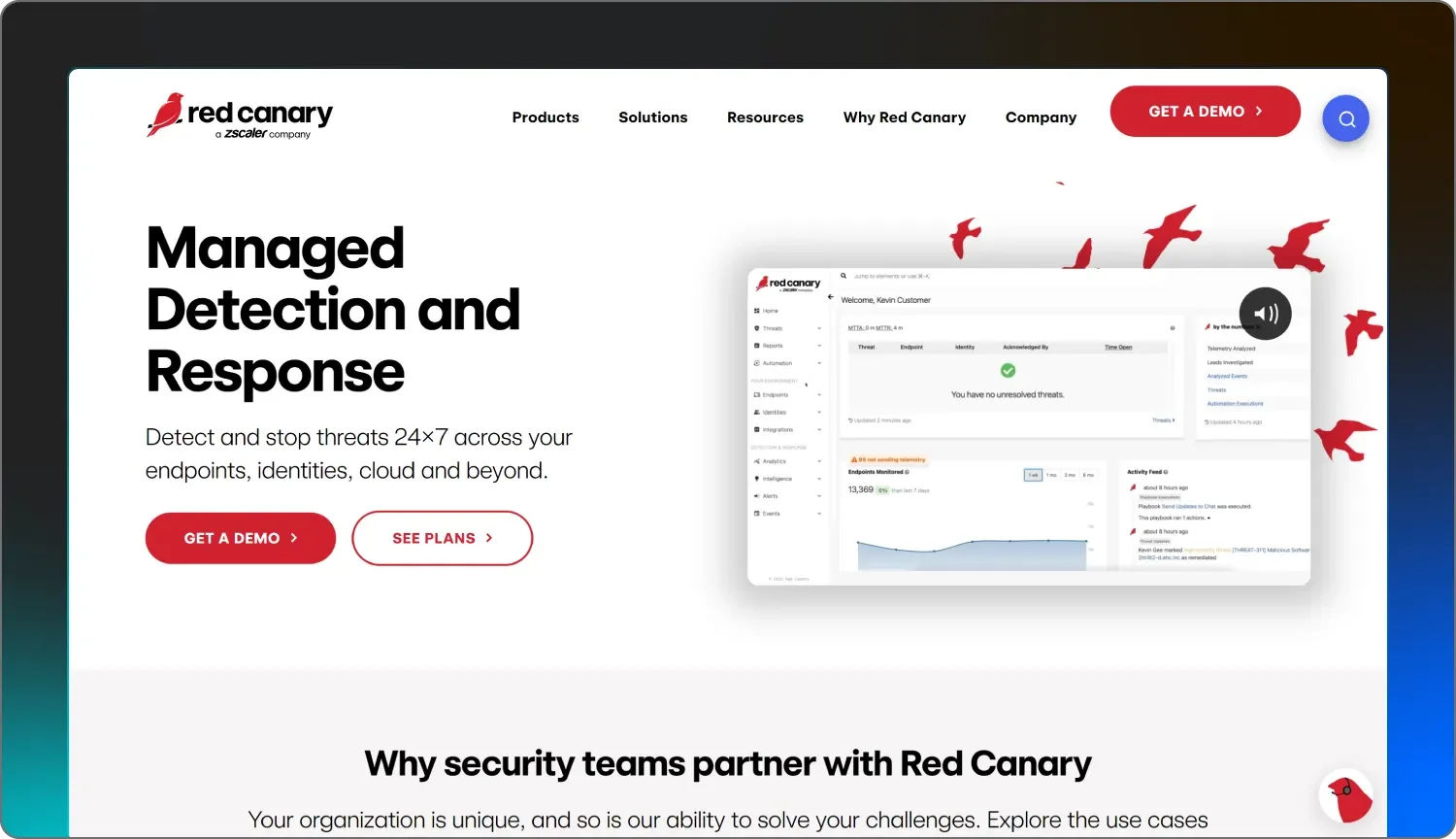
Red Canary is a managed detection and response (MDR) provider that specializes in making sense of the data coming from your existing security stack. The platform primarily works with tools you likely already use, like other ITDR vendors on this list. 

They focus on detecting early-stage adversary activity by analyzing massive amounts of data. While this can provide a lot of insight, it also means that you may be paying for—and managing—two different security vendors to get one result.

Their team is excellent at finding threats, but the actual work of kicking an attacker out of your system might still fall on your shoulders unless you’ve opted for their higher-priced service tiers. This may create a gap for leaner teams that were hoping for a more inclusive, end-to-end response.


Price: Moderate to high

Features:

  • MDR for identity: They monitor for account compromises, such as brute force attacks or MFA bypasses, across your identity providers and cloud apps.

  • Threat correlation: Their platform ingests data from different sources and combines it into a single timeline, helping you see how an attack moved from an email to an endpoint.

  • Automated playbooks: You can set up “if-this-then-that” rules to automatically trigger actions like sending a Slack alert or initiating a scan when certain threats are found.


9. SentinelOne

SentinelOne

Best for: Deception-based security

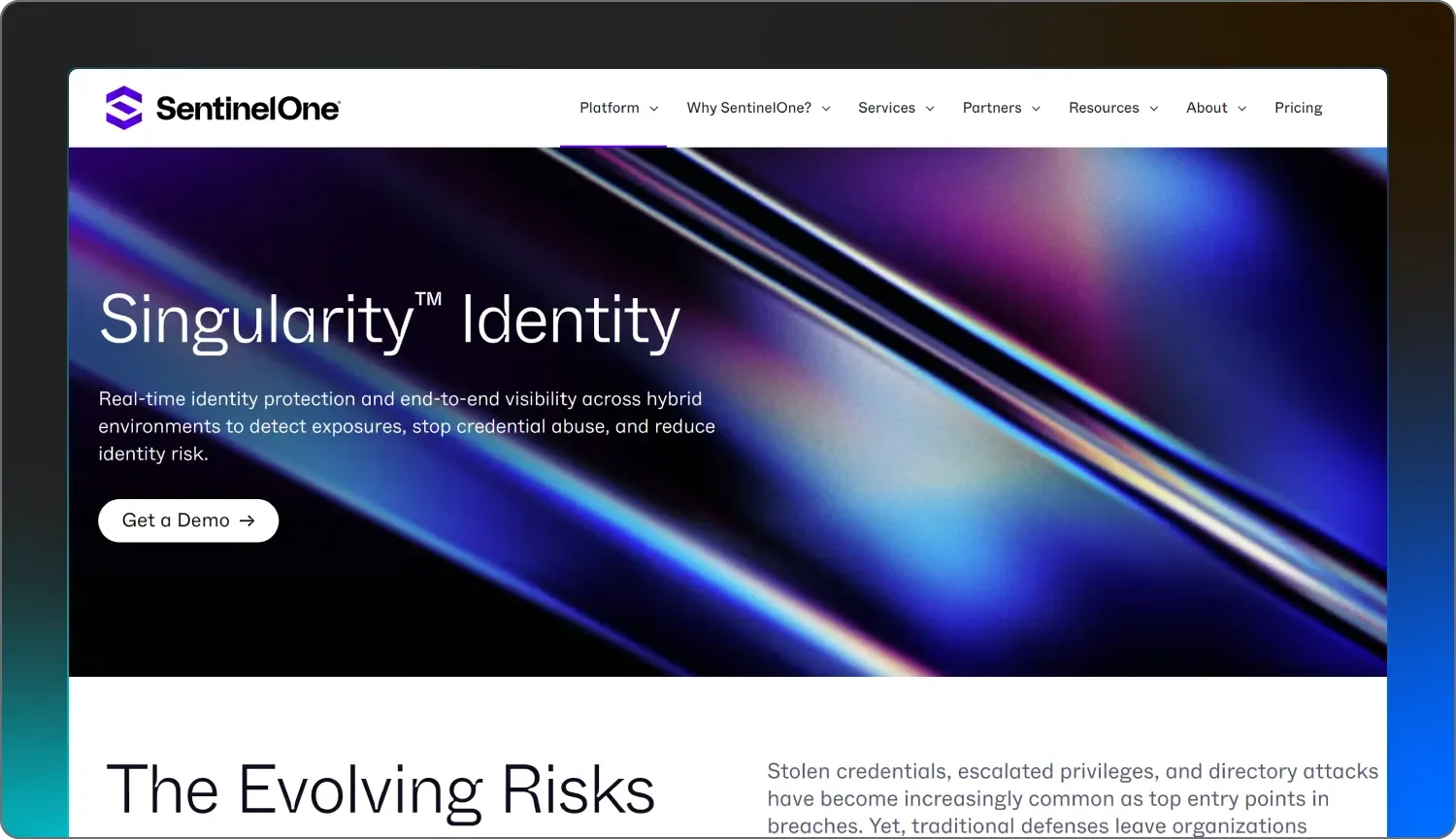
SentinelOne Singularity Identity is a specialized tool that uses deception technology to catch threat actors. Instead of just looking at logs, they scatter fake credentials and decoy assets throughout your network.

The idea is that if an attacker tries to use these fake bits of data, they trip a silent alarm, letting your team know exactly where the threat is located. It’s a creative approach, but it usually works best for organizations that have the time to manage a complex web of traps.

While they offer strong visibility into how identities move across Active Directory and cloud environments, their platform is tech-heavy. You’ll likely need a team of seasoned security pros who are comfortable tuning the system and responding to its alerts, which should be a dedicated, full-time position. 

Unlike a managed service like Huntress, which handles triage for you, SentinelOne generally provides the technology and expects your team to do the heavy lifting when an alarm goes off. Additionally, its managed service is tiered, leading to potentially higher prices than similar offerings.


Price: Moderate to high

Features:

  • Deception decoys: They create fake user accounts and credentials that act as traps for threat actors, making it easier to spot someone poking around where they shouldn't be.

  • Active Directory assessment: The tool scans your Active Directory to find common misconfigurations and exposures that threat actors might try to exploit.

  • Attack path visualization: They provide maps showing how an attacker could move from a low-level account to a high-privileged one, helping you close those gaps before they're exploited.


10. Sophos

Sophos

Best for: Managing identity through firewall and endpoint vendor

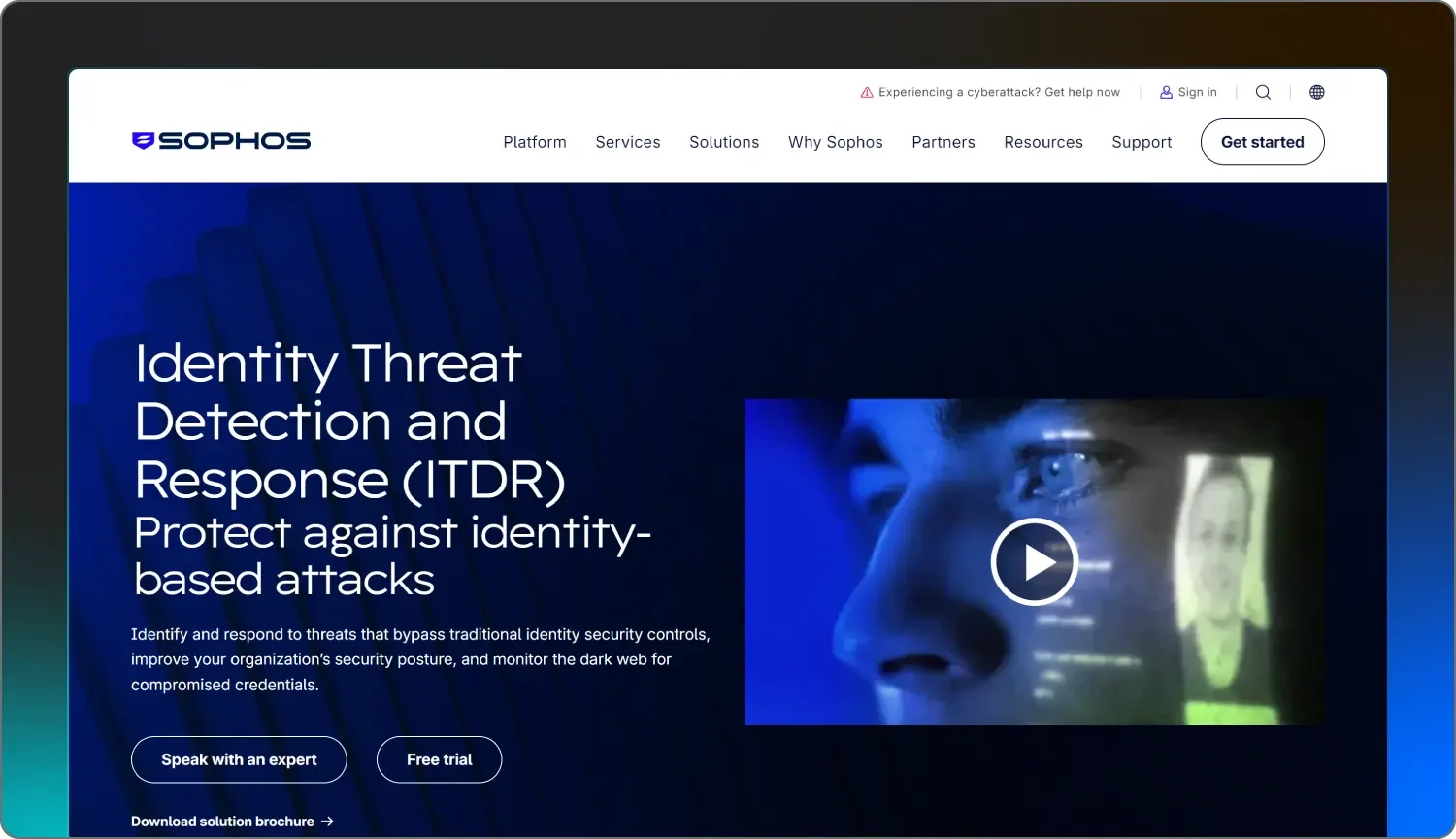
Sophos ITDR is a relatively new addition to their massive catalog of security products. It’s built to plug directly into the Sophos Central dashboard, which is great if you already use their firewalls or antivirus software.

Sophos focuses on cybersecurity hygiene issues—like dormant accounts or users who haven't turned on MFA—and scanning for stolen credentials on the dark web. While it provides a good bird’s-eye view of your identity risks, the platform is very much a self-service tool. 

If you aren't paying for their high-end managed service, you’re the one responsible for checking the dashboard and clicking the buttons to fix the problems they find.

For teams that want to get in and out quickly, navigating their extensive menu of settings and reports can be a bit time-consuming. It’s a solid choice for those who are already all-in on the Sophos ecosystem, but it might feel a bit bulky if you're only looking for a dedicated identity protection service.


Price: Moderate

Features:

  • Identity posture dashboard: They provide a centralized view of your identity risks, such as misconfigured accounts, missing MFA, or accounts that haven't been used in months.

  • Dark web monitoring: The tool scans underground marketplaces and breach databases to see if any of your employees' credentials have been leaked or put up for sale.

  • Integrated response actions: You can trigger actions directly from the dashboard to lock a user account, reset a password, or revoke active sessions in Microsoft Entra ID.


11. Threatlocker

Threatlocker

Best for: A zero trust approach

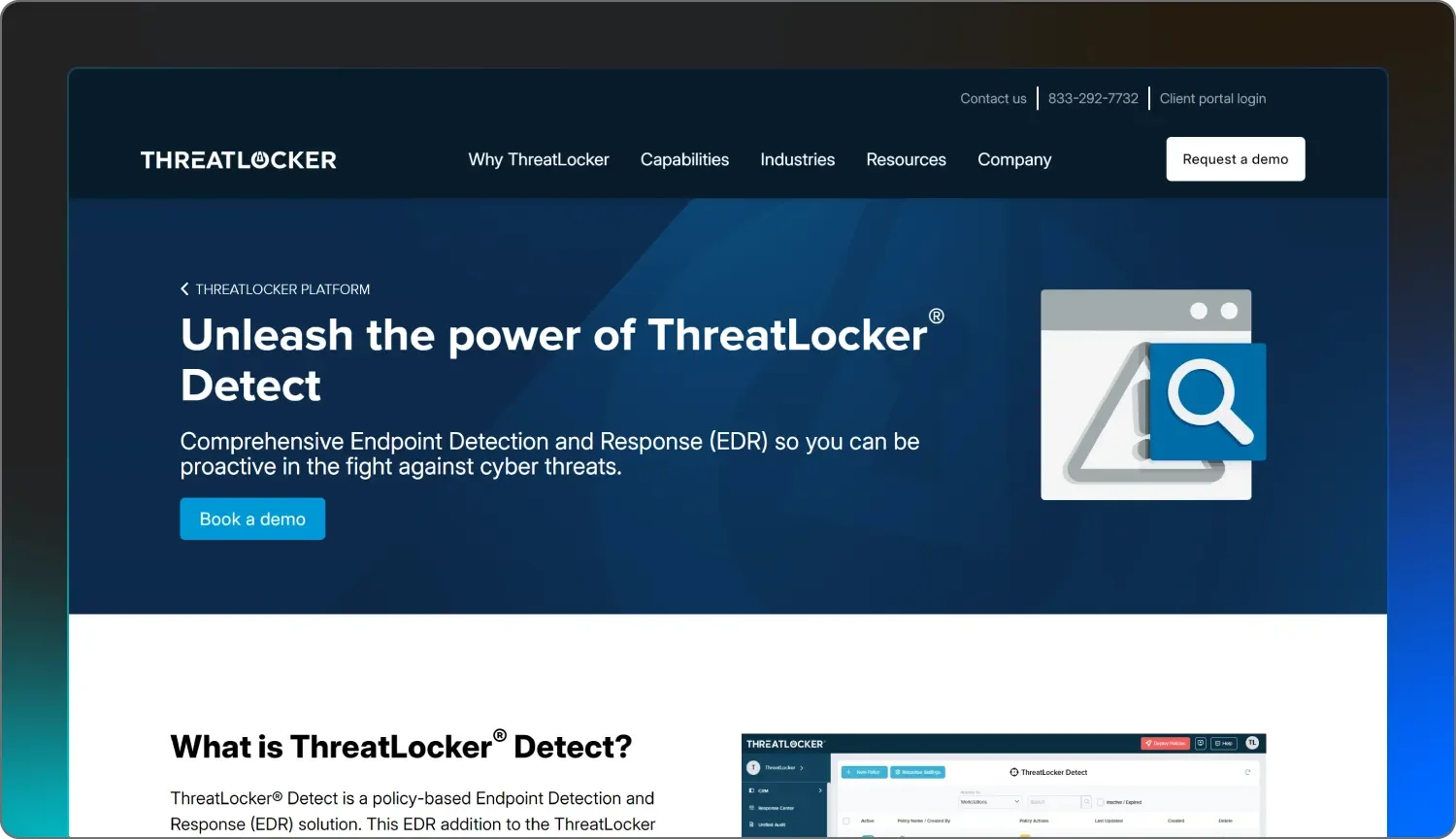
ThreatLocker takes a different path by focusing on allowlisting and ringfencing rather than just watching for bad behavior. They basically lock your system so that nothing can run unless it’s specifically on your approved list.

While this is great for stopping unknown malware, it can be a lot for a team to manage. Every time someone wants to use a new tool or update an app, someone has to approve the change, which can slow things down if you aren't careful.

Their approach to identity is similar—they want to verify everything. They recently added features to link access to specific, trusted devices, which helps if a password gets stolen. However, the platform is very technical and requires a significant learning period to get it right.

It’s a solid option for those who want a vault door on their system, though it lacks the more flexible, behavior-based monitoring that other services provide.


Price: Fair to moderate

Features:

  • Application allowlisting: They block all unapproved software, scripts, and libraries from running by default, ensuring only trusted code can execute on your endpoints.

  • Ringfencing: This feature limits what your allowed apps can do—like stopping a document editor from suddenly trying to access your network or registry.

  • Zero Trust network access: They use device-based validation to make sure only approved computers and phones can access your cloud services like Microsoft 365.


What is ITDR in cybersecurity (and why should you care)?

ITDR is a class of security tools that, rather than defending a perimeter, monitors for malicious activity or anomalies in active accounts and credentials. To visualize this, imagine a firewall as the locks on your front door, while ITDR includes surveillance cameras, bodyguards, and ID scanners.


When identity is compromised, an ITDR solution quickly and automatically detects the bad behavior, either removing access or alerting your security or IT team to respond. A lack of ITDR solutions is like leaving your company's doors wide open, especially since our 2026 threat report found that access policy and trust boundary violations accounted for 37.2% of identity-based threat activity.


How to choose the right ITDR vendor: 7 key ITDR features to look for

Picking between identity security vendors is less about the logo on the box than about the features inside. The following real-world factors are important to consider as you assess ITDR solutions:

1. Coverage across identity systems

The modern workforce has a foothold in more than one directory. Most organizations have a patchwork of Active Directory, Google Workspace, and SaaS applications. Look for identity security solutions that cover more than one directory and can protect multiple identity systems.

2. Detection depth 

Some identity security vendors only focus on surface-level, obvious threats such as repeated login failures. This is the price of admission for an ITDR tool. Next-generation solutions should extend detection to lateral movement, privilege escalation, MFA-bypass attempts, and more.

3. Integration and noise control 

An ITDR solution that spams alerts is a serious source of analyst burnout. Look for solutions that have integrations with your SIEM and SOAR solutions and where most of the noise can be handled by your integration partners before it even bubbles up.

4. Response options

Detection without response is half a solution. The best identity protection solutions automate at least some response, whether that’s forcing a password reset, disabling a suspicious account, or triggering an MFA challenge. Few vendors, particularly “endpoint-focused” SIEMs, are truly ready to automate response without heavy customization. 

5. SOC support

Even the best tool requires people on the other end. Some vendors will leave every alert for your own analysts to handle. Some will bring their technology and 24/7 SOC coverage. The difference is night and day. One model offloads work onto your team, and the other expands your team with actual human expertise. 

6. Ease of onboarding

Speed to value is the name of the game. It’s unreasonable to expect a solution that takes months to configure to be viable for lean teams. Look for platforms that have transparent documentation, fast onboarding, and solid vendor support so you can ship fast.

7. Total cost and complexity 

Many vendors package ITDR as part of a larger, integrated identity solution. That may be a great option if you are a Fortune 50 enterprise with an unlimited budget. However, for SMBs and mid-market enterprises, assess the solution based on its own merits, whether it’s cost-effective, and if it's relatively easy to deploy and maintain without requiring five full-time engineers just to stand up.


The benefits of having a dedicated ITDR

Some organizations try to cobble together identity threat detection using native tools, scripts, and a SIEM dashboard. That might sound like a cheaper option on paper, but the practice is more painful in reality. Here are some key benefits of using one of the listed ITDR vendors:


  • Less alert fatigue: Even fine-tuned tools can produce a deluge of false positives. With a dedicated solution that gives you the filtering and triage to manage this, your analysts can spend more time stopping actual threats.

  • Reduced staffing requirements: Detection of compromised credentials is a 24/7 operation. Developing your own ITDR practice often involves recruiting and retaining specialized analysts, so outsourcing can reduce the number of staff needed.

  • Fewer costs long-term: Every hour your IT staff spends maintaining dashboards or chasing false alarms is an hour they’re not supporting the business. The right ITDR partner lowers your long-term costs of ownership by reducing the need to staff and operate a 24/7 identity practice in-house.  


How Huntress can meet your needs

Many small to medium-sized businesses simply can’t afford an entire team of analysts monitoring ITDR platforms all day long. When we at Huntress think of Managed ITDR, we don’t just consider selling off-the-shelf software packages to our customers.

Huntress Managed ITDR is our fully managed offering that pairs our ITDR solutions with 24/7 AI-based, human-validated threat hunters who know how to triage and respond to credential compromises and identity security threats. We deliver clarity, scalability, and human-backed responses for organizations of any size.

Check out Huntress Managed ITDR, because when the bad guys come knocking (and they will), you’ll need more than just a software vendor. You’ll need a solution and a partner that has your back.


Continue Reading

What is Identity Protection? How to Safeguard Digital Identities

Right arrow

Glitch effectGlitch effect

Protect What Matters

Secure endpoints, email, and employees with the power of our 24/7 SOC. Try Huntress for free and deploy in minutes to start fighting threats.
Try Huntress for Free
Huntress Managed Security PlatformManaged EDRManaged EDR for macOSManaged EDR for LinuxManaged ITDRManaged SIEMManaged Security Awareness TrainingManaged ISPMManaged ESPMBook a Demo
PhishingComplianceBusiness Email CompromiseEducationFinanceHealthcareManufacturingState & Local Government
Managed Service ProvidersResellersIT & Security Teams24/7 SOCCase Studies
BlogResource CenterCybersecurity 101Upcoming EventsSupport Documentation
Our CompanyLeadershipNews & PressCareersContact Us
Huntress white logo

Protecting 250k+ customers like you with enterprise-grade protection.

Privacy PolicyCookie PolicyTerms of UseCookie Consent
Linkedin iconTwitter X iconYouTube iconInstagram icon
© 2025 Huntress All Rights Reserved.

Join the Hunt

Get insider access to Huntress tradecraft, killer events, and the freshest blog updates.

By submitting this form, you accept our Terms of Service & Privacy Policy