

The 8 Best Log Management Software and Tools: Top Picks For Threat Detection

Log management tools collect and store the log data your systems produce, so you can search it for problems and threats. The best log management tools for threat detection include Huntress Managed SIEM, CrowdStrike Falcon Next-Gen SIEM, Graylog, and Splunk.

Every attacker leaves receipts in your logs. The question is whether anyone is actually reading them.

Logs are the timestamped notes your systems write whenever something happens, and log management is the work of keeping those notes in one place long enough to be useful.

Every log management tool collects from endpoints, firewalls, identity tools, and cloud apps, but they differ in which sources they connect to natively, how they handle different log formats, and how pricing scales as volume grows. Most vendor feature lists gloss over those details, so the best log management tools can look identical on paper.

We grouped the eight tools below by the job that you need logs to do: managed threat detection, in-house security operations, cost control, or performance monitoring. Each entry notes who the tool suits and what it costs. Huntress Managed SIEM leads the list for most businesses because it delivers the compliance and security outcomes of a traditional SIEM without the overhead and noise as tuning, detection and response is fully managed by the Huntress 24/7 SOC.

"EDR provides deep endpoint evidence, including process and file activity. SIEM adds the surrounding context: which account authenticated, where the connection originated, which VPN or firewall was involved, and what related events occurred across the environment. Together, these sources can help analysts build a clearer timeline, investigate more efficiently, and make more confident response decisions." Loren Hextall, Principal Product Marketing Manager at Huntress.

Temas
The 8 Best Log Management Software and Tools: Top Picks For Threat Detection
Temas
Compartir

The 8 Best Log Management Software and Tools: Top Picks For Threat Detection

Log management tools collect and store the log data your systems produce, so you can search it for problems and threats. The best log management tools for threat detection include Huntress Managed SIEM, CrowdStrike Falcon Next-Gen SIEM, Graylog, and Splunk.

Every attacker leaves receipts in your logs. The question is whether anyone is actually reading them.

Logs are the timestamped notes your systems write whenever something happens, and log management is the work of keeping those notes in one place long enough to be useful.

Every log management tool collects from endpoints, firewalls, identity tools, and cloud apps, but they differ in which sources they connect to natively, how they handle different log formats, and how pricing scales as volume grows. Most vendor feature lists gloss over those details, so the best log management tools can look identical on paper.

We grouped the eight tools below by the job that you need logs to do: managed threat detection, in-house security operations, cost control, or performance monitoring. Each entry notes who the tool suits and what it costs. Huntress Managed SIEM leads the list for most businesses because it delivers the compliance and security outcomes of a traditional SIEM without the overhead and noise as tuning, detection and response is fully managed by the Huntress 24/7 SOC.

"EDR provides deep endpoint evidence, including process and file activity. SIEM adds the surrounding context: which account authenticated, where the connection originated, which VPN or firewall was involved, and what related events occurred across the environment. Together, these sources can help analysts build a clearer timeline, investigate more efficiently, and make more confident response decisions." Loren Hextall, Principal Product Marketing Manager at Huntress.

The best log management software options for detecting threats

We looked at each tool’s detection coverage, retention options, pricing clarity, and how much work it takes to run day-to-day. Huntress Managed Security Information and Event Management (SIEM) is ours, so it’s listed first.

For every other tool, we drew on the vendor’s own product and pricing pages. Pricing is listed as of October 2026 and can change, so confirm it with each vendor before you buy.

"Traditional log collection only forwards logs as they are created. It’s the “what you see is what you get” approach. SIEM differs in that it can not only collect logs but also make sense of the traffic using correlation analytics to determine what happened."

Best for

Key features

Pricing

Huntress Managed SIEM

Teams that want logs monitored by a 24/7 SOC

  • Smart Filtering collects only threat-relevant logs
  • 24/7 SOC monitoring and response
  • Retention for up to seven years
  • Collection through the Huntress agent or syslog

$3.50/month/source

CrowdStrike Falcon Next-Gen SIEM (Falcon LogScale)

Organizations already running CrowdStrike endpoint protection

  • Index-free architecture built for large data volumes
  • Native integration with the Falcon agent

Custom quote required

Graylog

Teams with in-house expertise who want an open-source starting point

  • Free Graylog Open edition
  • Graylog Security edition adds SIEM detection

Graylog Open is free; Enterprise starts at $15,000 per year

Splunk

Large environments with heavy search and analytics needs

  • Search-driven analysis across high data volumes
  • Enterprise Security add-on for SIEM use cases

Custom quote required

Elastic Security

Teams that want usage-based cloud pricing

  • Serverless option with no infrastructure to manage
  • Two feature tiers: Essentials and Complete

Usage-based, per GB ingested and per GB retained

IBM QRadar SIEM

Large enterprises running an on-premises SIEM

  • Hardware or virtual appliance deployment
  • Licensing by events per second and flows per minute, or by managed virtual server

Custom quote required

Guardsix (formerly LogPoint)

Teams that want costs that don’t rise with log volume

  • Licensed by node instead of data volume
  • SaaS, private cloud, or hybrid deployment

Custom quote required

Datadog Log Management

Teams already using Datadog for infrastructure monitoring

  • Flex Logs tier for low-cost long-term retention
  • Logs live alongside Datadog’s wider monitoring data

Starts at $0.10 per GB ingested, plus indexing billed per million events


1. Huntress Managed SIEM

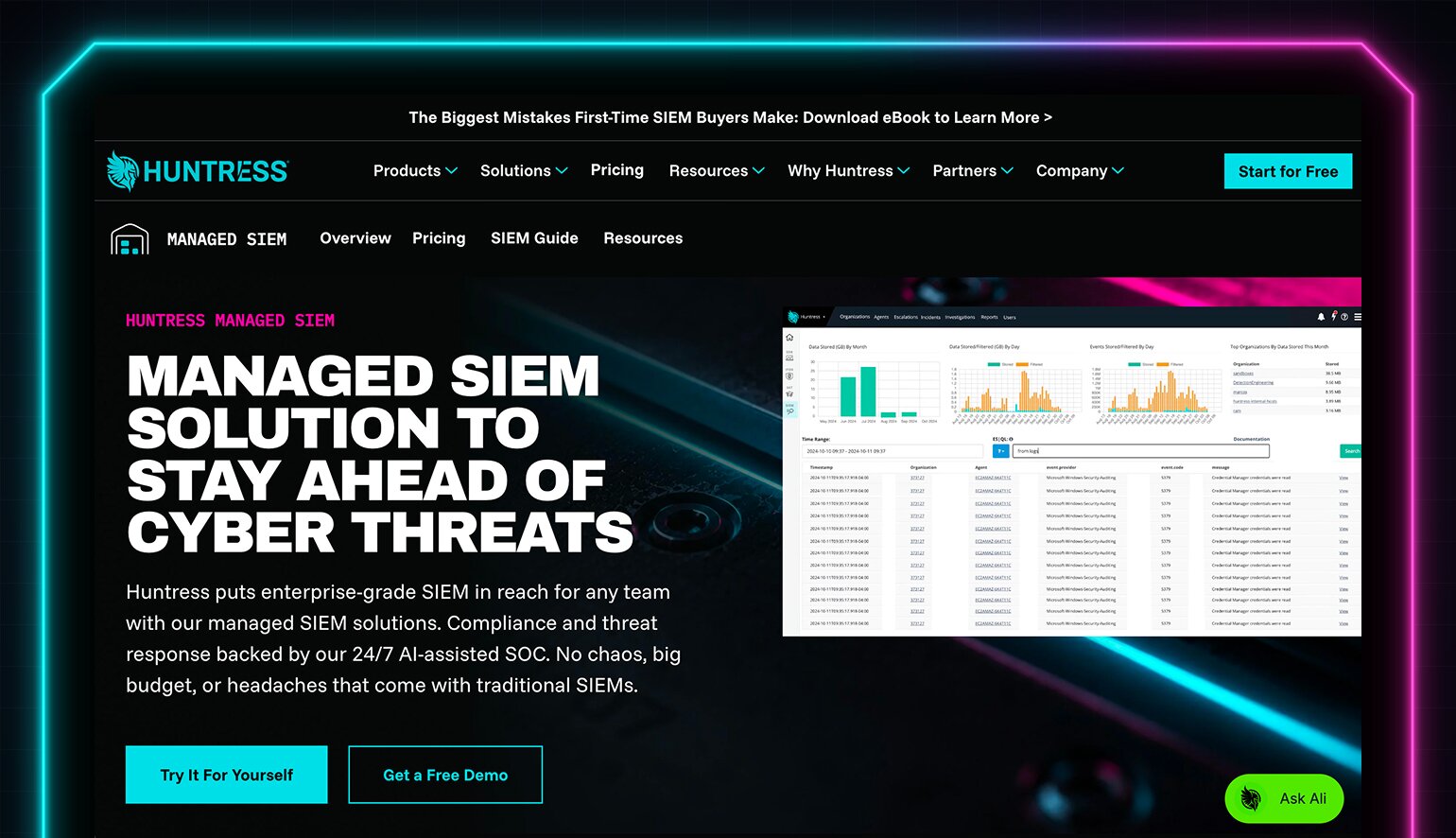
The Huntress platform, one of the best log management tools.

Best for: Teams that want logs monitored by a 24/7 SOC

A log tool without anyone watching it is like a security camera with no one on the monitor. The footage is there afterward, but nobody sees the break-in as it happens. Huntress Managed SIEM adds the person watching.

It collects logs from endpoints, firewalls, VPNs, identity systems, and password managers, then hands them to the Huntress SOC for 24/7 monitoring. We don’t believe in log hoarding, either. Smart Filtering keeps the signal and ditches the junk before it reaches storage.

Because the Huntress SOC correlates activity across those sources, it can spot attacks that a single tool would miss or catch late. During one Akira ransomware intrusion, Managed SIEM flagged the attack 11 minutes before endpoint detection alone would have. In that window, the attacker mapped the network, set up SSH persistence, and tried to uninstall the Huntress agent. Because someone was watching the feed, the SOC could act before any of it finished.

Matti Zayas, Sales Engineer at Huntress, explains why: "EDR can sometimes catch initial access, but it isn't a reliable detection point for every initial access event. Attackers routinely mask their true location with VPNs and even data-center IPs. Collecting VPN logs and Windows event logs gives SOC teams the context they need to contain and stop threats before an EDR signal is ever triggered."

Retention spans up to seven years, supporting audit requirements such as PCI DSS and CMMC. Our guide to SIEM compliance requirements covers what auditors typically ask to see.

Huntress isn’t built for debugging application performance. The focus is security and compliance logs, which makes Huntress a strong fit for small IT teams and growing businesses that want experts watching for threats. Managed service providers (MSPs) can also roll out Managed SIEM across client environments without staffing their own SOC.

Price: Starting at $3.50 per data source per month

Features:

  • Smart Filtering that collects only threat-specific logs at the source
  • 24/7 monitoring, investigation, and response from the Huntress SOC
  • Log retention for up to seven years, with compliance reporting
  • Integrations for firewalls, identity platforms, password managers, and third-party endpoint detection and response (EDR)

2. CrowdStrike Falcon Next-Gen SIEM

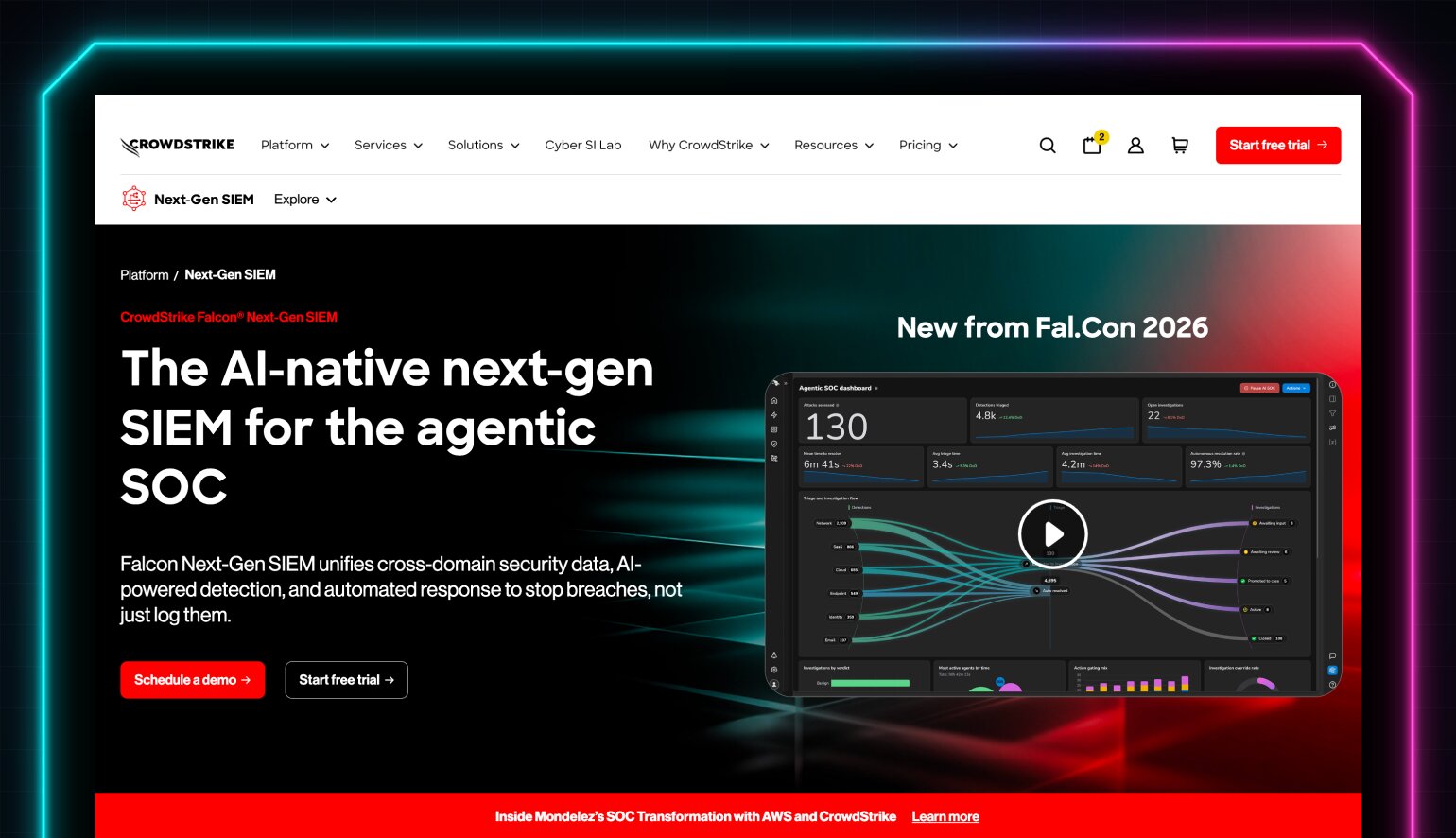
The CrowdStrike Falcon Next-Gen SIEM platform, one of the best log management tools.

Best for: Organizations already running CrowdStrike endpoint protection

CrowdStrike Falcon Next-Gen SIEM brings log management into the wider Falcon platform. Its log engine, Falcon LogScale, is built to search large volumes of data quickly, and the platform supports more than 500 data sources and integrations.

If your endpoints already run the CrowdStrike Falcon agent, this is the natural extension, since endpoint data and log data sit side by side during an investigation. Teams outside the CrowdStrike ecosystem have less to gain, and with no published pricing, comparing costs means a sales conversation.

Price: Custom quote required

Features:

  • Falcon LogScale engine for fast searches across large data volumes
  • Native integration with the Falcon agent
  • AI-assisted investigation tools
  • Support for 500+ data sources and integrations

3. Graylog

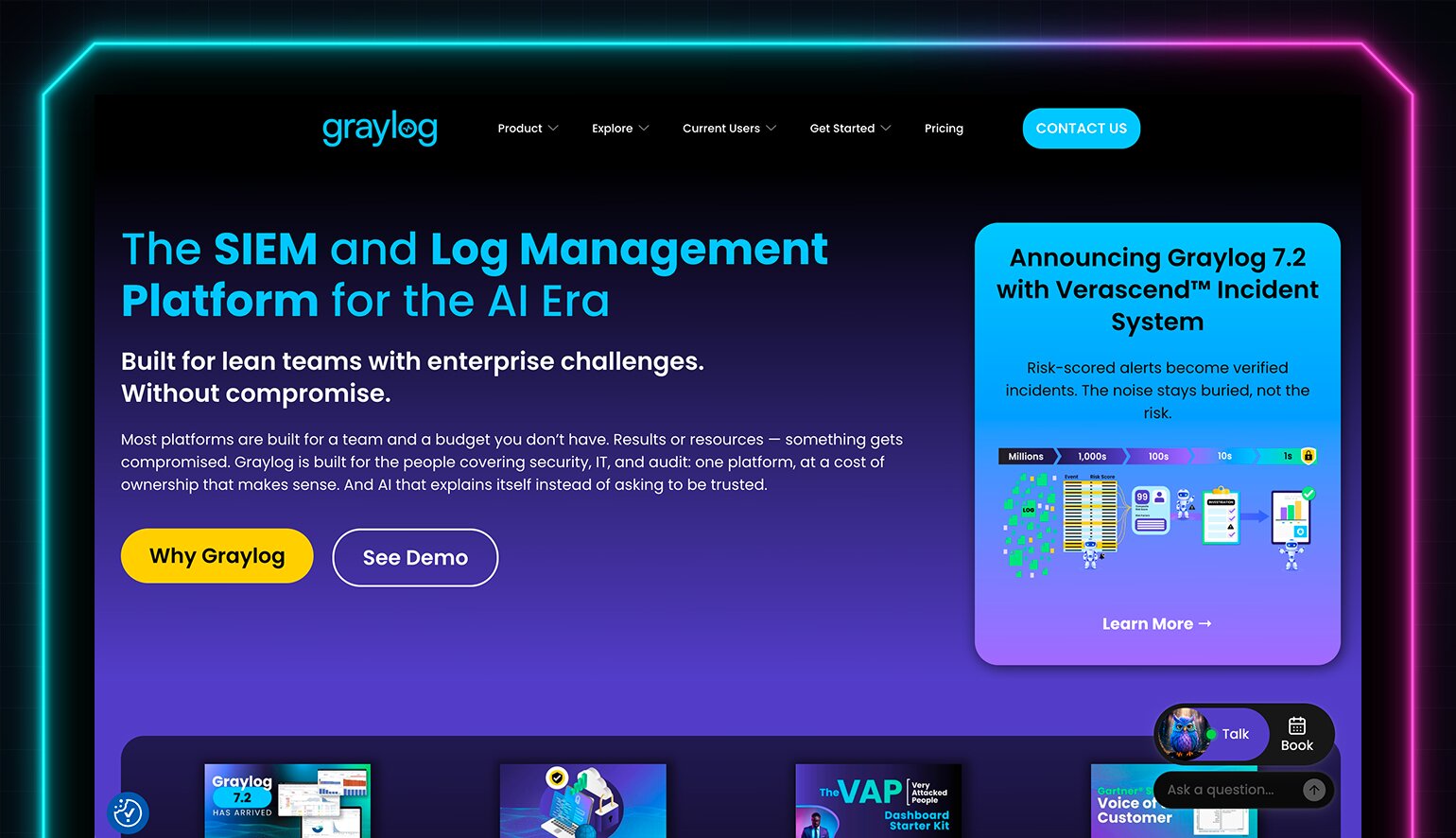
The Graylog platform.

Best for: Teams with in-house expertise that want an open-source starting point

Graylog’s free Open edition gives teams a way to centralize and search their logs with no license cost. Paid Enterprise and Security editions add commercial support and extra features, and Graylog Security layers SIEM, security analytics, and anomaly detection onto the same platform.

Graylog Operations and Graylog Security are priced based on the volume of ingested log data, so your bill reflects how much you send. The tradeoff for the free entry point is upkeep. You manage the infrastructure and tuning yourself, and Graylog Open supports only a limited number of parsers until you add the Enterprise plug-in. For teams with in-house expertise, that control is the point.

Price: Graylog Open is free; Enterprise starts at $15,000 per year

Features:

  • Free Graylog Open edition for core log collection and search
  • Enterprise edition with commercial support and added features
  • Graylog Security edition with SIEM and anomaly detection
  • Self-managed or cloud deployment

4. Splunk

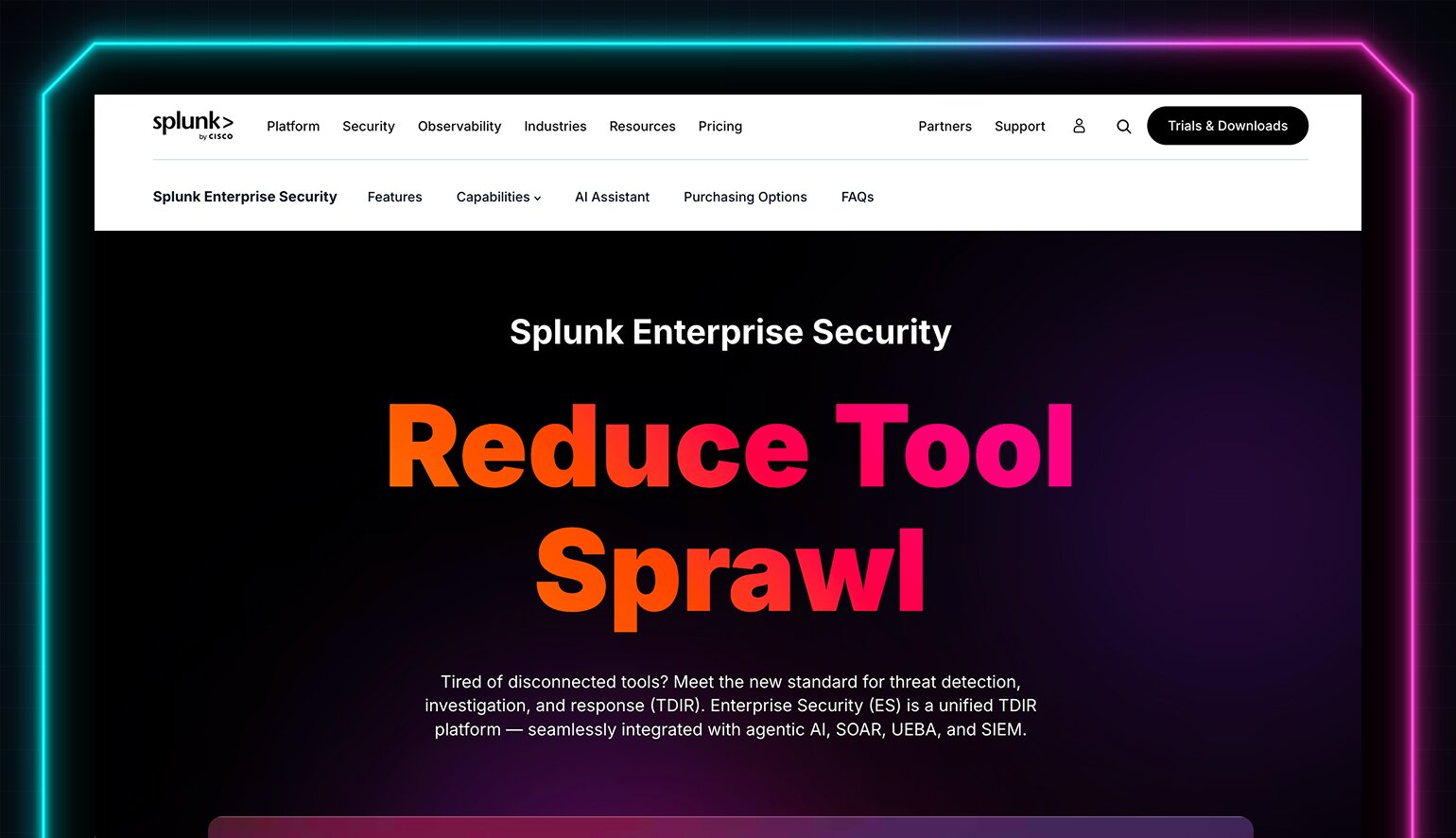
The Splunk platform.

Best for: Large environments with heavy search and analytics needs

Splunk is one of the best-known names in log analytics. Splunk Platform handles log collection and search, while Splunk Enterprise Security adds SIEM capabilities on top.

Splunk Cloud Platform offers activity-based, ingest, and workload pricing for unlimited users, so teams can match the model to how they use the tool. The catch is total cost. Enterprise Security is licensed separately from the platform, and getting full value from the package usually takes dedicated admins. Large teams get a lot of depth to work with, while lean teams looking for a quick setup will feel the weight.

Price: Custom quote required

Features:

  • Search-driven analysis across large data volumes
  • Enterprise Security add-on for SIEM use cases
  • Choice of pricing models, including ingest and workload
  • Splunk Cloud Platform and self-hosted Splunk Enterprise options

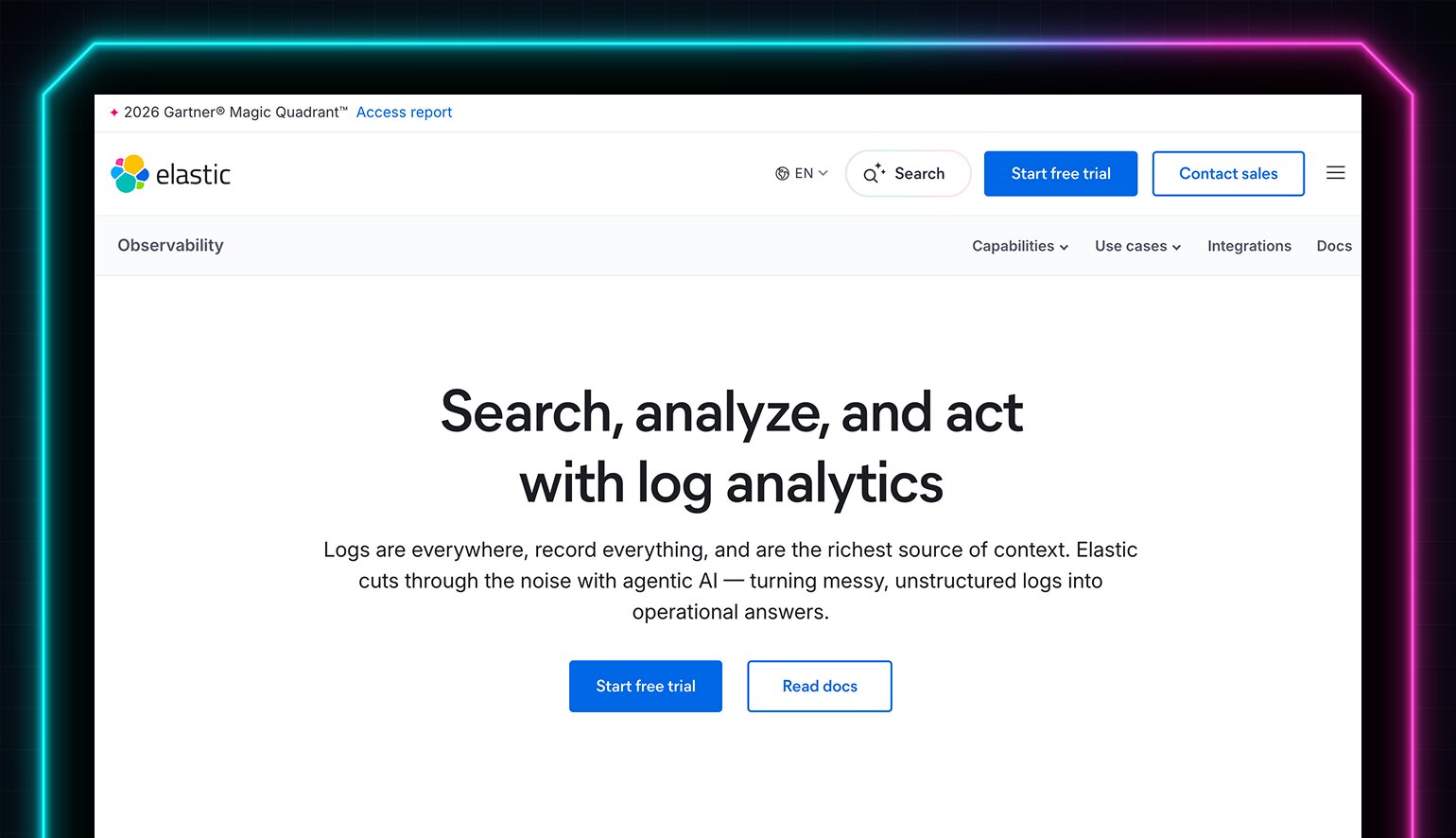
5. Elastic Security

The Elastic Security platform.

Best for: Teams that want to see exactly how threats get flagged, and change it

Elastic Security runs on the Elasticsearch platform and is available on Elastic Cloud Serverless, which removes the work of managing infrastructure. It integrates with a wide range of third-party endpoint and cloud tools, and it comes in two feature tiers: Security Analytics Essentials and Security Analytics Complete.

Billing follows the amount of data you ingest and retain, with a separate charge for data transferred out. That works for teams that want to avoid managing servers, but costs scale with log volume, so filtering matters.

Price: Usage-based, per GB ingested and per GB retained

Features:

  • Serverless deployment with no infrastructure to manage
  • Two feature tiers, Essentials and Complete
  • Integrations with third-party endpoint and cloud tools
  • Optional add-ons for cloud security posture and workload protection

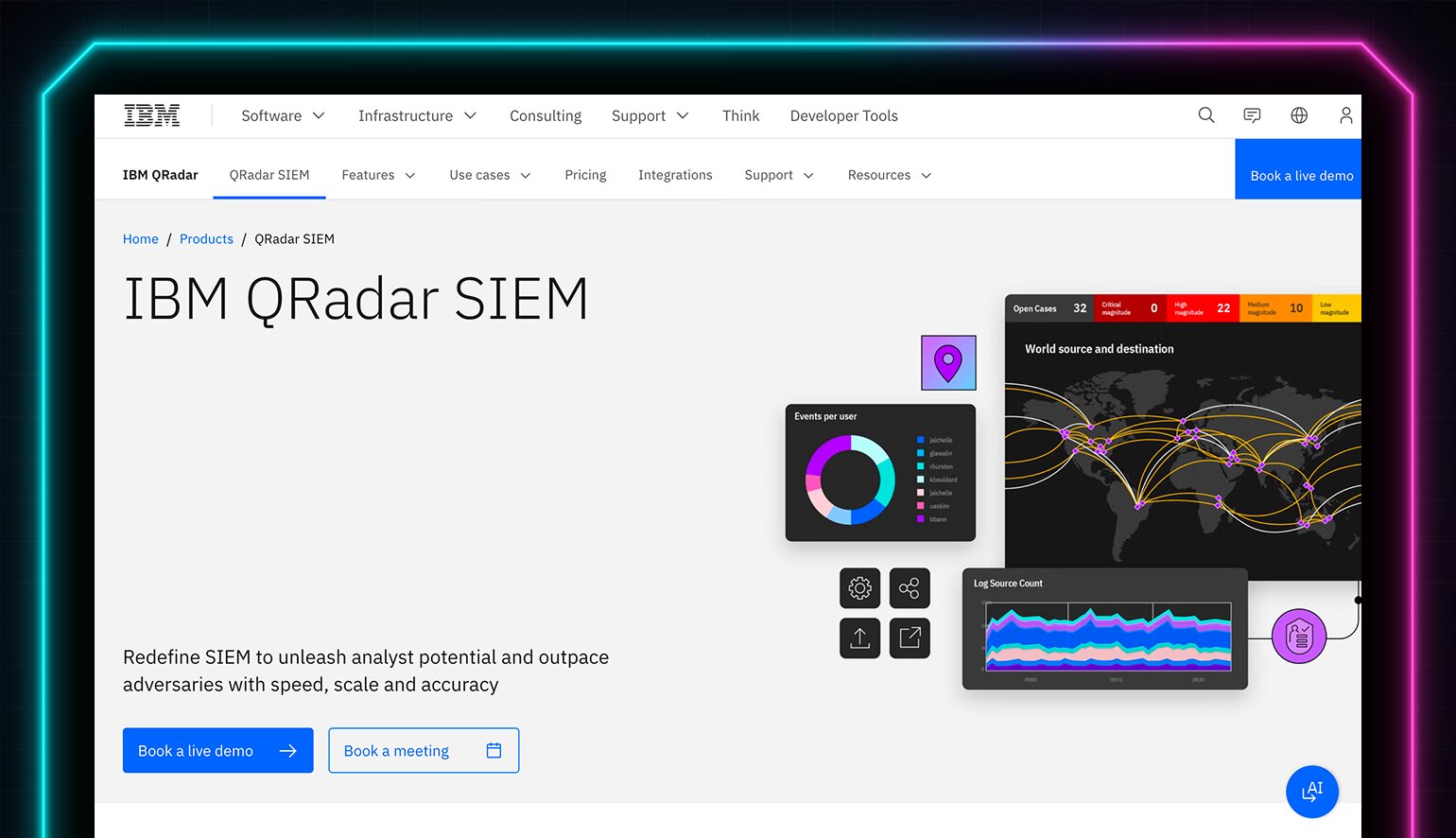
6. IBM QRadar SIEM

The IBM QRadar SIEM platform.

Best for: Large enterprises running an on-premises SIEM

IBM QRadar SIEM analyzes log events and network flow data to spot threats. It deploys as hardware or virtual appliances on premises, with subscription or perpetual licensing.

Licensing follows either events per second and flows per minute or the number of managed virtual servers, so sizing is a project in itself. Do you have the staff to run an on-premises SIEM? If so, QRadar gives large organizations plenty of control. If you’d rather hand off hosting and maintenance, a SaaS option will be easier to live with.

Price: Custom quote required

Features:

  • Log event and network flow analysis
  • Hardware or virtual appliance deployment
  • Support for threat intelligence feeds
  • Subscription or perpetual licensing

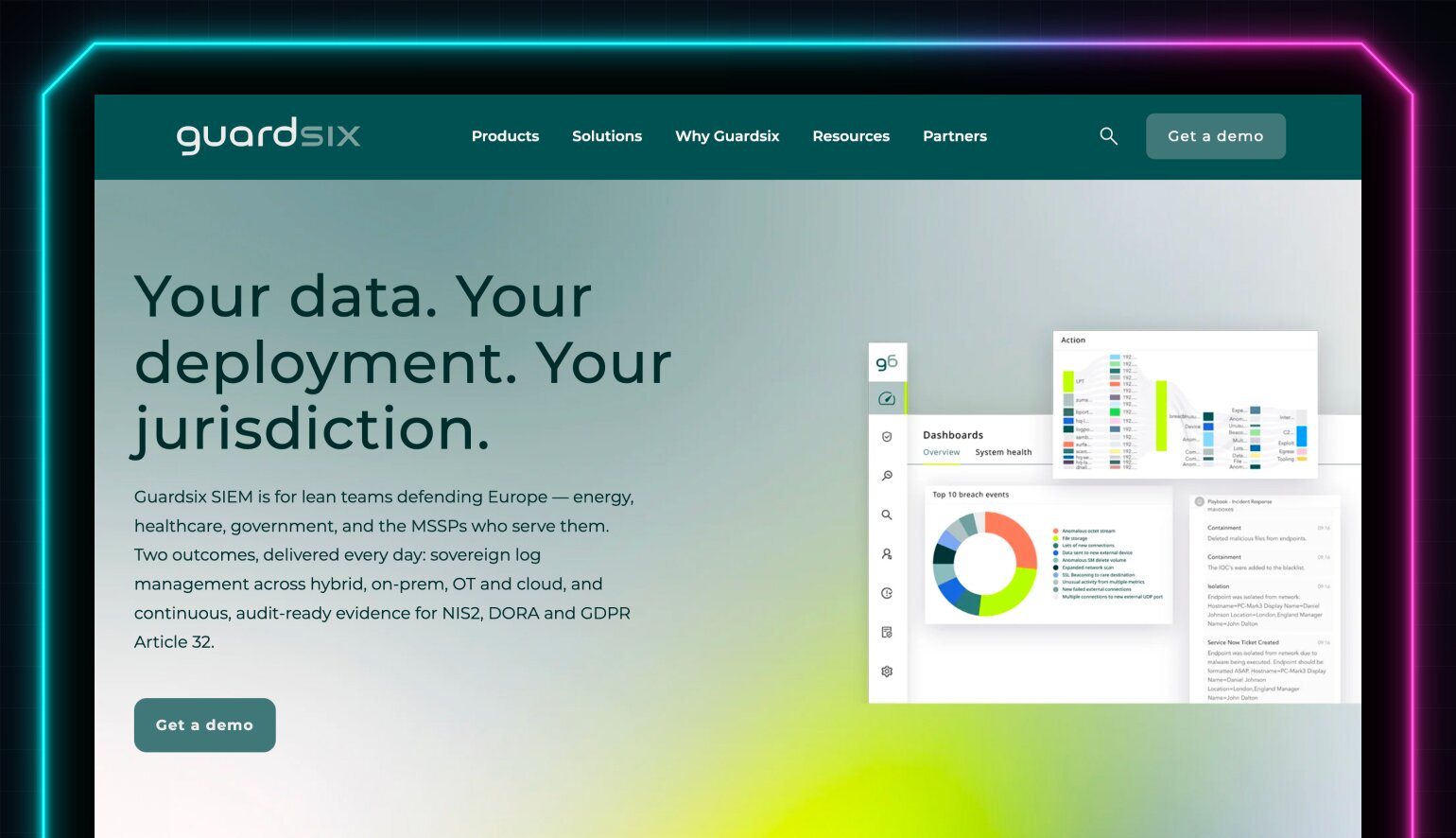
7. Guardsix (formerly LogPoint)

The LogPoint platform.

Best for: Teams that want costs that don’t rise with log volume

Most SIEM bills work like a utility meter, where the more logs you send, the more you pay. Guardsix pricing works more like a headcount. The bill follows the number of nodes, devices, or entities in your environment, so a noisy month doesn’t change the invoice.

Guardsix counts each unique IP address sending logs from your physical infrastructure as a node, and log sources from cloud platforms are counted separately as cloud nodes. That makes costs easier to forecast as data grows. The flip side is that every connected source counts toward the license, so adding sources raises the bill even when those sources send very little.

Pricing comes in four packages: Govern, Detect, Defend, and Respond. Govern covers log collection, retention, and compliance reporting aligned to frameworks like NIS2 and GDPR, while Detect adds network detection and response (NDR) and SOAR automation.

Price: Custom quote required

Features:

  • Node-based licensing instead of per-GB billing
  • SaaS (up to 750 GB per day), private cloud, or hybrid deployment
  • Optional automation playbooks and behavior analytics
  • Unlimited AgentX endpoint agents included

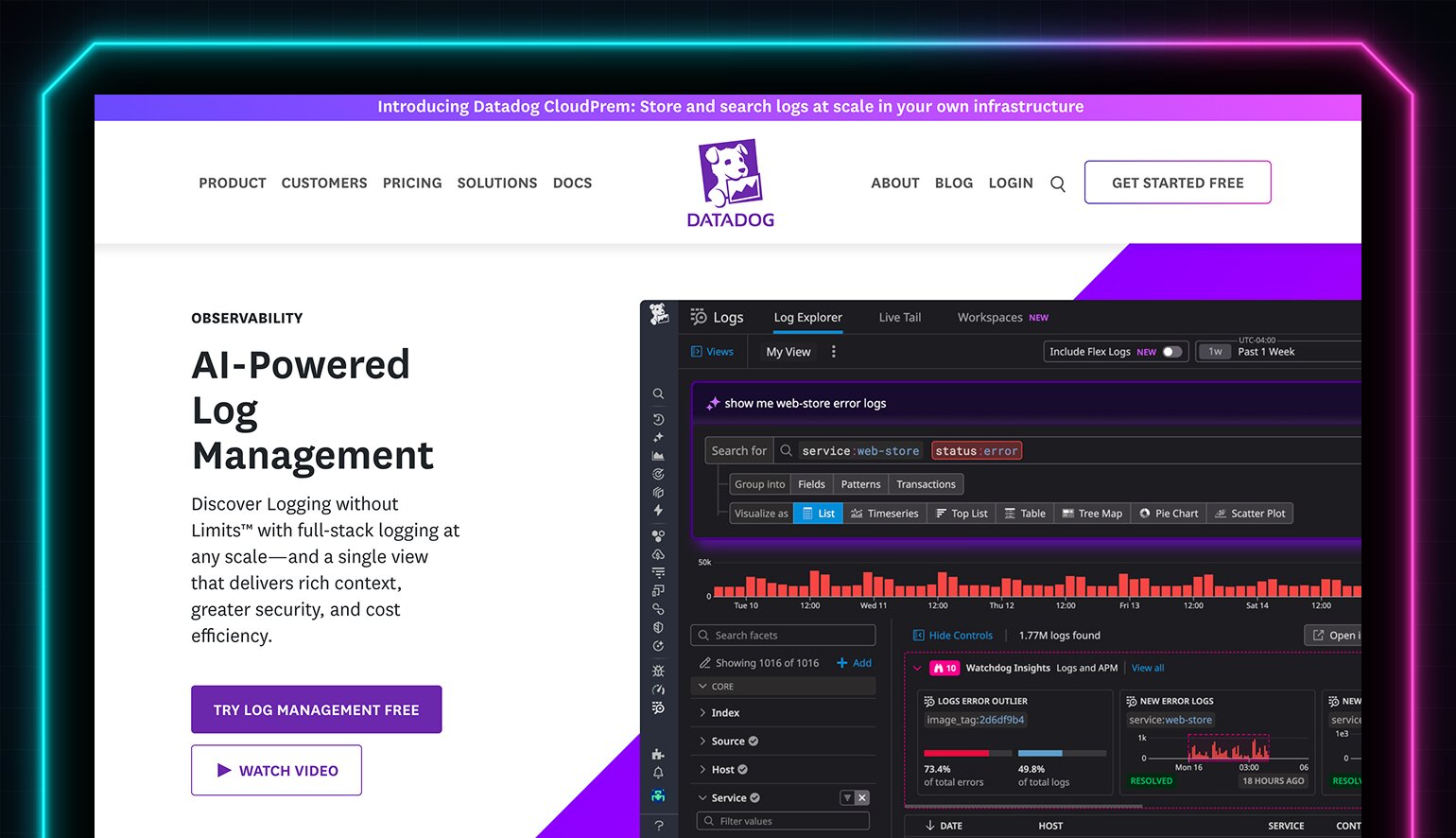
8. Datadog Log Management

The Datadog Log Management platform.

Best for: Teams already using Datadog for infrastructure monitoring

Datadog Log Management sits inside Datadog’s wider monitoring platform, so logs show up next to metrics and traces. Standard indexing covers logs you search often, and Flex Logs stores rarely accessed data for 1 to 15 months at a lower cost.

Security detection isn’t Datadog’s home turf. The platform is built around observability, so it shines for DevOps teams that want logs in context with performance data. Costs follow ingest volume and indexed events, so filtering noisy logs early pays off.

Price: Starts at $0.10 per GB ingested, plus indexing billed per million events

Features:

  • Logs alongside metrics and traces in one platform
  • Standard indexing for frequently searched logs
  • Flex Logs for low-cost storage from 1 to 15 months
  • Log forwarding to custom destinations and rehydration of archived logs

What are log management tools?

Log management tools collect log files from your applications, servers, network devices, and cloud services, then store them in a single place where your team can search and monitor them. Every login and every server restart leaves a record, and these tools turn that pile of records into something readable.

Most tools offer a core set of capabilities:

  • Collection: Pulling logs from every source into a central location
  • Parsing and normalization: Converting different formats into one consistent structure
  • Search: Finding specific events quickly across large volumes of data
  • Retention: Storing logs for as long as your policies or auditors require
  • Alerting: Flagging events that match rules you set
  • Reporting: Showing activity through dashboards and audit-ready summaries

Logs also give security teams an early look at unusual or unauthorized behavior, such as repeated failed logins or a new admin account created in the middle of the night.


How to choose the right log management tool for your org

The best log management tool is the one that matches how your team works day to day. Five considerations help narrow the field:

  1. Consider your use case: Troubleshooting application errors calls for different features than catching intruders or passing audits. Decide which job comes first.
  2. Explore pricing models: Vendors charge per GB ingested, per event, per node, or per data source. Per-GB models can spike when log volume jumps, so ask how overages are handled.
  3. Look at your retention and compliance needs: Many compliance frameworks, including PCI DSS and CMMC, expect you to keep logs for a set period. Make sure a tool’s retention options cover what your auditors will ask for.
  4. Decide between open-source and paid tools: Open-source tools cost less to license but require more setup and upkeep from your team. Paid tools shift some of that work to the vendor.
  5. Consider managed vs. self-managed: With a self-managed tool, your team writes the detections and watches the alerts. Managed SIEM as a service hands that work off to the vendor’s analysts, which helps when your IT team is small.

Do you need log management or SIEM?

Log management collects and stores log data so you can search it later. SIEM adds correlation, detection, and response context, connecting events across sources to flag threats as they unfold. Many teams need both functions, and a managed option like Huntress Managed SIEM pairs them with analysts who watch the alerts for you.

Log management

SIEM

Purpose

Collects, stores, and organizes log data for search and review

Correlates events across sources to detect and respond to threats

Real-time threat detection

Limited; usually rule-based alerts you build yourself

Built-in, with detection rules and correlation

Who monitors it

Your own IT or DevOps team

Your security team or a managed SOC

Typical users

IT operations and DevOps teams

Security analysts and compliance teams

Setup effort

Lower; mostly collection and parsing

Higher when self-managed, lighter when managed

Compliance reporting

Raw logs you assemble into reports yourself

Prebuilt dashboards and audit-ready reports


Log management best practices

Once you’ve chosen a tool, a few habits keep costs and noise under control. These habits echo the wider SIEM best practices that security teams follow.

  • Filter at the source: Decide which logs your devices forward to your log management tool, and keep only the ones that matter for detection and audits. Dropping low-value events before they leave the source cuts storage costs and alert noise.
  • Standardize formats: Convert logs into a consistent structure, so searches and alerts work the same way across every source.
  • Set alerts for important events: Focus on a short list, such as repeated failed logins or new admin accounts. Too many alerts get ignored.
  • Test retention before an audit: Confirm that you can pull complete logs from the full retention window. Finding missing records now is far easier than discovering them mid-audit.
  • Review sources quarterly: Check that every source is still sending logs, and drop any that no longer earn their place.

Stop hoarding logs and start catching hackers

Your logs have been talking. Let’s get someone to listen.

The best log management tools turn raw records into answers your team can act on. For teams without a dedicated SOC, a managed SIEM pairs log collection with analyst triage of alerts for you.

Huntress Managed SIEM collects the logs that matter and puts our SOC to work watching them around the clock. Book a demo to see it in action in your own environment.

Frequently Asked Questions

The best log management tools for threat detection include Huntress Managed SIEM, CrowdStrike Falcon Next-Gen SIEM, Graylog, and Splunk. The right fit depends on your use case, your budget, and how much of the monitoring your team wants to handle.

SOC teams usually need tools that correlate events and support investigation, such as CrowdStrike Falcon Next-Gen SIEM, Splunk, Elastic Security, and IBM QRadar SIEM. Teams without a full SOC can get monitoring through Huntress Managed SIEM, where Huntress analysts watch the logs for you.

No single AI tool fits every team. Many log and SIEM platforms now include AI for alert triage and search, so compare how each one fits the tools you already run. At Huntress, the Athena engine investigates every alert alongside SOC analysts.

No. Log management collects and stores log data for search. SIEM adds correlation and threat detection on top, flagging attacks as they unfold.

For a single .log file, a text editor with search and filtering is usually enough. Once you’re dealing with many sources, a centralized log management tool gives you one searchable view.


Protege lo que importa

Protege endpoints, correo electrónico y empleados con el poder de nuestro SOC 24/7. Prueba Huntress gratis y despliega en minutos para empezar a combatir las amenazas.
Probar Huntress gratis

También te puede interesar