
Your business’ toughest competition might be criminal. See why.
Utility navigation bar redirect icon
Portal LoginSupportContact
Search
Close search
Huntress Logo in Teal
  • Platform Overview
    Managed EDR

    Get full endpoint visibility, detection, and response

    Managed EDR

    Get full endpoint visibility, detection, and response

    Managed ITDR

    Protect your Microsoft 365 identities and email environments.

    Managed ITDR

    Protect your Microsoft 365 identities and email environments.

    Managed SIEM

    Managed threat response and robust compliance support at a predictable price.

    Managed SIEM

    Managed threat response and robust compliance support at a predictable price.

    Managed Security Awareness Training

    Empower your teams with science-backed security awareness training.

    Managed Security Awareness Training

    Empower your teams with science-backed security awareness training.

    Integrations
    Integrations
    Support Documentation
    Support Documentation
    See Huntress in Action

    Quickly deploy and manage real-time protection for endpoints, email, and employees - all from a single dashboard.

    Huntress Cybersecurity
    See Huntress in Action

    Quickly deploy and manage real-time protection for endpoints, email, and employees - all from a single dashboard.

    Huntress Cybersecurity
  • Threats We Stop
    Phishing
    Phishing
    Business Email Compromise
    Business Email Compromise
    Ransomware
    Ransomware
    View Allright arrowView Allright arrow
    Industries We Serve
    Education
    Education
    Financial Services
    Financial Services
    State and Local Government
    State and Local Government
    Healthcare
    Healthcare
    Law Firms
    Law Firms
    Manufacturing
    Manufacturing
    Utilities
    Utilities
    View Allright arrowView Allright arrow
    Tailored Solutions
    MSPs
    MSPs
    Resellers
    Resellers
    SMBs
    SMBs
    Compliance
    Compliance
    Cybercriminals Have Evolved

    Get the intel on today’s cybercriminal groups and learn how to protect yourself.

    Huntress Cybersecurity
    Cybercriminals Have Evolved

    Get the intel on today’s cybercriminal groups and learn how to protect yourself.

    Huntress Cybersecurity
  • Pricing
  • Community Series
    The Product Lab

    Shape the next big thing in cybersecurity together.

    The Product Lab

    Shape the next big thing in cybersecurity together.

    Fireside Chat

    Real people. Real perspectives. Better conversations.

    Fireside Chat

    Real people. Real perspectives. Better conversations.

    Tradecraft Tuesday

    No products, no pitches – just tradecraft.

    Tradecraft Tuesday

    No products, no pitches – just tradecraft.

    _declassified

    Exposing hidden truths in the world of cybersecurity.

    _declassified

    Exposing hidden truths in the world of cybersecurity.

    Resources
    Upcoming Events
    Upcoming Events
    ebooks
    ebooks
    On-Demand Webinars
    On-Demand Webinars
    Videos
    Videos
    Whitepapers
    Whitepapers
    Datasheets
    Datasheets
    Cybersecurity Education
    Cybersecurity 101
    Cybersecurity 101
    Cybersecurity Guides
    Cybersecurity Guides
    Threat Library
    Threat Library
    Real Tradecraft, Real Results
    Real Tradecraft, Real Results
    2026 Cyber Threat Report
    2026 Cyber Threat Report
    The Huntress Blog
    Huntress Lands on the Microsoft Marketplace
    Huntress Cybersecurity
    Huntress Lands on the Microsoft Marketplace
    Huntress Cybersecurity
    How Huntress & DEFCERT Are Streamlining CMMC Assessment Prep
    Huntress Cybersecurity
    How Huntress & DEFCERT Are Streamlining CMMC Assessment Prep
    Huntress Cybersecurity
    Live Hacking Into Microsoft 365 with Kyle Hanslovan
    Huntress Cybersecurity
    Live Hacking Into Microsoft 365 with Kyle Hanslovan
    Huntress Cybersecurity
  • Why Huntress

    Go beyond AI in the fight against today’s hackers with Huntress Managed EDR purpose-built for your needs

    Huntress Cybersecurity
    Why Huntress

    Go beyond AI in the fight against today’s hackers with Huntress Managed EDR purpose-built for your needs

    Huntress Cybersecurity
    The Huntress SOC

    24/7 Security Operations Center

    The Huntress SOC

    24/7 Security Operations Center

    Reviews

    Why businesses of all sizes trust Huntress to defend their assets

    Reviews

    Why businesses of all sizes trust Huntress to defend their assets

    Case Studies

    Learn directly from our partners how Huntress has helped them

    Case Studies

    Learn directly from our partners how Huntress has helped them

    Community

    Get in touch with the Huntress Community team

    Community

    Get in touch with the Huntress Community team

    Compare Huntress
    Bitdefender
    Bitdefender
    Blackpoint
    Blackpoint
    Breach Secure Now!
    Breach Secure Now!
    Crowdstrike
    Crowdstrike
    Datto
    Datto
    SentinelOne
    SentinelOne
    Sophos
    Sophos
    Compare Allright arrowCompare Allright arrow
  • HUNTRESS HUB

    Login to access top-notch marketing resources, tools, and training.

    Huntress Cybersecurity
    HUNTRESS HUB

    Login to access top-notch marketing resources, tools, and training.

    Huntress Cybersecurity
    Partners
    MSPs

    Join our partner community to deliver expert-led managed security.

    MSPs

    Join our partner community to deliver expert-led managed security.

    Resellers

    Partner program designed to grow your cybersecurity business.

    Resellers

    Partner program designed to grow your cybersecurity business.

    Tech Alliances

    Driving innovation through global technology Partnerships

    Tech Alliances

    Driving innovation through global technology Partnerships

    Microsoft Partnership

    A Level-Up for Your Business Security

    Microsoft Partnership

    A Level-Up for Your Business Security

  • Press Release
    Huntress Announces Collaboration with Microsoft to Strengthen Cybersecurity for Businesses of All Sizes
    Huntress Cybersecurity
    Press Release
    Huntress Announces Collaboration with Microsoft to Strengthen Cybersecurity for Businesses of All Sizes
    Huntress Cybersecurity
    Our Story

    We're on a mission to shatter the barriers to enterprise-level security.

    Our Story

    We're on a mission to shatter the barriers to enterprise-level security.

    Newsroom

    Explore press releases, news articles, media interviews and more.

    Newsroom

    Explore press releases, news articles, media interviews and more.

    Meet the Team

    Founded by former NSA Cyber Operators. Backed by security researchers.

    Meet the Team

    Founded by former NSA Cyber Operators. Backed by security researchers.

    Careers

    Ready to shake up the cybersecurity world? Join the hunt.

    Careers

    Ready to shake up the cybersecurity world? Join the hunt.

    Awards
    Awards
    Contact Us
    Contact Us
  • Portal Login
  • Support
  • Contact
  • Search
  • Get a Demo
  • Start for Free
Portal LoginSupportContact
Search
Close search
Get a Demo
Start for Free
HomeCybersecurity 101
Mean Time to Respond

What is Mean Time to Respond (MTTR) in Cybersecurity?

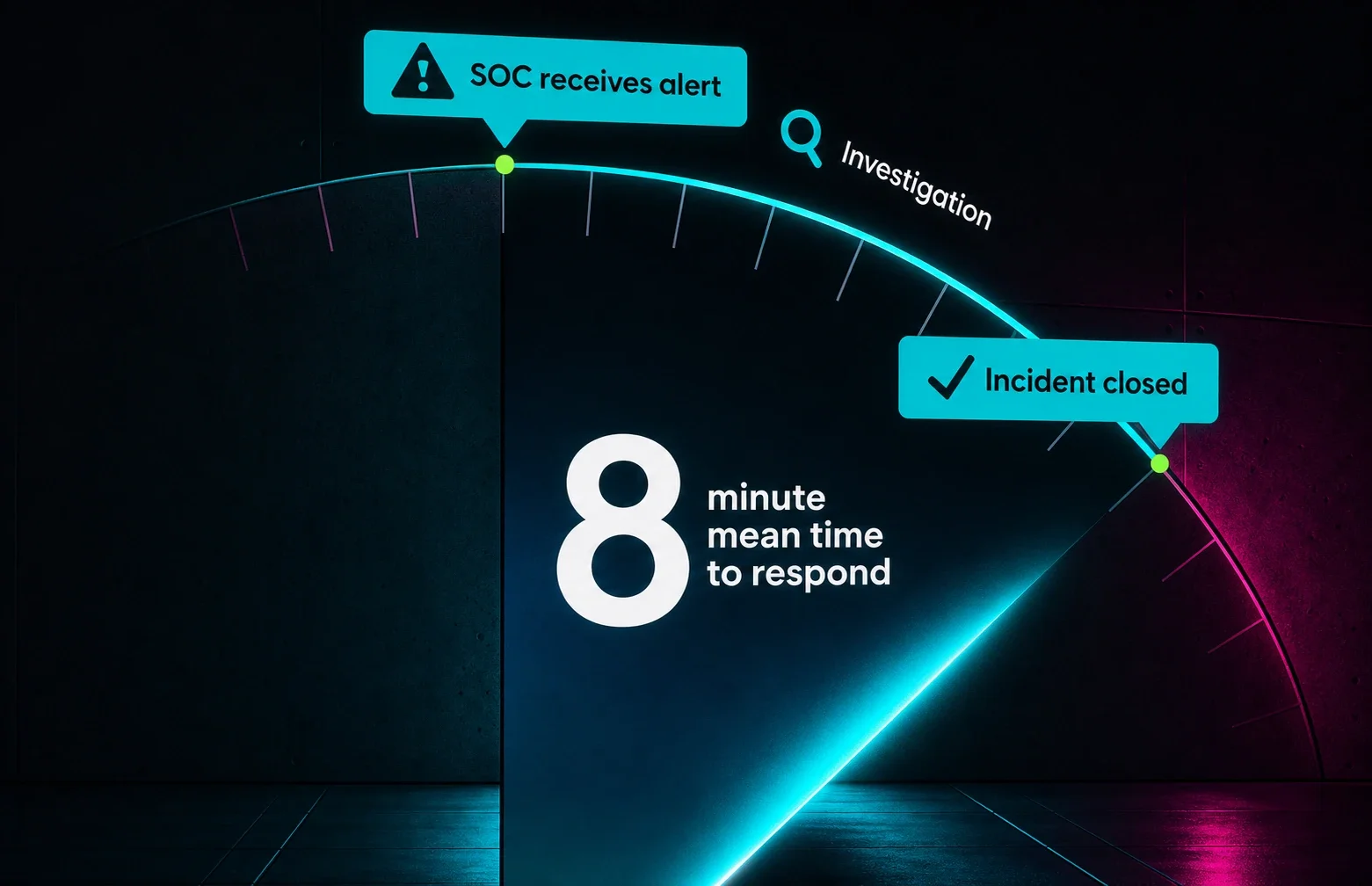
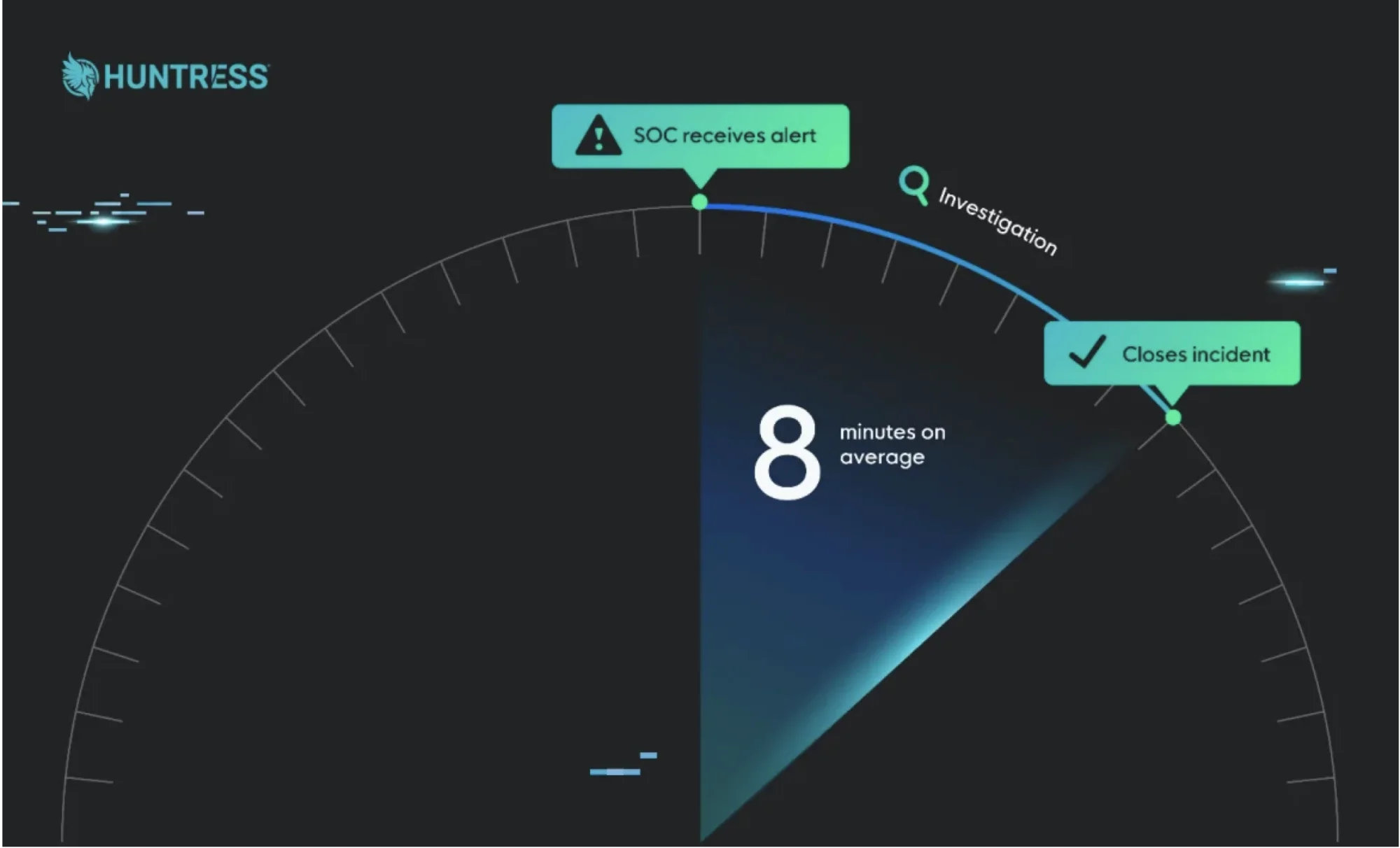
Mean Time to Respond (MTTR) is the average time it takes a security team to respond to and resolve a cybersecurity incident from the moment they receive notification. This critical metric helps organizations measure how quickly they can contain threats and restore normal operations.


Published: 9/19/2025

Written by: Lizzie Danielson

Glitch effectGlitch effect

Understanding Mean Time to Respond

When cyber threats strike, every second counts. Mean Time to Respond gives security teams a clear way to measure their response effectiveness. Think of it like measuring how quickly a fire department responds to an emergency call — the faster they arrive and put out the fire, the less damage occurs.

The calculation is straightforward: add up all the response times for incidents during a specific period, then divide by the number of incidents. For example, if your team handled three incidents that took 20, 32, and 44 minutes to resolve, your MTTR would be 32 minutes.

Why MTTR Matters in Cybersecurity

Cybersecurity incidents can escalate rapidly. A data breach that takes hours to contain might expose thousands of customer records, while one contained in minutes might only affect a few files. According to the Cybersecurity and Infrastructure Security Agency (CISA), organizations with faster incident response times experience significantly less financial and operational damage.


Performance Measurement

Security teams use MTTR to gauge their effectiveness. Consistently high response times might indicate understaffing, poor processes, or inadequate tools. Tracking this metric over time helps identify improvement trends.

Resource Planning

Understanding your current MTTR helps determine whether you need additional staff, better tools, or improved training. If your team consistently exceeds acceptable response times, it's time to invest in your security infrastructure.

Compliance Requirements

Many regulatory frameworks require organizations to demonstrate timely incident response. MTTR provides concrete evidence of your security team's performance for auditors and compliance officers.

The Four Types of MTTR

While "Mean Time to Respond" is common, the cybersecurity industry actually uses multiple different MTTR measurements:

Mean Time to Respond

The time from incident notification to initial response actions. This measures how quickly your team acknowledges and begins addressing threats.

Mean Time to Repair

The time spent actively working to fix the problem. This excludes waiting periods and focuses purely on hands-on resolution work.

Mean Time to Recovery

The time from incident start to full system restoration. This comprehensive metric includes detection, response, and recovery phases.

Mean Time to Resolve

The time from incident detection to complete resolution, including post-incident activities like documentation and prevention measures.

How to Calculate MTTR

Calculating MTTR requires consistent data collection and clear definitions of when incidents begin and end. Here's a step-by-step approach:

Step 1: Define Your Measurement Period

Choose a consistent timeframe for analysis — monthly, quarterly, or annually. Most organizations start with monthly calculations to identify trends quickly.

Step 2: Identify Incident Start and End Points

Clearly define when the "response clock" starts (usually when the security team receives notification) and when it stops (when the incident is resolved and systems are restored).

Step 3: Collect Response Time Data

Document the total response time for each incident. Modern Security Information and Event Management (SIEM) systems can simplify much of this data collection.

Step 4: Calculate the Average

Add all response times and divide by the number of incidents. Track this metric consistently to identify trends and improvements.

Improving Your MTTR

Organizations can take several steps to reduce their mean time to respond:

Implement Automated Detection

The faster you detect threats, the sooner you can respond. High quality monitoring tools can identify suspicious activity and alert security teams immediately.

Develop Clear Procedures

Well-documented incident response procedures help teams act quickly and consistently. Regular training ensures everyone knows their roles during an emergency.

Invest in Response Tools

Security orchestration and automated response (SOAR) platforms can automate routine response actions, freeing up analysts for complex tasks.

Practice Incident Response

Regular tabletop exercises and simulations help teams refine their response procedures and identify areas for improvement.

Common MTTR Challenges

Security teams often face obstacles when trying to improve their response times:

Alert Fatigue

Too many false positives can overwhelm analysts and slow the response to genuine threats. Tuning detection systems reduce noise and improve focus.

Incomplete Information

Analysts need complete information to respond effectively. Fragmented data from multiple systems can delay decision-making.

Resource Constraints

Limited staff and budget can impact response times. Organizations must balance security investments with other business priorities.

Complex Environments

Modern IT environments span cloud, on-premises, and hybrid systems. This complexity can complicate incident response efforts.

MTTR Best Practices

Successful organizations follow these practices to maintain low MTTR:

Set Realistic Targets

Different incident types require different response times. Critical security incidents might need 15-minute response times, while lower-priority issues might allow several hours.

Monitor Continuously

Track MTTR trends over time rather than focusing on individual incidents. Look for patterns that indicate systemic issues.

Integrate with Business Metrics

Connect MTTR improvements to business outcomes like reduced downtime, lower recovery costs, and improved customer satisfaction.

Regular Review and Adjustment

Conduct monthly or quarterly reviews to assess MTTR performance and identify improvement opportunities.

Building a Faster, More Effective Security Response

Mean Time to Respond is more than just a metric — it's a window into your organization's security effectiveness. By understanding what MTTR measures, how to calculate it, and ways to improve it, security teams can build more resilient defenses against cyber threats.

With Huntress, you’re not settling for average—you’re choosing industry-leading speed and best-in-class expertise. Whether you’re safeguarding data or defending against ransomware, we’ve got your back.

Find out how Huntress can protect your business with unparalleled speed, enterprise-grade technology, and world-class experts.

Sign up for a free demo today and experience the Huntress difference.

FAQs About Mean Time to Respond

MTTR varies by organization size, industry, and incident type. Most organizations aim for 15-30 minutes for critical incidents, though complex breaches may require hours to resolve properly.

MTTD measures how long threats exist before discovery, while MTTR measures response time after detection. Both metrics are important for comprehensive security measurement.

This depends on which MTTR type you're measuring. Mean Time to Resolve includes post-incident work, while Mean Time to Respond typically focuses on immediate response actions.

Small teams can improve MTTR by implementing automated detection tools, developing clear procedures, and partnering with managed security service providers for 24/7 monitoring.

SIEM platforms, incident response tools, and security orchestration systems often include MTTR tracking features. Many organizations also use ticketing systems to monitor response times.

Glitch effectBlurry glitch effect
Glitch effect

Related Resources


  • What Is Recovery Time Objective and Why Does It Matter for Disaster Recovery Plans?
    What Is Recovery Time Objective and Why Does It Matter for Disaster Recovery Plans?
    Learn what Recovery Time Objective (RTO) means, how it differs from RPO, and how to set RTOs that protect your business from downtime.
  • Everything you need to know about cloud incident response
    Everything you need to know about cloud incident response
    Learn what cloud incident response means, why it matters, key steps, best practices, and compliance rules for modern cybersecurity.
  • What is Extended Detection and Response (XDR)?
    What is Extended Detection and Response (XDR)?
    Learn what XDR is, how it differs from EDR and SIEM, and why it's essential for modern cybersecurity. Complete guide for security professionals.
  • What is SecOps? Security Operations Explained
    What is SecOps? Security Operations Explained
    Learn what SecOps (Security Operations) means, core components, tools, and how to build effective security operations programs to protect your organization.
  • What is a Tabletop Exercise? Your Complete Guide
    What is a Tabletop Exercise? Your Complete Guide
    Learn how tabletop exercises test your cyber incident response plans. Get step-by-step guidance, scenarios, and best practices for effective cybersecurity preparedness.
  • What is Log Retention in Cybersecurity?
    What is Log Retention in Cybersecurity?
    Learn how log retention supports cybersecurity compliance and incident response. Essential strategies for storing and managing security logs effectively.
  • What Is SOAR?
    What Is SOAR?
    Drowning in security alerts? Learn how SOAR (Security Orchestration, Automation, and Response) helps teams fight cyber threats faster and more efficiently.
  • What is Cybersecurity Transformation?
    What is Cybersecurity Transformation?
    Learn what cybersecurity transformation means, why it's essential for modern organizations, and how to implement a comprehensive security strategy.
  • What is a Security Operations Report?
    What is a Security Operations Report?
    Learn why security operations reports are essential for safeguarding your organization and learn what they include. Stay ahead in the battle against cyber threats.

Protect What Matters

Secure endpoints, email, and employees with the power of our 24/7 SOC. Try Huntress for free and deploy in minutes to start fighting threats.
Try Huntress for Free
Huntress Managed Security PlatformManaged EDRManaged EDR for macOSManaged EDR for LinuxManaged ITDRManaged SIEMManaged Security Awareness TrainingBook a Demo
PhishingComplianceBusiness Email CompromiseEducationFinanceHealthcareManufacturingState & Local Government
Managed Service ProvidersResellersIT & Security Teams24/7 SOCCase Studies
BlogResource CenterCybersecurity 101Upcoming EventsSupport Documentation
Our CompanyLeadershipNews & PressCareersContact Us
Huntress white logo

Protecting 215k+ customers like you with enterprise-grade protection.

Privacy PolicyCookie PolicyTerms of UseCookie Consent
Linkedin iconTwitter X iconYouTube iconInstagram icon
© 2025 Huntress All Rights Reserved.

Join the Hunt

Get insider access to Huntress tradecraft, killer events, and the freshest blog updates.

By submitting this form, you accept our Terms of Service & Privacy Policy