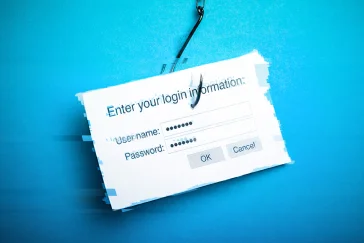
Pass-the-cookie is a session hijacking attack where adversaries steal authenticated browser cookies to bypass multi-factor authentication and access cloud applications. Learn how it works, how to detect it, and how to stop it.
What Are Outbound Phishing Attacks?


 Summarize This PageSummarize This Page
Inbound is what you receive. It's the classic phishing email from a stranger that lands in your inbox. Outbound is what you send. It's a phishing email sent from your company's legitimate, hijacked account to your contacts.
Look for suspicious activity:
A "Sent Items" folder full of emails you never wrote.
Replies from people you don't know, or who are confused about an email you "sent."
New, strange inbox rules (e.g., "auto-delete all replies") that you didn't create.
Sudden "email not delivered" bounce-back messages in large volumes.
Contain it: Immediately change the password for the compromised account.
Kick them out: Force a sign-out of all active sessions for that user.
Investigate: Check for any new inbox rules, forwarded emails, or other malicious activity. This is where an IT professional or security partner is critical.
Communicate: You must inform your customers and partners that you were compromised and warn them to be suspicious of recent emails.
MFA is your single best preventative tool against the initial account takeover. However, it is not a silver bullet. Attackers can (and do) bypass it with techniques like session token hijacking or MFA fatigue bombing. You still need detection for what happens after a bypass.
Global spam-fighting organizations (like Spamhaus) and email providers (like Google/Microsoft) see a high volume of malicious mail coming from your domain. To protect their other users, they add your domain to a blacklist, which tells all other mail servers not to trust or deliver email from you.