
Learn what a rogue access point is, how to detect and remove them, and steps to secure your wireless network from unauthorized devices and attacks.
What are Rogue Apps? Rogue Apps 101



 Summarize This Page
There are apps that organize your calendar, filter your Microsoft Teams messages, and hook into other resources that use Azure's identity provider to authenticate to those other resources. But what happens when an app goes “rogue”? It becomes a Rogue App, or an app that impersonates something you’re familiar with to do something malicious. Sneaky!
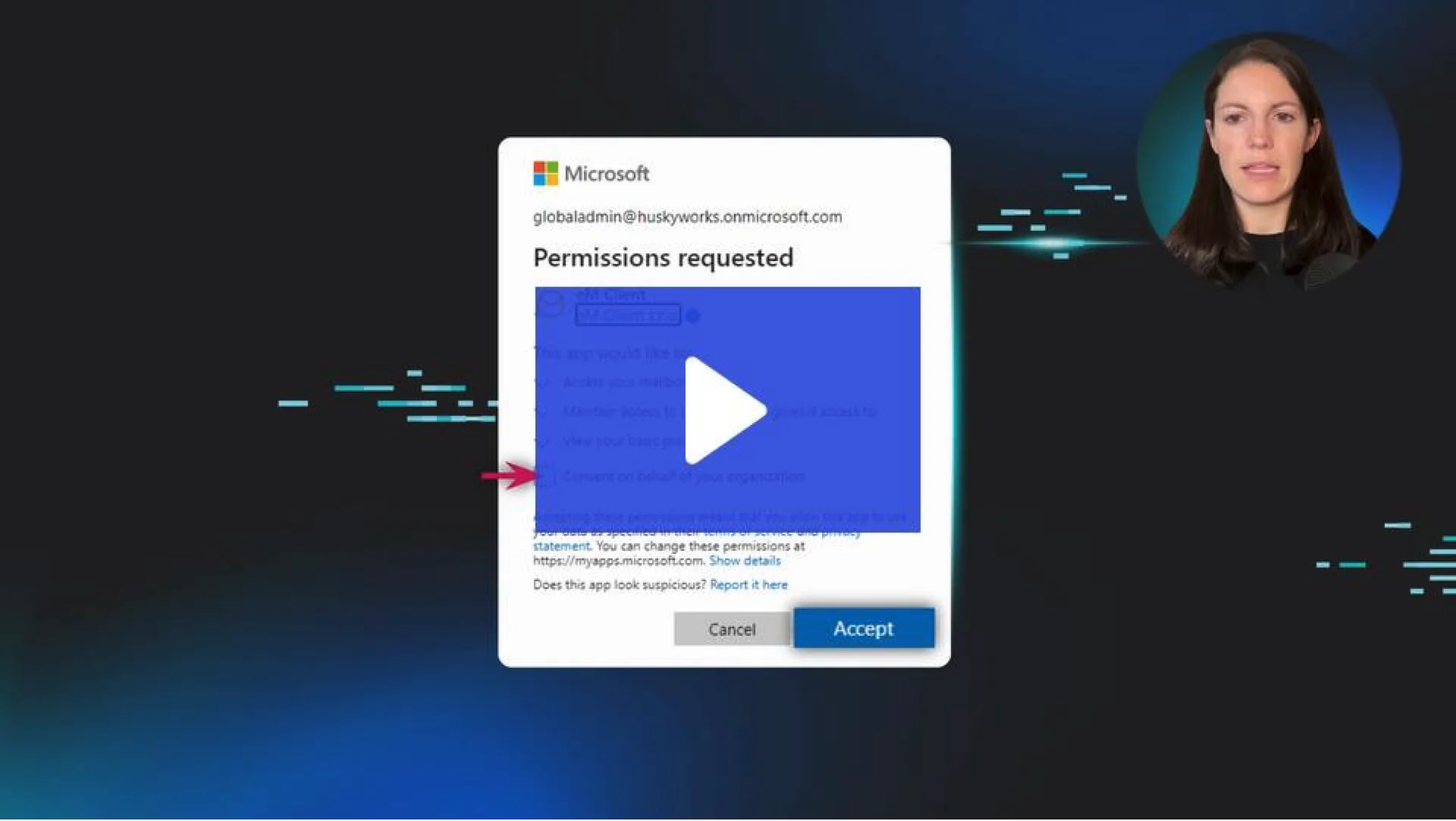
Watch the video to learn more about the types of Rogue Apps you need to watch out for.
Rogue apps are like the wolf in sheep's clothing of the digital world. They look harmless—even helpful—but they’re designed to trick you. These apps often mimic trusted tools or services to get you to download them. Once they’re on your device, they can swipe personal data, spread malware, or even give cybercriminals remote access to your system.
Think of rogue apps as those sketchy party guests you regret inviting. They weren’t on the original guest list, but they’re now raiding your fridge and stealing your Wi-Fi.
“How do I know I’ve got a rogue app?” Great question! Keep an eye out for these red flags:
Unusual Pop-Ups: If you’ve got random ads or pop-ups that make you go, “Wait, what?!” that’s a bad sign.
Sluggish Performance: Is your device suddenly slower than usual? Rogue apps can hog system resources.
Weird Permissions: An app meant for simple tasks (like a flashlight) doesn’t need access to your microphone, camera, or contacts.
Unexpected Charges: Rogue apps can sneak shady subscriptions or in-app purchases past you.
Data Draining: If your data usage has spiked, a rogue app might be sending info back to its creator.
If you think you’re hosting one of these “party crashers,” don’t panic! Here’s how you can kick them out of your device for good:
Identify the App: Review recent downloads or any apps that look unfamiliar or sketchy.
Uninstall It: On most devices, you can press and hold the app icon, then select “Uninstall.”
Clear Cache and Data: Head to your device settings, find the app, and wipe its cache and data.
Run a Security Scan: Use a reputable antivirus program to scan your device for leftover threats.
Update Passwords: If the app had access to accounts, change your passwords to lock them out for good.
“Better safe than sorry” should be your motto when it comes to rogue apps. Here’s how to keep them far away from your devices:
Stick to Trusted Sources: Download apps only from official app stores like the Google Play Store or Apple App Store.
Check the Reviews: No reviews or sketchy feedback? That’s a major red flag! Move on to a better option.
Review Permissions: Does a weather app need access to your contacts? Nope. Decline unnecessary permissions.
Keep Your Software Updated: Updates often patch vulnerabilities that rogue apps might exploit.
Use Security Tools: Antivirus and anti-malware software can help stop rogue apps before they settle in.
Summarize This Page