What is a Drive-By Download Attack?
Written by: Lizzie Danielson
Published: 11/17/2025
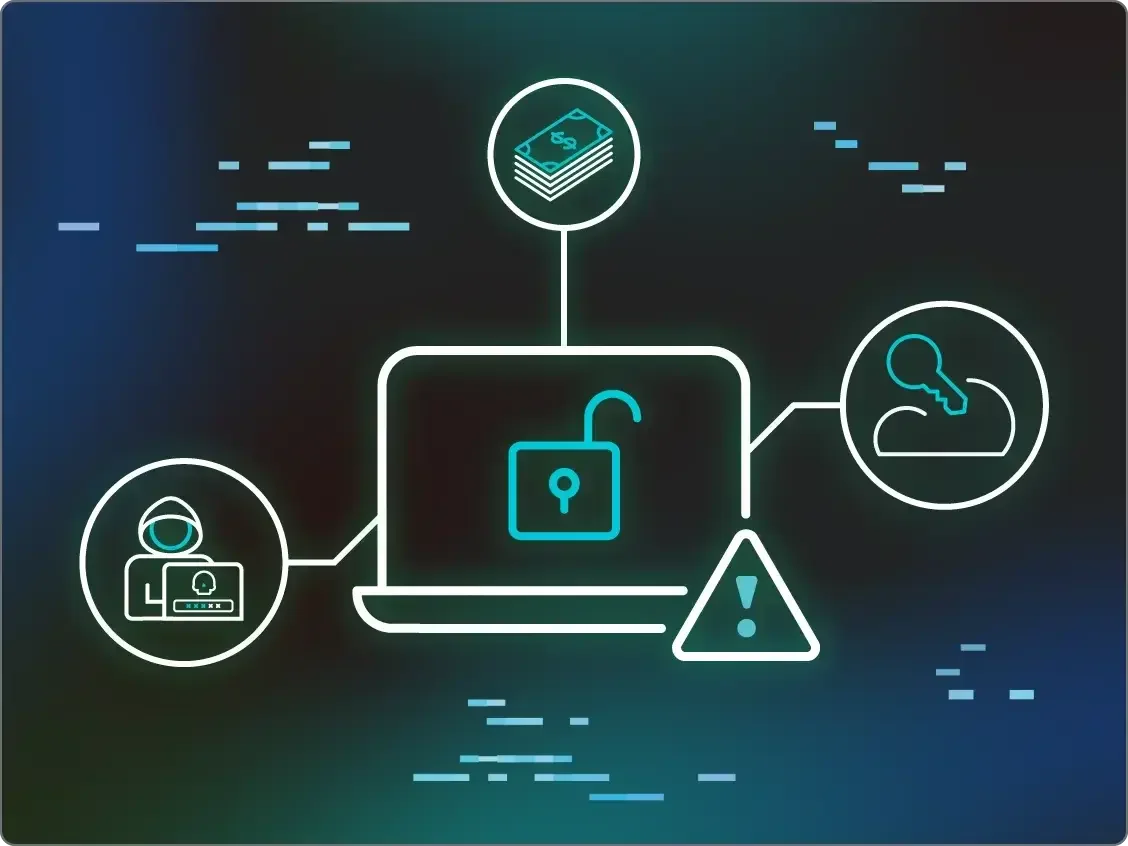
A drive-by download attack happens when malicious software is downloaded onto your computer or device without your consent or knowledge. Often, this occurs just by visiting an infected website or clicking on a compromised link—no extra action from you is required. Scary, right?
TL;DR
A drive-by download attack is when malware sneaks onto your device without your permission, triggered simply by visiting a malicious webpage. It’s one of the sneakiest ways cybercriminals can gain access to your data or system resources.
How does a Drive-By Download attack work?
Think of it like this—imagine you step on a sticky piece of gum just by walking across a seemingly clean sidewalk. A drive-by download works similarly. You might open a perfectly normal-looking website, but hidden scripts or files on the back-end automatically start downloading malware to your system. These attacks exploit vulnerabilities in your browser, plugins, or apps to execute their malicious intent.
A common method involves “malvertising,” where cybercriminals inject harmful code into legitimate-looking ads or web pages. Another route is through outdated software. If your browser, operating system, or applications aren’t updated, vulnerabilities in those systems can leave the door wide open for attackers. And once the malware is in, it can do anything from spying on your activities to stealing data or injecting more malicious code into your system.
Why are drive-by download attacks dangerous?
These attacks are dangerous because they’re so stealthy—unlike many other types of attacks, you don’t need to install anything manually or click on a suspicious file. Just visiting the wrong website can put you at risk. Once on your device, the malware could steal sensitive information, install ransomware, or even turn your system into part of a botnet (a network of hijacked devices used for cybercrime).
What businesses are most at risk?
If you surf the internet (spoiler alert—that’s everyone), you’re at risk! But specifically, those with outdated browsers, unpatched plugins, or insecure devices are prime targets. It’s worth noting that attackers may also target organizations, using these attacks as an entry point to infiltrate larger, networked systems.
How can you protect yourself from Drive-By Download attacks?
Keep your software up to date – Patch any vulnerabilities in your browser or plugins by regularly updating them.
Use a reputable antivirus program – This software can detect and block malicious downloads.
Enable browser security settings – Turn on pop-up blockers and disable risky plugins you don’t need.
Avoid suspicious websites – Stick to sites that are trustworthy, especially for financial transactions.
Be cautious with ads – Don’t click on advertisements, even if they look harmless—they could be hiding malicious code.
FAQs
Drive-by downloads happen when malicious files are automatically downloaded after visiting compromised websites or ads.
Your device might slow down, behave unpredictably, or show signs of malware like pop-ups or strange files.
Yes, a good antivirus program can block and detect these harmful files before they cause damage.
Yes, they are one of the most pervasive types of cyberattacks due to their stealthy and automated nature.
Not always—sometimes even legitimate websites can be compromised to serve malware.

Additional Resources
- Read more about What Is SEO Poisoning? | Huntress Cybersecurity 101Learn about SEO Poisoning, a cybersecurity threat where attackers manipulate search results to spread malware or phishing links.
- Read more about What are Rogue Apps? Rogue Apps 101What are Rogue Apps? Rogue Apps 101Learn what rogue apps are, how to spot them, remove them, and defend against them. Keep your devices safe from these sneaky threats!
- Read more about What is an Evil Twin Attack?What is an Evil Twin Attack?Learn about Evil Twin Attacks and how attackers create fake networks to steal data. Read more about how to protect yourself from these wireless threats.
- Read more about What is malware? Definition, Types, and Detection TipsWhat is malware? Definition, Types, and Detection TipsMalware aims to infiltrate, disrupt, and exploit your devices, leading to stolen data, corrupted systems, and even financial losses. Let's break down what malware is, how it works, and most importantly, how you can defend against it.
- Read more about What Is Scareware: A Guide to Protecting YourselfWhat Is Scareware: A Guide to Protecting YourselfLearn what scareware is, how it works, and how to stop it. Avoid falling for fake antivirus scams with these prevention tips.
- Read more about Malvertising 101: How Hackers Weaponize Online AdsMalvertising 101: How Hackers Weaponize Online AdsMalvertising 101 breaks down how hackers embed malware in legitimate-looking online ads. Learn how these attacks work—and how to protect your business from hidden threats.
- Read more about What are cookies on the internet? When to accept cookies?What are cookies on the internet? When to accept cookies?Cookies play a crucial role in enhancing your online experience, but what are cookies, and are there any known risks to accepting them? Learn more from Huntress
- Read more about What is a User Agent?What is a User Agent?Discover what a user agent is and how it facilitates web interactions. Learn about User-Agent strings and their role in web optimization.
- Read more about What is a Potentially Unwanted Application (PUA)?What is a Potentially Unwanted Application (PUA)?Potentially Unwanted Applications (PUAs) can slow systems and compromise security. Learn how to identify and defend against these hidden software threats.